
@scalequality/backstage-plugin
v0.1.4
Published
Render ScaleQuality's measured quality signals (AI durability, engineering maturity, code maturity, tech radar) as entity cards in Backstage.
Downloads
250

Maintainers
 squalequality
Readme
@scalequality/backstage-plugin
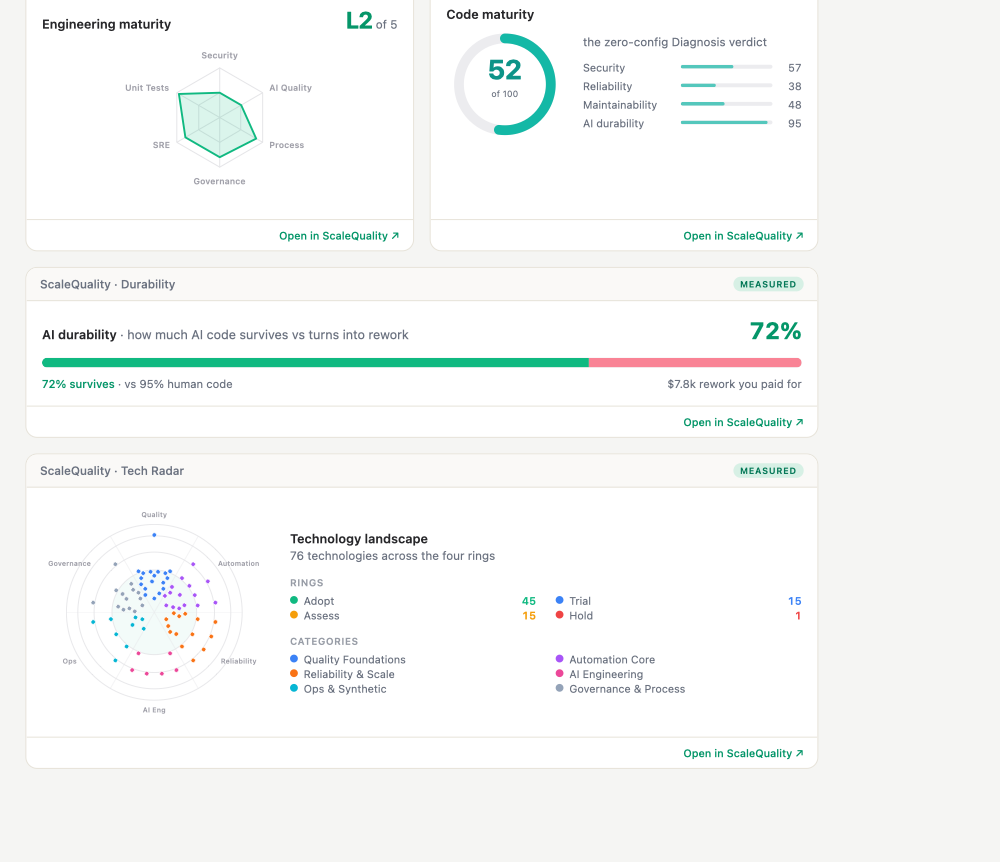
Render ScaleQuality's measured quality signals as an entity card in Backstage: AI durability, engineering maturity, code maturity and your tech radar, for the org, business unit or team the entity maps to. One click deep-links back into ScaleQuality for the full story.
The card reads ScaleQuality's public read-only /v1 API through the Backstage backend
proxy, so your org-scoped API key (sq_live_...) is injected server-side and never
reaches the browser.
The card
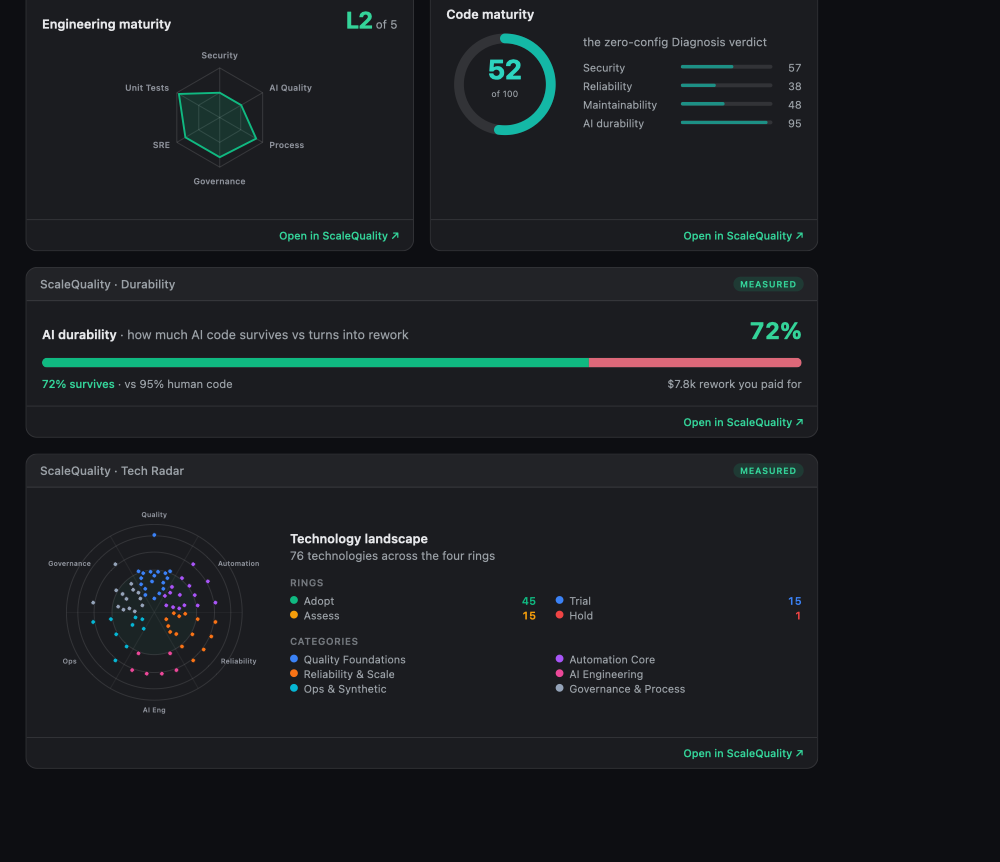
The entity card renders theme-aware from real measured signals, so it stays clean in both Backstage themes.
Install
# from your Backstage app root
yarn --cwd packages/app add @scalequality/backstage-plugin
1. Configure the proxy
Add to app-config.yaml (the key stays in your backend / secret store):
proxy:
  endpoints:
    '/scalequality':
      target: https://app.scalequality.io/v1
      changeOrigin: true
      headers:
        Authorization: 'Bearer ${SCALEQUALITY_API_KEY}'
Create the API key in ScaleQuality under Developers, then set
SCALEQUALITY_API_KEY in your environment. The key is read-only and scoped to your org.
2. Add the card to your EntityPage
packages/app/src/components/catalog/EntityPage.tsx:
import { EntityScaleQualityCard } from '@scalequality/backstage-plugin';

// inside the entity page grid, e.g. the overview content:
<Grid item md={6}>
  <EntityScaleQualityCard />
</Grid>
3. Map entities to a ScaleQuality scope
Annotate the entity (Component / Group) with the ScaleQuality id it should show. Most specific wins (team > BU > org):
metadata:
  annotations:
    scalequality.io/team-id: <team-uuid>
    # or: scalequality.io/bu-id: <bu-uuid>
    # or: scalequality.io/org-id: <org-uuid>
Find the ids in ScaleQuality's GET /v1/catalog, or in the deep-link URLs.
What it shows
| Signal | Source | Provenance | |---|---|---| | AI durability (survival % + rework $) | git-attributed telemetry | MEASURED | | Engineering maturity (L1–L5) | assessment scorecards | MEASURED | | Code maturity (score /100 + sub-scores) | zero-config Diagnosis | MEASURED | | Tech radar (ring counts) | configured tech landscape | DECLARED |
A signal with no measurement yet renders as —, never a fake value.
License
Apache-2.0