
@sdkrouter/chat
v0.1.17
Published
React chat widget for SDKRouter knowledge base — SSE streaming, RAG sources, session management

Maintainers
 markolofsen
Readme
@sdkrouter/chat
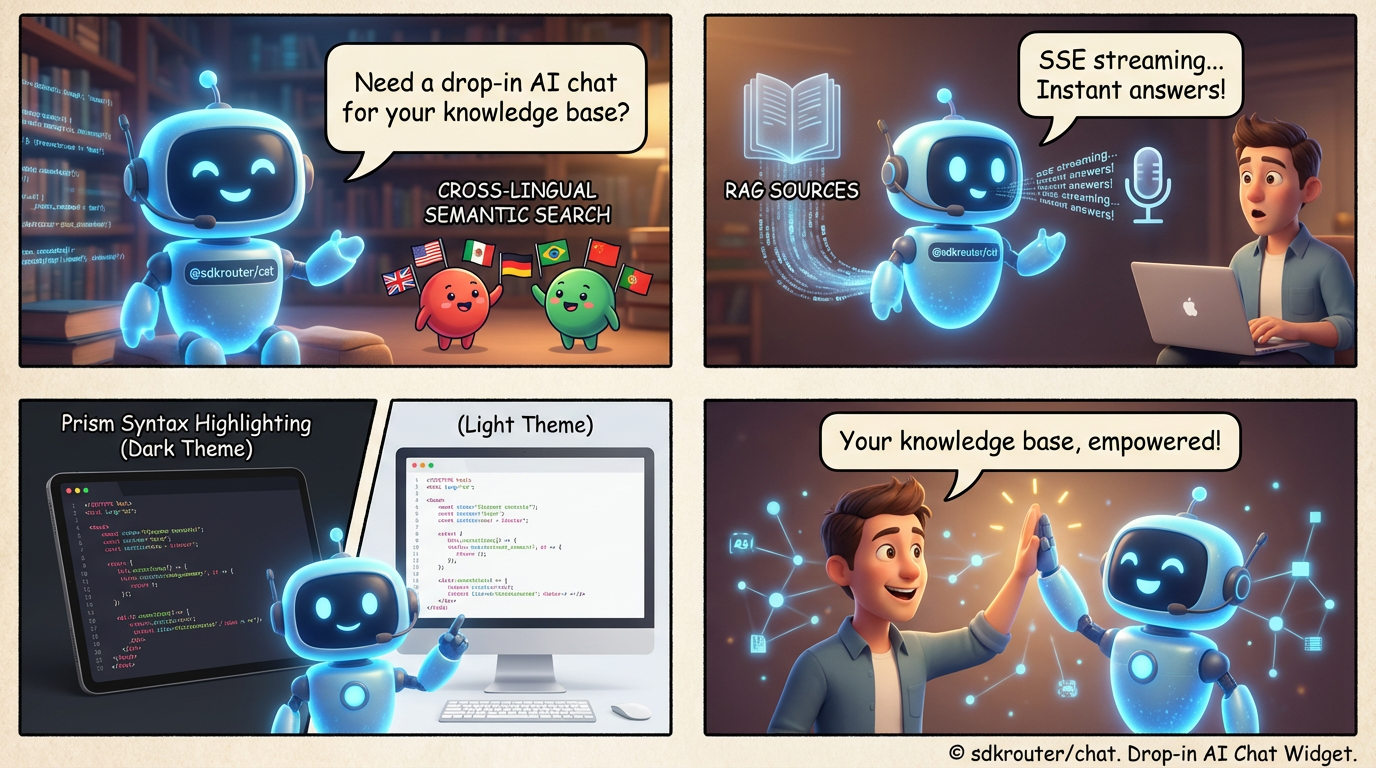
Add an AI support agent to your website in one line of code. Connect your docs, GitHub repos, or any text — the widget answers user questions instantly, in any language, with source citations.
No AI infrastructure. No prompt engineering. No backend to build.

How it works
- Upload your content to the SDKRouter knowledge base — docs, GitHub repos, or ZIP archives
- Add
<ChatWidget slug="your-project" />to your site - Users ask questions — the AI finds the relevant answer and streams it in real time
- Every response includes clickable source citations so users can verify
Works in any language. Upload docs in English, ask in Japanese — the AI understands meaning, not just keywords.
Quick Start
npm install @sdkrouter/chatFloating chat button
import { ChatWidget } from '@sdkrouter/chat';

// That's it — a chat button appears on your page
<ChatWidget slug="my-project" />

// Private knowledge base? Add your API key
<ChatWidget slug="my-project" apiKey="sk_live_..." />

// Something still covers the widget? Raise the portal layer (default is 99999)
<ChatWidget slug="my-project" zIndex={100000} />
Stacking (zIndex)
The floating widget mounts into #sdkr-chat-root on document.body with pointer-events: none on the wrapper and pointer-events: auto on the FAB/panel/sidebar so clicks pass through empty areas.
| Situation | What to do |
|-----------|------------|
| Fixed header / navbar hides the FAB | Increase zIndex (default 99999 is usually enough). |
| App modal / dialog should be above chat | Give the modal a higher z-index than the widget (default 99999), e.g. 100000, or pass a lower zIndex to ChatWidget. |
| Cookie / consent banner overlaps chat | Raise zIndex above that banner’s layer. |
| Full-screen takeover (marketing overlay) | Same as modals — either raise chat or lower the overlay for logged-in pages. |
| Inline ChatEmbed | zIndex is not used (no portal); position the embed in your layout as usual. |
Import DEFAULT_CHAT_Z_INDEX if you want to offset from the default (e.g. zIndex={DEFAULT_CHAT_Z_INDEX + 100}).
Inline embed
import { ChatEmbed } from '@sdkrouter/chat';

<div style={{ height: 500 }}>
  <ChatEmbed slug="my-project" />
</div>
Features
- Grounded answers — responses come from your content, not hallucinations
- Any language — ask in Korean, find English docs — works across languages
- Real-time streaming — token-by-token response with typing indicator
- Source citations — every answer links back to the original document
- Session memory — conversations persist across page refreshes
- Code highlighting — syntax-highlighted code blocks in responses
- Dark/light theme — auto-detects system preference, Tailwind,
data-theme - Two button styles — simple icon or animated gradient glow
- Custom icon — pass any React component as the chat button icon
- Portal rendering — single
#sdkr-chat-rootlayer; default stack sits above typical fixed navbars (zIndexprop +DEFAULT_CHAT_Z_INDEX) - Self-contained styles — CSS auto-injected, no external stylesheets
- Localization-ready —
localeprop for UI i18n, auto-detects from URL/browser - React 18 & 19 — works with both versions
Personalization
Pass user info to get more relevant answers:
<ChatWidget
  slug="docs"
  visitorId={user.id}
  userContext={{
    name: "John",
    email: "[email protected]",
    avatarUrl: "https://...",
    language: "ru",
    role: "admin",
    custom: "Prefers short answers",
  }}
/>
The AI adapts its tone and detail level based on the user's role and preferences. Language is auto-detected from browser settings if not specified.
Data Sources
| Source | Description | |--------|-------------| | GitHub repos | Auto-syncs with your repository, detects changes automatically | | Manual upload | Upload documents through the API or dashboard | | ZIP archive | Bulk import — documents are processed and indexed automatically |
Display Modes
| Component | Description |
|-----------|-------------|
| ChatWidget | Floating button (bottom-right or bottom-left) that opens a chat panel |
| ChatEmbed | Inline chat that renders directly in your page layout |
| ChatPanel | Floating chat window |
| ChatSidebar | Full-height sidebar with resizable handle |
Props
interface ChatConfig {
  slug: string;              // Your project identifier
  apiKey?: string;           // Required for private knowledge bases
  title?: string;            // Chat window title (default: 'AI Assistant')
  placeholder?: string;      // Input placeholder (default: 'Ask a question...')
  greeting?: string;         // First message shown to users
  position?: 'bottom-right' | 'bottom-left';
  streaming?: boolean;       // Real-time streaming (default: true)
  locale?: string;           // ISO 639-1 locale (e.g. 'en', 'ru', 'ko')
  userContext?: ChatUserContext;
}
Custom UI
Build your own chat interface with the provider and hook:
import { ChatProvider, useChatContext } from '@sdkrouter/chat';

<ChatProvider slug="my-project">
  <MyChatUI />
</ChatProvider>

function MyChatUI() {
  const { messages, sendMessage, isLoading } = useChatContext();

  return (
    <div>
      {messages.map(msg => (
        <div key={msg.id}>{msg.content}</div>
      ))}
      <button onClick={() => sendMessage('Hello!')}>Send</button>
    </div>
  );
}
Server-side / Node.js
The headless API client works without React:
import { KnowbaseClient } from '@sdkrouter/chat/api';

const client = new KnowbaseClient('my-project');
const session = await client.createSession();

// Stream a response
for await (const event of client.streamMessage(session.id, 'How do I get started?')) {
  if (event.type === 'chunk') process.stdout.write(event.delta);
}
License
MIT