
@seeknull/claudecode-remote
v0.2.0
Published
Web interface for Claude Code — access Claude Code from any browser

Maintainers
 gurugv_seeknull
Readme
Claude Code Remote
A web interface for Claude Code. Run Claude Code on a machine and access it from any browser — on your phone, tablet, or another computer.
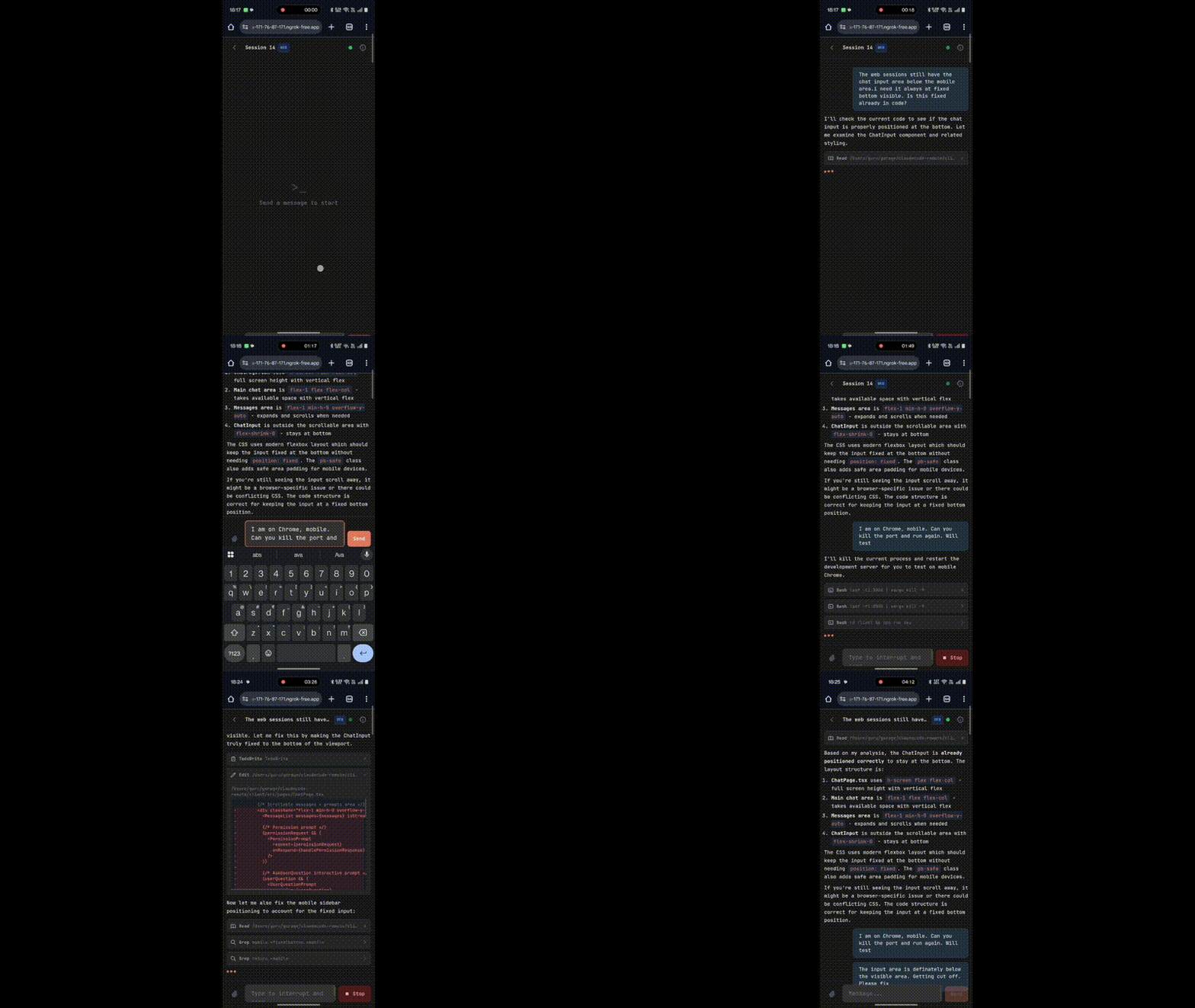
What it does
Discovers all projects and sessions (conversations) from your local Claude Code history and surfaces them in a browser UI.
Two types of sessions:
- CLI Sessions — read-only, real-time view of all Claude Code sessions running on your machine (started from CLI or VS Code)
- Web Sessions — fully interactive Claude Code sessions directly in the browser
Privacy & security
- Everything runs locally on your machine. No data is sent to any third-party server. Your code, sessions, and credentials never leave your device.
- No API keys needed. It uses your existing Claude Code CLI authentication. If
claudeworks in your terminal, this works too. - Password-protected. Access is gated behind a password you set on first launch. Credentials are stored locally in
~/.claude-code-remote/.
Prerequisites
- Node.js v18+
- Claude Code CLI installed and authenticated (
claudemust be in your PATH)
Quick start
Option 1: From source (recommended)
git clone https://github.com/seeknull/claudecode-remote.git
cd claudecode-remote
npm install
npm start
Option 2: npm package
npm install -g @seeknull/claudecode-remote
claudecode-remote
The server starts on http://localhost:3001. On first visit, you'll be asked to set a password.
Custom port: PORT=8080 npm start or PORT=8080 claudecode-remote
Remote access
To access from another device, expose the server with a tunnel like ngrok:
ngrok http 3001Or with a stable domain:
ngrok http --domain=your-domain.ngrok-free.app 3001How it works
The server wraps the @anthropic-ai/claude-agent-sdk. Each chat message spawns a Claude Code process on your machine. Sessions persist across page refreshes and reconnections.
Your projects are discovered automatically from ~/.claude/projects/ — any directory where you've previously used Claude Code will appear.
Development
git clone https://github.com/seeknull/claudecode-remote.git
cd claudecode-remote
npm install
npm run dev
This starts both the server (port 3001) and the Vite dev server (port 5174) with hot reload.
Password reset
Delete the runtime config and restart:
# macOS / Linux
rm ~/.claude-code-remote/runtime.json

# Windows (PowerShell)
Remove-Item "$env:USERPROFILE\.claude-code-remote\runtime.json"
Issues & feedback
Found a bug or have a feature request? Open an issue.
License
MIT