
@serlismaldonado/poe
v1.0.9
Published
Minimalista editor de markdown para terminal con focus mode y sonido de teclado mecánico
Downloads
44

Maintainers
 serlismaldonado
Readme
poe
Minimalist markdown editor for terminal. No distractions.
npm install -g @serlismaldonado/poe
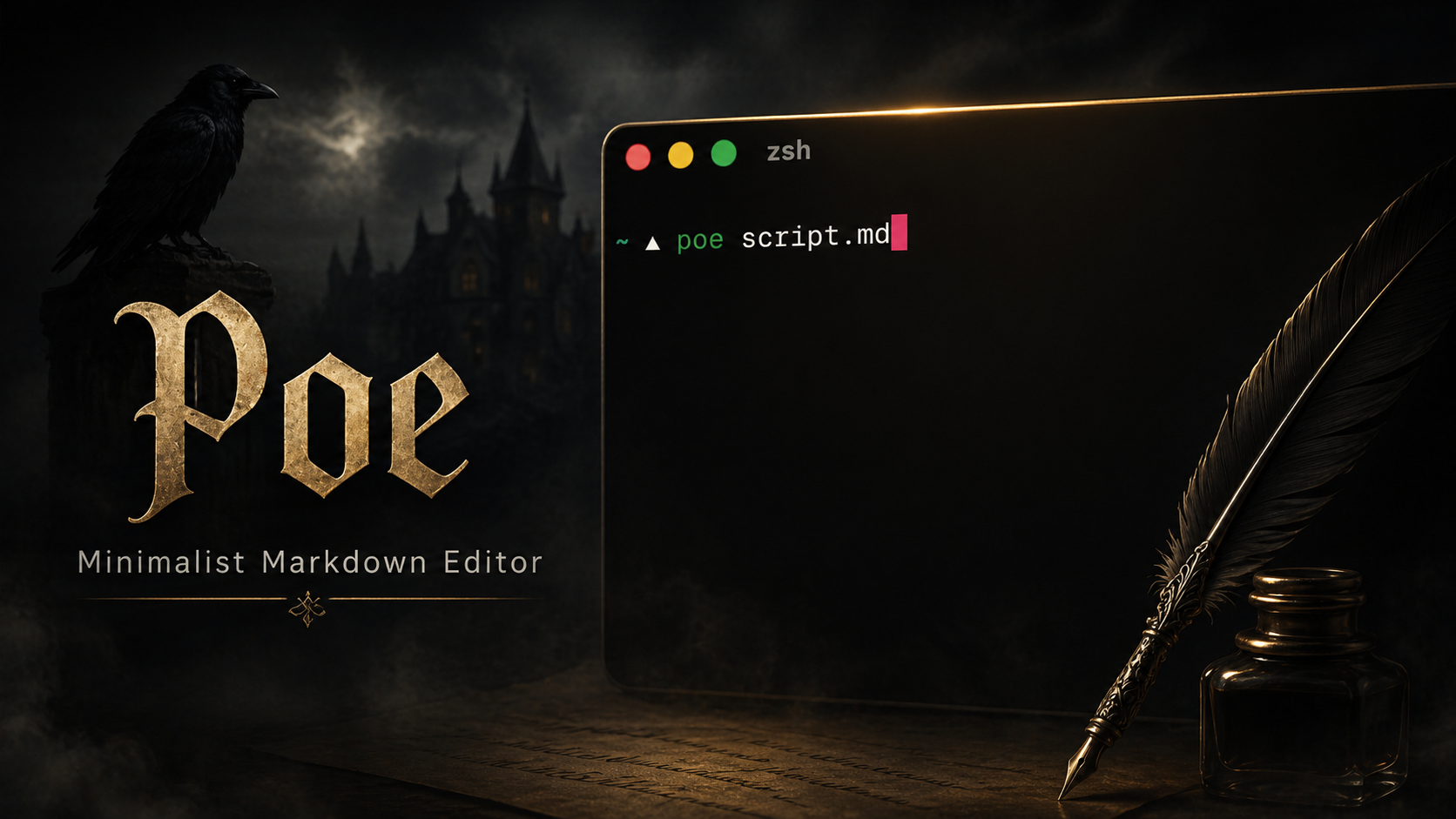
poe file.md
Preview

Features
- Focus mode — dims everything except the active line
- Syntax highlight for markdown (headings, bold, italic, code, links)
- Headings with visual hierarchy in grayscale
**and#markers hidden outside the active line- Zen mode — centered text with configurable width
- Visual word wrap without modifying the file
- Autosave with indicator in the status bar
- Undo / Redo (up to 200 steps)
- Real-time search with Ctrl+F
- Mechanical keyboard sound (requires ffmpeg)
- Cursor position restored when reopening the file
Requirements
- Node.js 14+
- ffmpeg (optional, for sound):
brew install ffmpeg
Installation
git clone https://github.com/serlismaldonado/poe.git
cd poe
npm install   # no dependencies, just initializes the project
Sound
To automatically install mechanical keyboard samples:
poe --install-soundsDownloads NK Cream samples from Mechvibes repo and installs them to ~/.poe/sounds/. Requires git installed.
To disable sound, set "sound": false in settings.json.
Shortcuts
| Shortcut | Action |
|---|---|
| Ctrl+S | Save |
| Ctrl+Z | Undo |
| Ctrl+Y | Redo |
| Ctrl+F | Search |
| Ctrl+G | Go to line |
| Ctrl+H | Help |
| Ctrl+B | Bold |
| Ctrl+O | Italic |
| Ctrl+D | Duplicate line |
| Ctrl+K | Delete line |
| Ctrl+A | Select all |
| Shift+↑↓←→ | Selection |
| Alt+↑↓ | Move line |
| Tab / Shift+Tab | Indent / dedent |
| Ctrl+Q | Quit |
Configuration
Create a settings.json in the same folder as your file:
{
  "wrapColumn":    80,
  "tabSize":        2,
  "autosaveMs":   500,
  "fadeGray":     244,
  "cursorBlinkMs": 600,
  "sound":        true,
  "soundVolume":   60,
  "h1Gray":       255,
  "h2Gray":       248,
  "h3Gray":       242,
  "boldGray":     255,
  "italicGray":   245,
  "searchBg":      58
}
Structure
poe/
├── index.js      — entry and input handling
├── state.js      — shared state
├── settings.js   — config loading
├── terminal.js   — ANSI helpers and colors
├── sound.js      — sound synthesis and playback
├── render.js     — syntax highlight and screen drawing
└── editor.js     — editing logic, movement and search
License
MIT