
@sim-design/chat-sdk
v0.1.25
Published
Coze chat components for taro


Readme
Coze Chat Sdk
Introduction
Coze Chat Sdk is a chat sdk for Coze, which provides a unified chat interface for Coze platforms. It is designed to be compatible with Taro and Web.
Coze offers two types of smart chat capabilities, and agents.
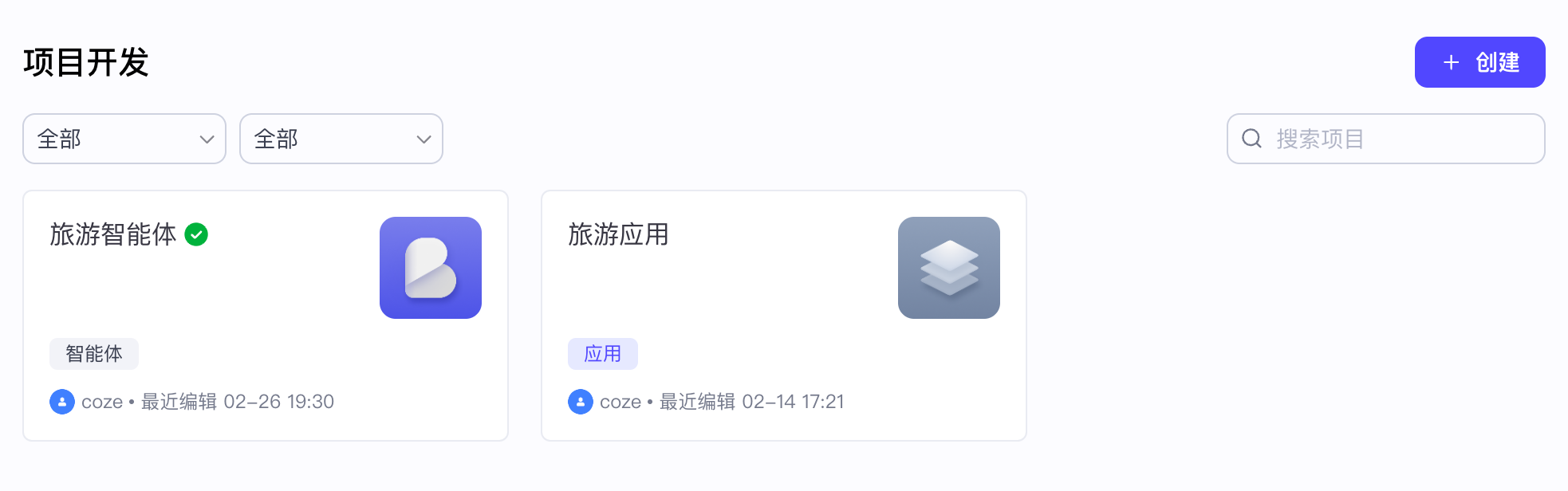
Cn
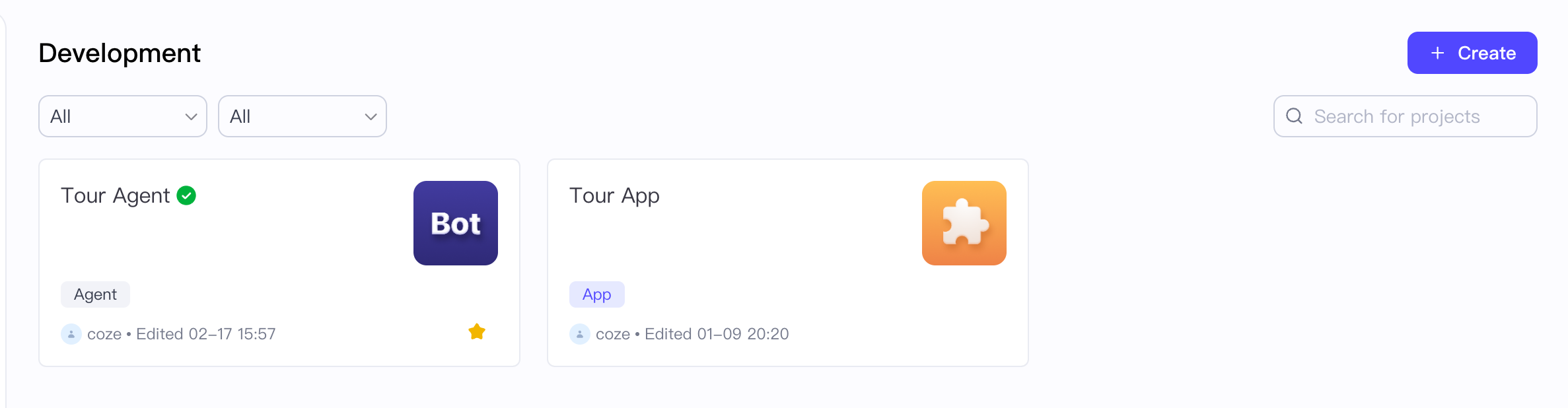
OverSea
Quick Start
1. Installation
npm install @coze/chat-sdk
# or
pnpm install @coze/chat-sdk
2. Basic Usage
2.1 Basic Usage For Agent
For Taro
import { View } from "@tarojs/components";
import { ChatFramework, ChatSlot, ChatType, Language } from "@coze/chat-sdk";

export default function Index() {
  return (
    <View className="height-100">
      <ChatFramework
        chat={{
          appId: "7329529575539572743",
          type: ChatType.Bot,
        }}
        setting={{
          apiBaseUrl: "https://api.coze.cn",
          language: Language.EN,
          requestHeader: {},
          logLevel: "debug",
        }}
        auth={{
          token: "##############",
          onRefreshToken: (oldToken) => {
            return "##############";
          },
        }}
        user={{
          id: "UserId123",
          name: "Mr.XXX",
          avatar:
            "https://sf16-passport-sg.ibytedtos.com/obj/user-avatar-alisg/e0622b06d99df6ead022ca4533ca631f.png",
        }}
      >
        <ChatSlot className={"chat-slot"} />
      </ChatFramework>
    </View>
  );
}
For Web
import "@coze/chat-sdk/webCss";
import ChatSdk from "@coze/chat-sdk/webJs";
const { ChatFramework, ChatSlot, ChatType, Language } = ChatSdk;

export default function Index() {
  return (
    <div className="height-100">
      <ChatFramework
        chat={{
          appId: "7329529575539572743",
          type: ChatType.Bot,
        }}
        setting={{
          apiBaseUrl: "https://api.coze.cn",
          language: Language.EN,
          requestHeader: {},
          logLevel: "debug",
        }}
        auth={{
          token: "##############",
          onRefreshToken: (oldToken) => {
            return "##############";
          },
        }}
        user={{
          id: "UserId123",
          name: "Mr.XXX",
          avatar:
            "https://sf16-passport-sg.ibytedtos.com/obj/user-avatar-alisg/e0622b06d99df6ead022ca4533ca631f.png",
        }}
      >
        <ChatSlot className={"chat-slot"} />
      </ChatFramework>
    </div>
  );
}
3. Parameters Description
chatappId- The app id of the bot or the conversation.type- The type of the chat.
settingapiBaseUrl- The base url of the api.cdnBaseUrlPath- The base url path of the cdn. It must be provided. Below is the optional CDN address, you can also upload resources to your own server and fill in your own address. The original resources are in thesrc/libs/assets/imgsfolder.- va: https://sf16-va.tiktokcdn.com/obj/eden-va2/rkzild_lgvj/ljhwZthlaukjlkulzlp/
- sg: https://sf16-sg.tiktokcdn.com/obj/eden-sg/rkzild_lgvj/ljhwZthlaukjlkulzlp/
- cn: https://lf3-static.bytednsdoc.com/obj/eden-cn/rkzild_lgvj/ljhwZthlaukjlkulzlp/
language- The language of the chat.requestHeader- The request header of the api.logLevel- The log level of the chat.
authtoken- The token of the user.onRefreshToken- The callback function to refresh the token.
userid- The id of the user.name- The name of the user.avatar- The avatar of the user.
uiisReadonly- Whether to use the readonly mode.header- The config of the headerisNeed- Whether to show the header, default is trueicon- The icon of the headertitle- The title of the header
footer- The config of the footerisNeed- Whether to show the footer, default is trueexpressionText- The text of the expressionlinkvars- The link vars for the expression
chatSlot- The config of the chat slotinput- The config of the inputisNeedAudio- Whether to show the audio input, default is falseisNeed- Whether to show the input, default is trueplaceholder- The placeholder of the inputisNeedSendButton- Whether to show the send button, default is true
clearContext- The config of the clear contextisNeed- Whether to show the clear context, default is trueposition- The position of the clear context, default is InputLeft.
clearMessage- The config of the clear messageisNeed- Whether to show the clear message, default is trueposition- The position of the clear message, default is headerRight.
uploadBtn- The config of the upload buttonisNeed- Whether to show the upload button, default is true
2.1 Basic Usage For App
For Taro
import { View } from "@tarojs/components";
import { ChatFlowFramework, ChatSlot, ChatType, Language } from "@coze/chat-sdk";

export default function Index() {
  return (
    <View className="height-100">
      <ChatFlowFramework
      workflow={
        {
          id: "47830191201239****",
          parameters: {},
        }
      }
      project={{
        id: "565646646191201239****",
        type: ChatType.App,
        conversationName: 'Default',
        name: 'Coze',
        mode: 'draft',
      }}
      userInfo={{
        id: 'ID1234567890',
        name: 'CozeUser',
        avatar:
            "https://sf16-passport-sg.ibytedtos.com/obj/user-avatar-alisg/e0622b06d99df6ead022ca4533ca631f.png",

      }}
      setting={{
        apiBaseUrl: "https://api.coze.cn",
        logLevel: 'debug',
        language: Language.EN,
        cdnBaseUrlPath: "https://lf3-static.bytednsdoc.com/obj/eden-cn/rkzild_lgvj/ljhwZthlaukjlkulzlp/",
      }}
      auth={{
            type:'external',
        token:  token: "##############",
        refreshToken: () => "##############",
        }}

      eventCallbacks={{
        onGetChatFlowExecuteId: executeId => {
          console.log('onGetChatFlowExecuteId:', executeId);
        },
        onImageClick: extra => {
          console.log('onImageClick:', extra);
        },
        onThemeChange: type => {
          console.log('onThemeChange', type);
        },
        onInitSuccess: () => {
          console.log('onInitSuccess。。。。');
        },
        message: {
          afterMessageReceivedFinish: props => {
            console.log('afterMessageReceivedFinish:', props);
          },
          onRequiresAction: props => {
            console.log('ForRequireAction onRequiresAction:', props);
          },
        },
      }}>
        <ChatSlot className={"chat-slot"} />
      </ChatFlowFramework>
    </View>
  );
}
For Web
import { View } from "@tarojs/components";
import "@coze/chat-sdk/webCss";
import ChatSdk from "@coze/chat-sdk/webJs";
const { ChatFlowFramework, ChatSlot, ChatType, Language } = ChatSdk;

export default function Index() {
  return (
    <View className="height-100">
      <ChatFlowFramework
      workflow={
        {
          id: "47830191201239****",
          parameters: {},
        }
      }
      project={{
        id: "565646646191201239****",
        type: ChatType.App,
        conversationName: 'Default',
        name: 'Coze',
        mode: 'draft',
      }}
      userInfo={{
        id: 'ID1234567890',
        name: 'CozeUser',
        avatar:
            "https://sf16-passport-sg.ibytedtos.com/obj/user-avatar-alisg/e0622b06d99df6ead022ca4533ca631f.png",

      }}
      setting={{
        apiBaseUrl: "https://api.coze.cn",
        logLevel: 'debug',
        language: Language.EN,
        cdnBaseUrlPath: "https://lf3-static.bytednsdoc.com/obj/eden-cn/rkzild_lgvj/ljhwZthlaukjlkulzlp/",
      }}
      auth={{
            type:'external',
        token:  token: "##############",
        refreshToken: () => "##############",
        }}

      eventCallbacks={{
        onGetChatFlowExecuteId: executeId => {
          console.log('onGetChatFlowExecuteId:', executeId);
        },
        onImageClick: extra => {
          console.log('onImageClick:', extra);
        },
        onThemeChange: type => {
          console.log('onThemeChange', type);
        },
        onInitSuccess: () => {
          console.log('onInitSuccess。。。。');
        },
        message: {
          afterMessageReceivedFinish: props => {
            console.log('afterMessageReceivedFinish:', props);
          },
          onRequiresAction: props => {
            console.log('ForRequireAction onRequiresAction:', props);
          },
        },
      }}>
        <ChatSlot className={"chat-slot"} />
      </ChatFlowFramework>
    </View>
  );
}
3. Parameters Description
workflowid- The id of the workflow.parameters- The parameters of the workflow.header- The header of the workflow chat api.
projectid- The id of the project.type- The type of the project.conversationName- The name of the conversation.name- The name of the project.mode- The mode of the project.connectorId- The connector id of the project.connectorType- The connector type of the project.connectorName- The connector name of the project.iconUrl- The icon url of the project.
userInfoid- The id of the user.name- The name of the user.avatar- The avatar of the user.
authtype- The type of the auth.token- The token of the user.refreshToken- The callback function to refresh the token.
settingapiBaseUrl- The base url of the api.cdnBaseUrlPath- The base url path of the cdn. It must be provided. Below is the optional CDN address, you can also upload resources to your own server and fill in your own address. The original resources are in thesrc/libs/assets/imgsfolder.- va: https://sf16-va.tiktokcdn.com/obj/eden-va2/rkzild_lgvj/ljhwZthlaukjlkulzlp/
- sg: https://sf16-sg.tiktokcdn.com/obj/eden-sg/rkzild_lgvj/ljhwZthlaukjlkulzlp/
- cn: https://lf3-static.bytednsdoc.com/obj/eden-cn/rkzild_lgvj/ljhwZthlaukjlkulzlp/
language- The language of the chat.requestHeader- The request header of the api.logLevel- The log level of the chat.
eventCallbacksonGetChatFlowExecuteId- The callback function to get the chat flow execute id.onImageClick- The callback function to click the image.onThemeChange- The callback function to change the theme.onInitSuccess- The callback function to init success.messageafterMessageReceivedFinish- The callback function to after message received finish.onRequiresAction- The callback function to on requires action.
areaUilayout- The layout of the chat.'pc' | 'mobile'; default 'pc'isDisabled- Whether to use the disabled mode.input- The config of the inputisNeedAudio- Whether to show the audio input, default is falseisNeed- Whether to show the input, default is trueplaceholder- The placeholder of the inputisNeedTaskMessage- Whether or not using task message, default is falsedefaultText- The default text of the inputrenderChatInputTopSlot- The callback function to render the chat input top slot.
clearContext- The config of the clear contextisNeed- Whether to show the clear context, default is trueposition- The position of the clear context, default is InputLeft.
clearMessage- The config of the clear messageisNeed- Whether to show the clear message, default is trueposition- The position of the clear message, default is headerRight.
uploadBtn- The config of the upload buttonisNeed- Whether to show the upload button, default is true
header- The config of the headerisNeed- Whether to show the header, default is trueicon- The icon of the headertitle- The title of the header
footer- The config of the footerisNeed- Whether to show the footer, default is trueexpressionText- The text of the expressionlinkvars- The link vars for the expression
renderLoading- The callback function to render the loading.