
@snugdesk/avaya-ipo-widget
v0.2.4
Published
Snugdesk - Avaya IPO widget for Angular


Readme
Snugdesk - Avaya IPO Widget for Angular
A reusable Angular widget for integrating Avaya IP Office calling features into Angular applications. This library includes support for international phone input, number validation, and Avaya IPO-based softphone interactions using cloud-hosted SDK scripts.
To purchase licenses or for assistance with implementing the softphone in your Angular web application, please contact:
SNUG Technologies Pvt Ltd
📧 [email protected]
📦 Installation
Step 1: Install Required Peer Dependencies
npm install @angular/material @angular/animations
npm install google-libphonenumber intl-tel-input ngx-intl-tel-input
Step 2: Install the Widget
npm install @snugdesk/avaya-ipo-widget⚙️ Angular Setup
✅ If you're using a Standalone AppComponent
Update your main.ts file depending on your Angular version.
Angular v15–16:
import { bootstrapApplication } from '@angular/platform-browser';
import { AppComponent } from './app/app.component';
import { importProvidersFrom } from '@angular/core';
import { HttpClientModule } from '@angular/common/http';

bootstrapApplication(AppComponent, {
  providers: [importProvidersFrom(HttpClientModule)]
});
Angular v17+:
import { bootstrapApplication } from '@angular/platform-browser';
import { AppComponent } from './app/app.component';
import { provideHttpClient } from '@angular/common/http';
import { provideAnimations } from '@angular/platform-browser/animations';

bootstrapApplication(AppComponent, {
  providers: [
    provideAnimations(),
    provideHttpClient()
  ]
});
📝 Style configuration
Include the following in the styles section of your angular.json to ensure proper styling of the phone input:
"styles": [
  "./node_modules/intl-tel-input/build/css/intlTelInput.css",
  "src/styles.css"
]
✅ If you're using a traditional NgModule (AppModule)
Add HttpClientModule in your AppModule:
import { NgModule } from '@angular/core';
import { BrowserModule } from '@angular/platform-browser';
import { HttpClientModule } from '@angular/common/http';
import { AppComponent } from './app.component';

@NgModule({
  declarations: [AppComponent],
  imports: [
    BrowserModule,
    HttpClientModule
  ],
  bootstrap: [AppComponent]
})
export class AppModule {}
💡 Features
- Integration with Avaya IPO via browser-based SDK
- Dynamic softphone login for extension-based usage
- Phone input with country flag, formatting, and validation
- Uses
ngx-intl-tel-inputandgoogle-libphonenumberunder the hood - Compatible with Angular 19 and above
📸 Screenshots
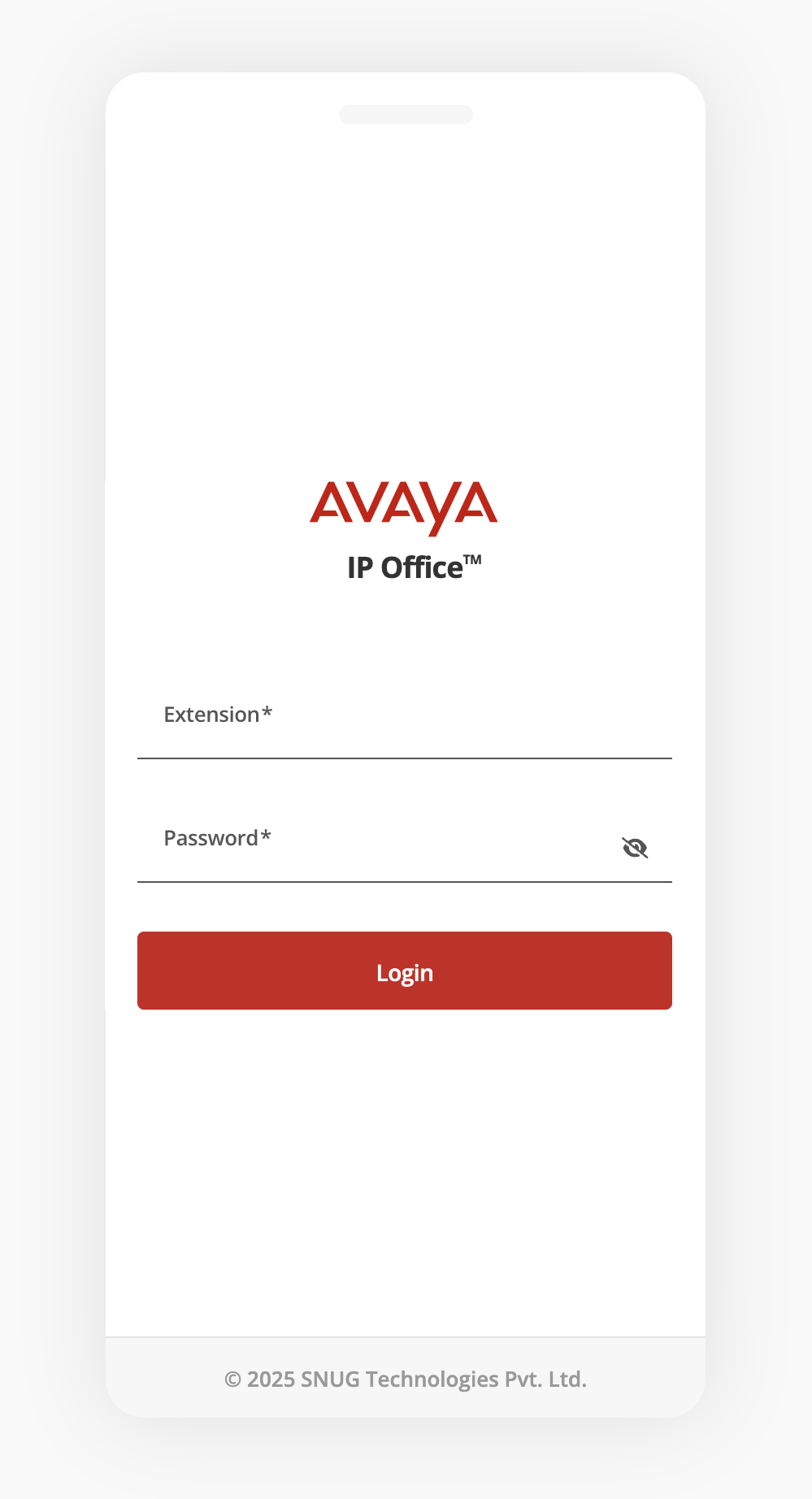
Avaya IPO login screen:
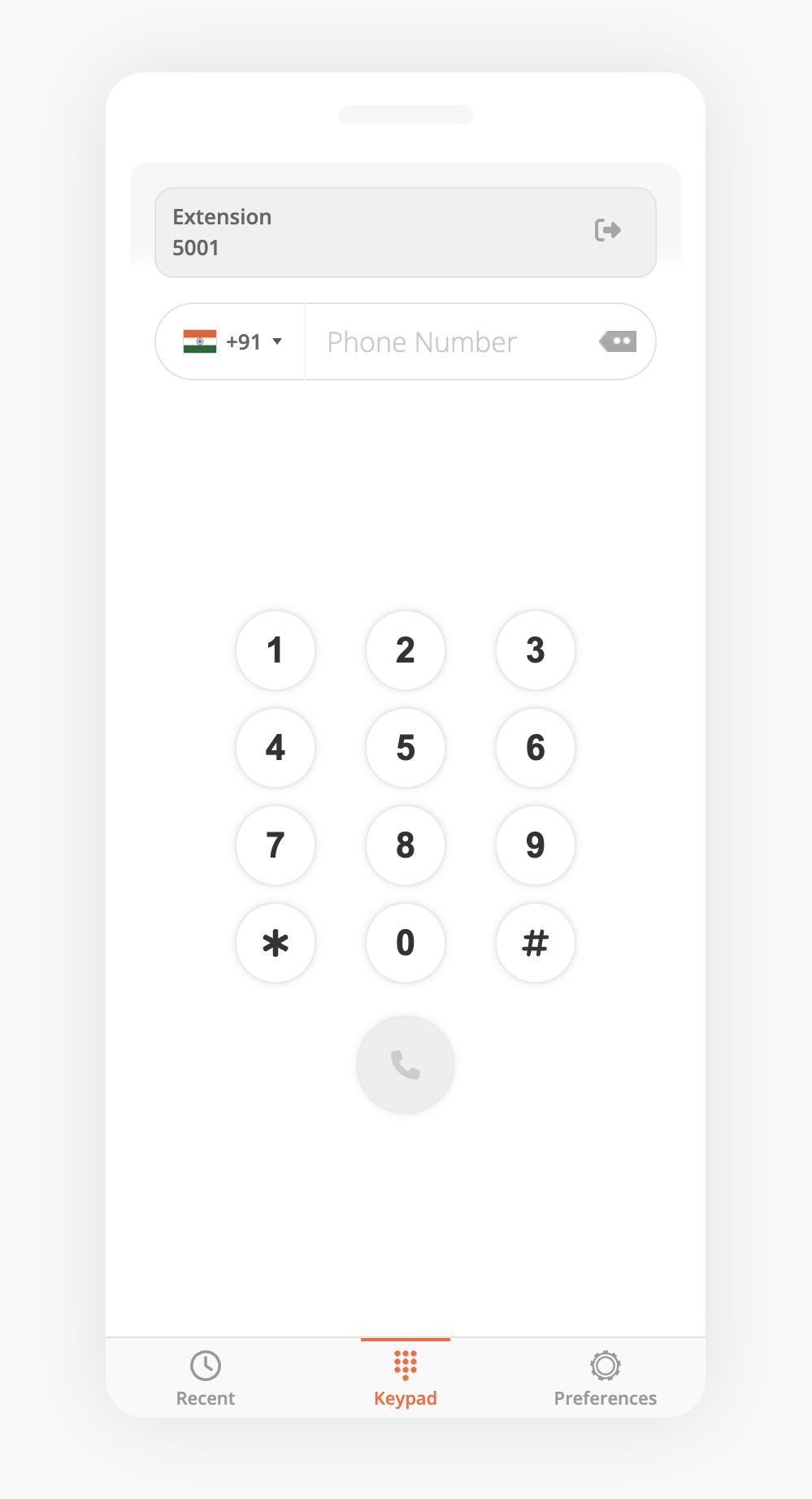
Softphone dialer in action:
🛠️ Roadmap
- Call recording support
- Call history logs
- Agent status indicators
- Dynamic SIP configuration
📬 Contact Us
For licensing inquiries, new feature requests, or implementation support to embed the Avaya IPO softphone (WebRTC) in your web-based application, please contact:
SNUG Technologies Pvt Ltd
📧 [email protected]