
@stem_dev/periodic-table
v1.0.8
Published
A modern, interactive periodic table library for React and standalone web applications. Explore the elements with high-fidelity 3D Bohr atom visualizations, emission spectra, and detailed physical properties.


Readme
3D Periodic Table Explorer
A modern, interactive periodic table library for React and standalone web applications. Explore the elements with high-fidelity 3D Bohr atom visualizations, emission spectra, and detailed physical properties.
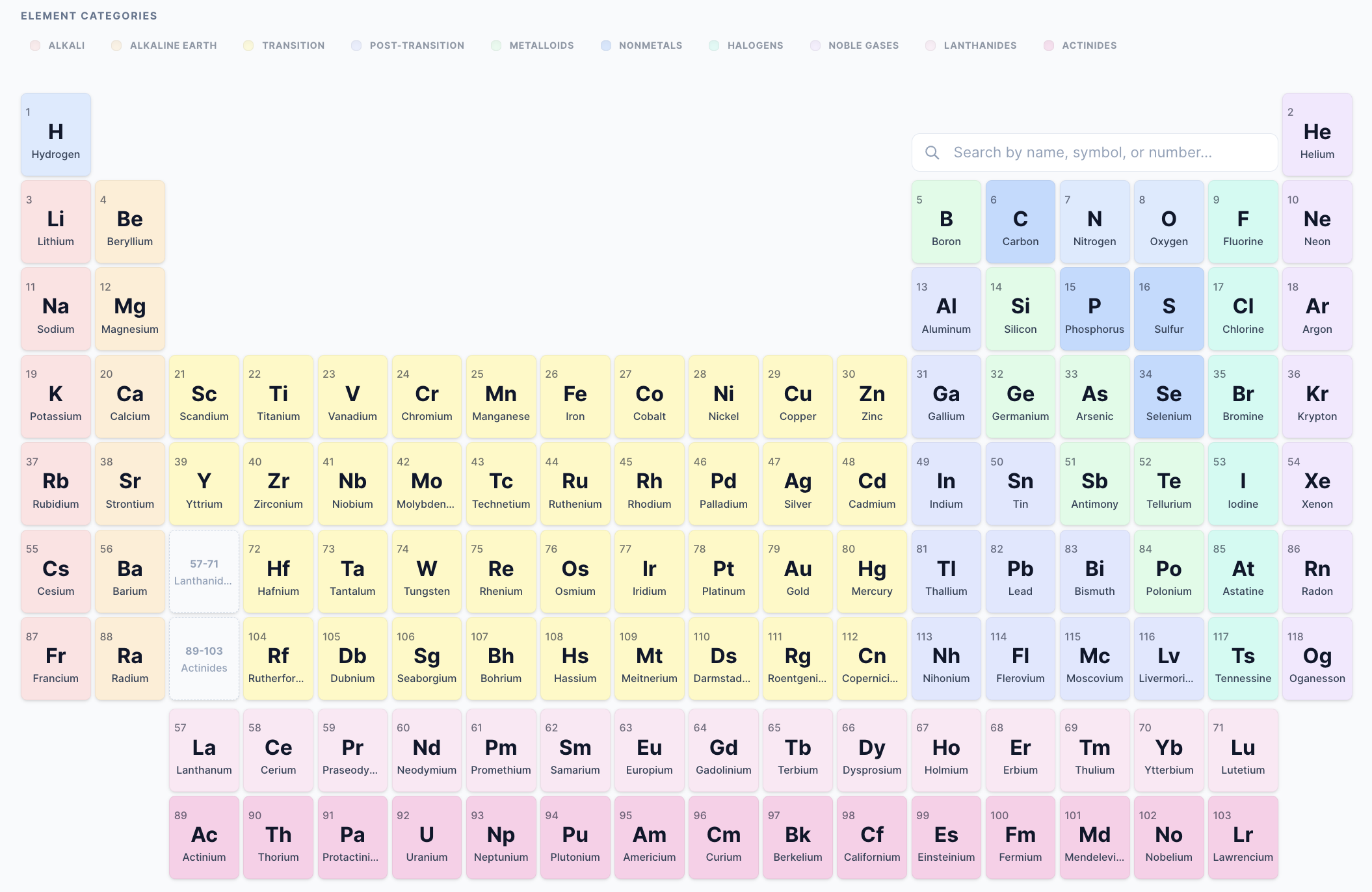
Features
- Interactive 3D Bohr Models: Real-time 3D visualization of electron shells using React Three Fiber.
- Emission Spectra: Visual representation of atomic emission lines for each element.
- Responsive Design: Fluid layout that works seamlessly on mobile, tablet, and desktop.
- Advanced Search: Quickly find elements by name, symbol, atomic number, or category.
- Category Highlighting: Interactive legend to highlight specific groups of elements.
- Dark Mode Support: Native dark mode detection and manual toggle support.
- Dual Build System:
- Standard Library: Optimized ESM/CJS builds for React projects.
- Standalone UMD: Full bundle with all dependencies for direct browser use.
Screenshots
Light & Dark Modes
| Light Mode | Dark Mode |
| :---: | :---: |
| | 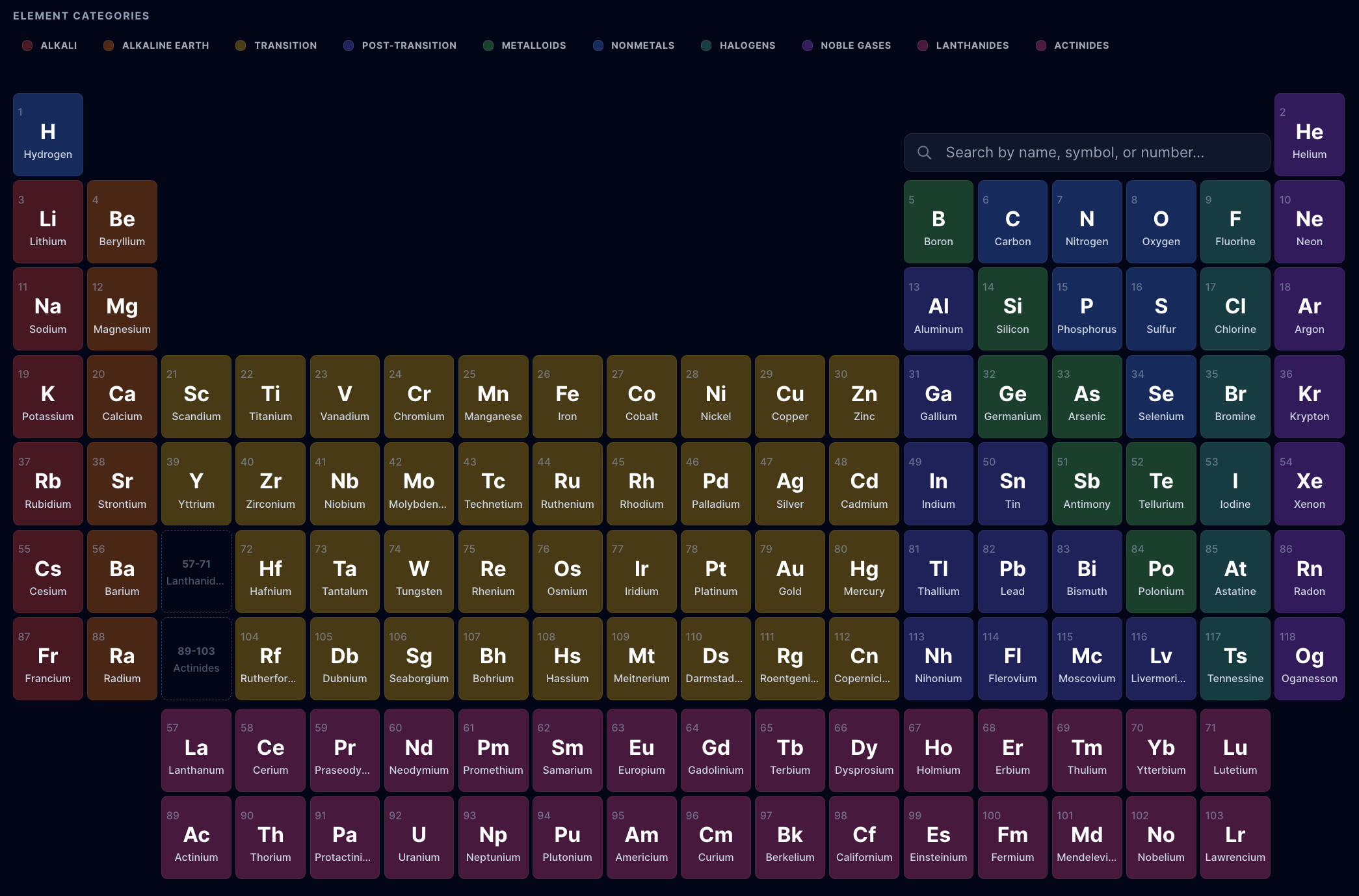 |
|
Interactive Features
| 3D Bohr Model | Emission Spectrum |
| :---: | :---: |
| 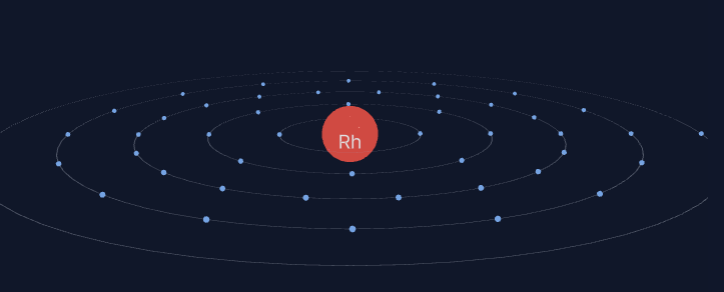 |
| 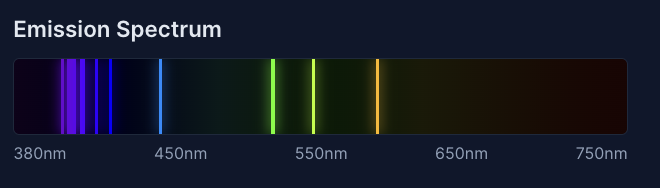 |
|
Installation
npm install @stem_dev/periodic-tableUsage
React Integration
The library exports a PeriodicTable component that can be dropped into any React application.
import { PeriodicTable } from '@stem_dev/periodic-table';

function App() {
  return (
    <div style={{ height: '100vh' }}>
      <PeriodicTable
        darkMode={true}
        showSpectrum={true}
        showBohrModel={true}
      />
    </div>
  );
}
Standalone (UMD)
For projects without a build system, use the standalone UMD build.
<div id="periodic-table-root" style="height: 100vh;"></div>

<script src="https://cdn.jsdelivr.net/npm/@stem_dev/periodic-table/dist/build/index.umd.js"></script>
<script>
  const { init } = window.PeriodicTable;
  init('#periodic-table-root', {
    darkMode: true
  });
</script>
Props
| Prop | Type | Default | Description |
| :--- | :--- | :--- | :--- |
| darkMode | boolean | false | Force dark mode (overrides system/root detection). |
| showSpectrum | boolean | true | Show/hide the emission spectrum in the element modal. |
| showBohrModel | boolean | true | Show/hide the 3D Bohr model in the element modal. |
Project Structure
src/components/: React components (BohrModel, Spectrum, etc.)src/data.ts: Element data and coordinate mapping.src/types.ts: TypeScript interfaces and types.vite.config.ts: Library build configuration.vite.umd.config.ts: Standalone bundle configuration.
Development
# Install dependencies
npm install

# Start development server
npm run dev

# Build library (ESM/CJS)
npm run build

# Build standalone bundle (UMD)
npm run build:umd

# Build interactive demo (outputs to /public)
npm run build:demo

# Linting
npm run lint
License
MIT © STEM Dev