
@surge/clif
v0.2.0
Published
Cross-platform CLI GIF maker based on JS+Web.


Readme
clif
Cross-platform CLI GIF maker based on JS+Web.
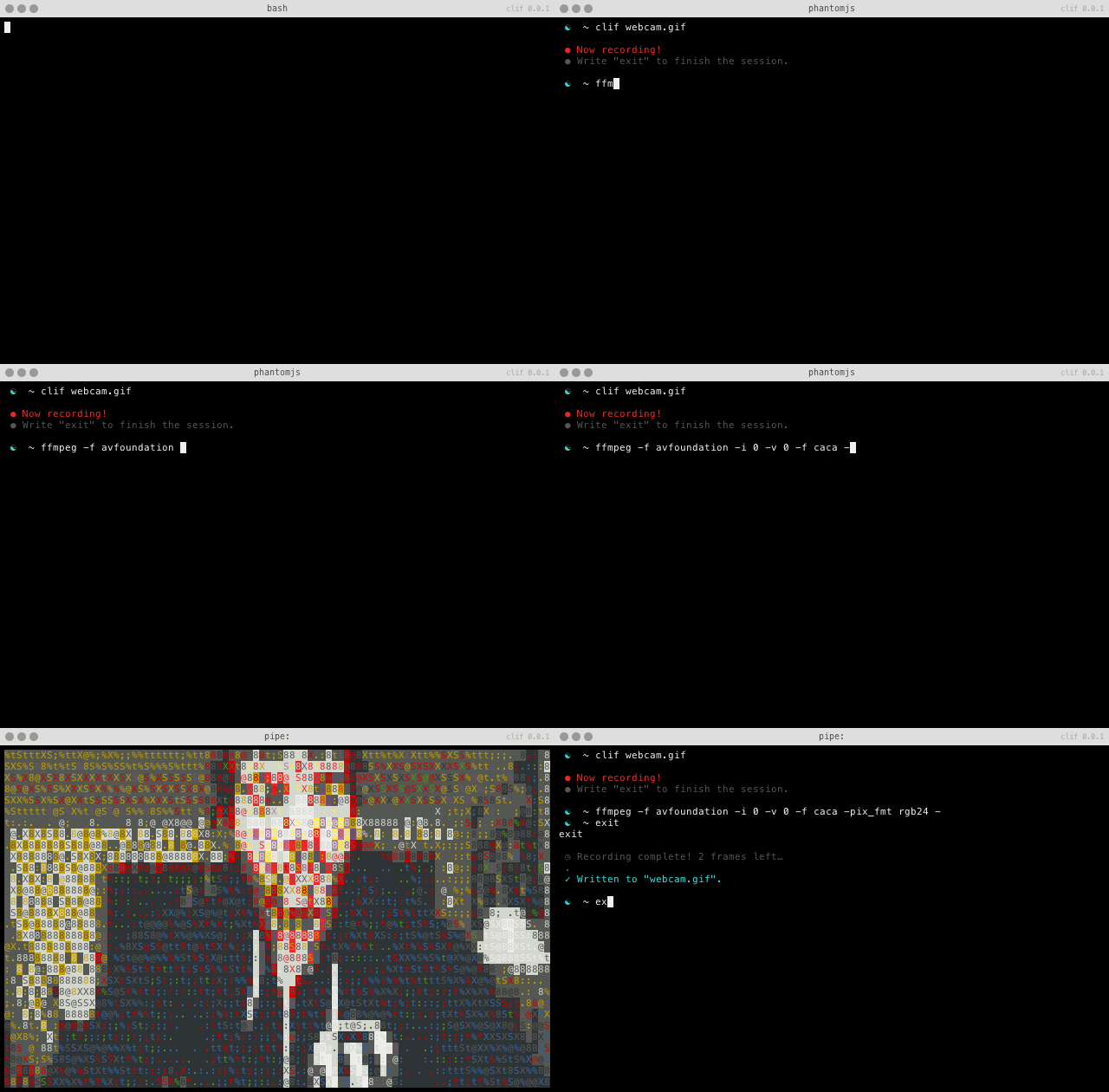
Getting started
On OS X, install latest Xcode command line tools, even if you think you already have them:
xcode-select --installThen, go through the Apple dialogue to download and install them. Now, you’re ready to install Surge’s version of clif with:
npm install -g @surge/clifNote, you’ll need to be running [email protected] or greater to do this. You can check what version you’re using with:
npm --version…and upgrade with:
sudo npm install -g npmYou can omit sudo if you are using Windows.
How to use
Run
clif out.giftype exit to finish and save the recording.
Features
- Easy to install:
npm install -g clif. - Works on OSX and Linux.
- Small GIFs.
- High quality (anti-aliased fonts).
- Rendered with CSS/JS, customizable.
- Realtime parallel rendering.
- Frame aggregation and customizable FPS.
- Support for titles Terminal.app-style.
How it works
clif builds mainly on four projects: child_pty, term.js
omggif and phantomjs.
child_pty is used to spawn a pseudo terminal from
which we can capture the entirety of input and output.
Each frame that's captured is asynchronously sent to
a phantomjs headless browser to render using term.js
and screenshot.
The GIF is composited with omggif and finally written
out to the filesystem.
Options
  Usage: clif [options] <outfile>

  Options:

    -h, --help           output usage information
    -V, --version        output the version number
    -c, --cols <cols>    Cols of the term [90]
    -r, --rows <rows>    Rows of the term [30]
    -s, --shell <shell>  Shell to use [/bin/bash]
    -f, --fps <fps>      Frames per second [8]
    -q, --quality <q>    Frame quality 1-30 (1 = best|slowest) [5]
Contributing
You can edit the styles in lib/client.js and the recompiling:
npm run compileTODO
- Substitute
phantomwith a terminal rendered on top ofnode-canvasor low-level graphic APIs. terminal.js seems like a good candidate to add a<canvas>adaptor to. - Should work on Windows with some minor tweaks.
- There's an issue with Node 0.12 and IO.js on Mac
where stdout sometimes buffers for no reason
¯\_(ツ)_/¯
Credits
- Inspired by KeyboardFire's mkcast.
- Borrows GIF palette neuquant indexing from sole's animated_GIF.js.
License
MIT