
@tarcisiopgs/devsweep
v0.2.5
Published
Find and remove what a developer's Mac accumulates: build artifacts, agent worktrees, simulators, emulators, Docker leftovers and dev caches.

Maintainers
 tarcisiopgs
Readme
devsweep
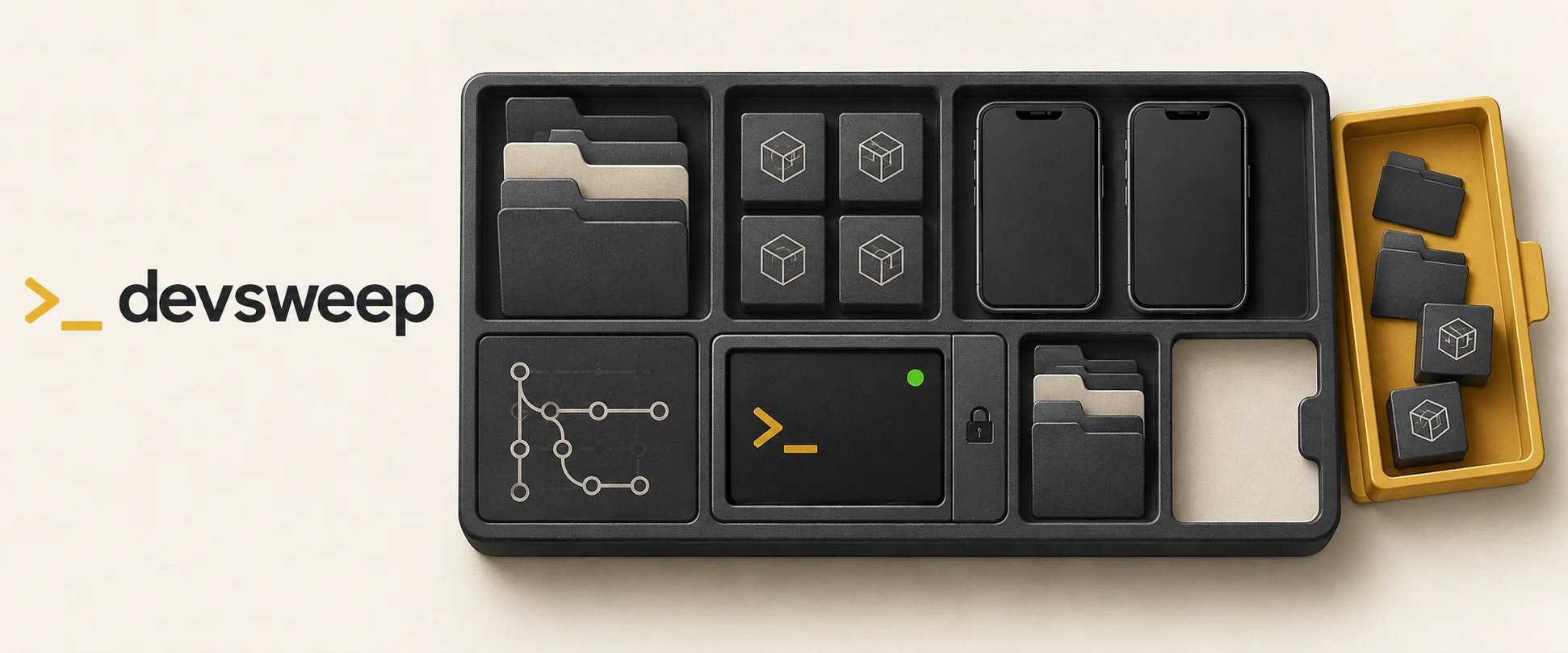
Reclaim disk space from your developer toolchain, in one terminal UI.
Projects leave behind build artifacts. Coding agents leave worktrees. Mobile toolchains, Docker and package managers keep accumulating data. devsweep brings it into one place: see the size and status of each item, choose what can go, and review the removal commands before confirming.
Built with Rust and ratatui. macOS only, on Apple silicon and Intel. MIT licensed.
Quick start
npx @tarcisiopgs/devsweep            # scan the current folder and the machine
npx @tarcisiopgs/devsweep ~/code     # scan another projects folder
Or install it once:
npm install -g @tarcisiopgs/devsweep
devsweep ~/code
Node.js and npm are needed for the npm launcher. devsweep itself runs as a
native binary. You can also download a macOS binary from
GitHub Releases,
or build from source with cargo build --release.
From scan to cleanup
- Scan. Project artifacts and repository worktrees appear under This folder. Caches, mobile toolchains, Docker and agent worktrees appear under Machine. Results arrive while sizes are still being calculated.
- Choose. Browse sources, sort by size or age, and select individual items. Detected live processes, booted simulators and running emulators lock affected items so they cannot be selected.
- Review. Press
enterto see the selection, total size and removal commands. Pressescto go back oryto confirm. Each item is checked again before removal.
Know what you are removing
- Worktrees have context. See merged, dirty and stale status. Worktrees with unknown Git status are locked; eligible clean, merged worktrees can be preselected.
- Preselected does not mean “everything disposable.” Project artifacts, Android AVDs, iOS runtimes, Docker volumes, Xcode archives and the Trash are left for you to choose.
- Native cleanup commands are preferred. devsweep uses commands such as
git worktree remove,xcrun simctl delete,avdmanager delete avd,pnpm store pruneandbrew cleanupwhen available. - The review is the decision point. Scanning does not delete anything. Results that arrive after you open the review cannot join that selection.
Cleanup is destructive. An unused Docker volume may contain a database; a
worktree may contain files you still need. Check the selected items and commands
before pressing y.
What it finds
Sources appear when the relevant tools are installed. Some locations, including the Trash, may need Full Disk Access for your terminal; devsweep shows a prompt when access is missing.
| Source | Section | Preselected when |
|---|---|---|
| Project artifacts: node_modules, .venv, Pods, .next, .expo, .gradle, .cxx, target, vendor, __pycache__…; dist/build/out only when git ignores them | This folder | never |
| Git worktrees of the repositories in the folder, outside the agent folders below | This folder | merged, clean, no ignored files beyond build artifacts, and unlocked |
| Agent worktrees in ~/.codex/worktrees, ~/orca/workspaces, ~/.claude-squad/worktrees | Machine | merged, clean, no ignored files beyond build artifacts, and unlocked |
| iOS simulators and runtimes | Machine | the simulator is unavailable |
| Android AVDs and system images | Machine | never |
| Docker dangling images, build cache, unused images, stopped containers, orphan volumes | Machine | dangling images and build cache |
| Dev tool caches (npm, pnpm, bun, Yarn, pip, uv, Go, Cargo, Gradle, RubyGems, Expo, CocoaPods, Xcode, Clang, Playwright, Claude, Codex…) | Machine | the cache regenerates and costs nothing to rebuild |
| Xcode device support files and archives | Machine | never |
| Homebrew cleanup | Machine | unlocked |
| The Trash, including mounted volumes' (emptied by Finder) | Machine | never |
Safe means: it regenerates by itself, nothing is lost, and recreating it costs nothing relevant. Download caches regenerate too, but the next build downloads everything again, so they are listed and left for you to decide.
Keys
| Key | Action |
|---|---|
| ↑ ↓ / j k | move |
| tab / ← → | switch pane |
| space | toggle item |
| a | toggle all unlocked items of the source |
| s | sort by size, name or age |
| / | filter |
| r | scan again |
| ? | key and mark legend |
| o | open the Full Disk Access settings, when a source needs it |
| ⏎ | review what will be removed |
| y | confirm on the review screen |
| esc | go back from review |
| q / ctrl-c | quit; during removal, stop after the current item |
When a removal finishes, devsweep posts a macOS notification with the result.
Pass --no-notify to turn it off.
Scope
Use devsweep when disk space is tied up in projects, coding-agent worktrees or development tools. It combines project cleanup and machine cleanup in one interactive workflow.
For tools focused on project artifacts, see npkill and kondo. For broader Mac maintenance, see Mole. devsweep focuses on developer resources and the Trash; browser cleanup and app uninstallation are outside its scope.
Contributing
Add a dev tool cache by writing a rule in catalog/*.toml, or contribute a
scanner for another source. See CONTRIBUTING.md for the
catalog schema, safety rules and development commands.