
@tonycasey/lisa
v2.27.0
Published
Long-term memory for AI coding assistants. Automatic context persistence, task tracking, and knowledge capture across coding sessions. Supports Claude Code and OpenCode.
Downloads
104

Maintainers
 tony-casey
Readme
Lisa – Long Term Memory for AI Coding Assistants
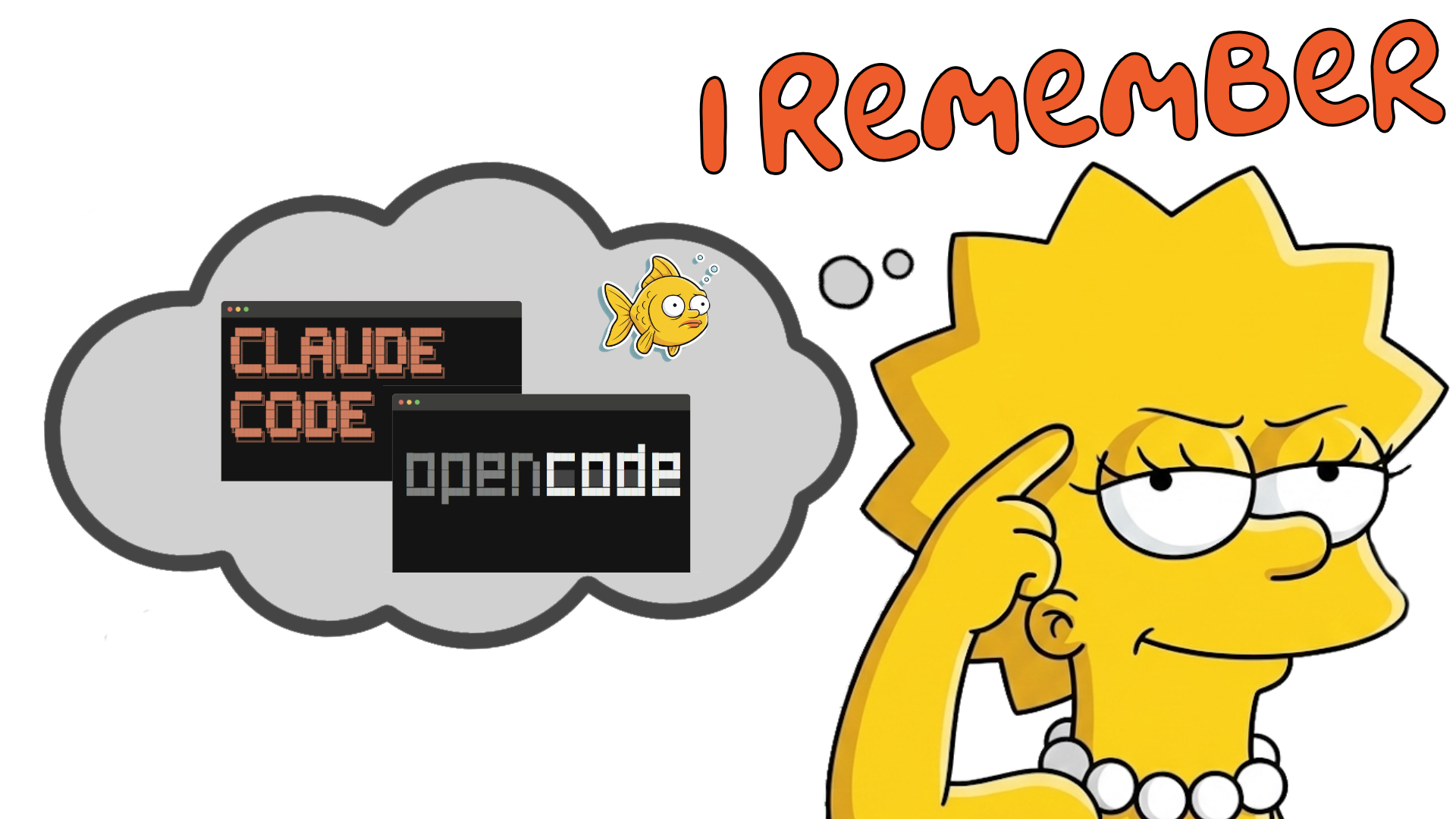
Lisa, never forgets a commit, a pr, a code change, or a saxophone lesson.
Why Lisa?
Because you would like every Claude session to remember the last one, the one from last week, last month. ALL OF THEM!!
You want..
- memory to load automatically
- store automatically
- recall automatically
You DON'T want..
- Having to repeat yourself, over & over
- Having to update .md files
- Having to fill up your context window.
How?
lisa init in your project directory. Open Claude cli and code away as normal.
Ask Lisa..
- Lisa, tell me about this project?
- Lisa, what was the last thing we were working on?
- Lisa, why are we not using Postgres?
- Lisa, ...
Tell Lisa.
- Lisa, remember this for future reference
- Lisa, create Jira/GitHub ticket
- Lisa, let's commit, push, and create a PR
The tech..
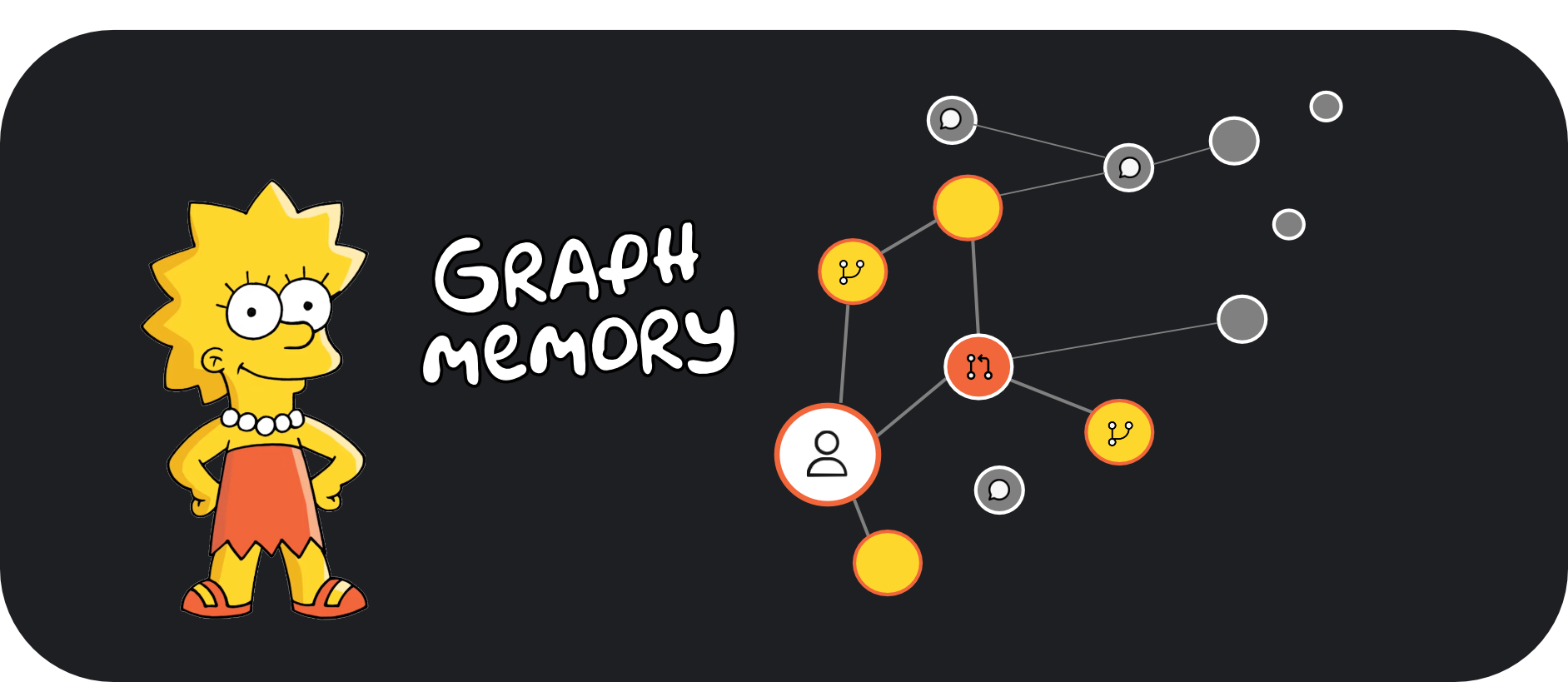
- Graph-native storage (Neo4j) - Connections matter as much as content
- LLM-powered extraction - Automatically identifies entities and relationships
- Temporal awareness - Knows when you learned something
- Semantic retrieval - Finds relevant context by meaning, not keywords
- Multi-CLI support - Works with Claude Code and OpenCode
Installation
Quick Start
# Install Lisa globally - IMPORTANT
npm install -g @tonycasey/lisa

# change to any project directory
cd your-project-directory

# initialize - copies in relevant files
lisa init
Using Lisa
Once installed, Lisa works automatically. Your AI assistant will:
- Load context at session start - Previous memories and project context
- Capture important info during coding - Decisions, patterns, etc.
- Remember explicitly when asked - Say "remember that..." to save important notes
During a coding session:
- "remember that we decided to use Redux for state management"
- "hey lisa, what do you know about the authentication system?"
- "lisa, show me recent memories"
- "lisa, what tasks are we working on?"
See the Getting Started Guide