
@trevixal/extension-export
v1.0.5
Published
Import and export for the Trevixal editor: DOCX and RTF writers, a dependency-free DOCX reader, and file download helpers.

Maintainers
 adityabhalsod
Readme
@trevixal/extension-export




Documentation · Live editor · Changelog · Issues
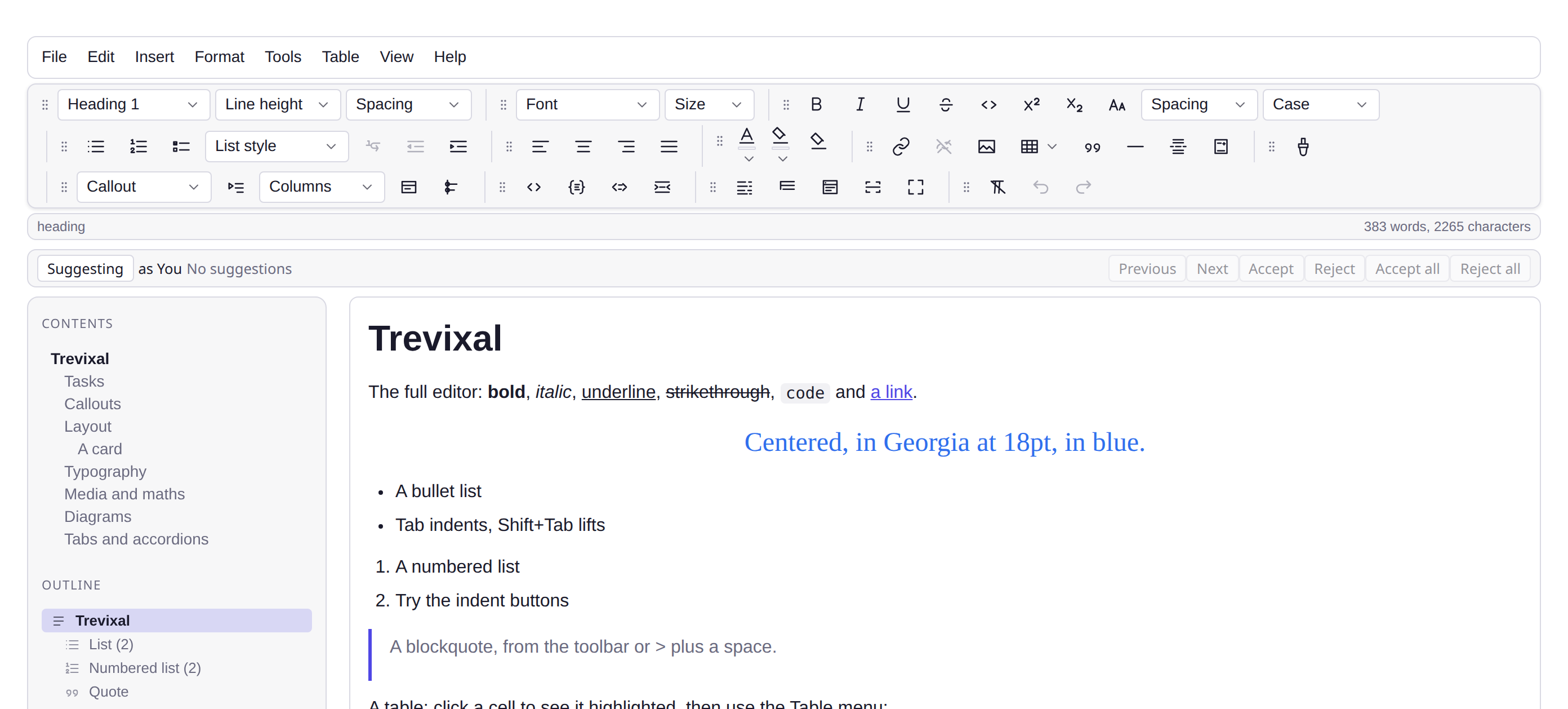
Features
- DOCX and RTF writers, and a dependency-free DOCX reader
- Exports carry the theme, code colours and diagrams the editor showed
- File download helpers that work in the browser and in Node
- 18.8 kB minified and gzipped, with TypeScript types in the package
Word and Rich Text, out and in, with its own ZIP, XML, OOXML and RTF implementations and no dependencies at all.
npm install @trevixal/extension-exportUsage
import { serializeToDOCX, serializeToRTF, parseDOCX } from '@trevixal/extension-export'

const docx = await serializeToDOCX(editor.state.doc, { title: 'Report' })
const rtf = serializeToRTF(editor.state.doc)
const doc = await parseDOCX(editor.schema, file, { images: 'embed' })
Or as descriptors that plug into @trevixal/ui's save and open plumbing:
import { exportFormats, importFormats } from '@trevixal/extension-export'
import { exportDocument } from '@trevixal/ui'

await exportDocument(editor, { exporters: [...builtinExporters(), ...exportFormats()] })
It carries what the editor was showing
Both writers take a theme and a rendered bundle from ExportContext, so a
download is not a bleached copy of the document:
- Colour. DOCX writes
w:background, and theword/settings.xmlthat makes Word actually draw it, which is stored and ignored without. RTF shades every paragraph and restates the ink after each\\plain, because\\pard\\plainresets the colour and a theme set once at the top would last one paragraph. - Highlighted code. Syntax highlighting is a decoration layer, so a writer
walking the model sees one plain string.
@trevixal/uicaptures the drawn runs and passes them here as coloured runs. - Diagrams. A diagram preview is an element the renderer appends, not a
node. It is rasterised and embedded, which meant giving RTF pictures at
all (
\\pict\\pngblip), so ordinary images now embed there too instead of degrading to[alt]. The drawing replaces the source it was drawn from, unless nothing managed to draw one.
Also exported
The pieces are public, because they were written here and are useful on their
own: createZip / readZip / crc32, parseXML / escapeXML,
downloadFile, suggestFileName, readFileText, readFileBytes, and
documentPalette for turning theme tokens into an Office palette.
License
Apache-2.0