
@trevixal/web-component
v1.0.5
Published
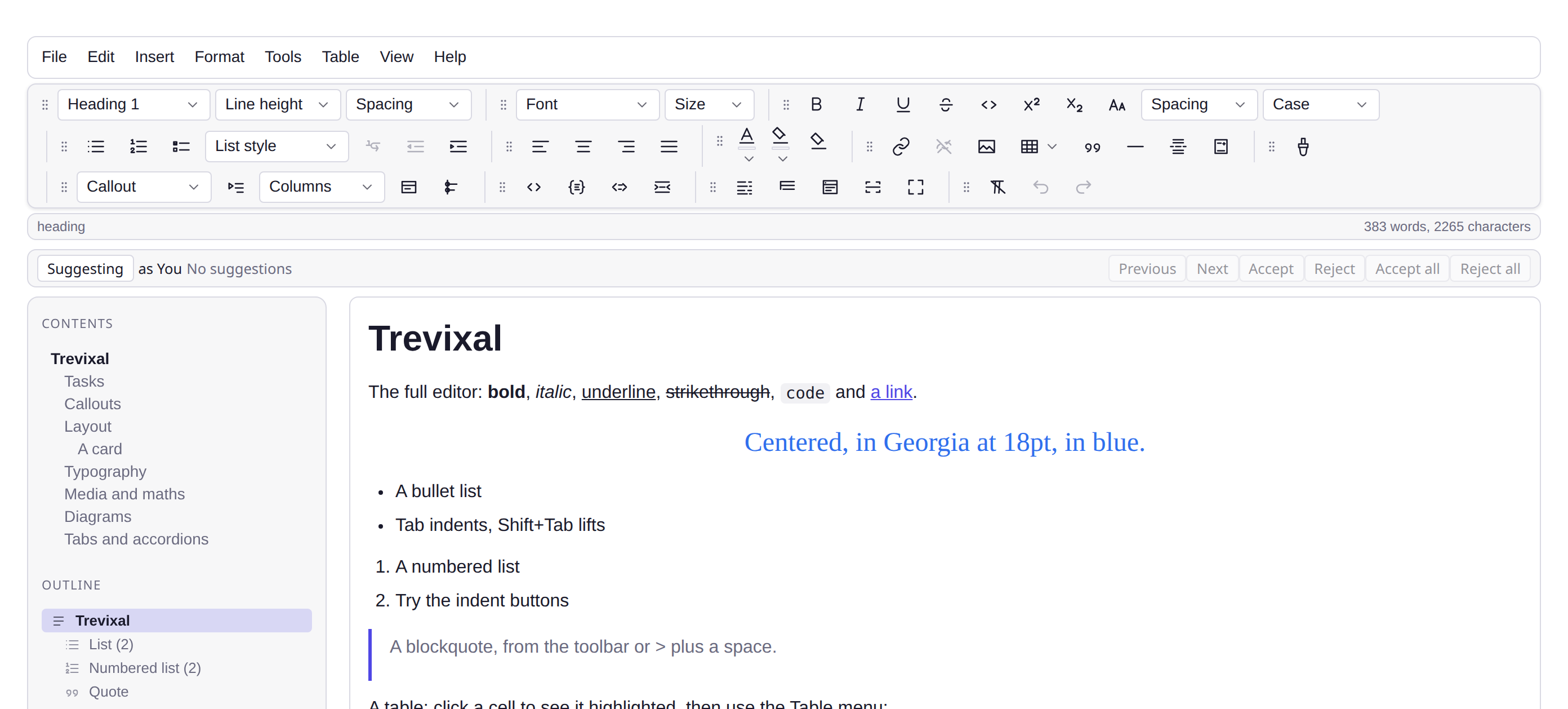
The Trevixal editor as a <trevixal-editor> custom element, including a bundler-free CDN build.
Downloads
495

Maintainers
 adityabhalsod
Readme
@trevixal/web-component




Documentation · Live editor · Changelog · Issues
Features
<trevixal-editor>, a custom element with no framework at all- A CDN build: one stylesheet, one script, no build step
- Server-rendered children survive upgrade, so SSR content is not lost
- 1.1 kB minified and gzipped, with TypeScript types in the package
The Trevixal editor as <trevixal-editor>, including a
build that runs from a single <script> tag with no bundler.
npm install @trevixal/web-componentNo build tools
<link rel="stylesheet" href="https://unpkg.com/@trevixal/ui/styles.css" />
<script src="https://unpkg.com/@trevixal/web-component"></script>

<div class="trevixal">
  <trevixal-editor placeholder="Start typing…">
    <h2>Hello</h2>
    <p>This initial content is parsed <em>and sanitized</em>.</p>
  </trevixal-editor>
</div>

<script>
  const element = document.querySelector('trevixal-editor')
  element.addEventListener('trevixal-change', (event) => {
    console.log(event.detail.json) // canonical document JSON
    console.log(event.detail.html) // serialized HTML
  })
</script>
The CDN entry defines the element on load and puts the pieces a no-build page
needs on window.Trevixal.
With a bundler
import { defineTrevixalEditor } from '@trevixal/web-component'

defineTrevixalEditor() // or defineTrevixalEditor('my-editor')
The element
| Surface | Detail |
| --- | --- |
| Attributes | placeholder, readonly (observed, flipping it toggles editability), autofocus |
| Initial content | The element's HTML children, sanitized on parse |
| Event | trevixal-change, a bubbling CustomEvent<{ json, html }> on every change |
| Properties | value (HTML in and out), getJSON(), setJSON(json), editor |
editor is the full engine, so anything in @trevixal/core is reachable from
a page with no build step at all.
Your own nodes, and your own elements inside them
Both are properties rather than attributes, because neither is a string. Set them before the element is connected where you can.
import { Schema, defaultNodes, defaultMarks } from '@trevixal/core'
import { tableNodes } from '@trevixal/extension-table'

const editor = document.querySelector('trevixal-editor')

editor.schema = new Schema({
  nodes: { ...defaultNodes(), ...tableNodes() },
  marks: defaultMarks(),
})

editor.nodeViews = {
  counter: (node) => {
    const dom = document.createElement('counter-block')
    dom.contentEditable = 'false' // the component owns what is inside it
    dom.count = node.attrs.count
    return { dom, update: (next) => ((dom.count = next.attrs.count), true) }
  },
}
A web component's idea of a component is another custom element, so a node
view here creates one. Give it no state of its own: read the count from
node, write it back with a transaction, and undo rewinds your element with
the document.
Assigning schema to a live editor rebuilds it, carrying the document across
as HTML. Anything the new schema cannot parse is dropped, which is the honest
outcome when the rules a document was written under have changed.
Server rendering
HTMLElement does not exist in Node, and a class body is evaluated at import
time, so the class extends a stand-in when there is no DOM. The module
imports cleanly on a server; the element registers only where a real DOM
exists.
License
Apache-2.0