
@ttsc/metro
v0.30.0
Published
Metro (React Native / Expo) adapter for ttsc plugins.

Maintainers
 samchon
Readme
@ttsc/metro
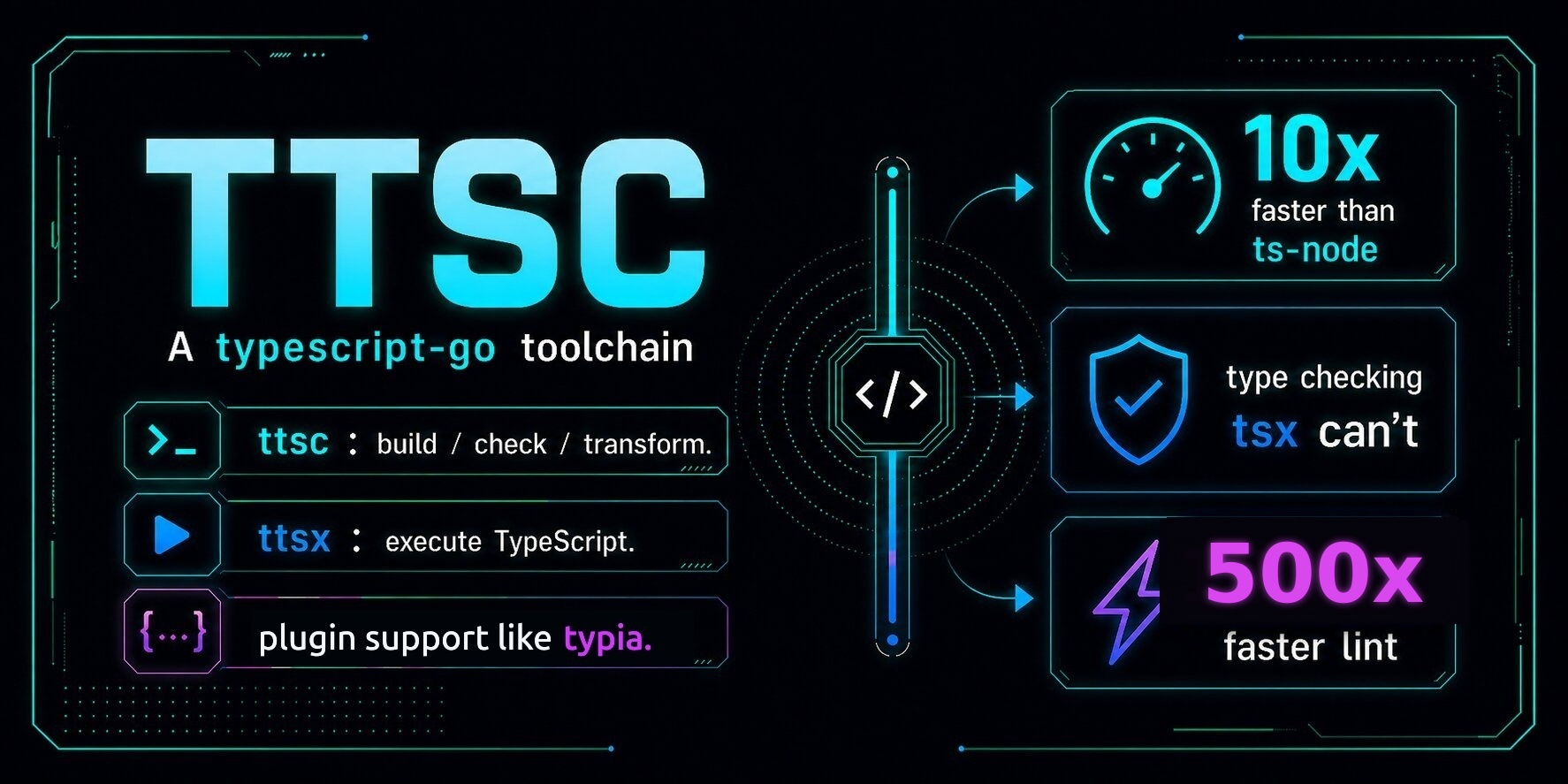






Metro (React Native / Expo) adapter for ttsc plugins.
React Native and Expo bundle with Metro, which transpiles each file with Babel (babel-preset-expo / @react-native/metro-babel-transformer). Babel strips TypeScript types and never runs TypeScript transformers, so neither the ttsc CLI nor @ttsc/unplugin can reach an RN/Expo build. @ttsc/metro wires a Metro custom transformer that runs the ttsc plugin pass (typia, nestia, …) on each TypeScript file, then hands the result to your existing Expo/React-Native Babel transformer.
Setup
Install ttsc and TypeScript-Go first. Then install the Metro adapter:
npm install -D ttsc typescript
npm install -D @ttsc/metro
Wrap your Metro config with withTtsc.
Expo
// metro.config.js
const { getDefaultConfig } = require("expo/metro-config");
const { withTtsc } = require("@ttsc/metro");

module.exports = withTtsc(getDefaultConfig(__dirname));
Bare React Native
// metro.config.js
const { getDefaultConfig } = require("@react-native/metro-config");
const { withTtsc } = require("@ttsc/metro");

module.exports = withTtsc(getDefaultConfig(__dirname));
withTtsc sets transformer.babelTransformerPath and leaves the rest of your config untouched. It auto-detects the upstream transformer to delegate to (@expo/metro-config/babel-transformer for Expo, then @react-native/metro-babel-transformer, then the legacy metro-react-native-babel-transformer).
If your config already set transformer.babelTransformerPath, that transformer is chained rather than replaced: the ttsc pass runs first and then delegates to it, so wrapping a working config keeps what it configured. This is what makes react-native-svg-transformer, whose entire installation is that one assignment, keep working after you adopt @ttsc/metro. Pass upstreamTransformer explicitly to override both that and auto-detection.
The value is resolved from your projectRoot, exactly as Metro resolves it, so a relative "./metro-svg.cjs" and a bare "react-native-svg-transformer" both mean what they mean in your project rather than inside this package. A path that names @ttsc/metro's own transformer is never chained in any spelling, including a second copy installed elsewhere in your tree, because delegating this transformer into itself would recurse on every file.
Auto-detection only skips a candidate whose entry point is genuinely not available: the package is not installed, or it is installed but the requested subpath is not exported (Expo/React Native version skew). A candidate that does resolve but fails while loading, whether from a top-level throw, an incompatible runtime ABI, or a missing peer or transitive dependency, surfaces its original error (as the cause of a @ttsc/metro wrapper) instead of being treated as absent. This stops a broken Expo/React Native install from silently falling through to the wrong transformer, and stops an explicit upstreamTransformer failure from being reported as if the module did not exist.
Configuration
By default @ttsc/metro finds the nearest tsconfig.json from the file being transformed and runs the plugins configured there: the standard ttsc model. If that is the config you want, withTtsc(getDefaultConfig(__dirname)) is enough.
Options are the second argument and mirror @ttsc/unplugin, plus a few Metro-specific knobs:
module.exports = withTtsc(getDefaultConfig(__dirname), {
  project: "tsconfig.build.json",
  plugins: [{ transform: "typia/lib/transform" }],
  exclude: ["__tests__"],
});project: path to thetsconfig.jsonthe transformer should read (resolved fromprocess.cwd()).compilerOptions: a temporary overlay layered on the selected project config.plugins: an explicitttscplugin list override, orfalseto disable project plugins.upstreamTransformer: an explicit module path for the Babel transformer to delegate to, when neither the config's own transformer nor auto-detection is what you want.include/exclude: substring patterns matched against the project-relative file path, selecting which files run through thettscpass (.ts/.tsx/.cts/.mtsonly; declaration and JavaScript files always pass straight through).
Options are forwarded from the Metro config process to Metro's worker processes through the TTSC_METRO_OPTIONS environment variable, so they must stay JSON-serialisable (hence substring patterns rather than RegExp).
How it works
For each TypeScript file Metro asks to transform:
@ttsc/metroruns thettscplugin pass (reusing@ttsc/unplugin's transform core) → transformed TypeScript source.- The transformed source is handed to the upstream Expo/React-Native Babel transformer, which strips types, applies the RN transforms, and returns the Babel AST Metro consumes.
The plugin contract and tsconfig discovery match the Unplugin integrations. Metro's worker has no build-start callback, so its shared transform cache validates the complete project snapshot on every hit instead of using a build-scoped first-delivery shortcut.
Files outside the program
Metro resolves its own module graph, and that graph is not the set of files your tsconfig describes. A file Metro delivers that the compiled program does not contain is passed to the upstream transformer untransformed, and reported naming the file and the tsconfig it is missing from, once per file per compile in each Metro worker, since a Metro worker has no build boundary to reset the report at:
ttsc: /app/scripts/tool.ts is not part of the program described by /app/tsconfig.json,
so it was left untransformed. Add it to that project's "include" if ttsc plugins
should apply to it.
This is not a build error. The file is simply not this project's to transform, and the usual cause is a Metro graph reaching past the tsconfig's include, such as a source beside src rather than inside it or one in a sibling workspace folder. Add it to that project's include if ttsc plugins should apply to it.
The report matters because passing through is not the same as leaving alone: a file that skips the ttsc pass keeps whatever plugin-driven syntax it carries, which fails at runtime rather than at build time. Declaration and JavaScript files never reach the pass at all, so they are not reported; they are filtered before it, as include / exclude above describes.
This is the shared core's answer rather than Metro's own, so every @ttsc/unplugin adapter gives the identical one. @ttsc/metro used to be alone in treating it as non-fatal while every adapter failed the build.
Cache invalidation
Metro keys its transform cache on each file's own content plus one static transformer key, and its babel-transformer contract has no per-file dependency registration. A ttsc transform can depend on a type in another file, so @ttsc/metro folds a project fingerprint into that static key: every regular file reached by the project walk, every effective config source, and transform inputs recorded under node_modules/.cache/ttsc-metro. In a workspace with nested or directory-linked tsconfig.json projects, each lexical subtree is walked under the nearest config that transformed files use; the project-map traversal follows symlinks and Windows junctions while a physical ancestor set cuts cycles without collapsing independent aliases. The project map itself is hashed so adding or removing a nested or linked project config also changes the key. Worker discovery retains the exact candidate predicates that selected its project instead of reconstructing them after selection. A module passed through because its Program has no output still records those candidates and the universal config inputs that can later admit it. withTtsc gives each run a private identity, getCacheKey records the exact file state and static coverage that identity hashed, and workers compare every derived input's compiler-generation hash, realpath, or resolution predicate with that baseline. Inputs outside proven static coverage stay in one batched worker snapshot. A missing input, an out-of-root watchFolders project, a symlink or Windows junction transition, an extends change, or any A-to-B-to-A change between static keying and transformation taints the observation and rotates the next snapshot epoch, so it cannot collide with the earlier A key. Editing any fingerprinted input re-keys the next run, so metro bundle and dev-server starts pick up cross-file type changes without --reset-cache.
Snapshot compaction is serialized across Metro config processes. If two builds prepare the same project cache at once, one compacts the shared worker documents and the contender uses a private non-reusable key for that run instead of racing the main snapshot rewrite.
The granularity is project-level by necessity: Metro evaluates the transformer key once per run, so any fingerprinted change re-transforms every file on the next run. What remains outside the mechanism's reach:
- Within a running dev server, Metro re-transforms only files its watcher reports changed. Editing a type in file B updates a dependent file A on A's next transform: save A, or restart the dev server (no
--reset-cacheneeded). - Files a plugin declares
volatiledepend on non-file inputs that no fingerprint can represent; while a volatile declaration is recorded, cross-run cache reuse is disabled entirely. - If snapshot persistence fails, a recovery document beside
node_modules/.cache/ttsc-metromakes every later key non-reusable until the pending observations are compacted under a fresh epoch. If preparation cannot persist even that document, its run token forces a nonce across bundle and process boundaries. A worker whose run token authorized a reusable key fails the transform if neither location accepts its observation, even when the old main snapshot is temporarily unreadable.
Caveats (v1)
- Cost model. This release reuses
@ttsc/unplugin's transform core, which type-checks the wholetsconfigproject and caches the result per process. Metro runs transforms in a multi-process worker pool, so the project is compiled once per worker (on that worker's first file). A resident, incremental, per-file compiler shared across workers is the planned optimization, tracked in samchon/ttsc#255. - Type errors fail the build. The
ttscpass type-checks; a project type error surfaces as a Metro build error, matching the otherttscbundler integrations.
Sponsors

Thanks for your support.
Your donation encourages ttsc development.
References
Inspired by @elliots/metro-transformer-typical.