
@ttsc/vscode
v0.30.4
Published
TypeScript-Go and ttsc plugin diagnostics, completions, lint actions, and formatting for VS Code.

Maintainers
 samchon
Readme
ttsc for VS Code
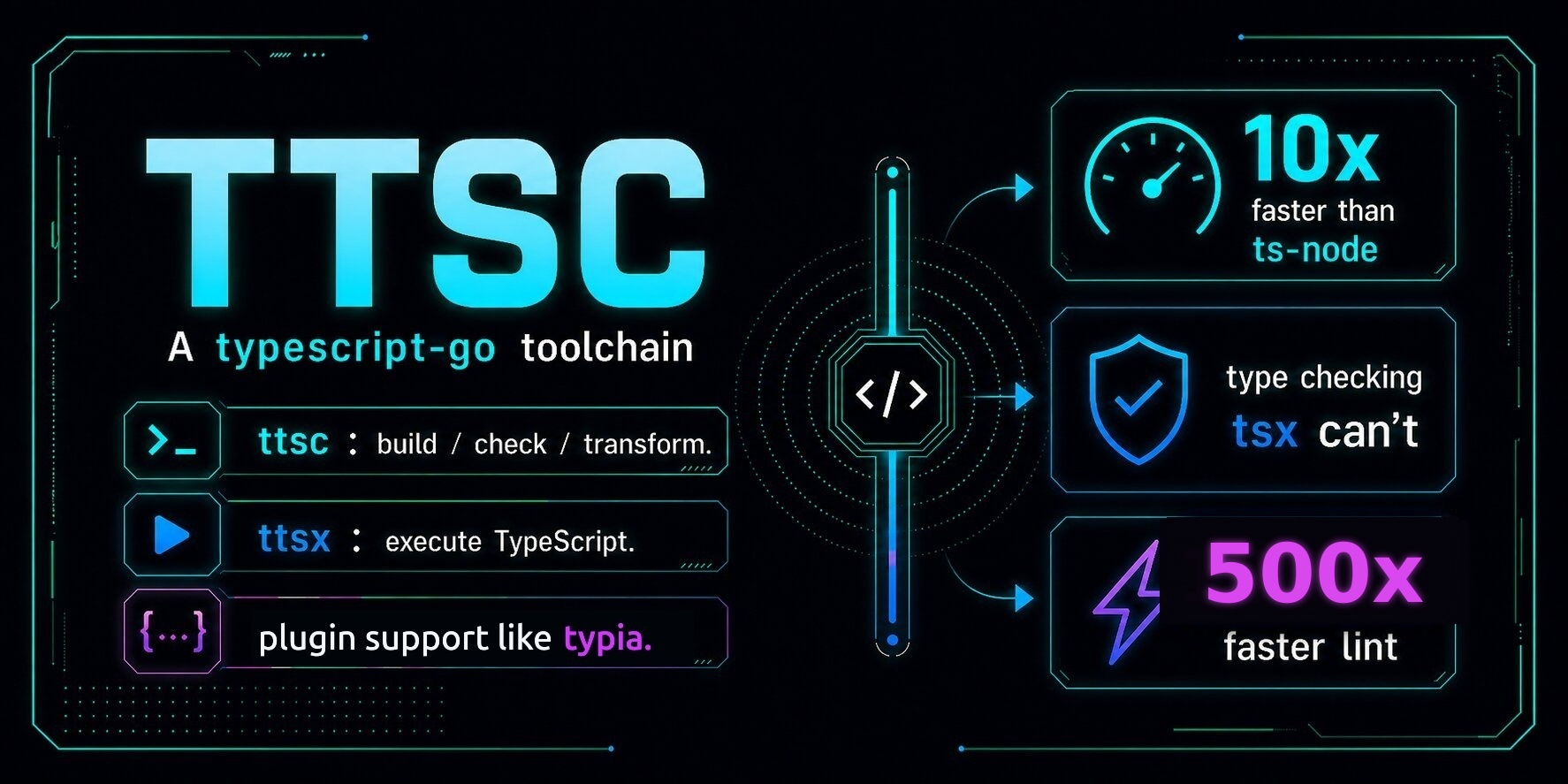






Bring TypeScript-Go and supported ttsc plugin features into one VS Code session.
The extension keeps TypeScript-Go completion and diagnostics in one ttscserver stream with @ttsc/lint diagnostics, suggestions, fix-all actions, formatting, and completion published by lint project rules.
Use it when the project already runs ttsc. Add @ttsc/lint when you also want lint diagnostics, fix-all actions, and formatting in the editor.

Requirements
- VS Code 1.94 or later.
- Node.js 18 or later.
- A workspace with
tsconfig.jsonorjsconfig.json. - Project-installed
ttsc,typescript, and thettscplugins you want editor diagnostics from.
Install the common project dependencies:
npm install -D ttsc typescript @ttsc/lint@ttsc/lint is optional for TypeScript-Go language features, but required for the lint and format commands shown below.
Install
Install from the VS Code Marketplace by searching ttsc and choosing the extension by samchon.
From a shell, the short installer is:
npx @ttsc/vscodeThe direct VS Code CLI form is:
code --install-extension samchon.ttscTo uninstall the npm-installed copy:
npx @ttsc/vscode uninstallBoth shell commands use the code CLI. If it isn't on your PATH, run Shell Command: Install 'code' command in PATH from VS Code's command palette.
Configuration
lint.config.ts
At the project root, this drives both the lint rules and the formatter. Without it the extension still type-checks, but @ttsc/lint diagnostics and formatting do nothing:
// lint.config.ts
import type { ITtscLintConfig } from "@ttsc/lint";

export default {
  rules: {
    "no-var": "error",
    "prefer-const": "error",
    "typescript/no-explicit-any": "warning",
    "typescript/no-floating-promises": "error",
  },
  format: {
    printWidth: 100,
    singleQuote: true,
    trailingComma: "all",
  },
} satisfies ITtscLintConfig;
.vscode/settings.json
Set samchon.ttsc as the default formatter and turn on editor.formatOnSave:
{
  "[typescript][typescriptreact]": {
    "editor.defaultFormatter": "samchon.ttsc",
    "editor.formatOnSave": true
  }
}
Lint fixes stay off-save by default because they can change code meaning. Run ttsc: Fix all lint issues from the command palette, or opt in on manual saves:
{
  "editor.codeActionsOnSave": {
    "source.fixAll.ttsc": "explicit"
  }
}
What it adds
- TypeScript-Go diagnostics, hover, navigation, and completions.
@ttsc/lintdiagnostics, suggestions, code actions, andsource.fixAll.ttsc.- JSDoc completion from a built-in lint rule and project-indexed completion from contributor rules that publish it.
- Diagnostics reported by other LSP-capable
ttscplugins. ttsc: Fix all lint issues,ttsc: Format document, andttsc: Restart language serverin the command palette.- Format on save with the
formatblock fromlint.config.*. - Multi-root workspace support. Each package can use its own
ttsc,typescript,tsconfig.json, andlint.config.*.
Save the file before relying on lint diagnostics or running the command-palette lint and format commands. Format-on-save works on the live editor buffer.
Completion uses the live editor buffer. Enable jsdoc/check-tag-names to try built-in lint completion inside a /** ... */ block. The Lint in VS Code guide covers that workflow and contributor project indexes.
Troubleshooting
No diagnostics? Work through these in order:
- Confirm the workspace has a
tsconfig.jsonorjsconfig.json. - Confirm
ttscresolves in the project:npx ttsc --version. - Confirm the project itself checks:
npx ttsc --noEmit. - Open View → Output → ttsc and read the server log.
- For full LSP tracing, set
ttsc.trace.serverto"verbose", then run Developer: Set Log Level..., select ttsc (trace), and choose Trace. Tracing starts immediately; do not reload the window.
If diagnostics work but lint completion does not, press Ctrl+Space after @ inside a JSDoc block. After changing the lint config or project-indexed inputs, save the file: the completion corpus is rediscovered in the background on save. ttsc: Restart language server is still needed for a completion trigger character the session never advertised, which the ttsc output channel names when it appears.
Sponsors

Thanks for your support.
Your donation encourages ttsc development.