
@txlemetry/wizard
v2.58.5
Published
The Txlemetry wizard configures product analytics in your project

Maintainers
 hectorvss
Readme
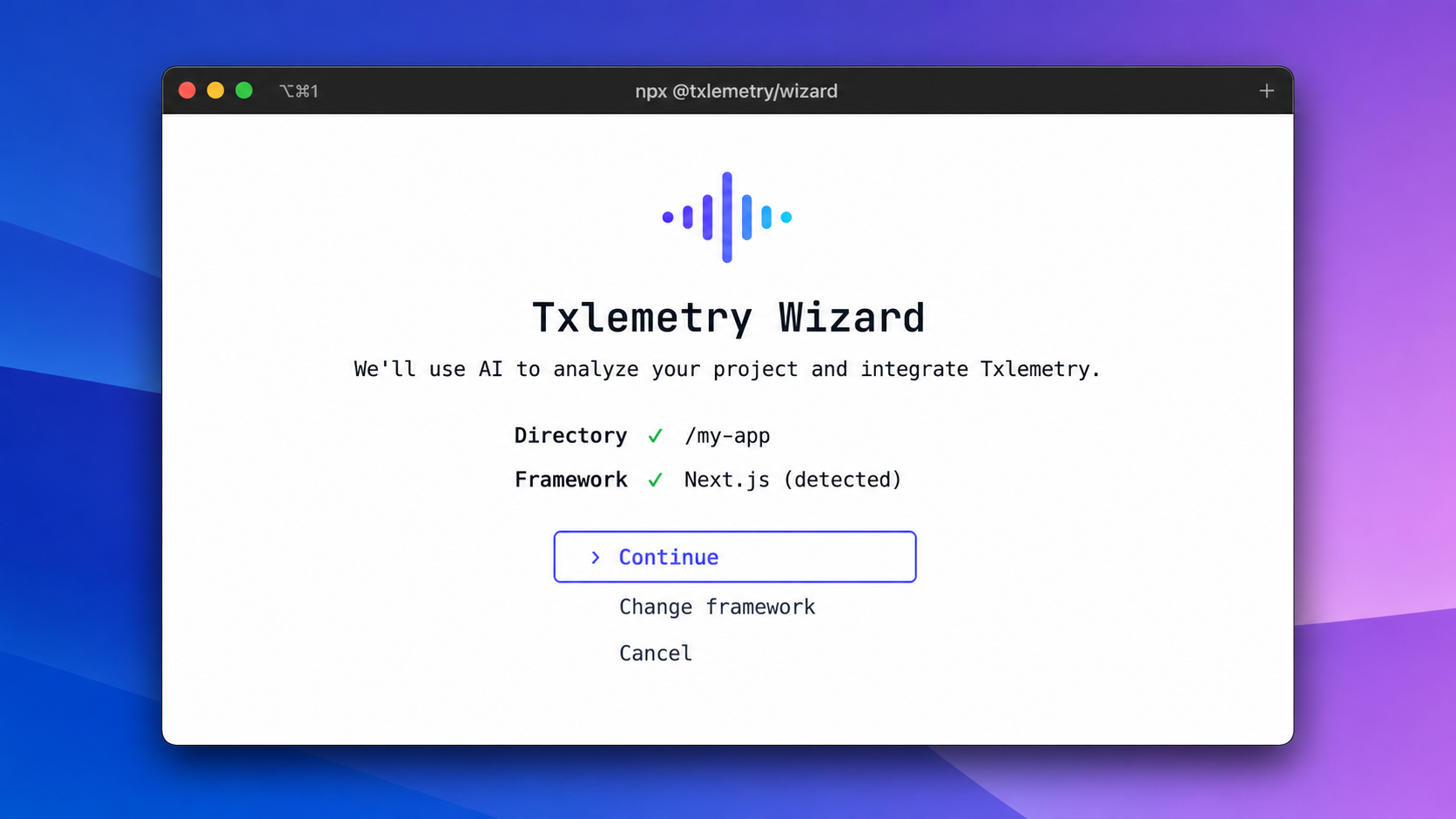
The Txlemetry wizard adds Txlemetry to your project with a guided, AI-assisted setup.
Install and run
Run the wizard from your project's root directory:
npx -y @txlemetry/wizard@latestThe wizard detects your framework, installs the appropriate Txlemetry SDK, configures it, and guides you through capturing your first events.
It supports frontend, backend, and mobile frameworks, including Next.js, React, Vue, Nuxt, Angular, SvelteKit, Django, Flask, Laravel, React Native, iOS, Android, Ruby on Rails, and Python.
Non-interactive installation
Agents and CI jobs can run the same installer without a TTY:
npx -y @txlemetry/wizard@latest --ci \
  --api-key "$TXLEMETRY_PERSONAL_API_KEY" \
  --project-id "$TXLEMETRY_PROJECT_ID" \
  --install-dir .
phx_ personal API keys and pha_ OAuth access tokens are supported. The package includes its installation skills and agent prompts, so a run does not depend on GitHub Releases.
Windows cache recovery
Errors such as ECOMPROMISED Lock compromised or ERR_MODULE_NOT_FOUND read-env occur before the wizard starts and indicate a corrupt npm _npx cache. Use a project-local installation, which avoids the damaged transient cache:
npm install --save-dev @txlemetry/wizard@latest
npx txlemetry
If the cache itself must be reset, close other npm processes and run npm cache verify; npm will report whether cleanup is required. The wizard no longer depends on read-env, eliminating that failure from fresh installs.
MCP commands
Use the wizard to configure a Txlemetry MCP server in supported AI clients:
# Add the Txlemetry MCP server
npx -y @txlemetry/wizard@latest mcp add

# Remove the Txlemetry MCP server
npx -y @txlemetry/wizard@latest mcp remove
Privacy
The wizard runs locally and asks for confirmation before making changes to your project. You can disable anonymous product telemetry with --no-telemetry.