
@umoteam/umo-editor-nuxt
v0.1.2
Published
Quickly integrate Umo editor into your Nuxt4 applications

Maintainers
 umoteam
Readme
Umo Editor Nuxt
A powerful integration that brings the full capabilities of Umo Editor to your Nuxt4 App.
中文介绍
Umo Editor 是一个基于 Vue3 和 Tiptap 的本土化开源文档编辑器,专为国人用户设计。它提供了强大的文档编辑能力和 AI 创作功能,支持分页模式、Markdown 语法、富文本编辑、多种格式的节点插入、页面样式设置、文档导出与打印等功能。此外,Umo Editor 还支持自定义扩展、多语言设置和暗色主题。
Umo Editor 最大的特点是代码完全开源且自主可控,支持私有部署,您可以内网环境中使用,而无需担心数据安全问题。同时 Umo Editor 基于 Vue3 和 Tiptap,两者都有丰富的生态系统和社区支持,在遇到问题时可以迅速得到解决。
Introduction
Umo Editor is an open-source document editor based on Vue3 and Tiptap. It provides powerful document editing capabilities and AI-assisted creation features. Umo Editor supports pagination, Markdown syntax, rich text editing, insertion of various node types, page style settings, document export, and printing. Additionally, it supports custom extensions, multi-language settings, and a dark theme.
Umo Editor's largest feature is that its code is completely open source and controllable. It supports private deployment, allowing you to use it in an intranet environment without worrying about data security issues. At the same time, Umo Editor is based on Vue3 and Tiptap, both of which have rich ecosystems and communities, making it easy to solve problems when needed.
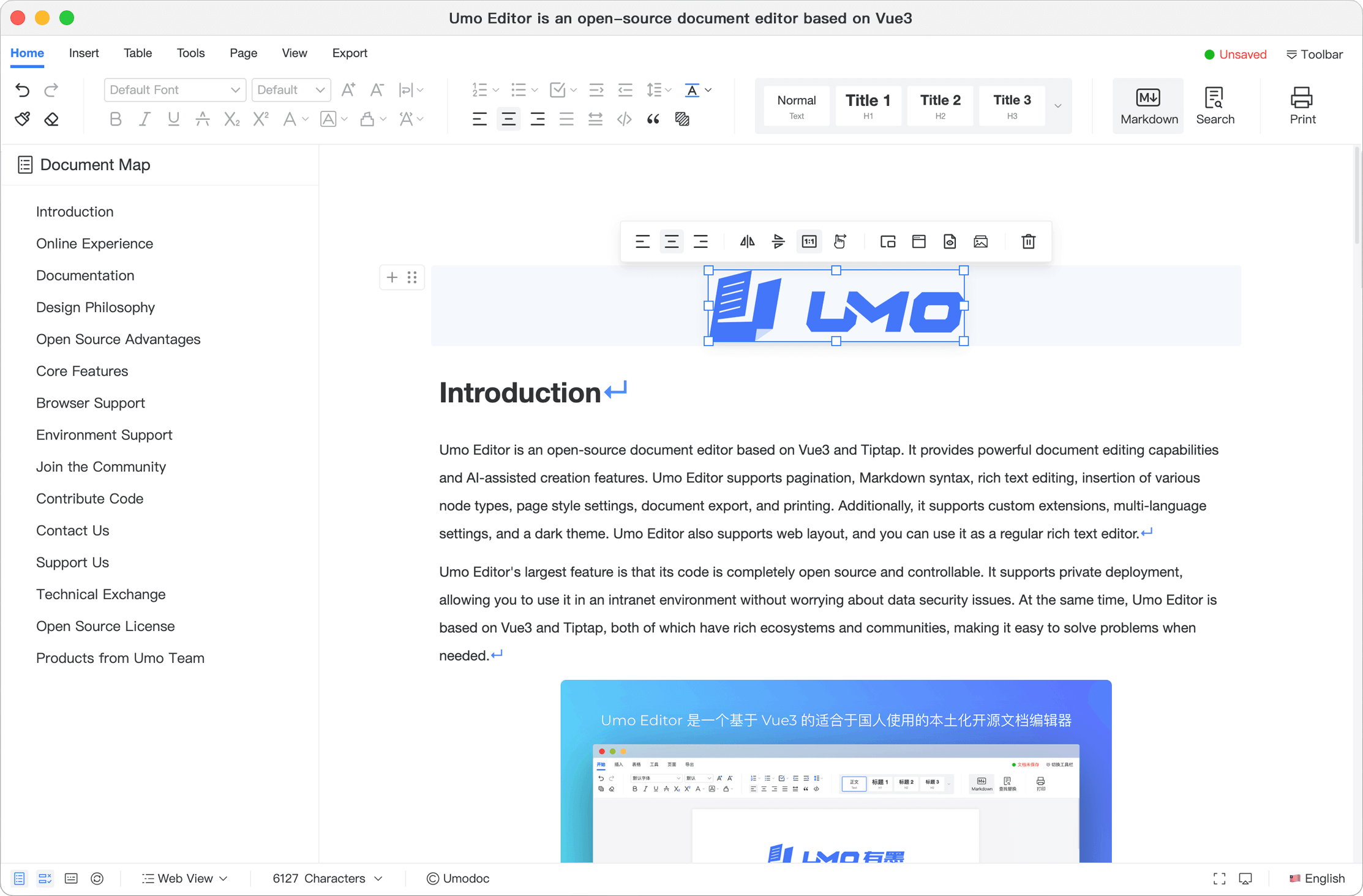
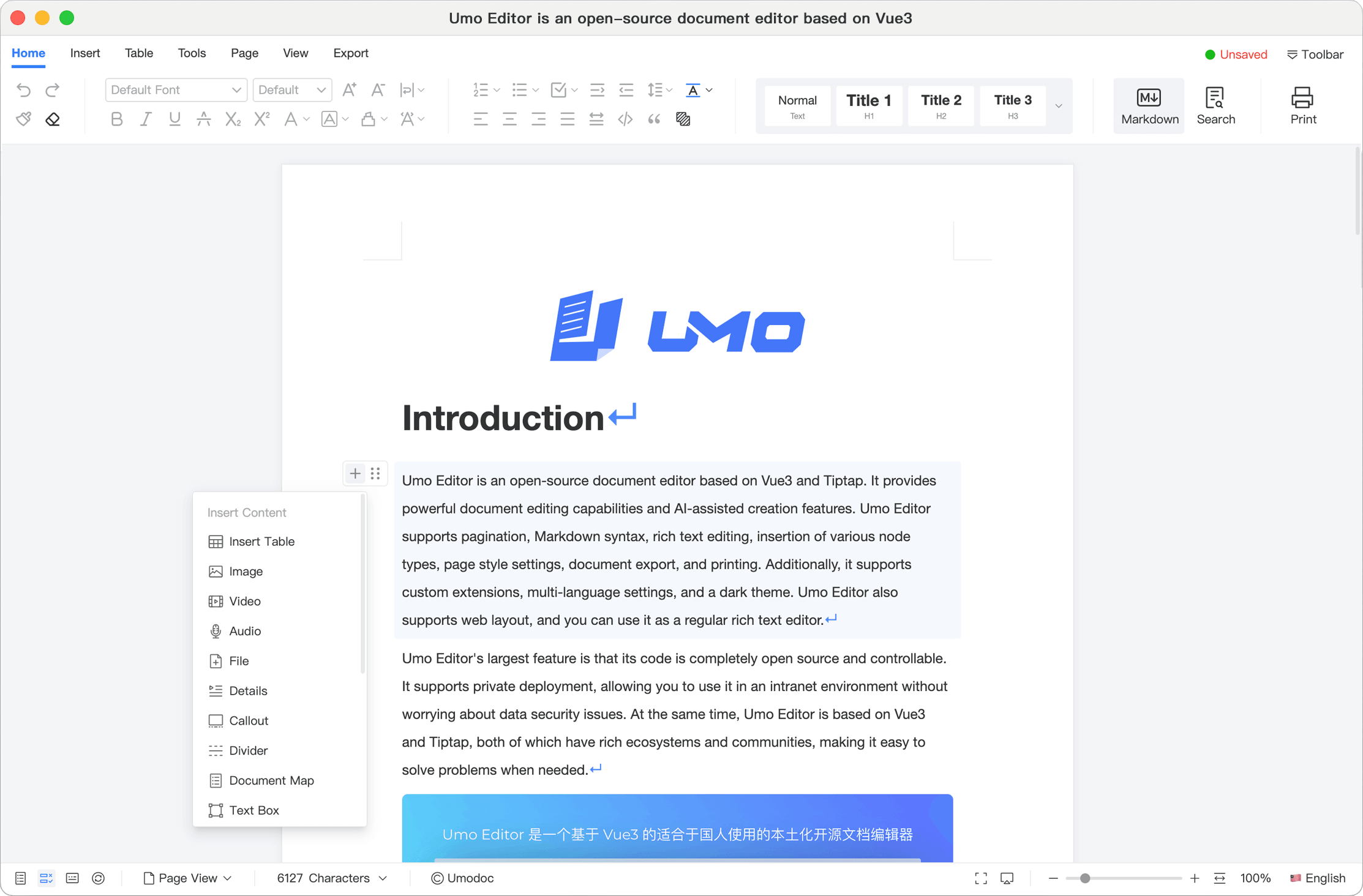
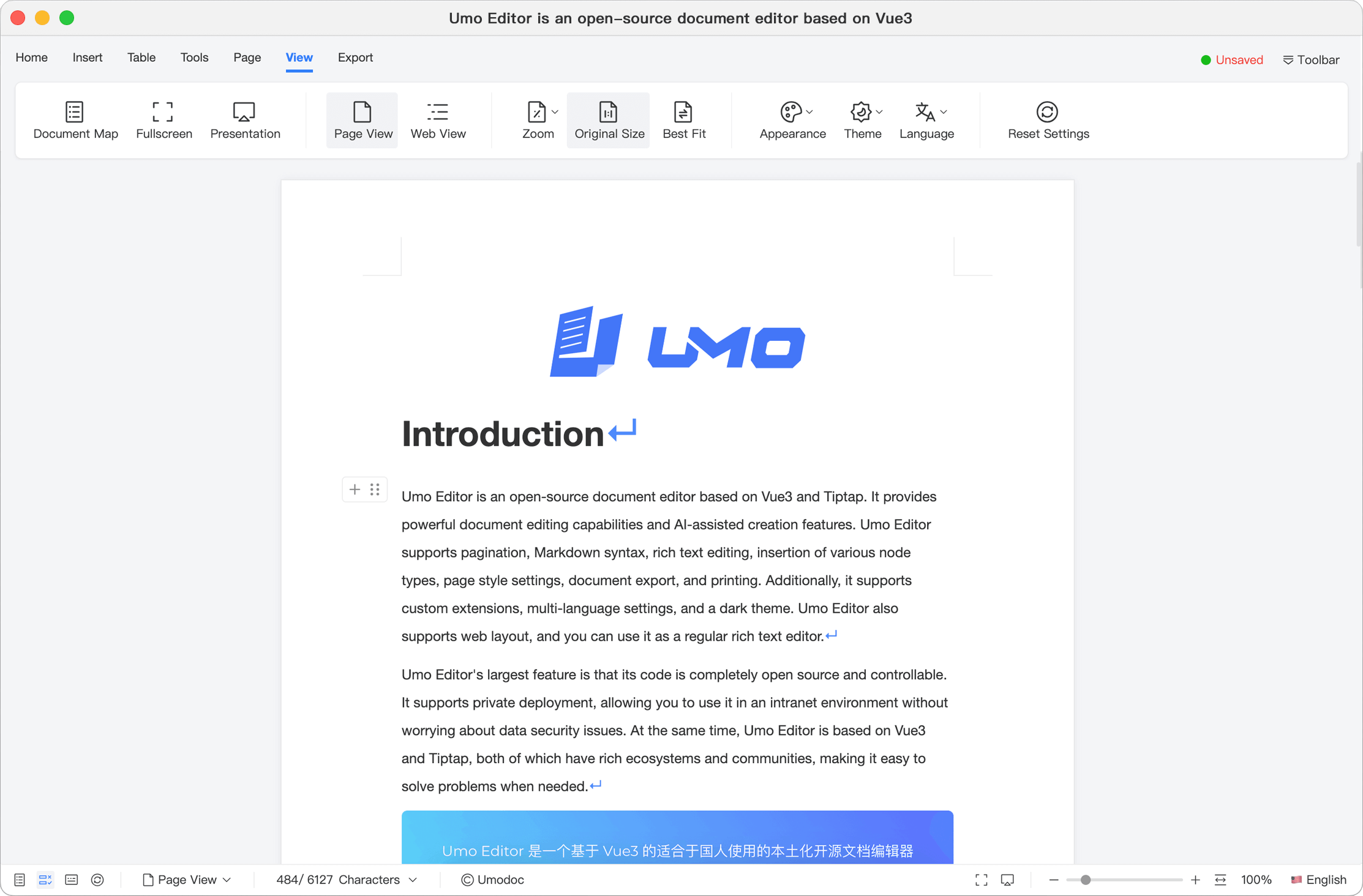
As an independent Vue3 plugin, Umo Editor can be easily integrated into various Vue3 projects with zero configuration. For non-Vue3 projects, you can embed Umo Editor into your project via an iframe.
Documentation | 中文文档 | Playground | GitHub | NPM
Install
npx nuxi module add @umoteam/umo-editor-nuxt

# or
npm i @umoteam/umo-editor-nuxt
Usage
- Install and Configure the module
// nuxt.config.ts
export default defineNuxtConfig({
  modules: ['@umoteam/umo-editor-nuxt'],
  umoEditor: {
    // Global configuration, see default options at:
    // https://editor.umodoc.com/en/docs/options/default
    locale: 'en-US',
  },
})- Use the Umo Editor component
<template>
  <div style="height: 600px;">
    <UmoEditor v-bind="options" />
  </div>
</template>

<script setup>
const options = ref({
    // Configuration options, see:
    // https://editor.umodoc.com/en/docs/options/default
})
</script>
That's it! You can now use Umo Editor in your Nuxt4 App ✨