
@unchainedshop/admin-ui
v4.8.27
Published
Unchained Commerce Admin UI Template
Downloads
2,187


Readme
Unchained Admin UI


The open-source admin dashboard for Unchained Commerce — manage your headless e-commerce with AI superpowers
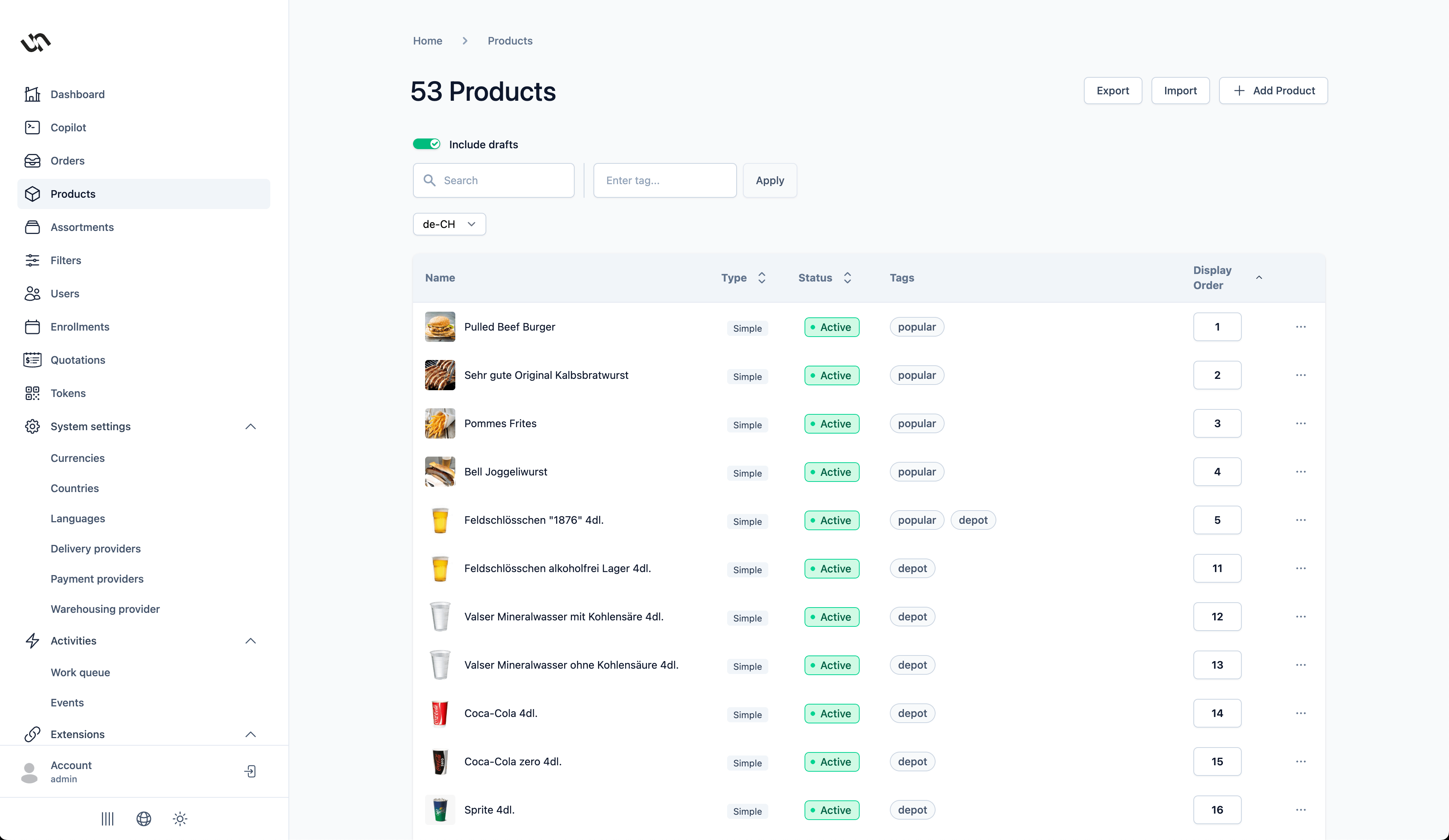
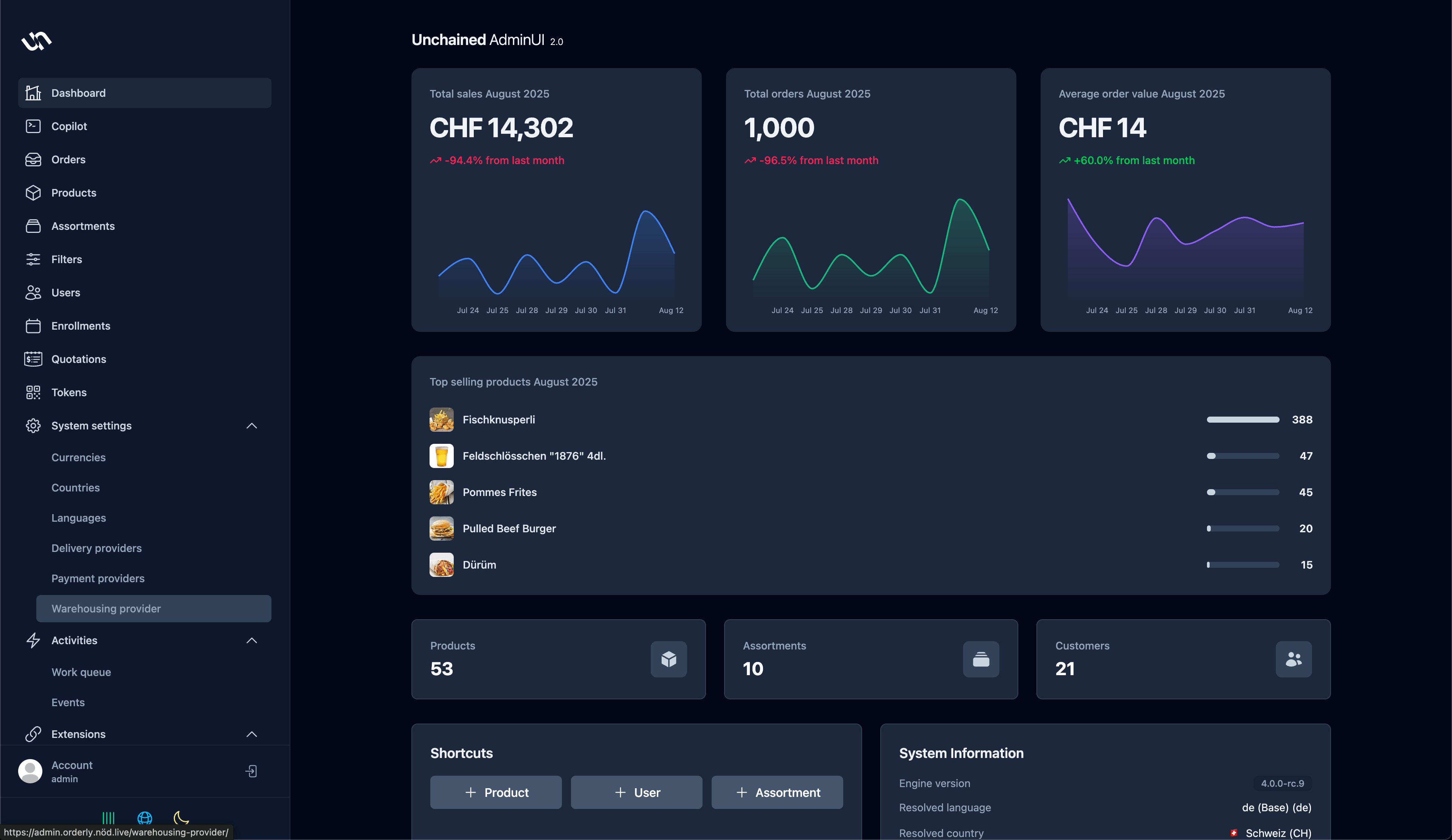
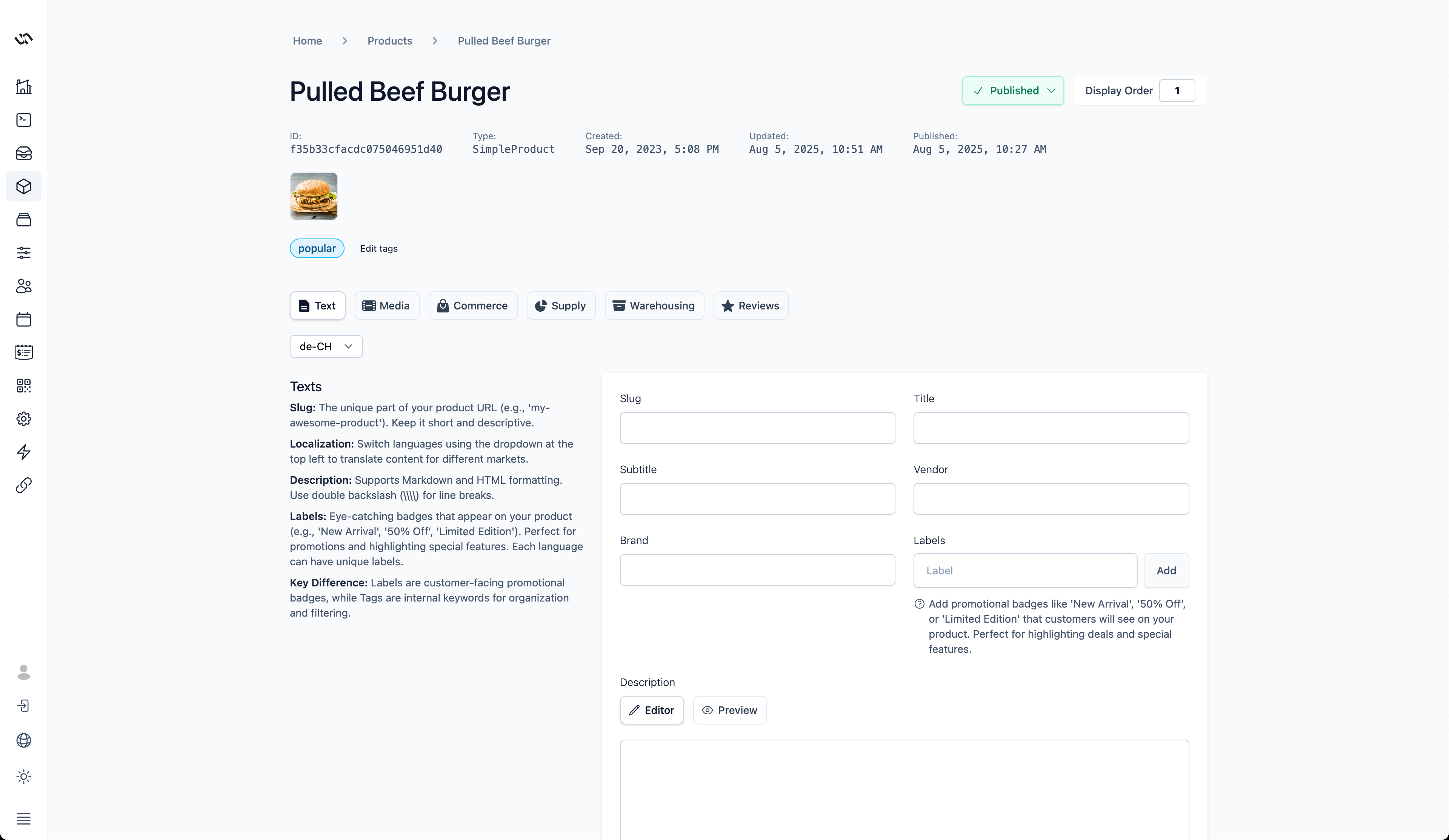
📸 Screenshots
| | | |
|:---:|:---:|:---:|
|  |
|  |
|  |
|
✨ Features
| Feature | Description | |---------|-------------| | 🤖 AI Copilot | Built-in AI assistant with Model Context Protocol (MCP) for intelligent automation | | 📦 Product Management | Simple, Bundle, Configurable, Subscription Plans & NFT-tokenized products | | 🛒 Order & Fulfillment | Complete order lifecycle with configurable workflows | | 💼 B2B Quotations | Professional quotation management with approval workflows | | 📊 Inventory Control | Multi-warehouse tracking with low-stock alerts | | 💳 Payment & Shipping | Integrate any payment gateway or delivery provider | | 🌍 Multi-language & Currency | Full i18n support with country-specific locales | | 🔐 Role-Based Access | Granular permissions with build-time security | | 🎨 Customizable Branding | White-label ready with custom logos | | 📱 Responsive Design | Works on desktop, tablet, and mobile |
🛠️ Tech Stack
| | | | | | |:---:|:---:|:---:|:---:|:---:| | Next.js 15 | React 19 | Apollo GraphQL | Tailwind CSS 4 | TypeScript |
Plus: Formik • React Intl • Headless UI • Recharts • Cypress • AI SDK
🚀 Quick Start
Prerequisites
- Node.js 22+
- Unchained Engine running on
localhost:4010
Installation
# Clone the repository
git clone [email protected]:unchainedshop/unchained.git
cd admin-ui

# Install dependencies
npm install

# Start development server
npm run dev
Open http://localhost:3000 in your browser.
⚙️ Configuration
Environment Variables
| Variable | Default | Description |
|----------|---------|-------------|
| NEXT_PUBLIC_GRAPHQL_ENDPOINT | http://localhost:4010/graphql | Unchained Engine GraphQL endpoint |
| NEXT_PUBLIC_LOGO | — | URL to your custom logo |
Create a .env.local file for local development:
NEXT_PUBLIC_GRAPHQL_ENDPOINT=https://your-engine.example.com/graphql
NEXT_PUBLIC_LOGO=https://your-cdn.com/logo.svg
🐳 Deployment
Static Export (Recommended)
npm run build
# Output in ./out/ - deploy to any CDN (Vercel, Netlify, S3, etc.)
Express / Fastify Integration
// Express
import { expressRouter } from '@unchainedshop/admin-ui/express';
app.use('/admin', expressRouter);

// Fastify
import { fastifyRouter } from '@unchainedshop/admin-ui/fastify';
fastify.register(fastifyRouter, { prefix: '/admin' });
📝 Development
| Command | Description |
|---------|-------------|
| npm run dev | Start dev server with debugging |
| npm run build | Production build |
| npm run lint | Run ESLint |
| npm run format | Format with Prettier |
| npm run codegen | Generate GraphQL types |
| npm run test:e2e | Run Cypress E2E tests |
| npm run test:component | Run Cypress component tests |
| npm run extract-translation | Extract i18n strings |
| npm run compile-translation | Compile translations |
🏗️ Architecture
Modular architecture with 27+ domain modules:
src/modules/
├── product/           # Catalog & variants
├── order/             # Order management
├── quotation/         # B2B quotations
├── copilot/           # AI assistant
├── token/             # NFT tokenization
├── enrollment/        # Subscriptions
├── assortment/        # Categories
├── user/              # Customer management
├── payment-providers/ # Payment gateways
├── delivery-provider/ # Shipping
├── country/           # Multi-country
├── currency/          # Multi-currency
└── ...                # And more
Each module follows the pattern:
components/— React componentshooks/— Data fetching hooks (use{Action}{Entity})fragments/— GraphQL fragmentsutils/— Domain utilities