
@usmanthesuper/react-native-ar
v0.1.20
Published
AR viewer for react native that uses Sceneform on Android and ARKit on iOS

Maintainers
 usmanthesuper
Readme
React Native AR Viewer

AR viewer for react native that uses Sceneform on Android and ARKit on iOS
Installation
npm install react-native-ar-viewerAndroid
Required AR features:
- Add
com.google.ar.coremeta data to yourAndroidManifest.xmlas follows:
<manifest xmlns:android="http://schemas.android.com/apk/res/android" xmlns:tools="http://schemas.android.com/tools">
  ...
  <application>
    ...
    <meta-data android:name="com.google.ar.core" android:value="required" tools:replace="android:value" />
  </application>
  ...
</manifest>- Check that your
<manifest>tag containsxmlns:tools="http://schemas.android.com/tools"attribute.
iOS
Remember to add
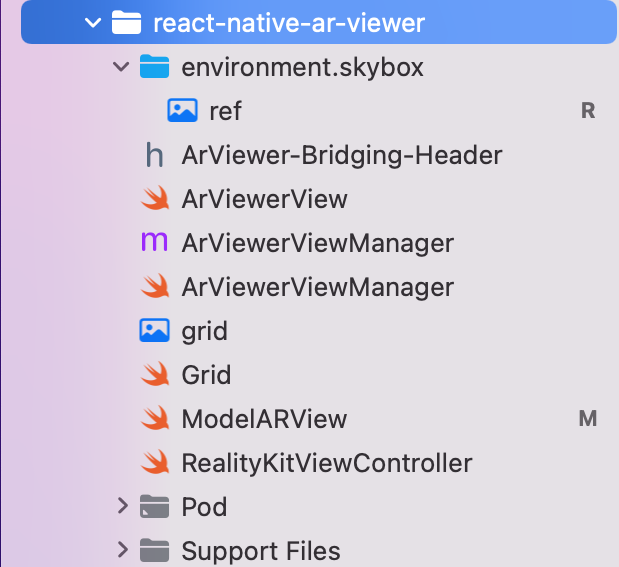
NSCameraUsageDescriptionentry in your Info.plist with a text explaining why you request camera permission.In XCode file tree, go to Pods > Development pods > react-native-ar-viewer, right-click on "Add Files to Pods"... Then select the environment.skybox folder in your node_modules/react-native-ar-viewer/ios folder. In add file window, check "react-native-ar-viewer-ARViewerBundle". It should appear with a blue icon on the file tree. Check if res.hdr is present inside, if not, add it manually. It should look like that:
File formats
The viewer only supports USDZ files for iOS and GLB for Android. Other formats may work, but are not officialy supported.
Usage
You should download your model locally using for example React Native File System in order to run the viewer on iOS. Android supports natively file URL (https:// instead of file://)
import { ArViewerView } from "react-native-ar-viewer";
import { Platform } from 'react-native';

function App() {
  const ref = React.useRef() as React.MutableRefObject<ArViewerView>;

  const load = () => {
    ref.current?.loadModel();
  };

  return (
    <ArViewerView
      ref={ref}
      style={{ flex: 1 }}
      model={Platform.OS === 'android' ? 'dice.glb' : 'dice.usdz'}
      lightEstimation
      manageDepth
      allowRotate
      allowScale
      allowTranslate
      onStarted={() => console.log('started')}
      onEnded={() => console.log('ended')}
      onModelPlaced={() => console.log('model displayed')}
      onModelRemoved={() => console.log('model not visible anymore')}
      onUserTap={(event) => console.log('User Tapped', event.nativeEvent)}
      planeOrientation="both"
    />
  );
}
Props
| Prop | Type | Description | Required |
|---|---|---|---|
| model| string | Path to the model file (URL or local) | Yes |
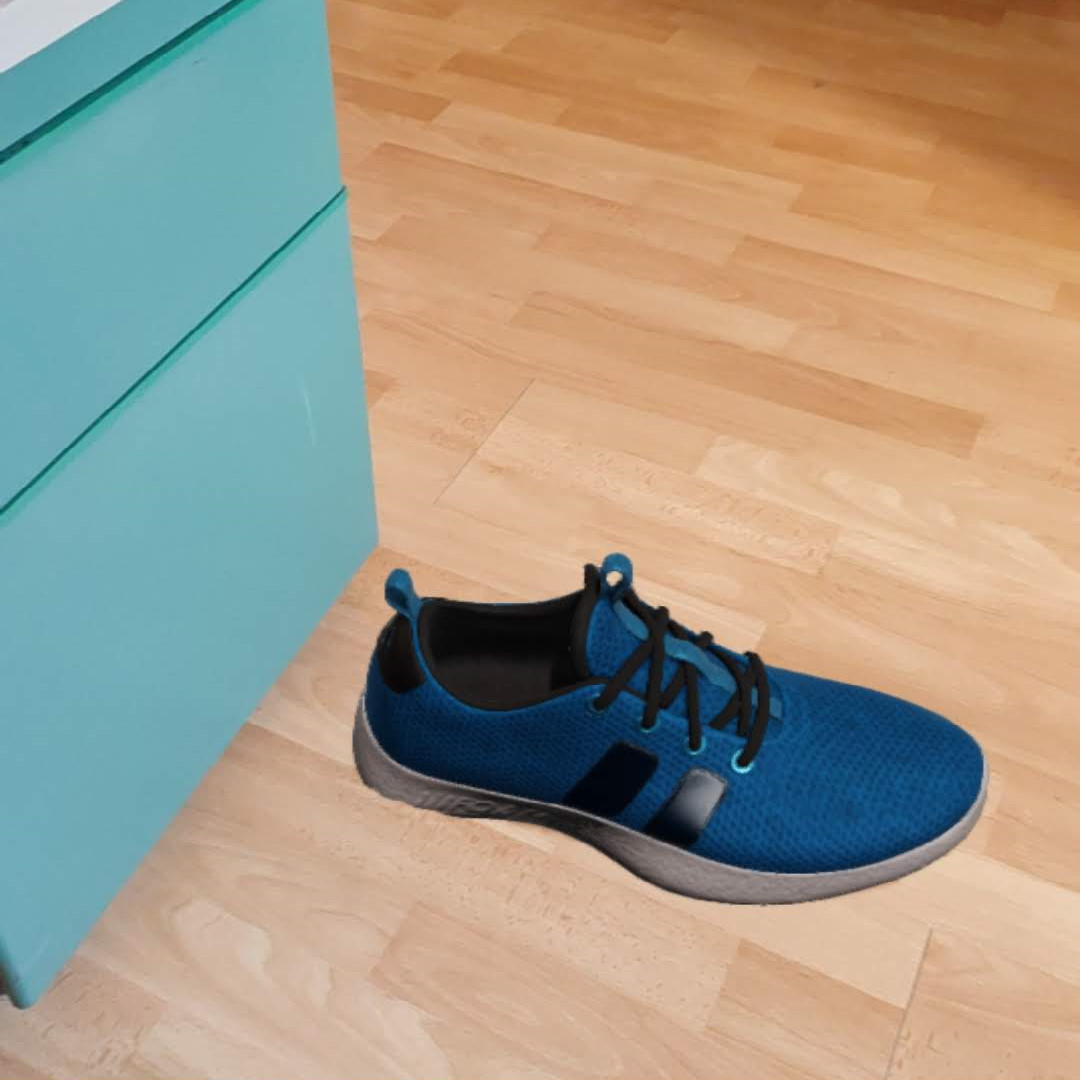
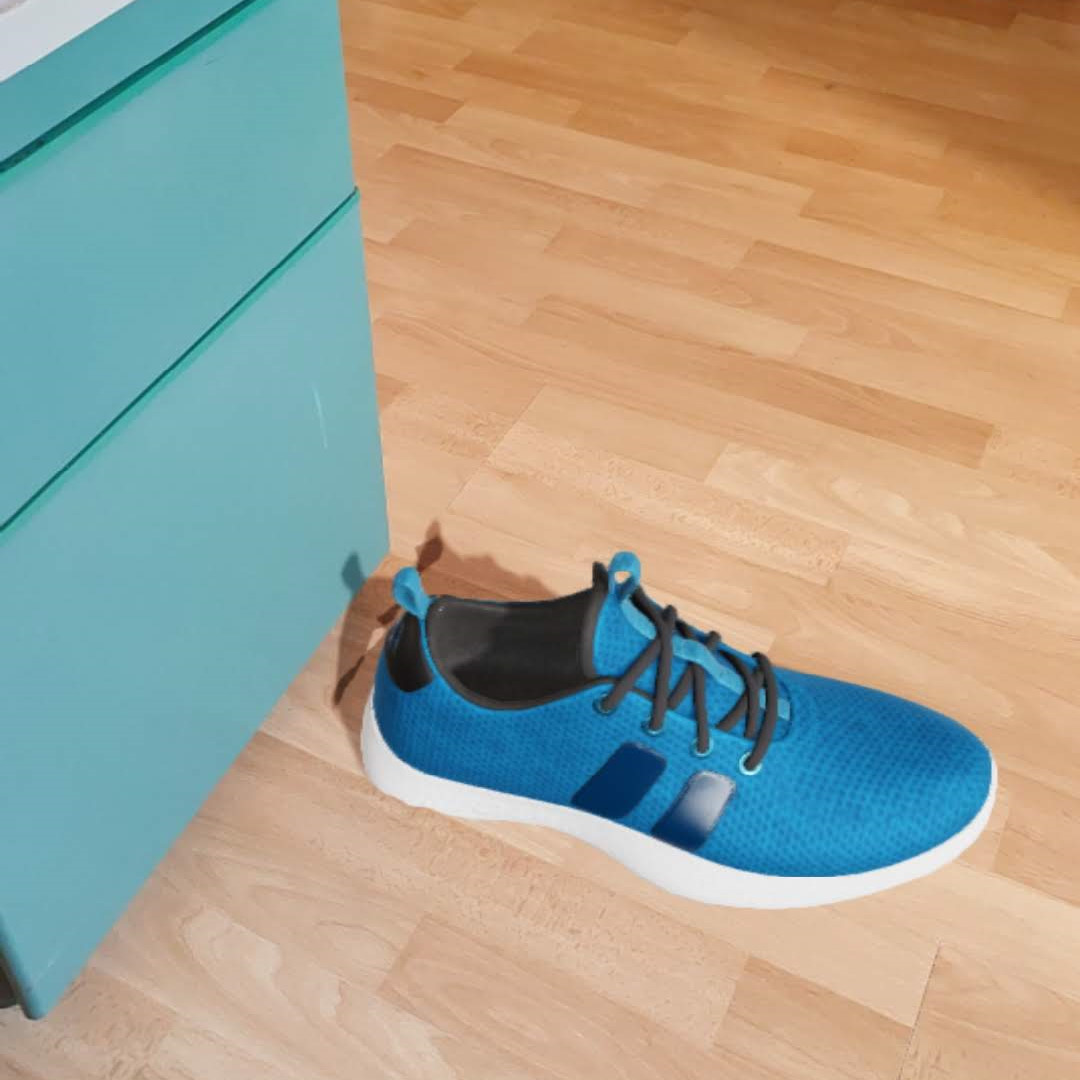
| lightEstimation| bool | Enables ambient light estimation (see below) | No |
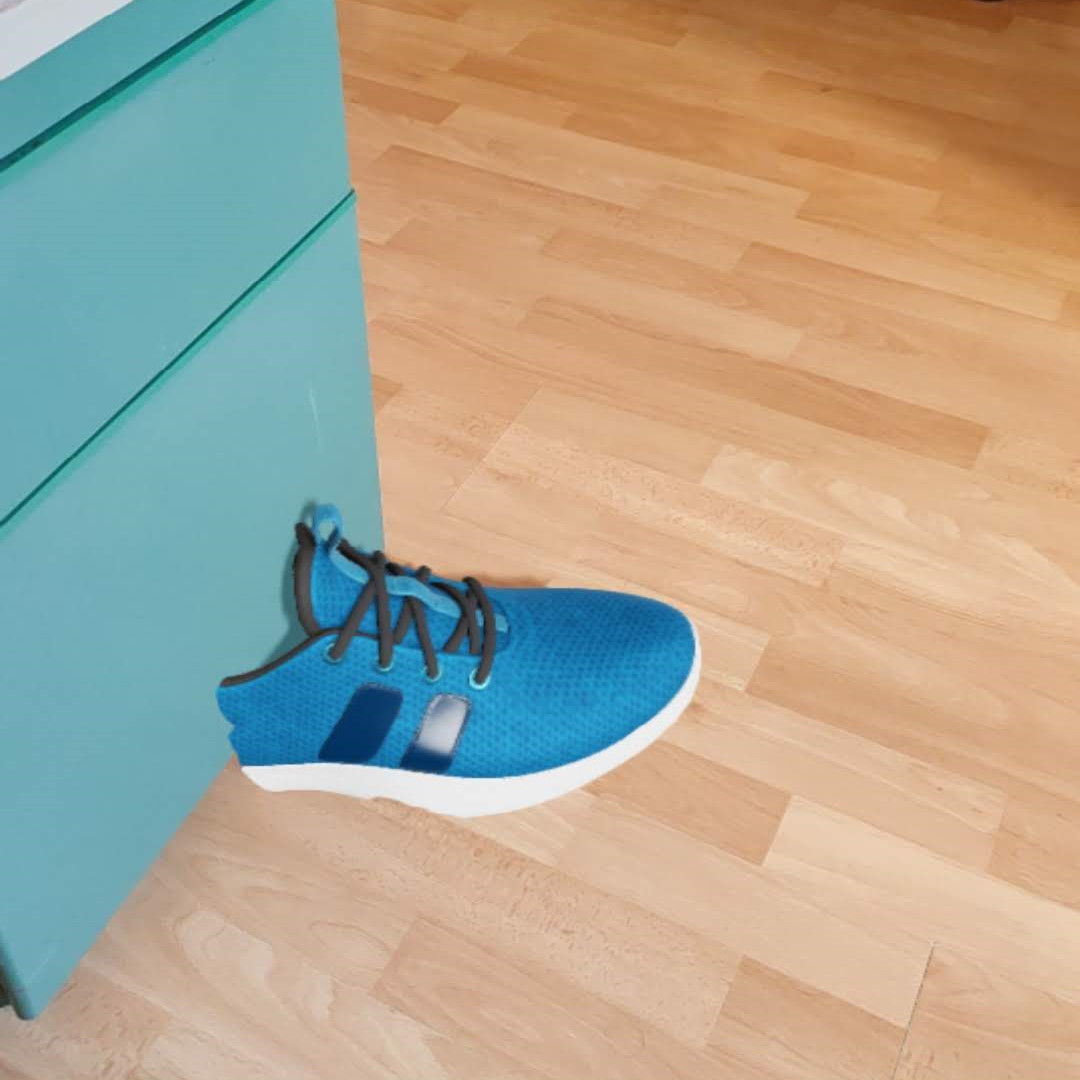
| manageDepth | bool | Enables depth estimation and occlusion (only iOS, see below) | No |
| allowRotate | bool | Allows to rotate model | No |
| allowScale | bool | Allows to scale model | No |
| allowTranslate | bool | Allows to translate model | No |
| disableInstructions | bool | Disables instructions view | No |
| planeOrientation | "horizontal", "vertical", "both" or "none" | Sets plane orientation (default: both) | No |
lightEstimation:
| With | Without |
|---|---|
| |
| |
|
manageDepth:
| With | Without |
|---|---|
| |
|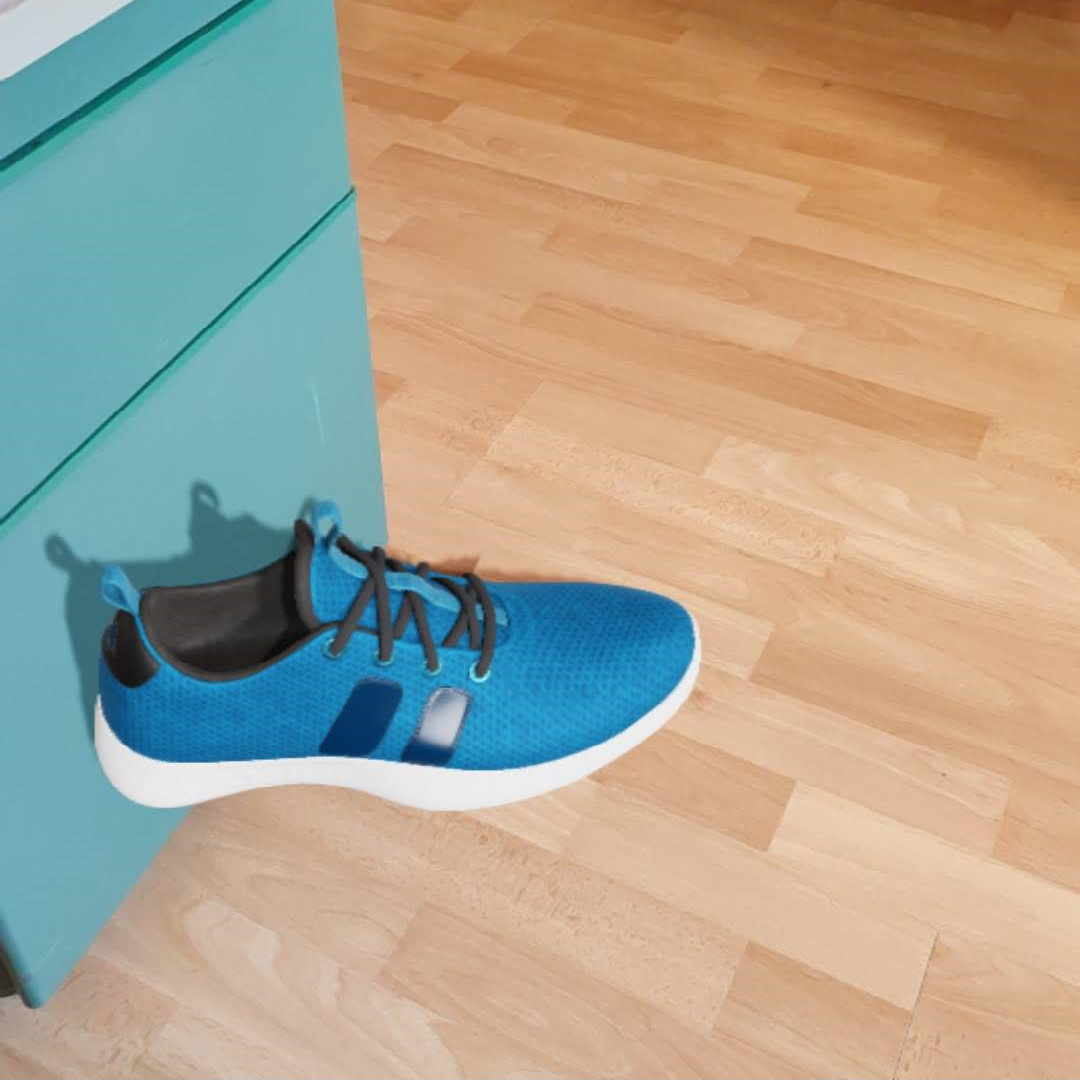 |
|
Others:
| allowRotate | allowScale | planeOrientation: both |
|---|---|---|
|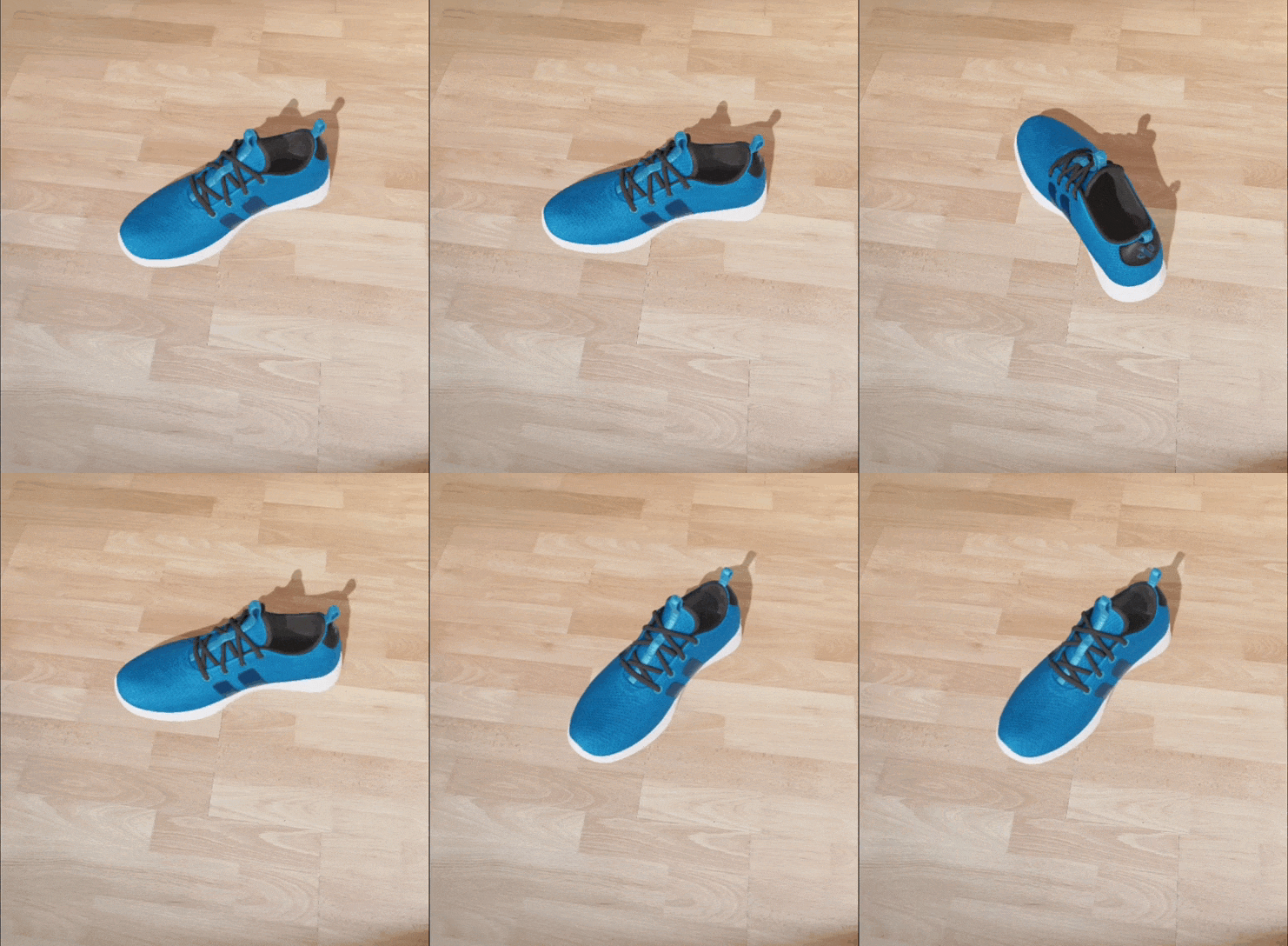 |
|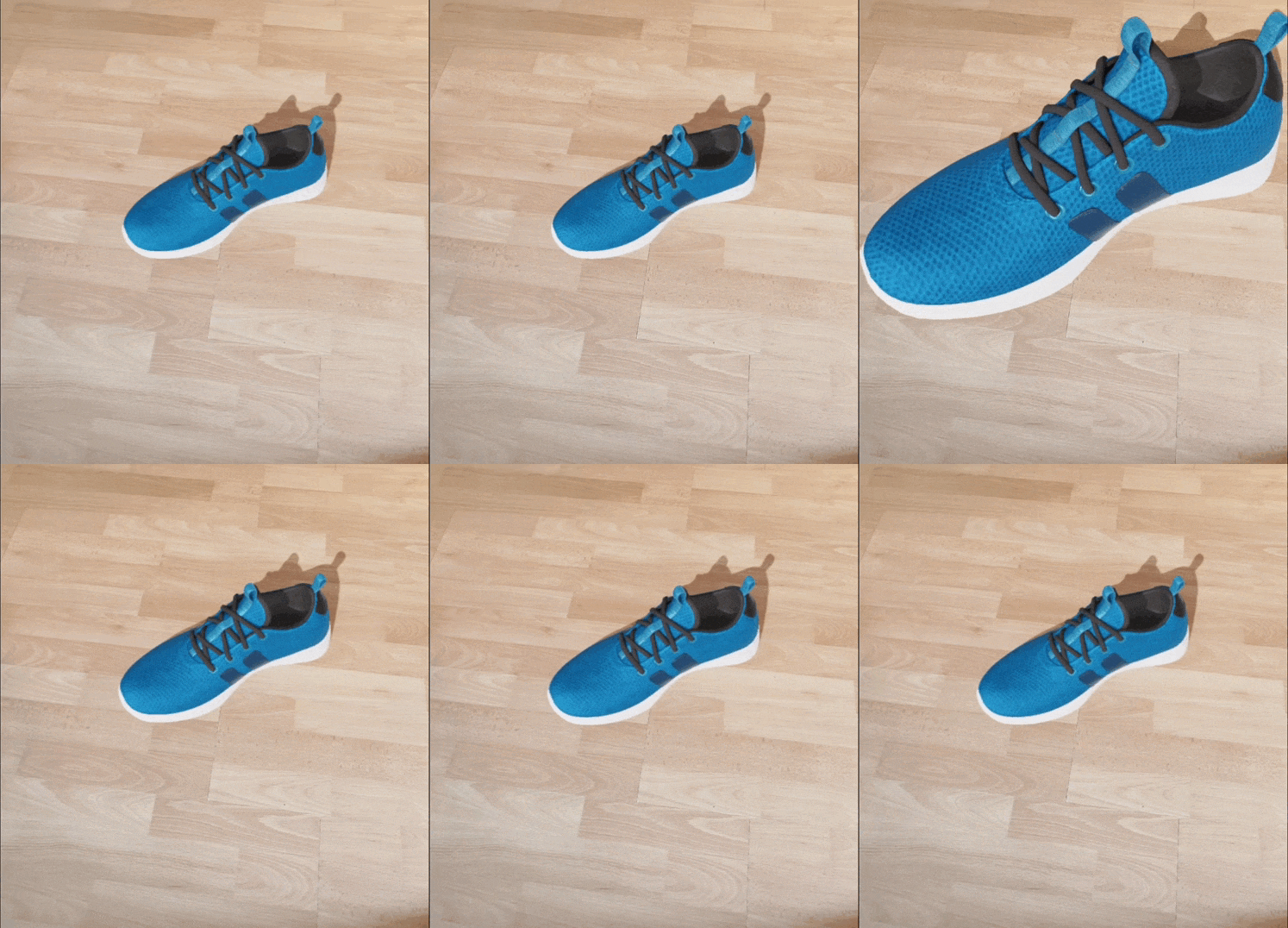 |
|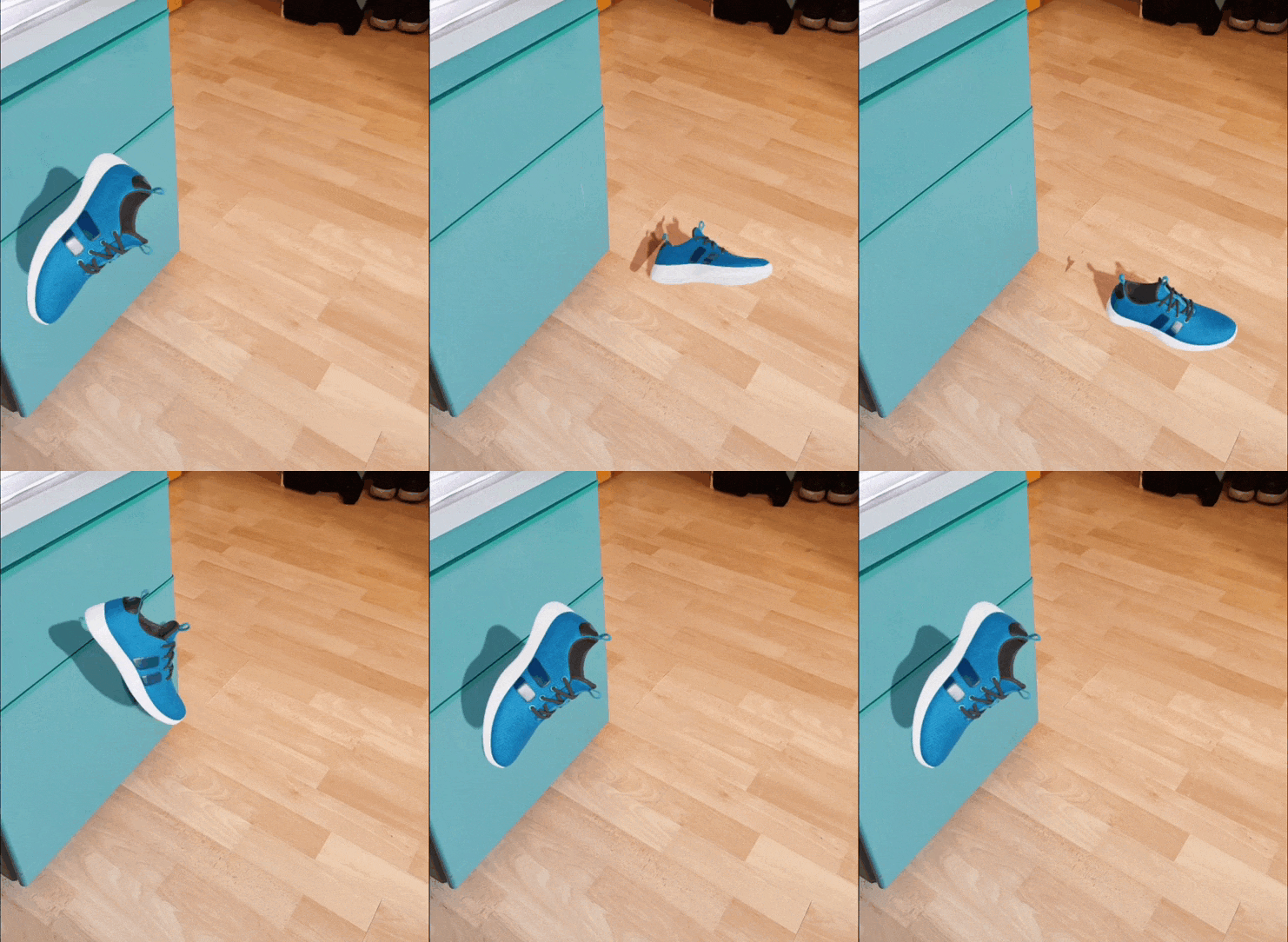 |
|
Events
| Prop | Parameter | Description |
|---|---|---|
| onStarted | none | Triggers on AR session started |
| onEnded | none | Triggers on AR session ended |
| onModelPlaced | none | Triggers when model is placed |
| onModelRemoved | none | Triggers when model is removed |
| onUserTap | { coordinates: { x: number, y: number } } | Triggers when user taps on the AR view |
| onError | { message: string } | Triggers on any error and returns an object containing the error message |
Commands
Commands are sent using refs like the following example:
  // ...
  const ref = React.useRef() as React.MutableRefObject<ArViewerView>;

  const reset = () => {
    ref.current?.reset();
  };

  return (
    <ArViewerView
      model={yourModel}
      ref={ref} />
  );
  // ...
| Command | Args | Return | Description |
|---|---|---|---|
| reset() | none | void | Removes model from plane |
| rotate() | pitch, yaw, roll | void | Manually rotates the model using pitch, yaw and roll in degrees |
| loadModel() | none | void | Loads the model manually |
| placeModel() | x, y, z | void | Places the model at the specified coordinates |
| placeText() | x, y, z, color, text | void | Places text at the specified coordinates |
| getPositionVector3() | x, y | Promise<PositionVector3> | Returns the 3D position vector from 2D screen coordinates |
| createLineAndGetDistance() | pos1, pos2, color | Promise<string> | Creates a line between two positions and returns the distance |
| takeScreenshot() | none | Promise<String> | Takes a screenshot of the current view (camera + model) and returns a base64 jpeg string as a promise |
Contributing
See the contributing guide to learn how to contribute to the repository and the development workflow.
License
MIT