
@verificaremails/n8n-nodes-verificaremails
v1.0.13
Published
Official n8n community node for VerificarEmails.com

Maintainers
 verificaremails
Readme
VerificarEmails — n8n Community Node
Official n8n node for VerificarEmails.com.
Validate emails, phone numbers (HLR / MNP / Syntax), names, and postal addresses.
Installation (Community Nodes)
- In n8n, go to Settings → Community nodes → Install a community node.
- Enter the package name:
@verificaremails/n8n-nodes-verificaremails - Accept the security warning and confirm.
Supported Services
- Email validation
- Phone validation — HLR Lookup
- Phone validation — MNP
- Phone validation — Syntax
- Postal address validation
- Name / Surname / Gender validation
- Name / Surname correction (JSON term)
- Name / Surname autocomplete (JSON term)
For Name correction and Name autocomplete, the node automatically builds the required JSON and encodes it into the
termparameter.
Development
npm install
npm run build
The icon must be available at build time in:
dist/nodes/Verificaremails/verificaremails2.svgCredentials
To use the VerificarEmails API, you must first create an account.
Once registered, you can activate the services you need:
- Email verification
- Phone verification
- Postal address verification
- Name, surname, and gender detection
When creating your account, select your preferred language. All API messages will use this language setting.

After activating your account, choose the service you want to use. You can navigate between services using the top-left logo or the banners.

Next, go to the API section of the chosen service.

Click on the "+ Create new API" button (top right). Give the API a name and optionally set a credit limit.
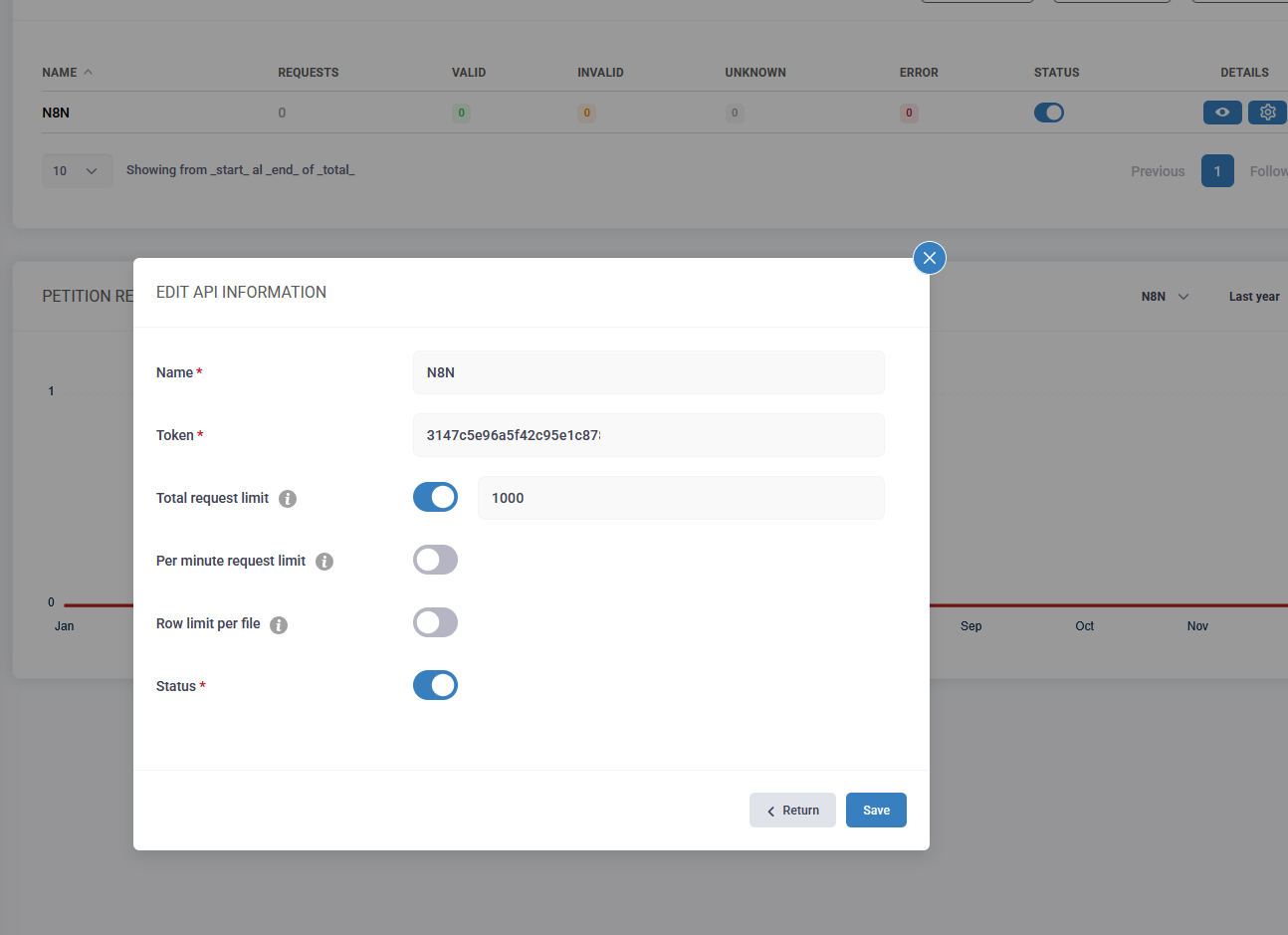
Once saved, an API token will be generated. This token must be added to the n8n credentials for the VerificarEmails node.
Using the Node in n8n
In n8n, search for VerificarEmails in the Community Nodes section and add it to your workflow.
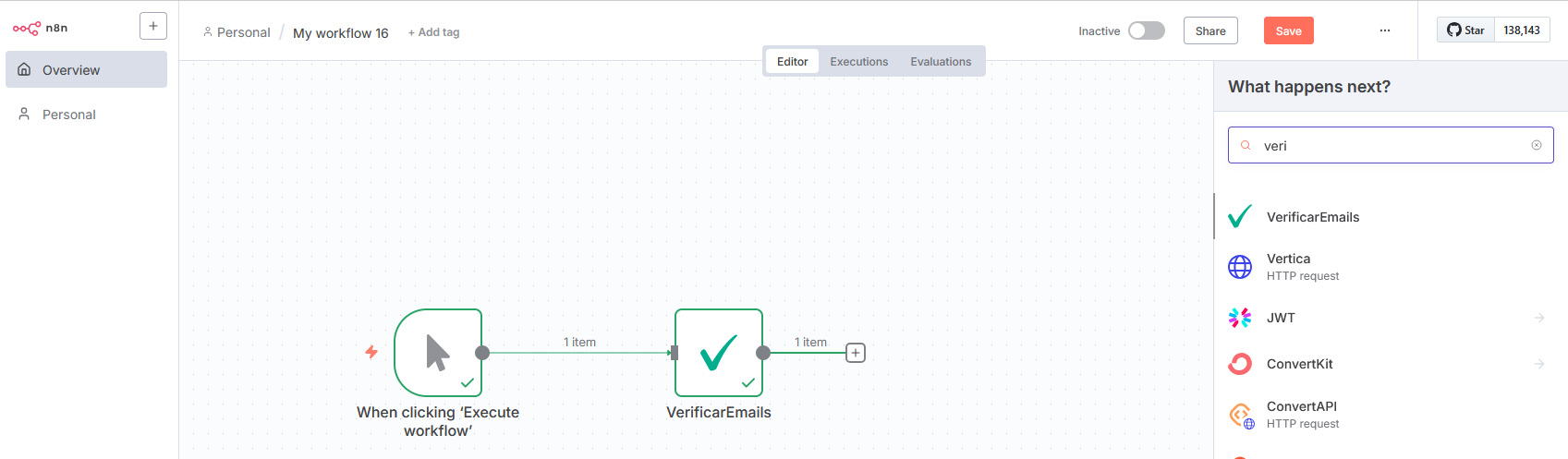
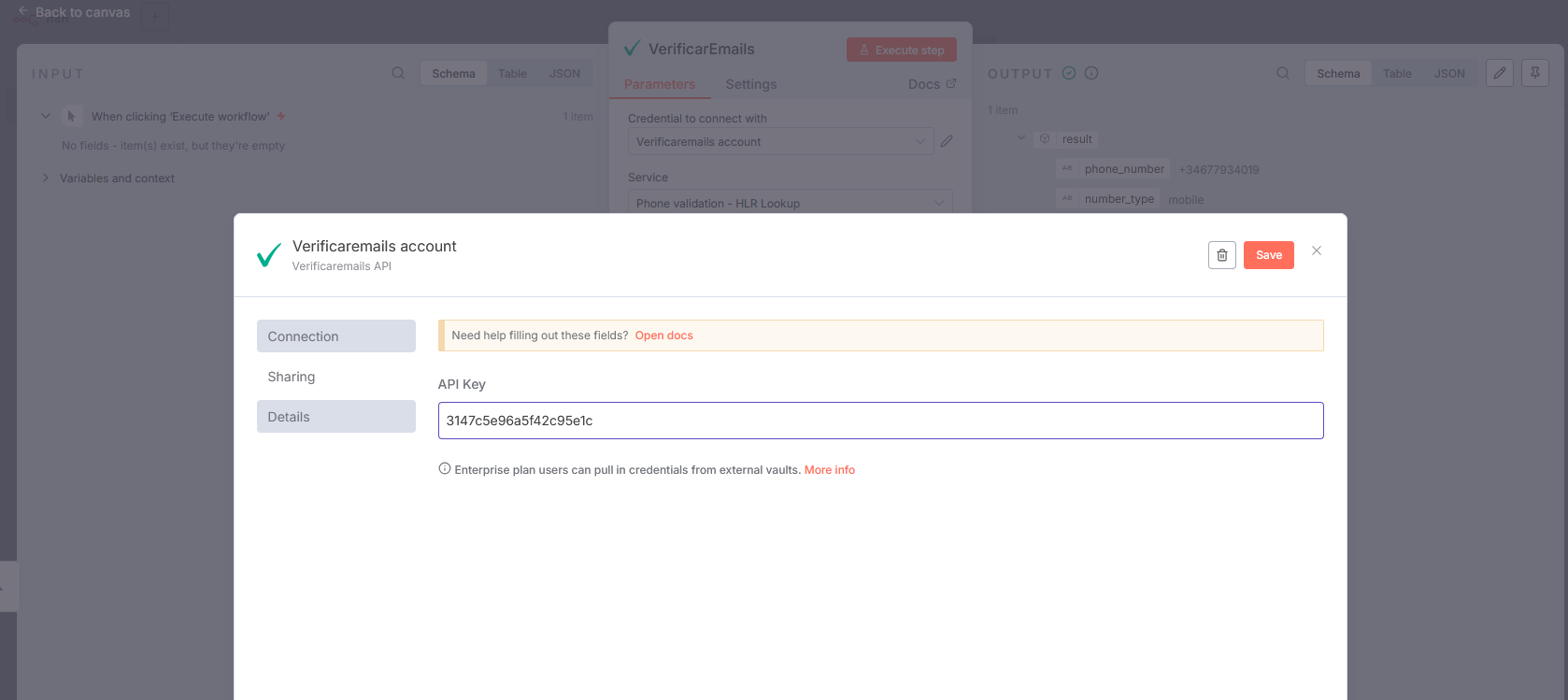
If you plan to use multiple validation services, it’s recommended to use the same API key for all of them.
To do this, open the gear icon in the credentials, select the active token, and reuse it across services.
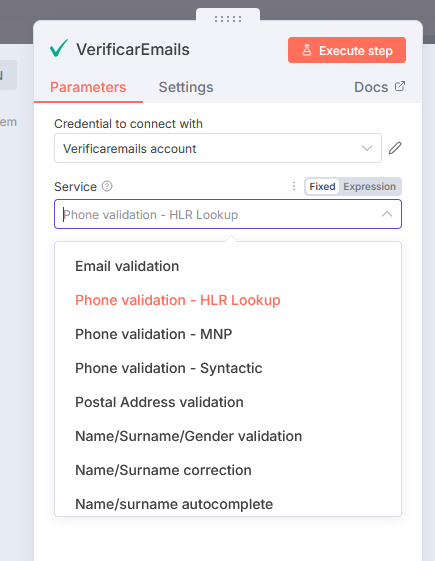
When configuring the node, select the specific service you want to use (Email, Phone, Name/Surname, Postal address, etc.).
Each service not only validates the data but also provides additional details. Check the Result Guide section in our documentation to better understand and use the results.
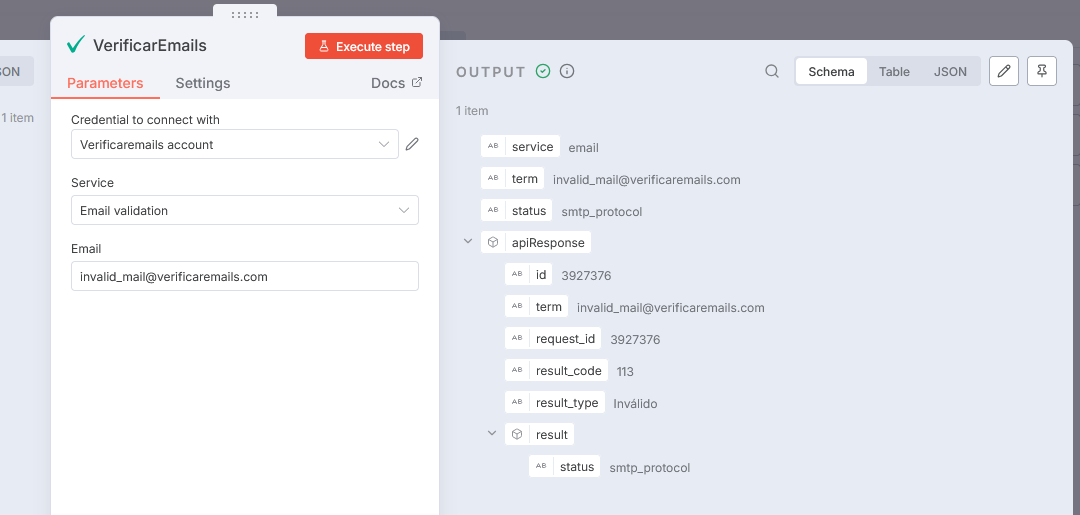
The API also includes error handling for incorrect queries. Errors are rare, but we recommend implementing controls.
Error messages will always be returned in the account’s selected language.
Documentation
- Email Verification API
- Phone Verification API
- Name / Surname / Gender API
- Postal Address API
- Swagger Quick Start Guide
If you need assistance setting up your environment, use the support chat (bottom right widget) on our dashboard.
License
MIT © Skeyon Lab S.L.