
@viren/claude-code-dashboard
v0.0.11
Published
A visual dashboard for your Claude Code configuration across all repos
Downloads
17

Maintainers
 viren
virenReadme
claude-code-dashboard


See everything about your Claude Code setup in one place — what's configured, what's drifting, and what to do next.
npx @viren/claude-code-dashboard --open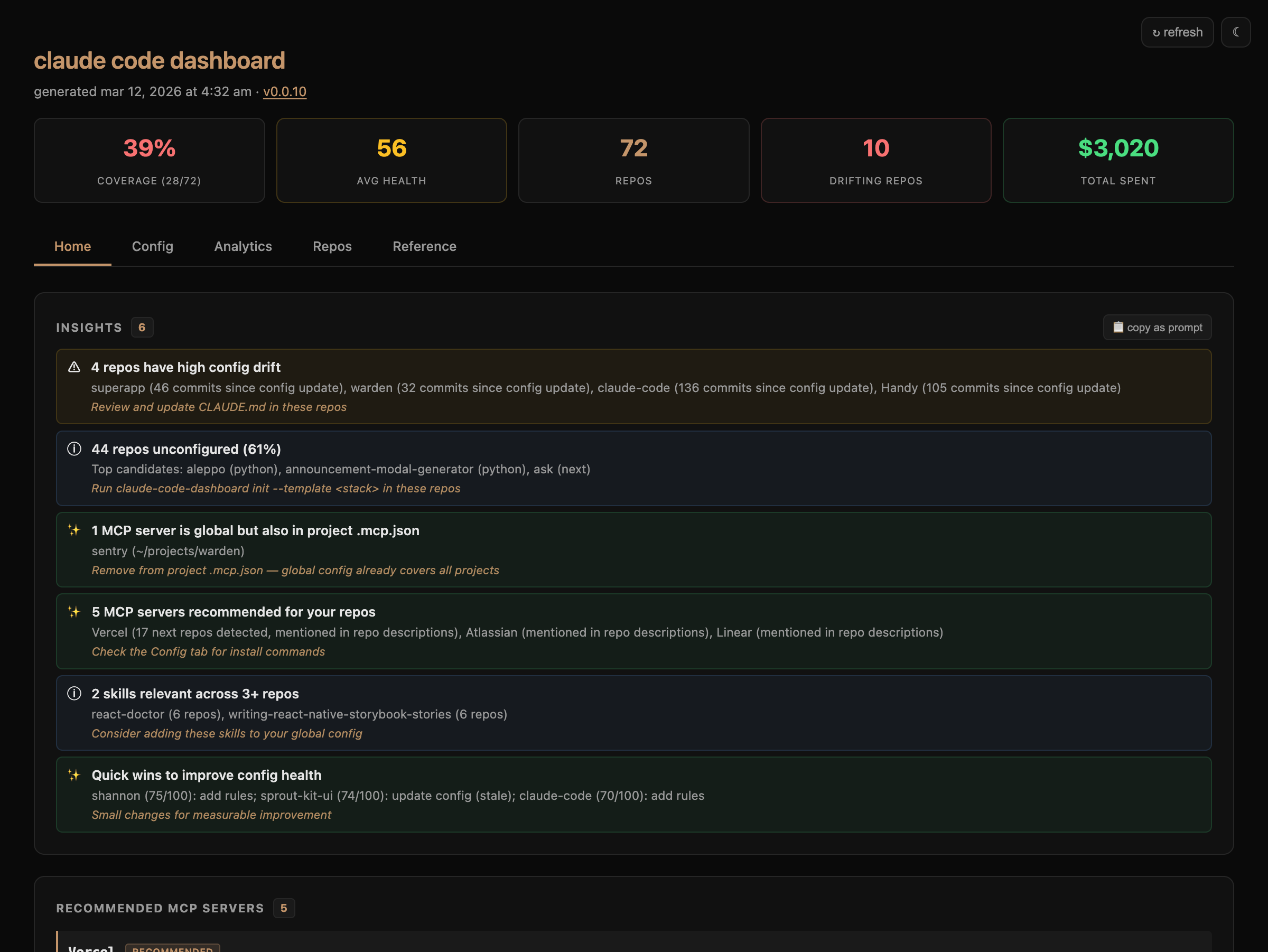
What it does
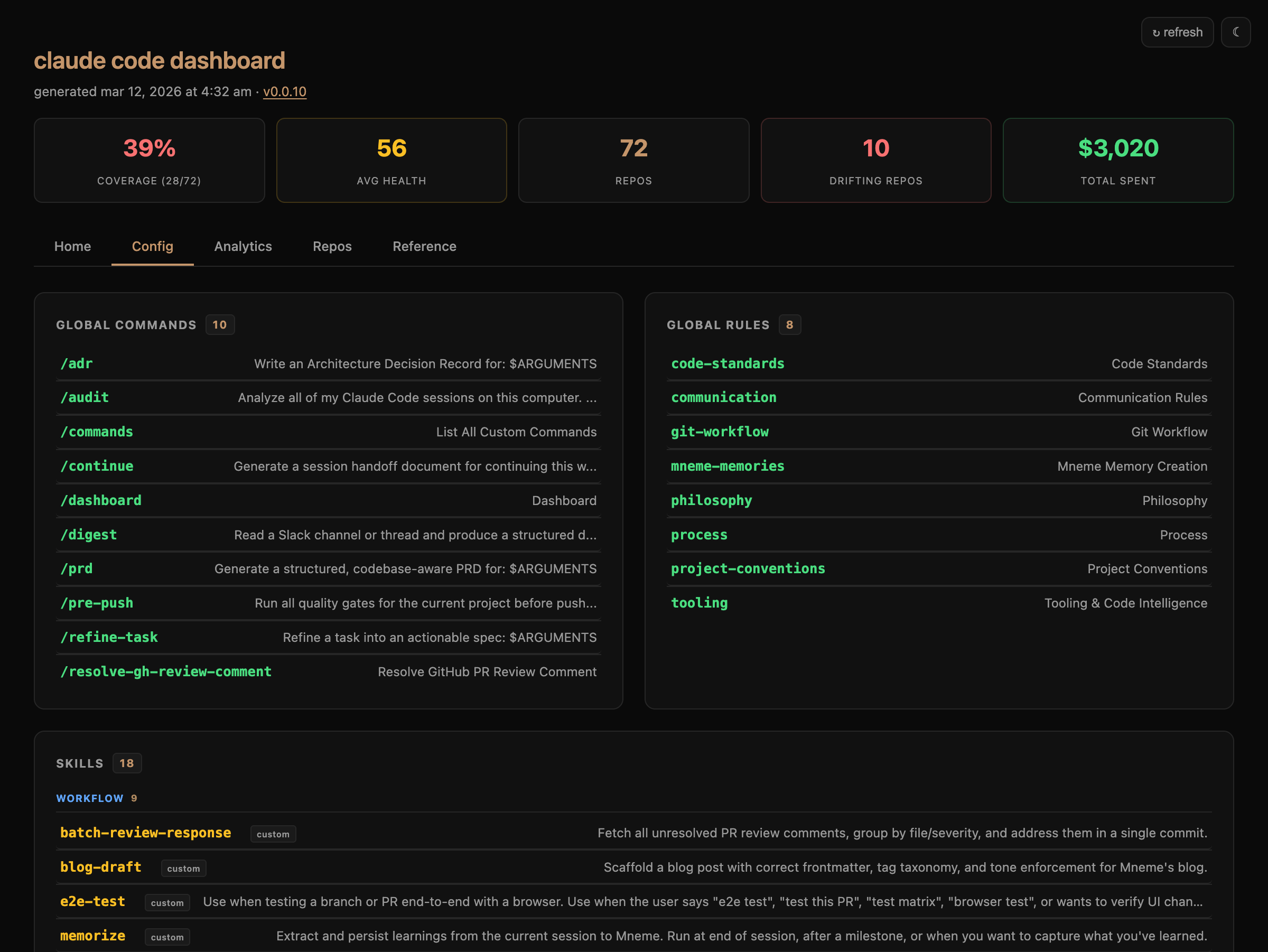
Scans your machine for git repos, collects all Claude Code configuration (commands, rules, skills, MCP servers, usage data), and generates a self-contained HTML dashboard. No server, no account, no dependencies.
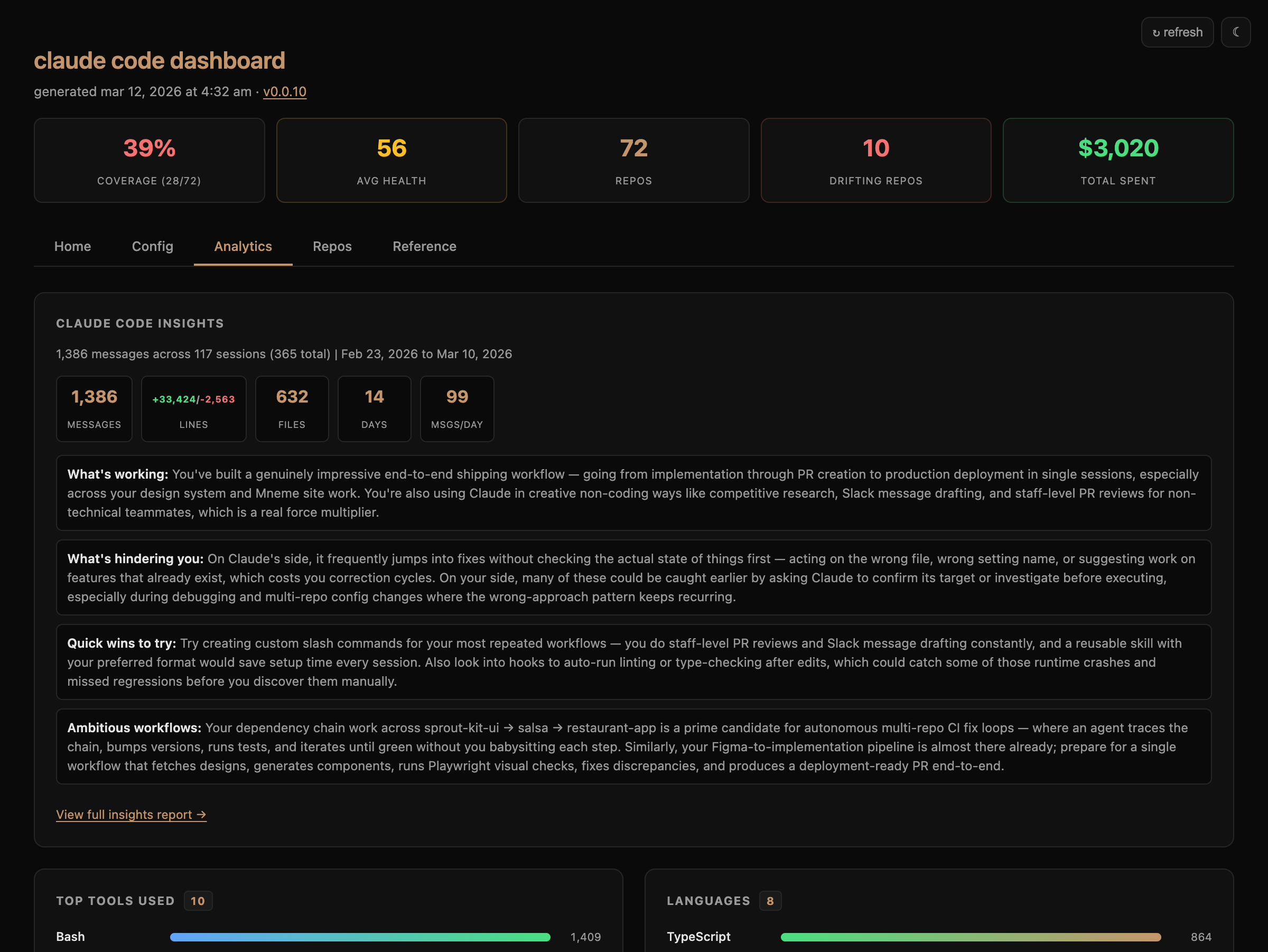
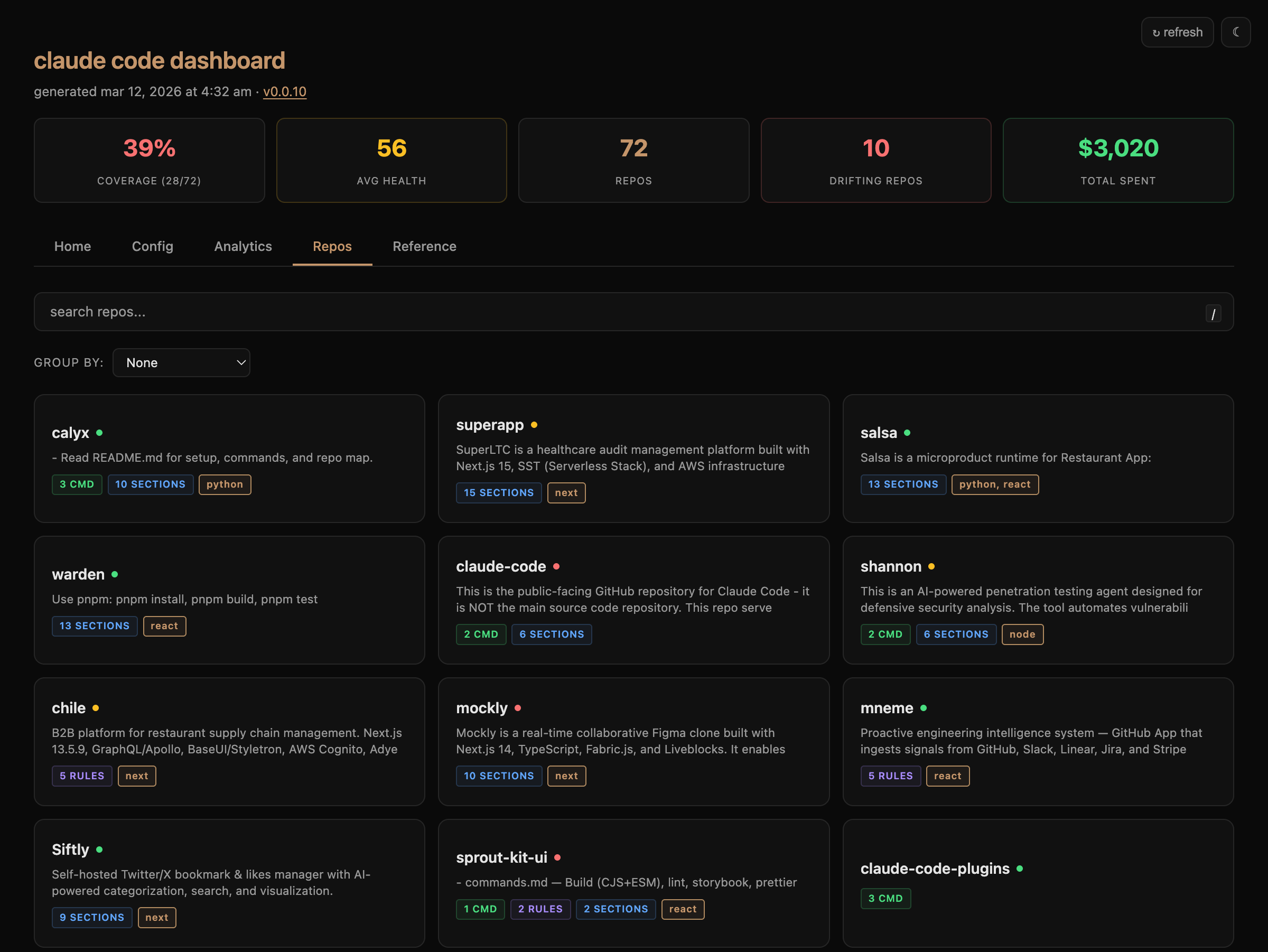
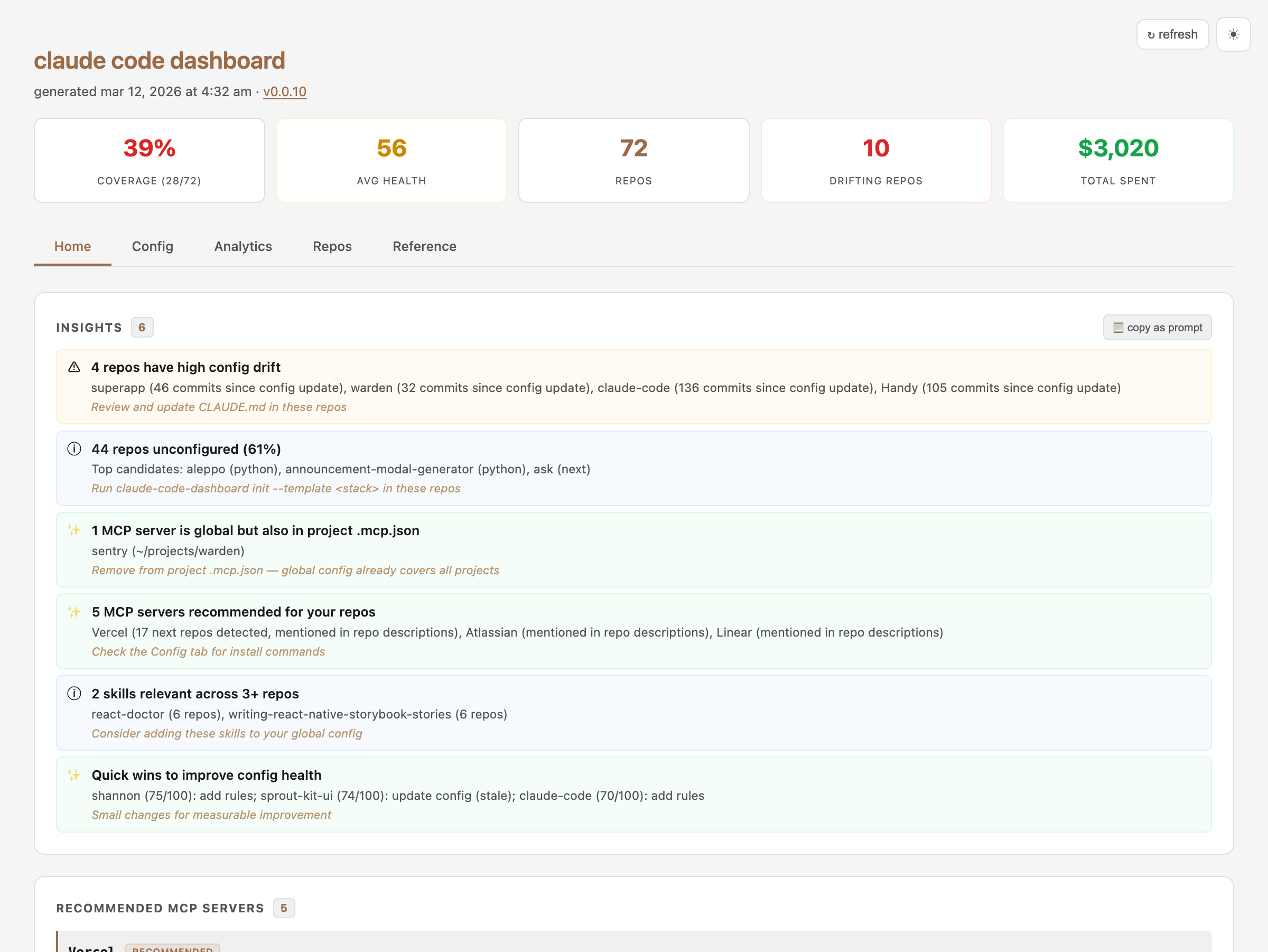
The Home tab tells you what needs attention — config drift, recommended MCP servers, quick wins. The Config tab shows your full setup. Analytics visualizes how you use Claude Code. Repos gives a searchable grid of every project.
Config — commands, rules, skills, MCP servers
Analytics — tools, languages, activity heatmap, cost
Repos — searchable grid with health scores
Light mode
Install
npm install -g @viren/claude-code-dashboardOr run directly with npx @viren/claude-code-dashboard.
Usage
# Generate and open in browser
claude-code-dashboard --open

# Watch mode — regenerate on config changes
claude-code-dashboard --watch

# Scaffold CLAUDE.md for the current repo
claude-code-dashboard init

# Lint all repo configs
claude-code-dashboard lint
As a slash command
Create ~/.claude/commands/dashboard.md:
# Dashboard

Generate and open the Claude Code configuration dashboard.

## Steps

1. Run the dashboard generator:
   npx @viren/claude-code-dashboard --open --quiet
Then run /dashboard from any Claude Code session.
claude-code-dashboard --output ~/path.html   # Custom output path
claude-code-dashboard --json                  # Export data as JSON
claude-code-dashboard --catalog               # Generate shareable skill catalog
claude-code-dashboard --diff                  # Show changes since last run
claude-code-dashboard --anonymize             # Strip paths for safe sharing
claude-code-dashboard --offline               # Skip MCP registry fetch
claude-code-dashboard --demo                  # Generate with sample data
claude-code-dashboard --completions >> ~/.zshrc  # Shell completions
claude-code-dashboard init --dry-run          # Preview config scaffold
Configuration
Create ~/.claude/dashboard.conf to control scanning:
# Restrict to specific directories (one per line):
~/work
~/personal/repos

# Define dependency chains:
chain: ui-library -> app -> deploy
chain: backend <- shared-types
Without this file, the entire home directory is scanned (depth 5).
Key features
- Insights — actionable findings with "copy as prompt" to paste directly into Claude Code
- Health scores — 0-100 config completeness per repo with specific improvement suggestions
- MCP recommendations — suggests servers from the Anthropic registry based on your tech stacks
- Drift detection — flags repos where config hasn't been updated in many commits
- Tech stack detection — auto-detects Next.js, React, Python, Go, Rust, Expo, etc.
- Usage analytics — activity heatmap, top tools, peak hours, model costs (via ccusage)
- Skill catalog — shareable HTML page of your skills with install hints
- Zero dependencies — pure Node.js 18+, no
npm installrequired
Privacy
Everything stays local. The generated HTML is a self-contained file that is never sent anywhere. Use --anonymize to strip paths before sharing.
License
MIT