
@wanderapp/connect
v0.1.13
Published
Wander Connect SDK.
Downloads
4,176


Readme
Wander Connect SDK
Introducing the Wander Connect Embedded Wallet for Arweave and AO.
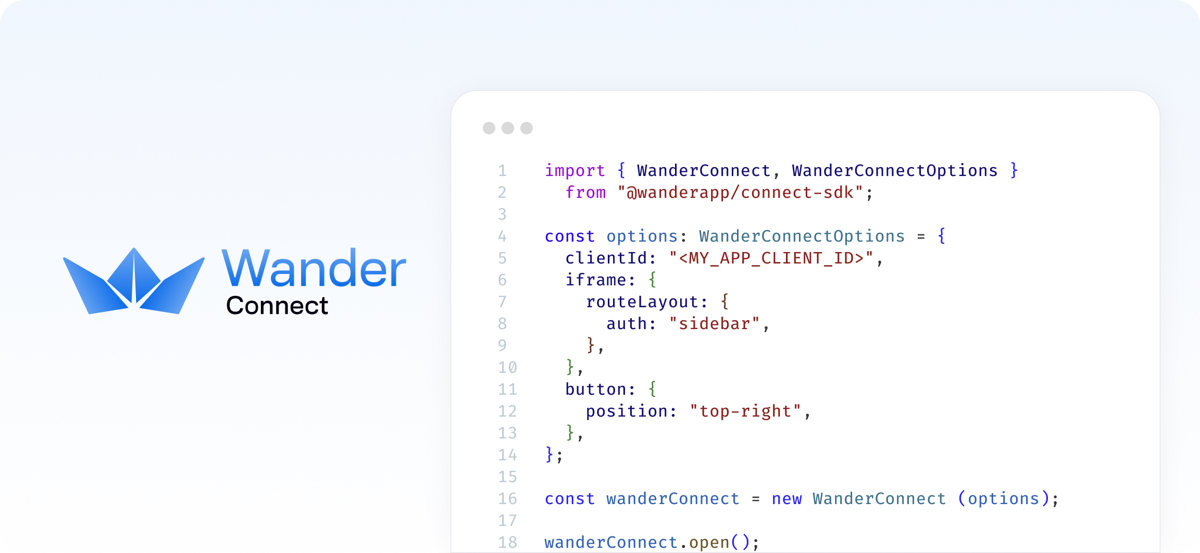


A simplified, lightweight, customizable embedded wallet for Arweave and AO that bridges the gap between web2 and web3, helping non-crypto native users onboard into web3 easily!
- 🪪 Familiar Authentication: Users sign up/in with their favorite and familiar authentication method: email and password, passkeys and social providers (Facebook, Twitter/X, Apple).
- 🔑 No Seed Phrases: 5 clicks is all it takes for your users to get to their fully functional wallet. Managing seed phrases and backups is an optional step that can be taken care of later.
- 📱 Simplified UI: De-clutter UI with all the functionality your users need, but the same functionality as the mighty Wander Browser Extension.
- ✨ Refined Experience: Light and dark themes, and responsive out-of-the-box. A wallet that works on any device and platform, with no download needed.
And offering a great developer experience too:
- 🔌 Easy Integration: Easy to use SDK to embed Wander Connect wallet in your dApp.
- 🎨 Customizable UI: Extensive customization and layout options. A white-label wallet that can match your brand & site/app's look and feel.
- 🔒 Secure: User keys are secured using advanced cryptography, such as AES and Shamir Secret Sharing. Neither we nor your app will ever get access to users' private keys.
Installation
Use the Wander Connect SDK to integrate the Wander Connect embedded wallet in your web applications and dApps.
npm install @wanderapp/connect
yarn add @wanderapp/connect
pnpm add @wanderapp/connect
bun add @wanderapp/connect
Basic Usage
To use the Wander Connect embedded wallet, you first need to instante it:
import { WanderConnect } from "@wanderapp/connect";

// Initialize Wander Connect:
const wander = new WanderConnect({ clientId: "FREE_TRIAL" });
Docs
If you want to learn how to integrate Wander Connect into your project, please take a look at our officials docs:
https://docs.wander.app/wander-connect/intro
If you want to learn how to run and build your own Wander Connect SDK to hopefully contribute to our project, you can
find that information in DEVELOPMENT.md.