
@weibaohui/dsh-settings-ui
v0.2.10
Published
dsh 插件 · 设置界面自定义:调整原生设置窗口大小(全屏 / 预置大尺寸 / 自定义宽高)、背景透明度与背景(主题 / 自定义颜色),悬浮球即开即调,随 dsh profile 持久化

Maintainers
 weibaohui
Readme
@weibaohui/dsh-settings-ui


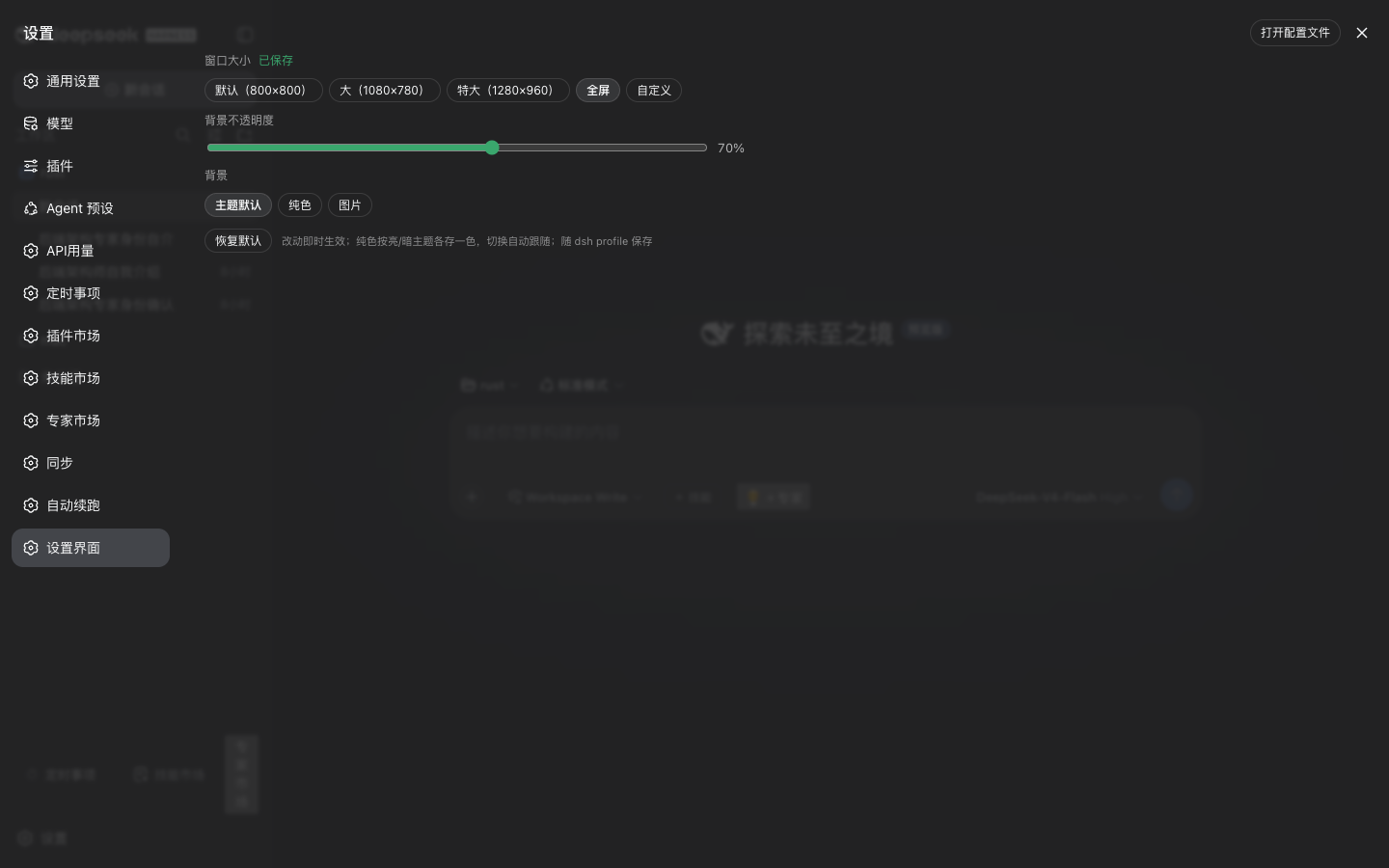
dsh 设置界面自定义:调整 dsh 原生设置窗口的大小、透明度与背景。设置项就在设置窗口里(左侧导航「设置界面」),改动即时生效。
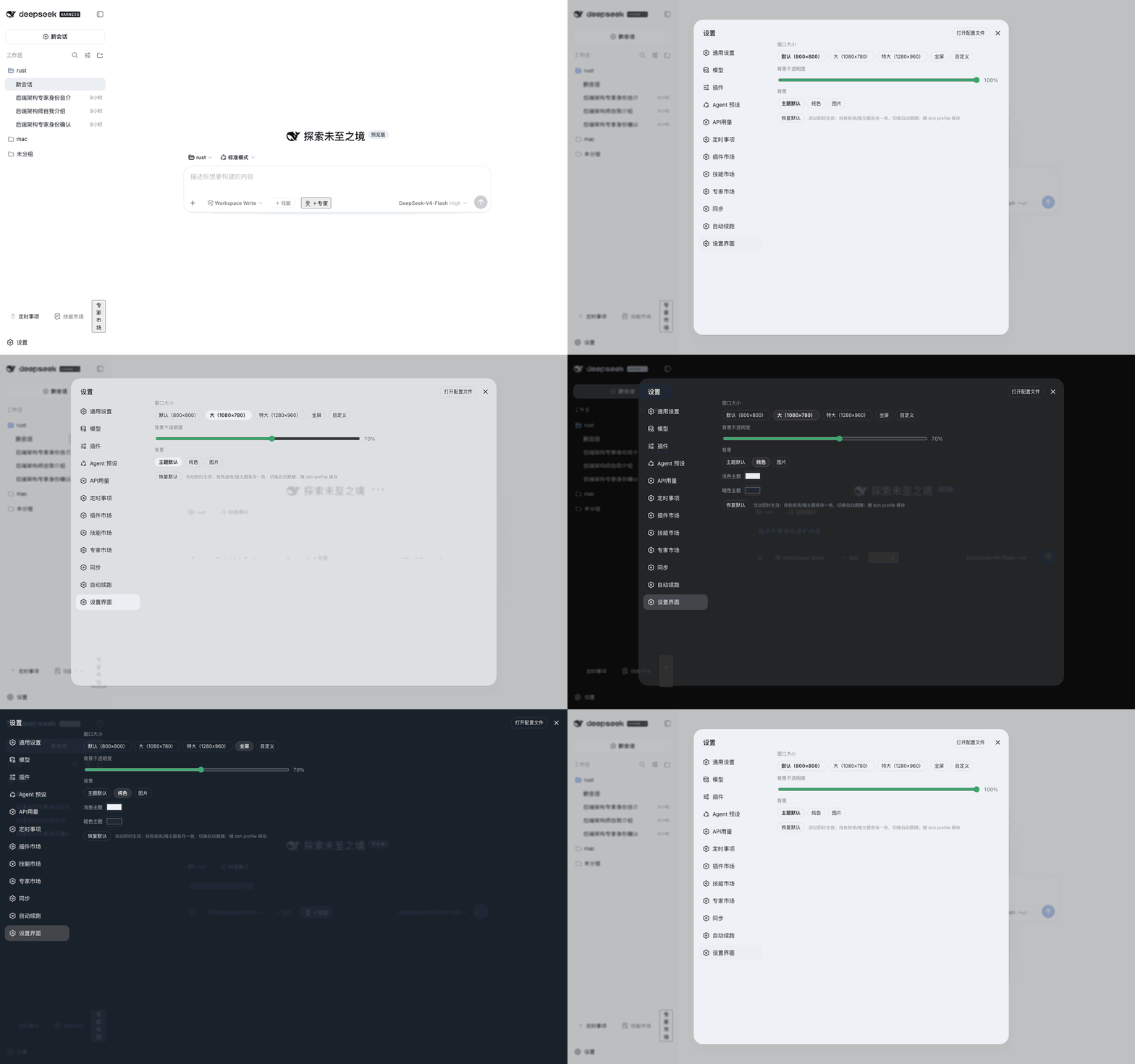
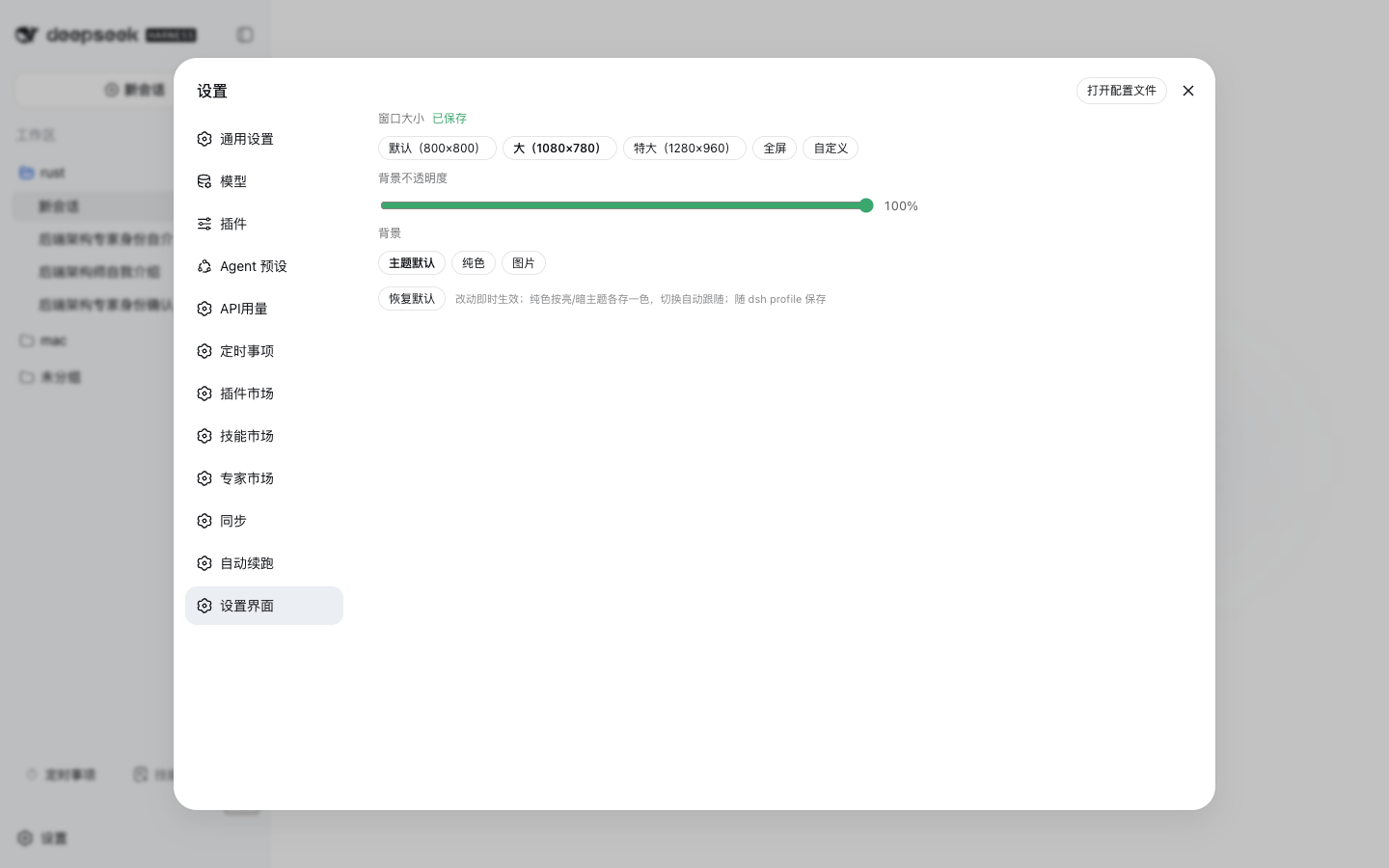
界面预览
亮色主题(大尺寸,主题默认背景):
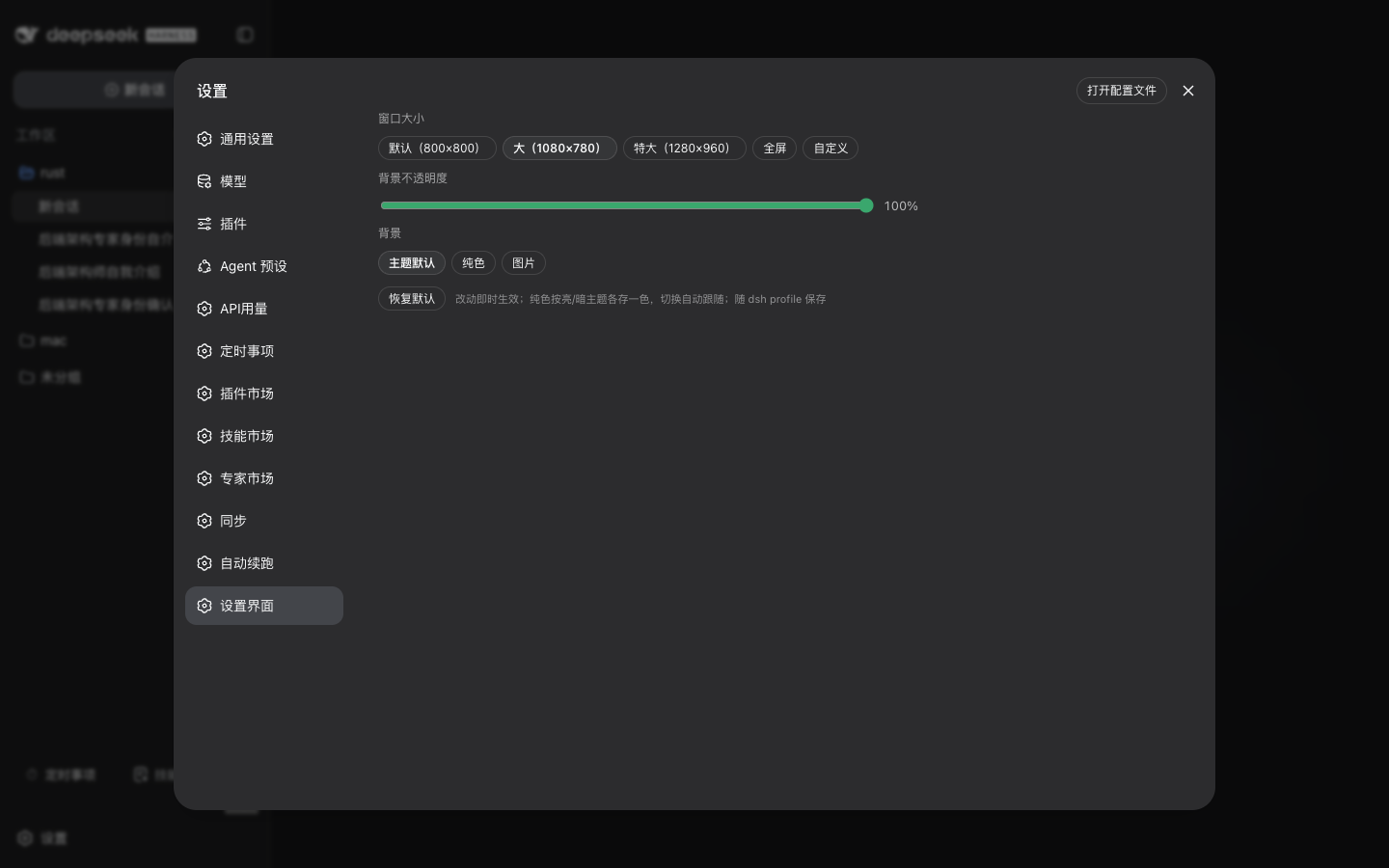
暗色主题——同一设置不刷新页面,切换主题实时跟随:
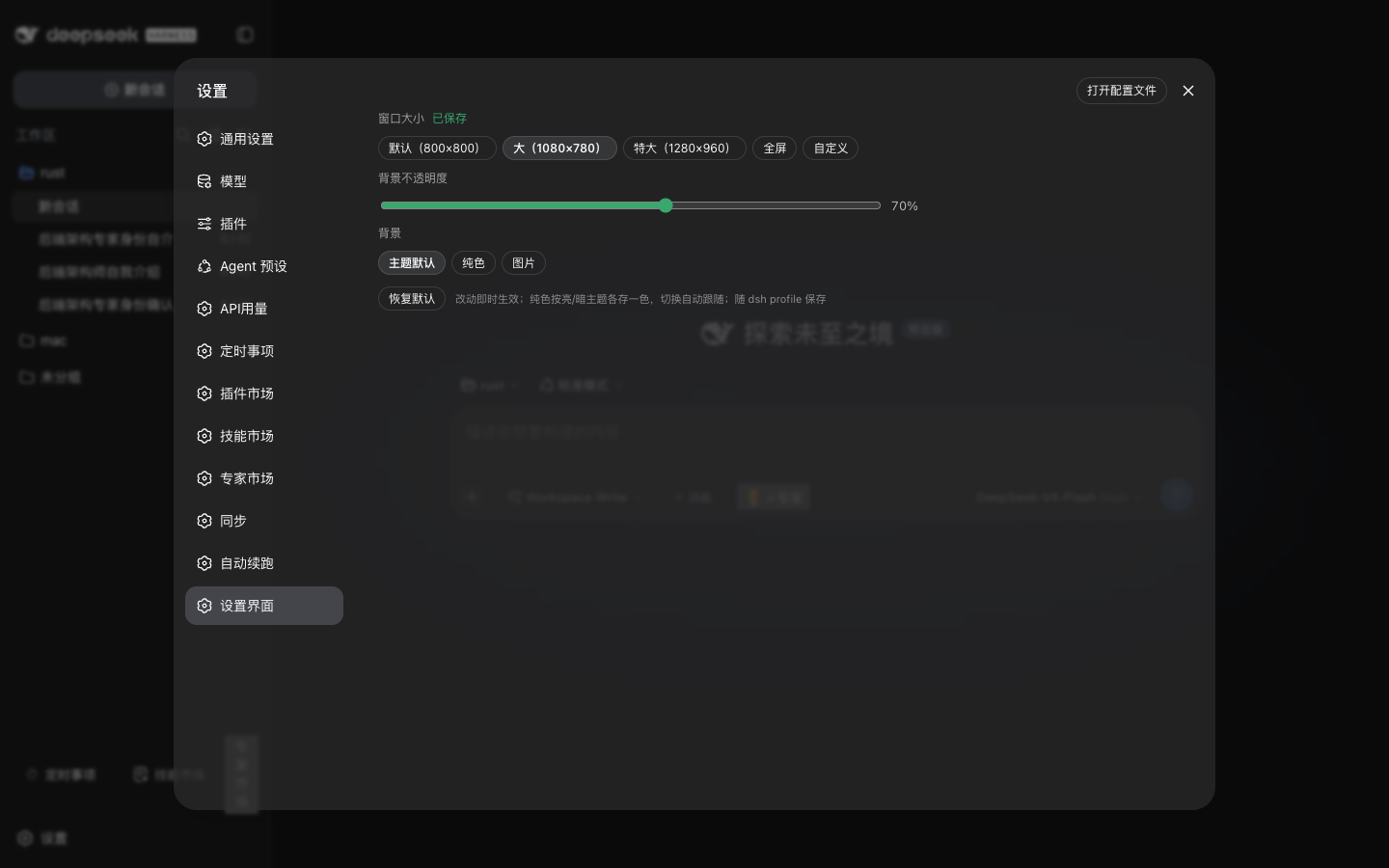
暗色 + 不透明度 70%(半透明毛玻璃):
暗色 + 全屏:
核心功能
- 窗口大小:默认(800×800)/ 大(1080×780)/ 特大(1280×960)/ 全屏 / 自定义宽高(≥480×360,小屏自动收缩)
- 背景不透明度:30%–100%,半透明毛玻璃效果(跟随明暗主题)
- 背景:主题默认 / 纯色(亮、暗主题各存一色,切换主题实时跟随)
- 改动即时生效,随 dsh profile 保存(换浏览器不丢);「恢复默认」一键还原
安装
dsh plugin --profile web add @weibaohui/dsh-settings-ui -w装完重启 dsh web 即生效。
使用
打开 Web UI → 设置 → 左侧导航「设置界面」→ 选尺寸、拖不透明度、选背景。关掉重开设置窗口即可看到效果;全屏模式适合小屏或需要同时看对话的场景。
说明
- 尺寸/透明度/背景只作用于原生设置窗口本身,不影响其他界面
- 选择器改用设置面板的稳定属性
[data-shortcut-modal="settings"][role="dialog"](dsh-client-ui-settings-general),不再依赖 CSS-module 易变 hash 类名(0.2.0 desktop 构建把VOzbGW_panel重生成为Dws9Sa_panel,旧选择器命中 0 元素致静默失效);属性 hash 无关,dsh 0.2.0+ 实测一致 - 设置随 dsh profile 持久化(0.1.7 起经 settings 文档写入 profile patch)。从 dsh ≤0.1.6 升级后首次运行会自动把
settings.yaml.imported里残留的settings-ui节迁移回来(仅当本 profile 从未手动设置过时执行一次)
联系我 :飞书群

版本兼容性
本插件与 DeepSeek Harness(@deepseek-ai/dsh)的版本对应关系:
| 插件版本 | 适配 dsh 版本 | 备注 |
|---------|--------------|------|
| 0.2.10 | 0.2.0-rc.2 | 选择器改用稳定属性 [data-shortcut-modal="settings"](hash 无关),修复 0.2.0 desktop app 面板 hash 由 VOzbGW 变 Dws9Sa 致 CSS 命中 0 元素、尺寸/透明度/背景全失效;engines.dsh 提升到 >=0.2.0-rc.2 |
| 0.2.9 | 0.1.7-rc.2 | 当前版本;修复降级路径 Config 导出 null——宿主 settings schema() 不排除 null,会炸 settings.describe() 拖垮整份设置文档(同 dsh-continue#4) |
| 0.2.6 | 0.1.7-rc.2 | 修复宿主将 volatile 字段物化为 {} 导致的设置毒化(saneConfigValues 清洗 + 移除 Config 兼容字符串字段) |
| 0.2.5 | 0.1.7-rc.2 | 适配 0.1.7 settings 模型(导出 volatile Config,ctx.settings.update 持久化),自动迁移 settings.yaml.imported 残留设置 |
| 0.2.3 / 0.2.4 | 0.1.7-rc.2 | settings 改动只在本次运行内生效(0.1.7 移除了 ctx.settings.register),重启还原 |
发版约定:每次发布新版本时,请在上表追加一行,记录该插件版本实际验证所用的
@deepseek-ai/dsh版本。package.json的engines.dsh声明最低支持版本;本表记录实际验证版本,二者配合使用。