
@whitespace/storybook-addon-html
v9.0.0
Published
A Storybook addon that extracts and displays compiled syntax-highlighted HTML


Readme
Storybook Addon HTML
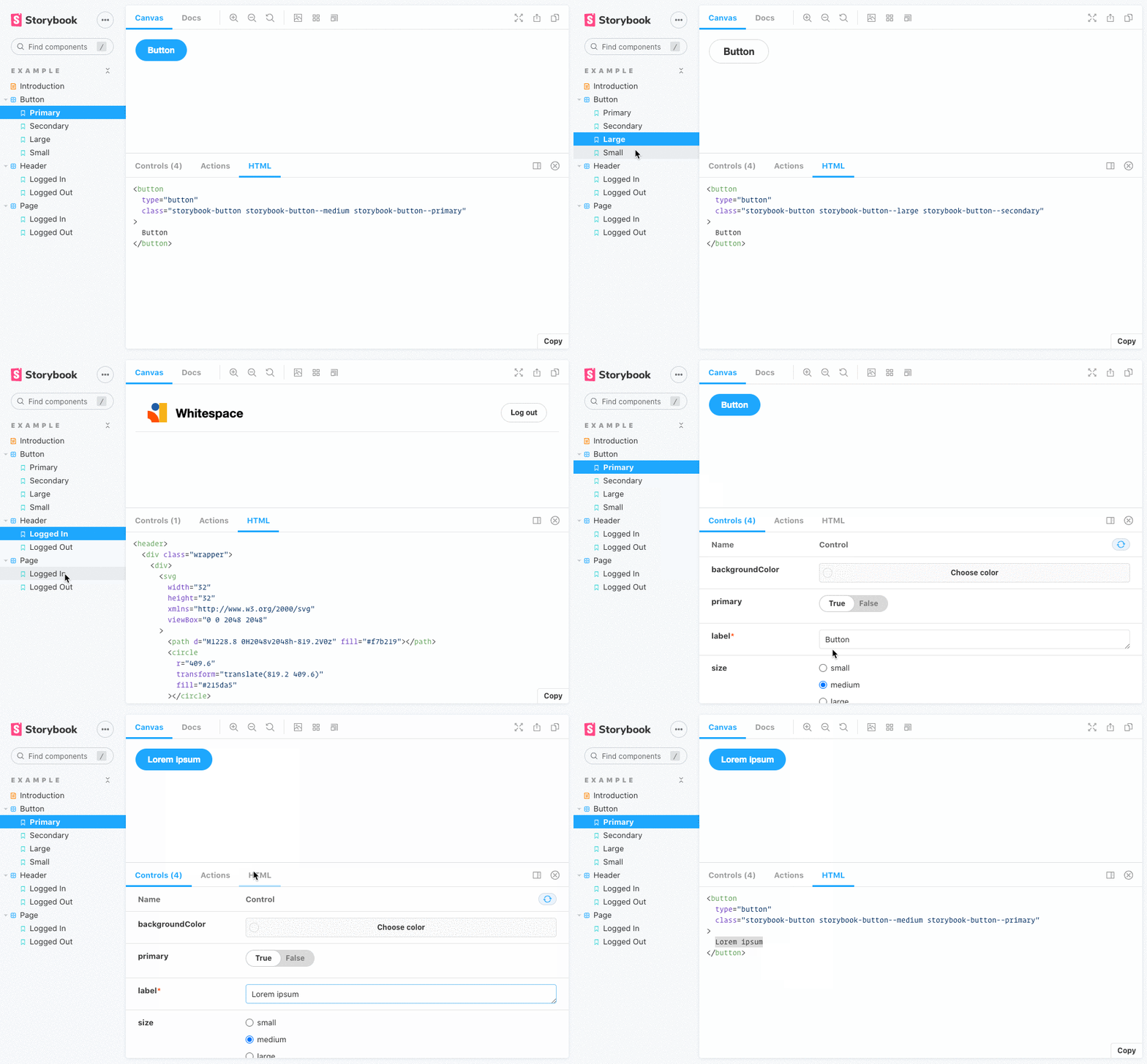
This addon for Storybook adds a panel tab that displays the rendered HTML for each story.
Requirements
Storybook 10.x
Use this version of the addon.
Storybook 9.x
Use version 8.x of this addon.
Installation
Install the addon with your package manager.
npm i --save-dev @whitespace/storybook-addon-html

pnpm add -D @whitespace/storybook-addon-html

yarn add -D @whitespace/storybook-addon-html
Register addon
// .storybook/main.ts
import type { StorybookConfig } from '@storybook/your-framework';

const config: StorybookConfig = {
  // ...
  addons: ['@whitespace/storybook-addon-html'],
};

export default config;
Usage
All options are configured under the html story parameter.
root
Override the wrapper selector used to capture HTML.
export const parameters = {
  html: {
    root: '#my-custom-wrapper', // default: '#storybook-root, #root'
  },
};
removeComments
Remove comments from captured HTML. Set to true for all comments, or pass a RegExp to remove matching comments only.
export const parameters = {
  html: {
    removeComments: /^\s*remove me\s*$/,
  },
};
removeEmptyComments
Remove empty comments like <!----> and <!-- -->.
export const parameters = {
  html: {
    removeEmptyComments: true,
  },
};
highlighter
Configure syntax highlighter rendering in the panel.
export const parameters = {
  html: {
    highlighter: {
      showLineNumbers: true, // default: false
      wrapLines: false, // default: true
    },
  },
};
transform
Transform output HTML before rendering.
export const parameters = {
  html: {
    transform: (code: string) => code.replace(/(?:_nghost|ng-reflect).*?="[\S\s]*?"/g, ''),
  },
};
disable
Hide/disable the panel for a story.
export const parameters = {
  html: {
    disable: true,
  },
};