
@work-graph/cli
v0.2.26
Published
Work Graph CLI — install local agent work tracking, BVC work items and backlog UI in any project


Readme
@work-graph/cli
Install Work Graph in any project via npm. No engine clone, no manual engineRoot.
Work Graph is a local, Git-friendly work system for AI-assisted development. It stores work items as BVC files, keeps project intent close to the codebase, and opens a local backlog UI for operators and agents.
Website: workgraph.ru/en
Use it when you want:
- a project-local backlog without SaaS lock-in;
- BVC work contracts that can be reviewed in Git;
- optional MCP client configuration for the project (Cursor by default);
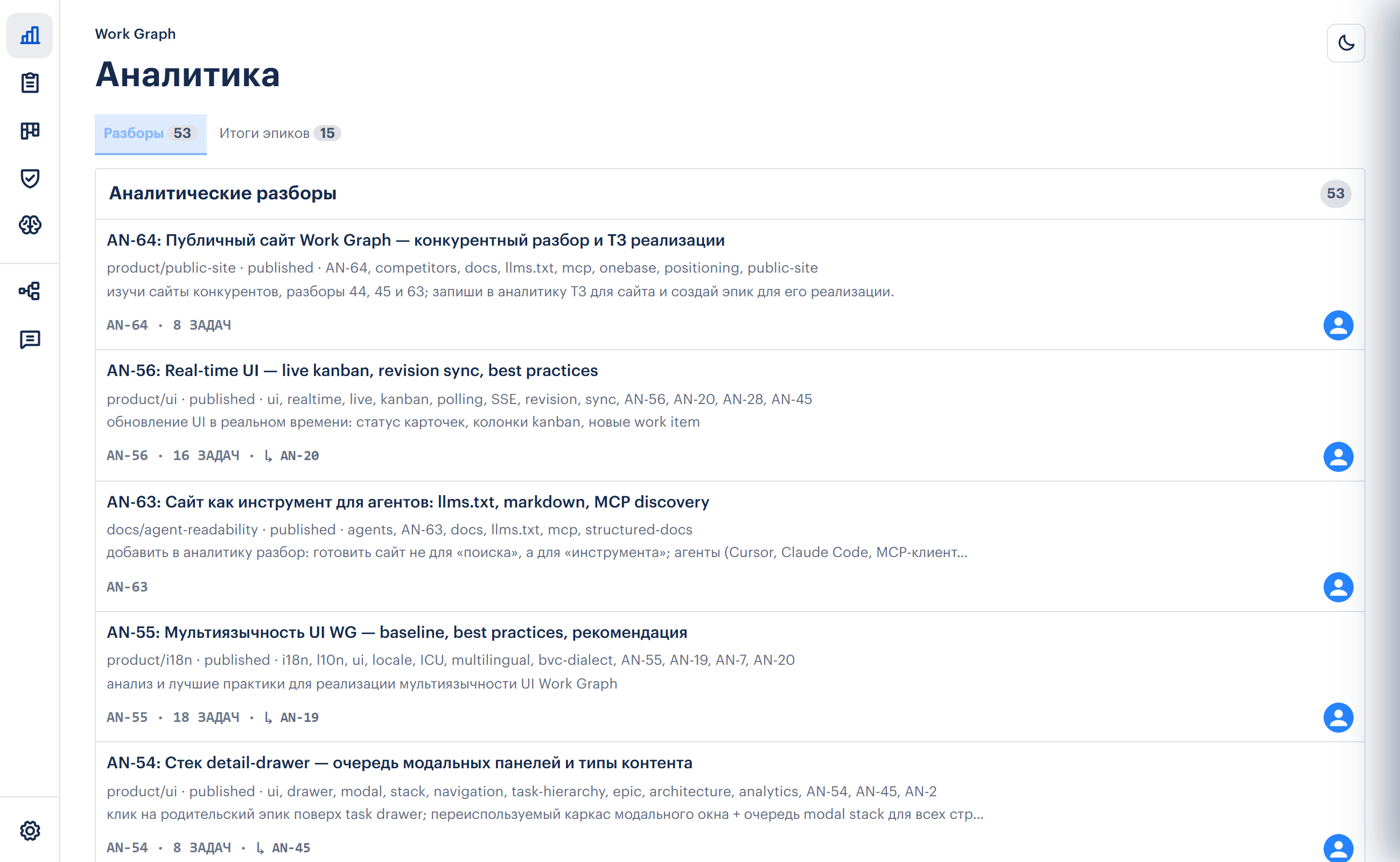
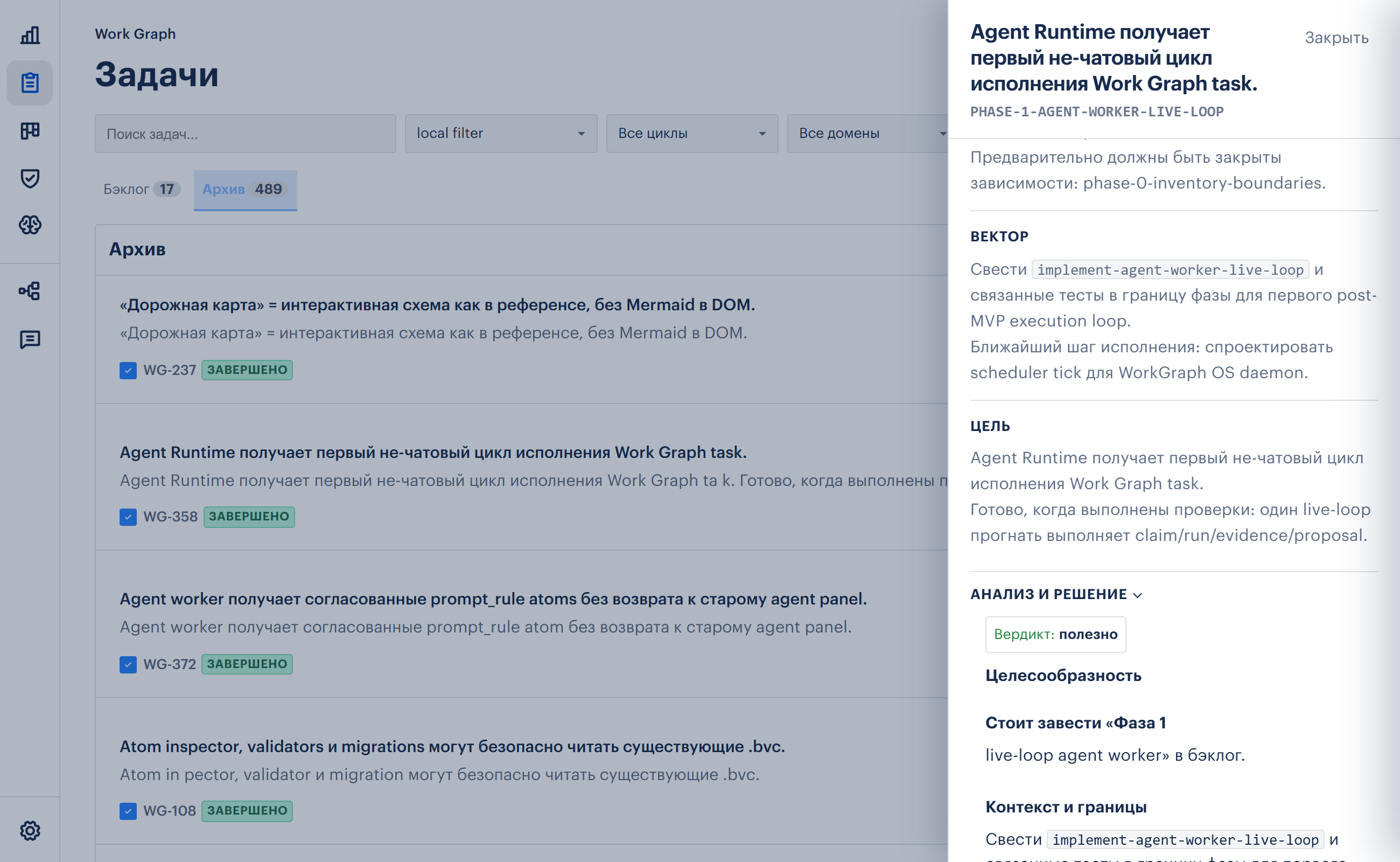
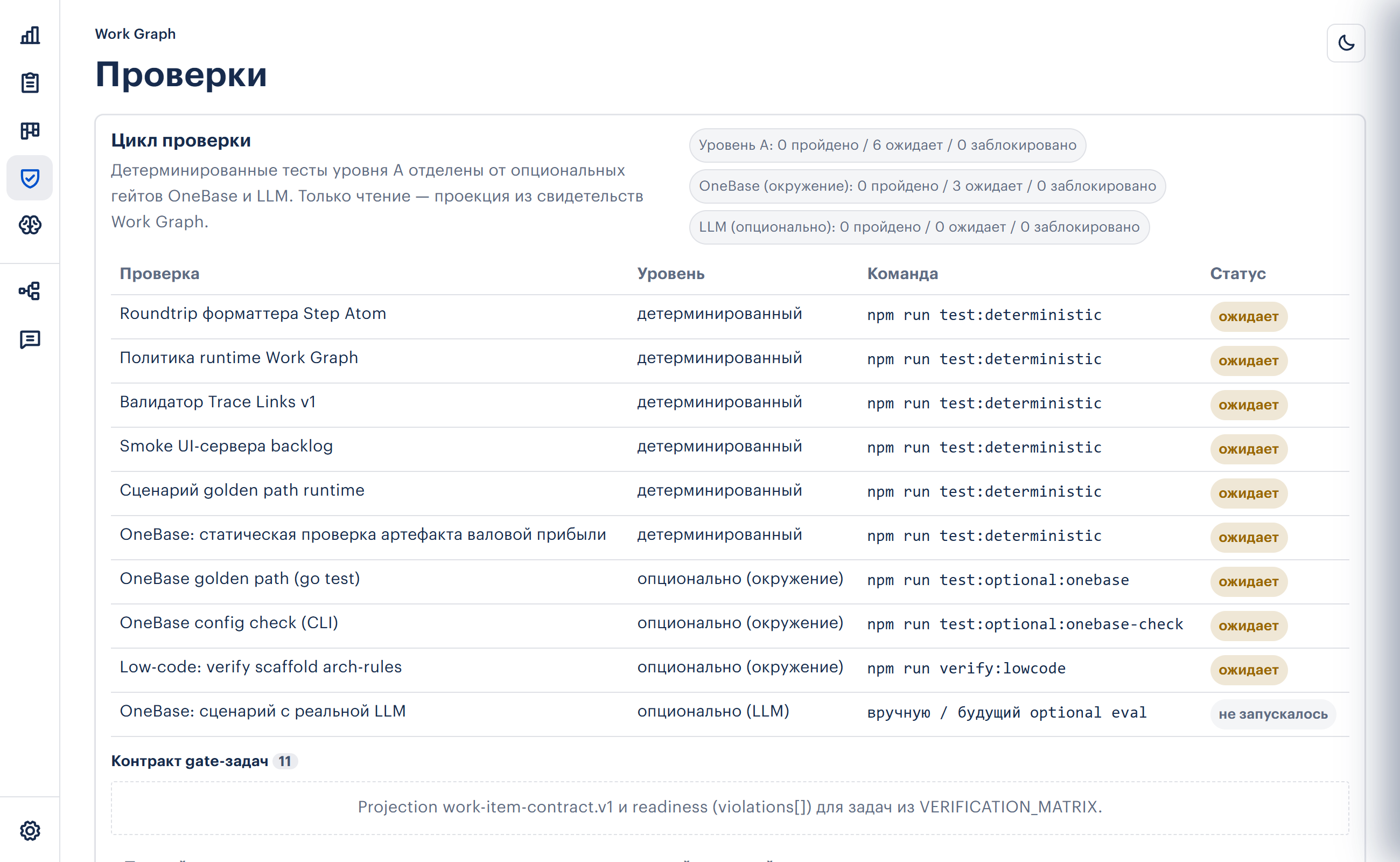
- a local UI for task status, evidence and project navigation;
- repeatable setup through
npx, not a copied engine repository.
Quick start
npx @work-graph/cli init .
npm install
npm run workgraph:ui
→ http://localhost:4177/
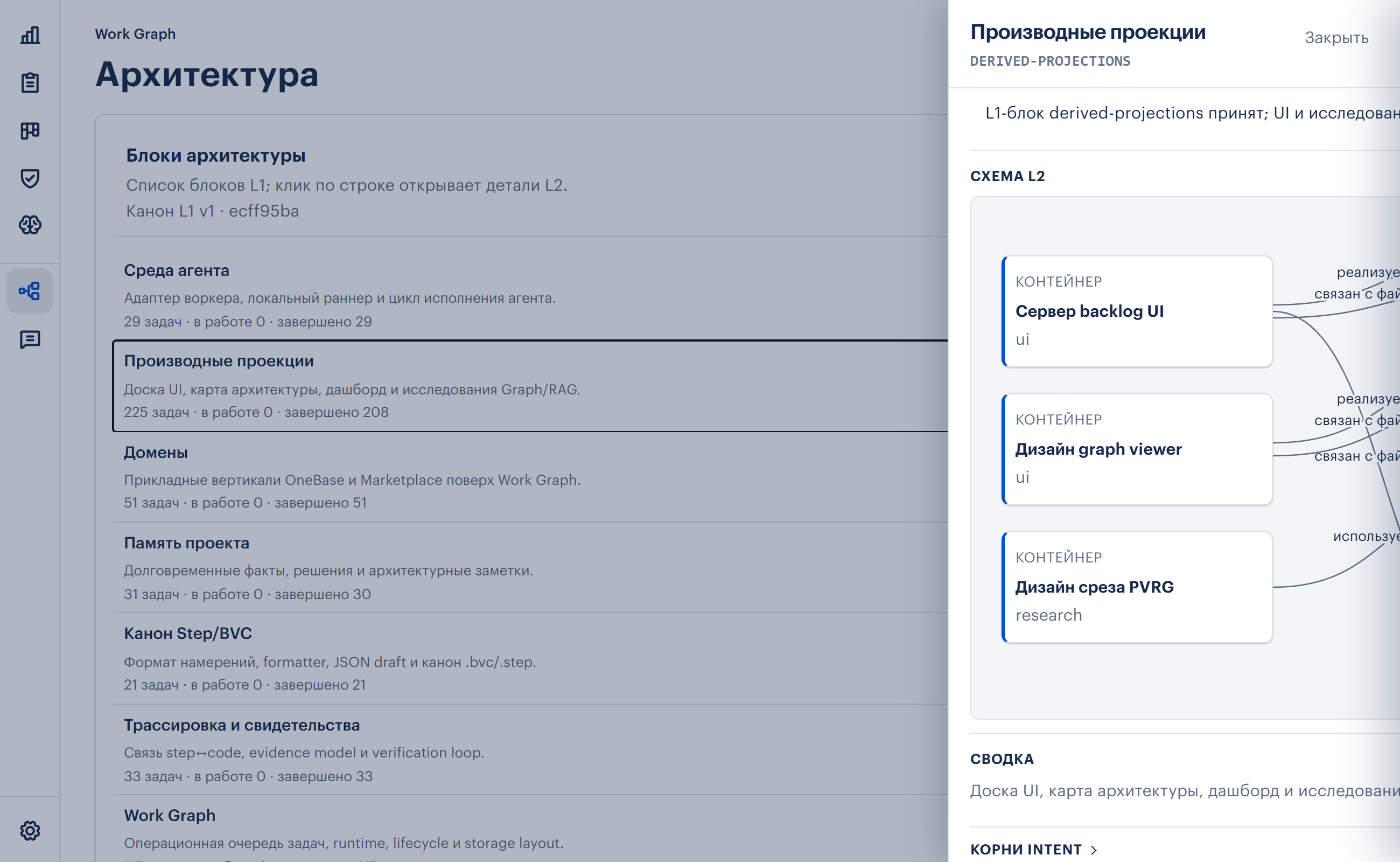
Screenshots
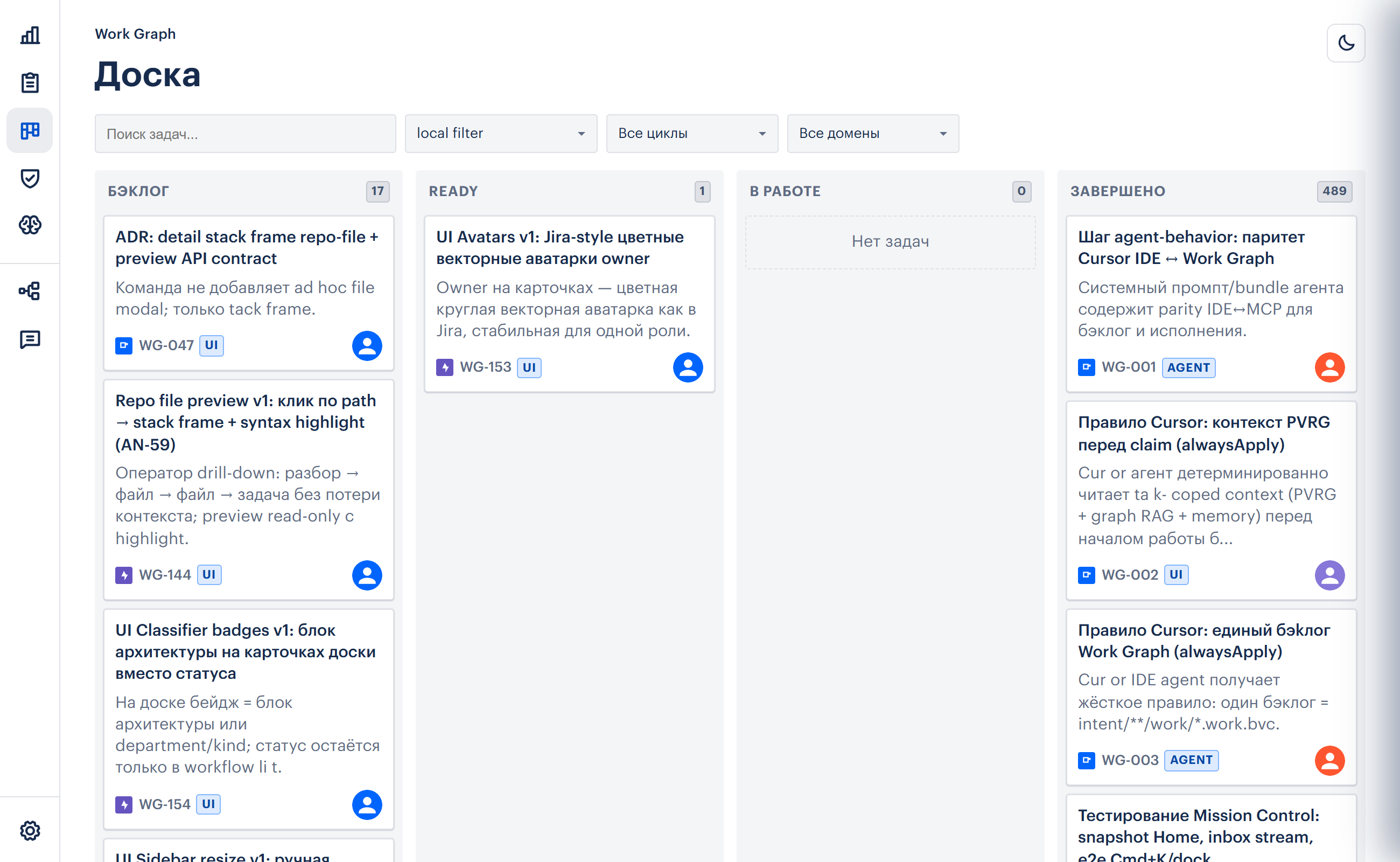
| Analytics | Task contract drawer |
|---|---|
|  |
|  |
|
| Verification | Architecture drawer |
|---|---|
|  |
|  |
|
What init Creates
work-graph init is intentionally project-first. It updates the target repository rather than asking you to clone Work Graph itself.
Typical output:
| Path | Purpose |
|---|---|
| .work-graph/config.json | Project id, label and UI settings |
| intent/ | BVC intent tree for work items |
| intent/index.bvc | Index of work item files |
| .cursor/mcp.json | Optional: MCP server entry when using Cursor |
| .cursor/rules/work-graph-project.mdc | Optional: alwaysApply agent rule |
| .cursor/rules/work-graph-agent-reference.mdc | Optional: Cursor @-reference → full text in AGENTS.md |
| AGENTS.md | Agent playbook for any MCP client (from docs/agent-playbook.md) |
| CLAUDE.md | Optional Claude Code pointer to AGENTS.md (writeIfMissing) |
| package.json | workgraph:* scripts and devDependencies |
After npm install, the project owns its Work Graph runtime through node_modules/@work-graph/cli and node_modules/@work-graph/mcp.
Commands
| Command | Description |
|---------|-------------|
| init [path] | Scaffold Work Graph into a project: BVC intent tree, config, npm scripts, optional MCP/rule files |
| ui [path] | Start the local backlog UI for the project |
| doctor [path] | Verify that project config, package dependencies and runtime resolution are healthy |
| register [path] | Optional: register a project in the shared multiproject host |
Flags (init)
| Flag | Purpose |
|------|---------|
| --label, --id | Display name and project id |
| --no-mcp | Do not update .cursor/mcp.json |
| --no-package | Do not update package.json |
| --no-rule | Do not create .cursor/rules/work-graph-project.mdc |
| --no-agents-md | Do not create AGENTS.md / CLAUDE.md |
| --full-rules | Copy all engine cursor-rules/*.mdc into .cursor/rules/ |
| --register-host | Register the project in the shared multiproject host after init |
| --port | Set the default local UI port |
| --legacy-engine-config | Dev only: write deprecated engineRoot to config |
Common Workflows
Create a fresh Work Graph project:
mkdir my-project
cd my-project
npx @work-graph/cli init . --label "My Project"
npm install
npm run workgraph:ui
Add Work Graph to an existing repository:
cd existing-repo
npx @work-graph/cli init .
npm install
npm run workgraph:doctor
Run the UI without npm scripts:
npx @work-graph/cli ui .Register a project for a multiproject host:
npx @work-graph/cli register . --label "Client A"Relationship to BVC
Work Graph uses BVC files for durable work contracts. A work item is not just a card title; it carries Basis, Vector, Goal, labels, checks and evidence in a reviewable text artifact.
The CLI installs the runtime and UI. The BVC format itself is published separately as @bvc-lang/spec, and command-line BVC formatting/linting is available as @bvc-lang/cli.
Troubleshooting
| Symptom | Fix |
|---|---|
| work-graph doctor says dependencies are missing | Run npm install in the target project |
| Agent does not see Work Graph MCP tools | Re-run npx @work-graph/cli init . without --no-mcp, then reload MCP servers in your IDE |
| UI port is already in use | Run npx @work-graph/cli ui . --port 4178 |
| Existing package scripts were not updated | Re-run without --no-package or add the workgraph:* scripts manually |
| You are hacking Work Graph itself | Use WORKGRAPH_ENGINE_ROOT=. or --engine from the monorepo, not in normal projects |
Contributors (monorepo dev)
git clone …/work-graph && cd work-graph && npm install
WORKGRAPH_ENGINE_ROOT=. npx work-graph ui /path/to/project
See CONTRIBUTING.md in the Work Graph repository.
Links
- Website: https://workgraph.ru/en/
- CLI mirror: https://github.com/bvc-lang/work-graph-cli
- Work Graph monorepo: https://github.com/bvc-lang/work-graph
- BVC spec: https://github.com/bvc-lang/spec
- MCP package: https://www.npmjs.com/package/@work-graph/mcp