
@zaichaopan/vue-paginator
v0.1.4
Published
A flexible paginator built with Vue.


Readme
Vue Paginator
A flexible pagination plugin built with Vue.
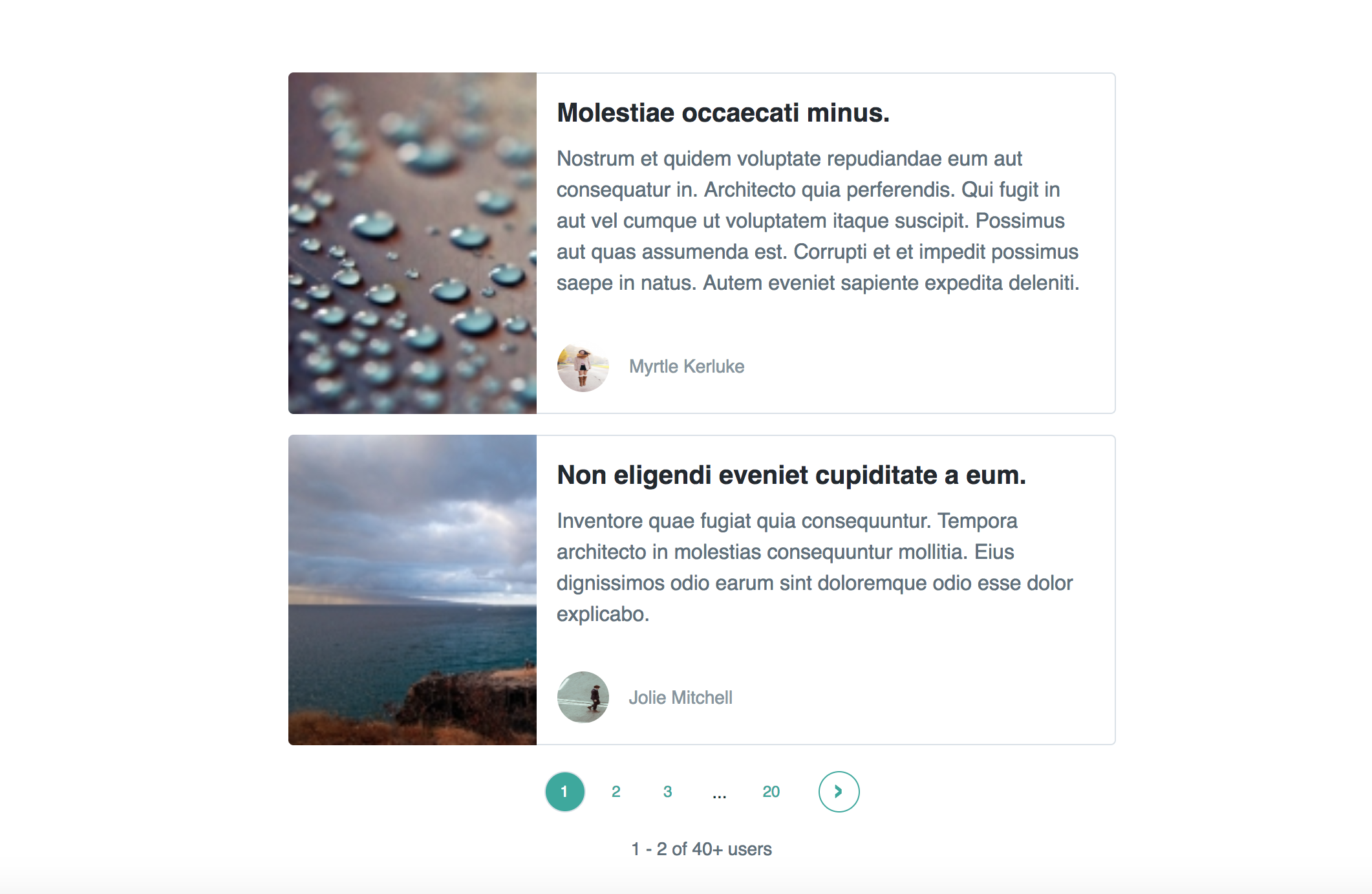
Usage
The main difference between this plugin and other pagination plugins is it does not provide any Html template.
Instead, it takes advantage of the render function to provide you with all the data and methods you need when building pagination.
Installation
npm i --save @zaichaopan/vue-paginatorUse the plugin
import vue from 'vue';

import VuePaginator from '@zaichaopan/vue-paginator';

Vue.use(VuePaginator);
Now you can use the component vue-paginator in all your own vue components.
Required Prop
meta:
The meta prop is required and has to be an object which contains 3 properties:
- total: the total number of items that needs pagination
- current_page: the current page number
- last_page: last page number
Optional Prop
pagesPerSection:
The pagesPerSection is used to configure how many pages you want to display in a section. It is optional and the default value is 10.
Slot Scope
This plugin uses slot-slot to exposure 4 properties which can be used to build paginator.
showPaginator: a boolean value which is used to hide the pagaintor when you are fetching the data or when there is no data coming back
pages: an array which is used to display page items during a section
switcher: an object which provides you with functionality to go to next page, previous page or a specific page:
- switcher.prev: method, go to previous page
- switcher.next: method, go to next page
- switcher.toPage(page): method, go to a specific page
section: an object which allows you to easily go to next or previous section. It also helps you hide section indicator where is no next and previous section.
- section.showPrev: boolean, whether there is a previous section or not
- section.showNext: boolean, whether there is a next section or not
- section.next: method, go to next section
- section.prev: method, go to previous section
Consider the following example:
<template>
  <vue-paginator :meta="meta">
    <div v-if="showPaginator" slot-scope="{showPaginator, pages, switcher, section}">
        <li class="page-item" @click.prevent="switcher.prev">
            <a class="page-link" href="#" >
                Previous
            </a>
        </li>

        <li class="page-item" v-if="section.showPrev" @click.prevent="section.prev">
            <a class="page-link" href="#">
            ...
            </a>
        </li>

        <li class="page-item" v-for="(page, index) in pages" :key="index">
            <a class="page-link" href="#" @click.prevent="switcher.toPage(page)">
                {{ page }}
            </a>
        </li>

        <li class="page-item" v-if="section.showNext" @click.prevent="section.next">
            <a class="page-link" href="#">
            ...
            </a>
        </li>

        <li class="page-item" @click.prevent="switcher.next">
            <a class="page-link" href="#">
                Next
            </a>
        </li>
    </div>
  </vue-paginator>
</template>
Page switched event
When user navigates to a different page, the event pagination:switched will be emitted. So you can simply listen for this event and fetch the data again.
<vue-paginator :meta="meta"  @pagination:switched="getUsers">
    <div v-if="showPaginator" slot-scope="{showPaginator, pages, switcher, section}">
        <li class="page-item" @click.prevent="switcher.prev">
            <a class="page-link" href="#" >
                Previous
            </a>
        </li>

        <li class="page-item" v-if="section.showPrev" @click.prevent="section.prev">
            <a class="page-link" href="#">
            ...
            </a>
        </li>

        <li class="page-item" v-for="(page, index) in pages" :key="index">
            <a class="page-link" href="#" @click.prevent="switcher.toPage(page)">
                {{ page }}
            </a>
        </li>

        <li class="page-item" v-if="section.showNext" @click.prevent="section.next">
            <a class="page-link" href="#">
            ...
            </a>
        </li>

        <li class="page-item" @click.prevent="switcher.next">
            <a class="page-link" href="#">
                Next
            </a>
        </li>
    </div>
  </vue-paginator>
</template>

<script>
export default {

    methods: {
        getUser(page) {
            //...
        }
    }
}
</script>
A complete example can be found in code sandbox