
@zero-ar/cli
v0.5.0
Published
Start, inspect, control and transfer Zero-AR work from the terminal.


Readme
@zero-ar/cli
Start, inspect, control and transfer Zero-AR work from a terminal. The zeroar
command speaks only to the public API and prints the run id and next useful
command after a mutation.
The npm package is a client. It does not contain or start the runtime server. Point it at an already-running hosted or Local Lite endpoint. The source-free Local Lite distribution carries its own command and runtime together.
Install
Node.js 24.11.0 through the Node 24 LTS line is required.
npm install --global @zero-ar/cli
zeroar version
zeroar help
First working example
Set the endpoint, read the application key without placing it in shell history, check the target and start a detached run.
export ZERO_AR_URL=https://your-zero-ar.example
read -s ZERO_AR_API_KEY
export ZERO_AR_API_KEY

zeroar doctor
zeroar run "Reconcile the open supplier records" --detach
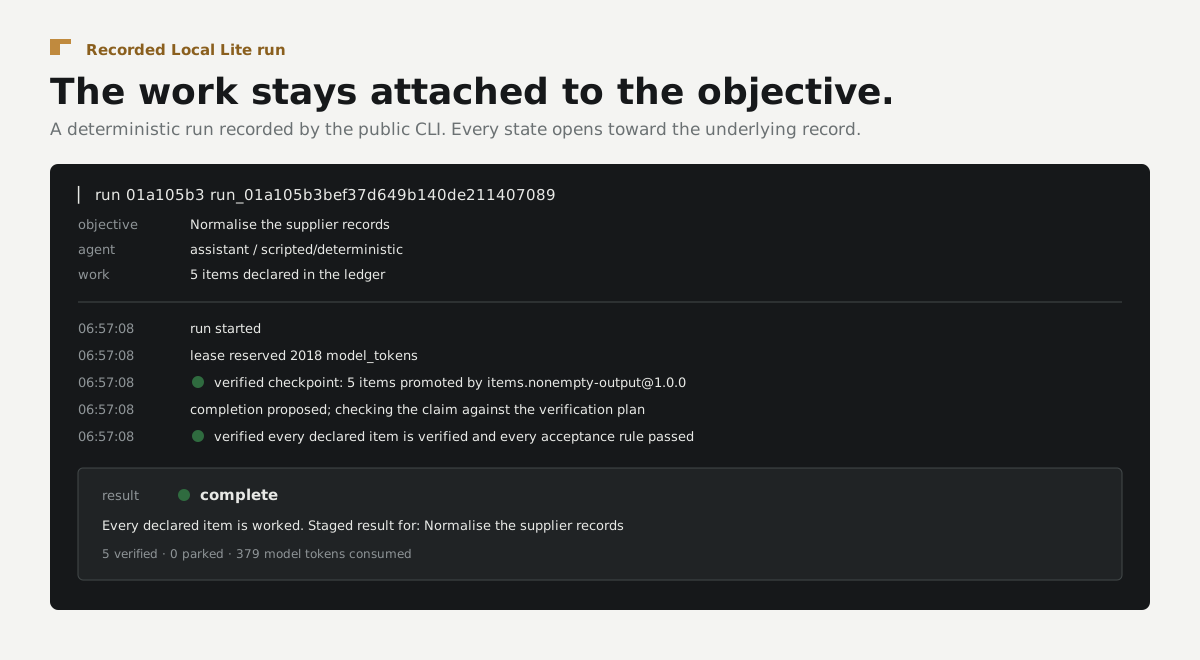
The run command prints a run id. Use it with the commands that follow:
zeroar attach run_<id>
zeroar inspect run_<id>
zeroar verification-plan run_<id>
zeroar result run_<id> --json
ZERO_AR_API_KEY authorizes the application. Provider, tool and effect
credentials are deployment bindings and do not belong in command arguments.
Public surface
run,attach,inspect,records,contextandresult.steer,redirect,answer,resume,fork,replayandcancel.- Agent project initialization, validation and publication.
- Run and publication export and import.
- Source, capability, provider, environment and tool-source administration.
doctor,profile, machine-readable--jsonoutput and--no-color.
Run zeroar help for the complete command table. Run a command with incomplete
arguments to receive a typed problem, its reason and the command that changes
the outcome.
What this does not establish
A zero exit status means the command completed, not that an artifact is
verified. Read zeroar result for the recorded verdict and
zeroar verification-plan for the checks, evidence grades and limitations.
A selected hosted endpoint never falls back to a local runtime.
Where to go next
- Use
@zero-ar/sdkto attach the same run lifecycle to an application. - Use
@zero-ar/clientfor route-level control and event streaming. - Read the public package map to choose another surface.