
@zero-plus-x/logo
v0.1.1
Published
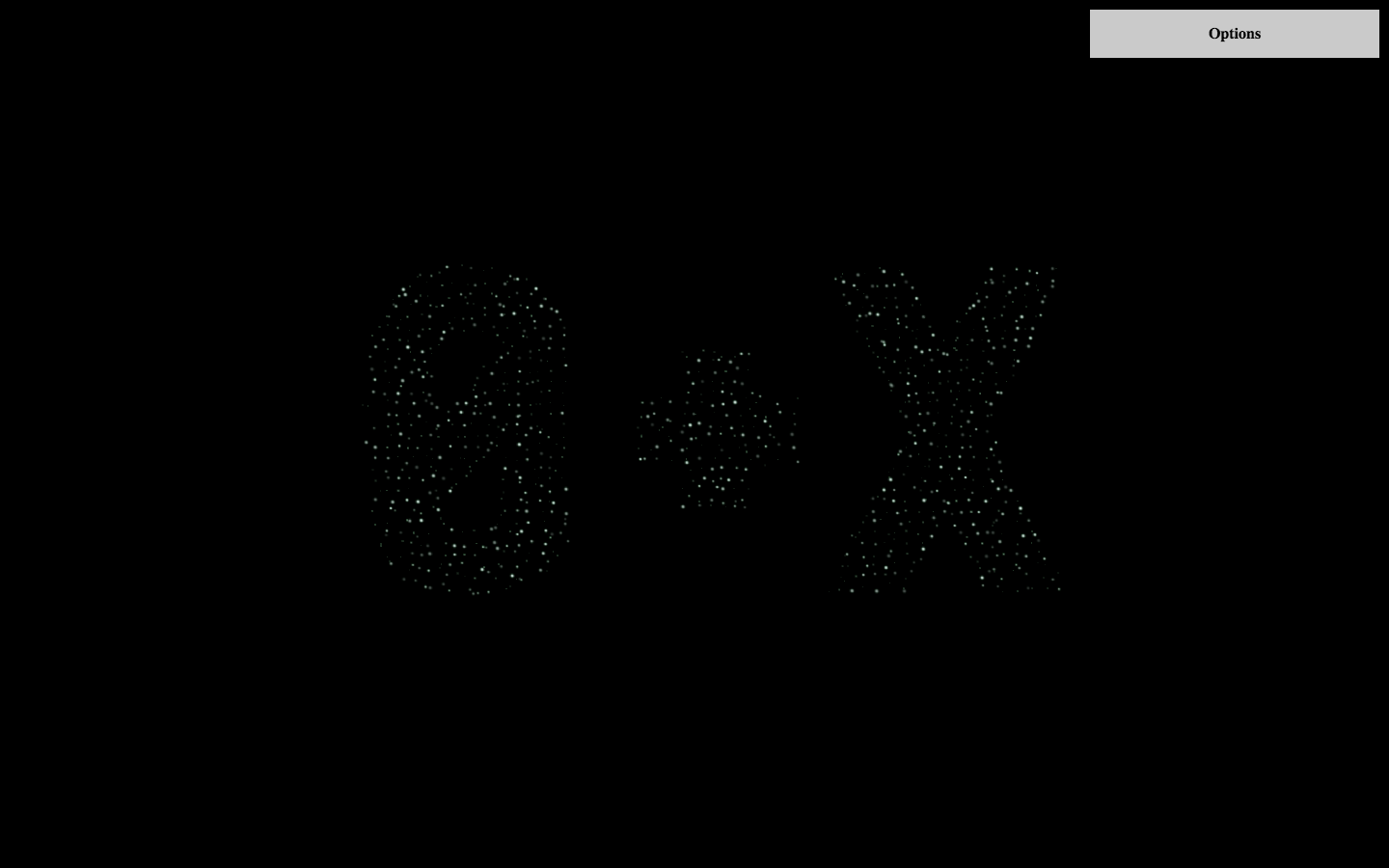
0+X interactive logo.


Readme
0+x interactive logo.
The Mesh model was generated in blender from original svg logo by Dmytro Kovkun. Change it to get different logos.
Install
npm install -S @zero-plus-x/logoUsage
import { Logo, Controls } from '@zero-plus-x/logo';

// render logo to a given DOM-element
const logoContainer = document.getElementById('logo-container');
const options = {}; // see `options` section below
const logo = new Logo(logoContainer, options);

// (optional) render controls to tweak how logo should look
const controlsContainer = document.getElementById('controls-container');
const controls = new Controls(controlsContainer, logo);

// destroy logo if it's not needed anymore
logo.destroy();
Logo options
options.vertexShader
default:
attribute float a_Size;
attribute float a_Alpha;
varying float v_Alpha;
void main() {
  v_Alpha = a_Alpha;
  vec4 mvPosition = modelViewMatrix * vec4(position, 1.0);
  gl_PointSize = a_Size;
  gl_Position = projectionMatrix * mvPosition;
}
options.fragmentShader
default:
uniform sampler2D u_Texture;
varying float v_Alpha;
void main() {
  vec4 color = vec4(1.0, 1.0, 1.0, v_Alpha) * texture2D(u_Texture, vec2(1.0, 1.0) - gl_PointCoord);
  gl_FragColor = color;
}
options.cameraHeight
- default: 50
options.radius
- default: 10
options.minParticleSize
- default: 1
options.maxParticleSize
- default: 6
options.minParticleAlpha
- default: 0.2
options.maxParticleAlpha
- default: 1
options.minFrame
- default: 10
options.maxFrame
- default: 30
options.minBrownSpeed
- default: 0.03
options.maxBrownSpeed
- default: 0.08
options.minBrownRadius
- default: 0
options.maxBrownRadius
- default: 1
options.initRadius
- default: 1000
options.freeAmount
- default: 50
options.minFreeSize
- default: 1
options.maxFreeSize
- default: 8
options.minFreeAlpha
- default: 0.1
options.maxFreeAlpha
- default: 0.9
options.minFreeSpeed
- default: 0.001
options.maxFreeSpeed
- default: 0.005
options.minFreeFrame
- default: 180
options.maxFreeFrame
- default: 300
Development
Install dependencies:
npm installStart dev-server (at http://localhost:3333):
npm startProduction build:
npm run buildBuild a standalone page with this module:
npm run buildGlobalRun linters (ESLint + Stylelint):
npm test