
@zkhh/v-markdown
v0.1.8
Published
a vue markdown component , used marked highlight emojione

Maintainers
 jaakzhang
Readme
v-markdown
一个基于vue的markdown解析组件,其中code高亮风格支持highlight.js的各种style,支持解析emojione表情
安装 install
npm install @zkhh/v-markdown --save单个文件中使用组件
<template>
  <div>
    <v-markdown :mdText="mdDefault"
                :theme="theme"
                width="1200px"
                height="800px"
                fontSize="16px"
                @md-change="mdChange"
                @html-change="htmlChange"
                @html-hljs-change="htmlHljsChange" />
  </div>
</template>

import VMarkdown from '@zkhh/v-markdown'

export default {
  name: 'about',
  components: {
      VMarkdown
  },
  ...
全局使用组件
import VMarkdown from '@zkhh/v-markdown'

Vue.use(VMarkdown)
效果截图
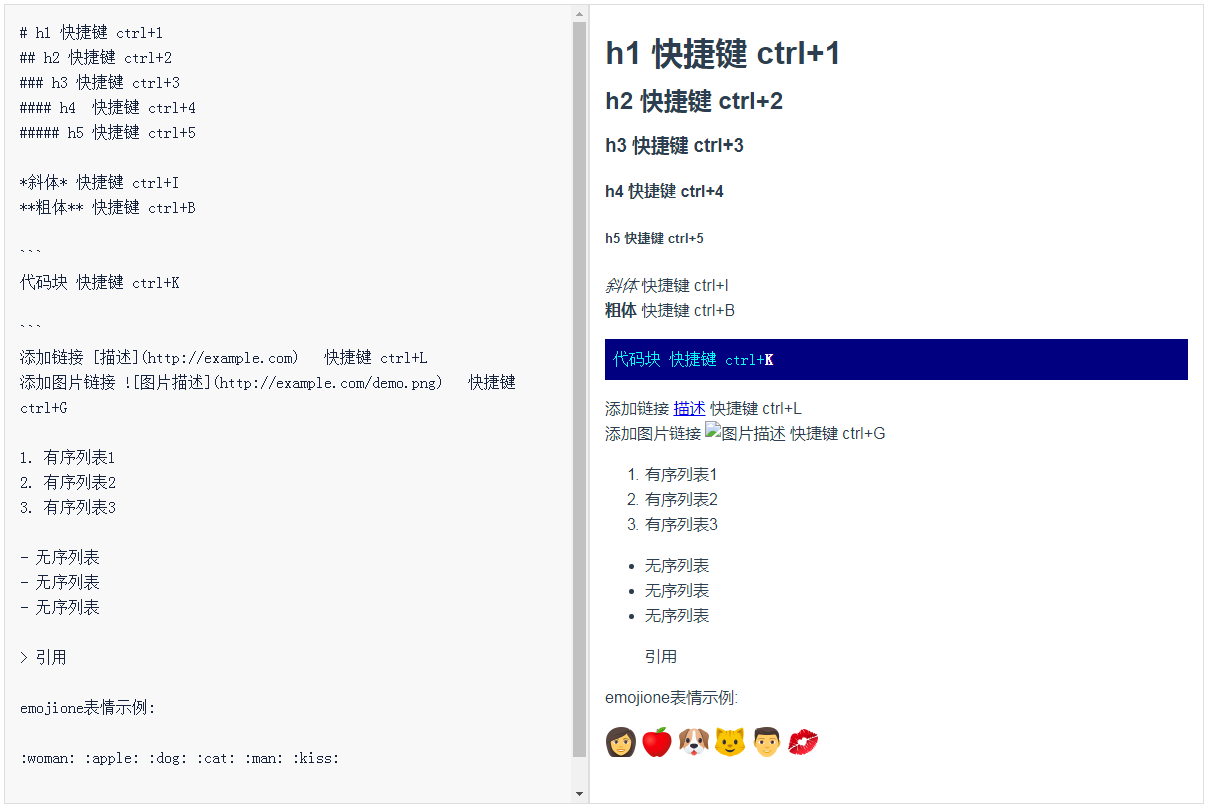
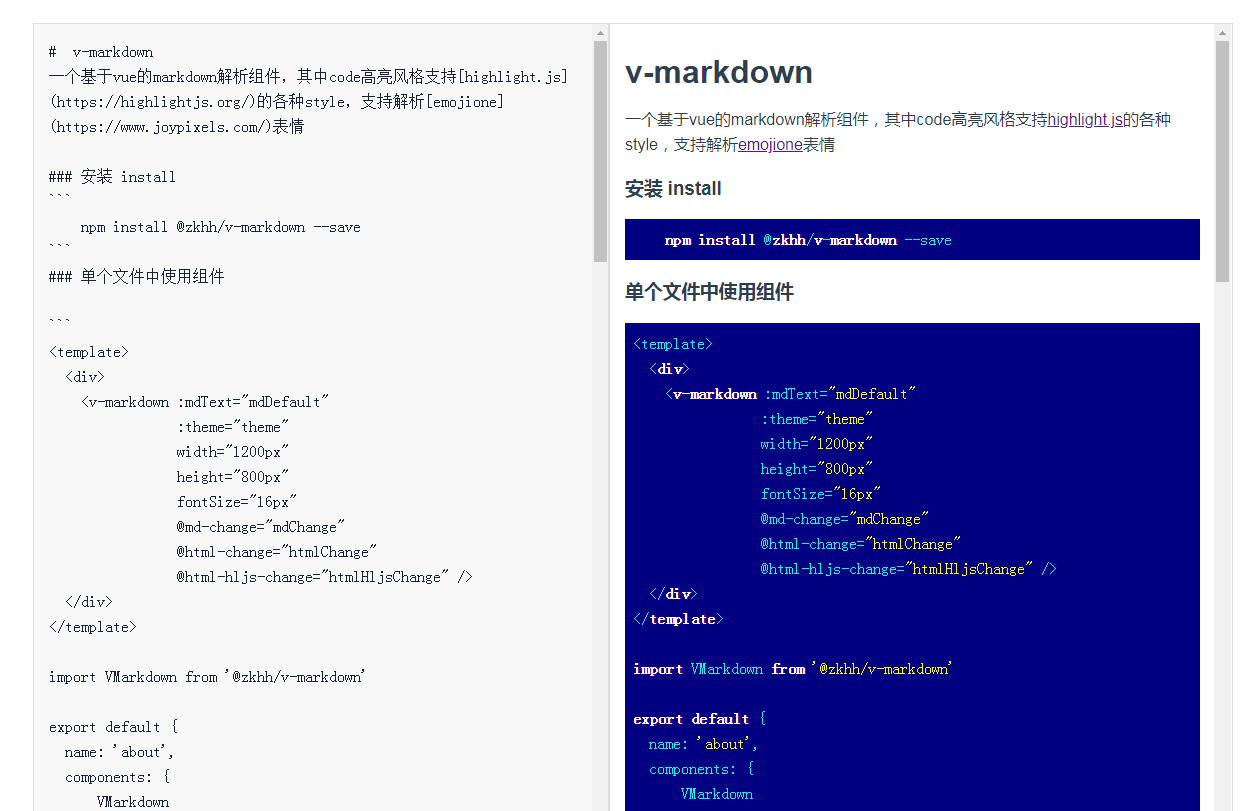
example
<template>
  <div id="app">
    <img alt="Vue logo"
         src="./assets/logo.png">
    <v-markdown :mdText="mdDefault"
                :theme="theme" // github,far ,atom-one-dark,monokai等风格
                width="1200px"
                height="800px"
                fontSize="16px"
                @md-change="mdChange"
                @html-change="htmlChange"
                @html-hljs-change="htmlHljsChange" />
  </div>
</template>

<script>


export default {
  name: 'app',
  components: {

  },
  data () {
    return {
      mdDefault: '```\nhello world\n```',
      theme: 'far',//主题名字 'github','atom-one-dark' 等等都可使用见https://highlightjs.org highlightjs支持的style
    }

  },
  methods: {
    mdChange (value) {
      // 获取md文本
      console.log(value)
      //```
      //hello world
      //```
    },
    htmlChange (value) {
      // 获取 marked处理过后生成的html
      console.log(value)
      // <pre><code>hello world</code></pre>
    },
    htmlHljsChange (value) {
      // 获取 highlight.js处理过的html 主要给代码code 添加了 hljs 等css类 , 如果把 此处的html 保存为html 文件 需要引用 highlight.js相关style文件 才能呈现出效果
      console.log(value)
     // <pre><code class="hljs ebnf"><span class="hljs-attribute">hello world</span></code></pre>
    }
  }
}
</script>
License
Copyright (c) 2019