
accessibility-setup
v1.2.0
Published
Project to promote digital accessibility and facilitate its implementation

Maintainers
 hedera_digitalis
Readme
accessibility-setup
About the project:
Contribute to making navigation more accessible by facilitating implementation on web projects. Any help is welcome ;)
what's in the library ?
For the moment there is only a skip to content and an accessible menu
what is a skip to content ?
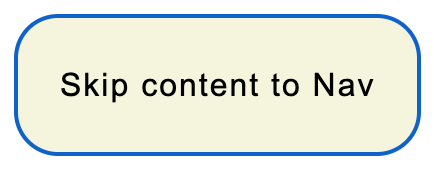
The skip to content facilitates keyboard navigation, like a shortcut to access key points on the page.
Example: The nav, the main, the footer .. and where you consider relevant
it is accessible with the tab key, normally it is the first element which is selected at the first tab
what is a accessible menu ?
The accessible menu allows the user to modify the content of the page to allow him a more optimal navigation according to his preferences.
menu features currently available :
- decrease or increase font size
- decrease or increase letter spacing
- decrease or increase line spacing
- change text alignment
- change page color (monochrome, lower saturation..)
- change the font (example for people with dyslexia)
- highlight titles
- highlight links
- delete pictures
The menu is not finished, other functionalities will be available soon.
For example :
- Proposed predefined profiles (Dyslexics, epileptics etc..)
- A reading mask
- etc..
The menu is available in more colors, and easily set up :
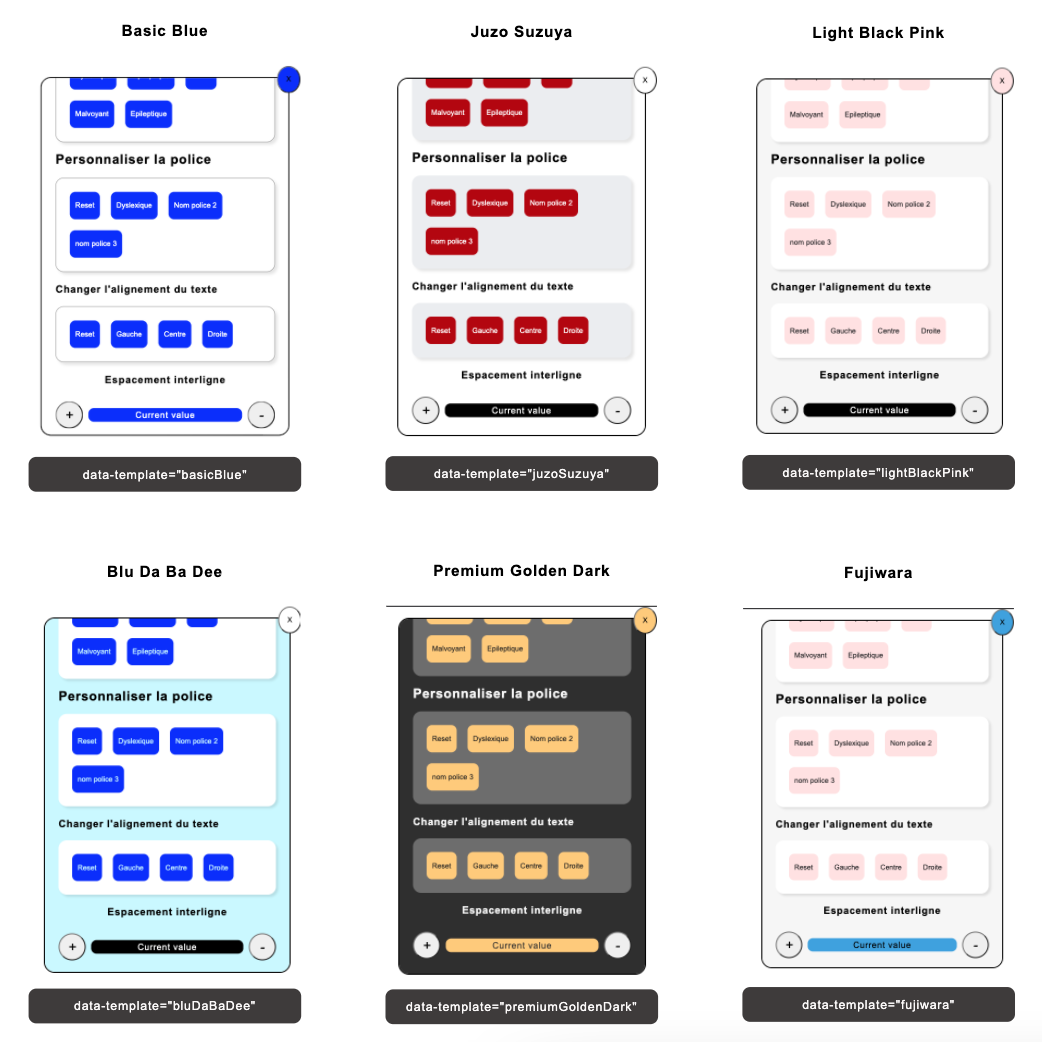
For more details on the configuration and use you can go to the presentation site of the library: https://meganevary.gitlab.io/website_accessibility-setup/useLib.html#
I'm thinking about features to further facilitate the implementation of digital accessibility Examples :
- Aria tags
- Accessibility testing
- accessible modal template
- accessible menu template
- accessible nav template
- etc
Quick start
To run this project you can :
Install it locally using npm:
$ npm install accessibility-setup
Then in your file you can add this line :
require('accessibility-setup/[file]')
If you want to deleted the package you can in your terminal :
$ npm remove accessibility-setup
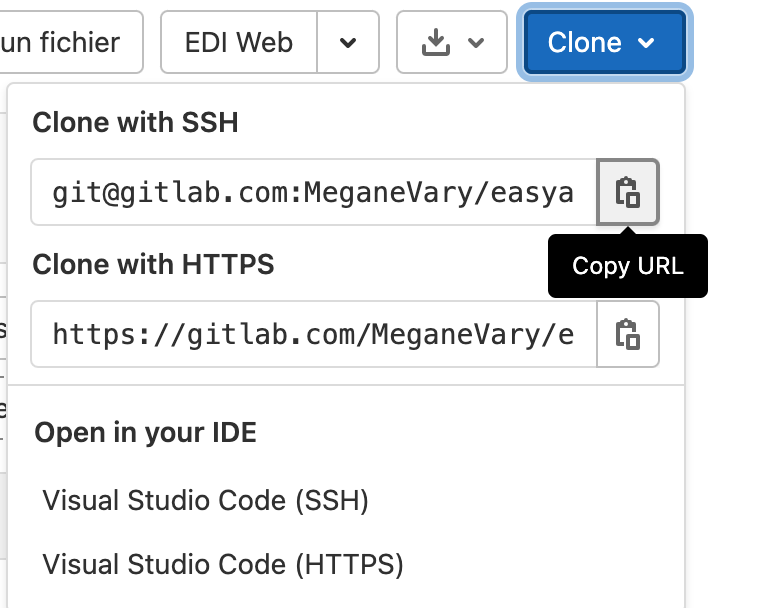
Or you can use git
Go to the repository accessibility-setup
Then git clone the project
Documentation :
To use accessibility-setup :
You can go to the library's presentation site to learn more and be kept informed of new features https://meganevary.gitlab.io/website_accessibility-setup/
To make a great accessible website :
- Notion with Accessibility tips
Community :
To join :
- Slack
- [insta]
- [Dribble]
- YoutubeChannel
My Chanel Youtube about digital accessibility :
Youtube Channel whose project is to share about digital accessibility.
In the program :
Intervention of people with disabilities to have their opinions on website :
- (the differents fonts, colors and contrast,navigation with screen readers etc ...)
Basic Lsf (Langue des signes française) and vocabulary for people who work for the web
Some tutorials, introduce the npm "easyaccessibility" library and other tools
-"Hello world", Will be a section dedicated to sharing culture and daily life
To illustrate my words
Discovery of the lsf, daily applications that serve people with disabilities
Example: Yuka is initially intended to provide us with information on the quality of the product
But can also be used by a blind person to differentiate orange juice from grape juice by scanning the bottle
And much more ! :)
- Youtube channel : hedera_digitalis
If you have questions :
If you have any questions, or if you want to discuss about the project with me or if you want to help me
You can contact me at this email :