
acp-chat
v0.3.0
Published
ACP Chat — agent-to-agent dialogue over TCP/Unix socket using the ACP protocol.

Maintainers
 raman_worktif
Readme
Installation
npm install acp-chatCLI Usage
# Create new session and send message
npx acp-chat new "Hello"
# Output:
#   CLIENT_SESSION_ID=client-1234567890-abc123
#   SESSION_ID=019d0a91-deb3-72c1-857a-80cfeea503cc
#   <agent response>

# Continue existing session (requires both IDs)
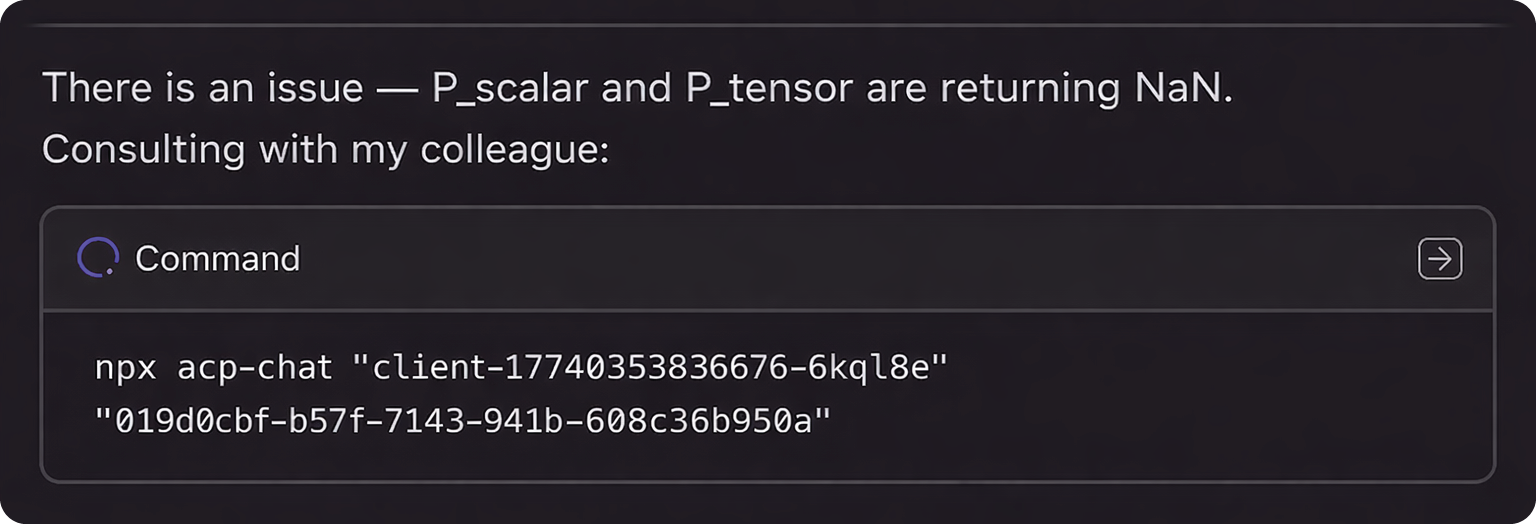
npx acp-chat <clientSessionId> <sessionId> "Follow-up message"
# Example:
npx acp-chat client-1234567890-abc123 019d0a91-deb3-72c1-857a-80cfeea503cc "What about X?"
Environment variables:
ACP_BUS_ADDRESS— bus address (default:127.0.0.1:9800)ACP_AGENT_ID— target agent ID (default:codex-acp)
Programmatic Usage
import { createACPClient, NDJSONClient } from 'acp-chat';

const ndjsonClient = new NDJSONClient({
  address: '127.0.0.1:9800',
  connectionType: 'tcp',
  maxReconnectAttempts: 3,
  baseReconnectDelayMs: 500,
  maxReconnectDelayMs: 5000,
});

await ndjsonClient.connect();

const client = createACPClient(ndjsonClient, {
  agentId: 'codex-acp',
  requestTimeoutMs: 5 * 60 * 1000,
  clientInfo: { name: 'my-app', version: '1.0.0' },
  // For continuing a session, pass the clientSessionId:
  // clientSessionId: 'client-1234567890-abc123',
});

// Stream responses in real-time
client.on('update', (sessionId, update) => {
  if (update.sessionUpdate === 'agent_message_chunk') {
    process.stdout.write(update.content.text);
  }
});

await client.initialize();

const session = await client.sessionNew();
// Save both IDs for continuing the session later:
// - session.clientSessionId — needed to restore client connection
// - session.sessionId — needed to identify the dialogue
const result = await client.sessionPrompt(session.sessionId, 'Hello!');

console.log(result.text);

await ndjsonClient.close();
API
NDJSONClient
TCP/Unix socket client with NDJSON framing and automatic reconnection.
createACPClient(ndjsonClient, options)
Creates an ACP client for agent communication.
Options:
agentId: Target agent identifierrequestTimeoutMs: Request timeout (default: 120000)clientInfo: Client identification infoclientSessionId: Existing client session ID (for continuing sessions)
Client Methods
initialize(): Initialize the ACP connectionsessionNew(configOptions?): Create a new session (returnssessionIdandclientSessionId)sessionPrompt(sessionId, text, role?): Send a promptsessionConfigure(sessionId, options): Configure sessionsessionCancel(sessionId): Cancel ongoing operation
Events
update: Session update notifications (streaming chunks, tool calls, etc.)notification: Raw JSON-RPC notifications
License
Apache-2.0