
agent-cli-dev
v0.1.0
Published
<div align="center">


Readme




An open-source AI agent that lives in your terminal.
中文 | Deutsch | français | 日本語 | Русский | Português (Brasil)
Agent CLI is an open-source AI agent for the terminal, optimized for Qwen3-Coder. It helps you understand large codebases, automate tedious work, and ship faster.
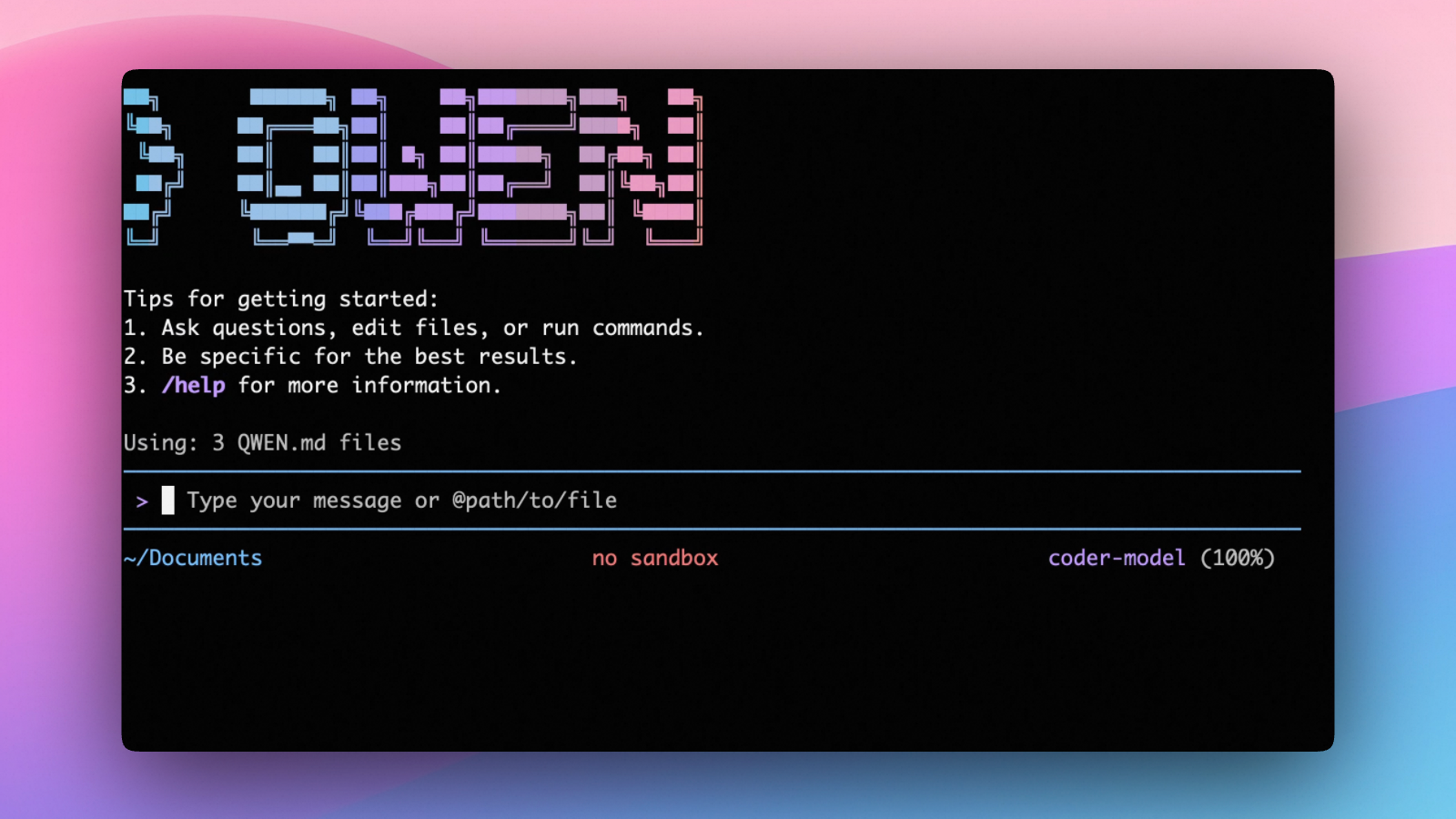
Why Agent CLI?
- OpenAI-compatible, OAuth free tier: use an OpenAI-compatible API, or sign in with Qwen OAuth to get 2,000 free requests/day.
- Open-source, co-evolving: both the framework and the Qwen3-Coder model are open-source—and they ship and evolve together.
- Agentic workflow, feature-rich: rich built-in tools (Skills, SubAgents, Plan Mode) for a full agentic workflow and a Claude Code-like experience.
- Terminal-first, IDE-friendly: built for developers who live in the command line, with optional integration for VS Code, Zed, and JetBrains IDEs.
Installation
Prerequisites
# Node.js 20+
curl -qL https://www.npmjs.com/install.sh | sh
NPM (recommended)
npm install -g @agent-cli/agent-cli@latestHomebrew (macOS, Linux)
brew install agent-cliQuick Start
# Start Agent CLI (interactive)
agent

# Then, in the session:
/help
/auth
On first use, you'll be prompted to sign in. You can run /auth anytime to switch authentication methods.
Example prompts:
What does this project do?
Explain the codebase structure.
Help me refactor this function.
Generate unit tests for this module.
Authentication
Agent CLI supports two authentication methods:
- Qwen OAuth (recommended & free): sign in with your
qwen.aiaccount in a browser. - OpenAI-compatible API: use
OPENAI_API_KEY(and optionally a custom base URL / model).
Qwen OAuth (recommended)
Start agent, then run:
/authChoose Qwen OAuth and complete the browser flow. Your credentials are cached locally so you usually won't need to log in again.
OpenAI-compatible API (API key)
Environment variables (recommended for CI / headless environments):
export OPENAI_API_KEY="your-api-key-here"
export OPENAI_BASE_URL="https://api.openai.com/v1"  # optional
export OPENAI_MODEL="gpt-4o"                        # optional
For details (including .qwen/.env loading and security notes), see the authentication guide.
Usage
As an open-source terminal agent, you can use Agent CLI in four primary ways:
- Interactive mode (terminal UI)
- Headless mode (scripts, CI)
- IDE integration (VS Code, Zed)
- TypeScript SDK
Interactive mode
cd your-project/
agent
Run agent in your project folder to launch the interactive terminal UI. Use @ to reference local files (for example @src/main.ts).
Headless mode
cd your-project/
agent -p "your question"
Use -p to run Agent CLI without the interactive UI—ideal for scripts, automation, and CI/CD. Learn more: Headless mode.
IDE integration
Use Qwen Code inside your editor (VS Code, Zed, and JetBrains IDEs):
TypeScript SDK
Build on top of Agent CLI with the TypeScript SDK:
Commands & Shortcuts
Session Commands
/help- Display available commands/clear- Clear conversation history/compress- Compress history to save tokens/stats- Show current session information/bug- Submit a bug report/exitor/quit- Exit Agent CLI
Keyboard Shortcuts
Ctrl+C- Cancel current operationCtrl+D- Exit (on empty line)Up/Down- Navigate command history
Learn more about Commands
Tip: In YOLO mode (
--yolo), vision switching happens automatically without prompts when images are detected. Learn more about Approval Mode
Configuration
Agent CLI can be configured via settings.json, environment variables, and CLI flags.
- User settings:
~/.agent/settings.json - Project settings:
.agent/settings.json
See settings for available options and precedence.
Benchmark Results
Terminal-Bench Performance
| Agent | Model | Accuracy | | --------- | ------------------ | -------- | | Agent CLI | Qwen3-Coder-480A35 | 37.5% | | Agent CLI | Qwen3-Coder-30BA3B | 31.3% |
Ecosystem
Looking for a graphical interface?
- AionUi A modern GUI for command-line AI tools including Agent CLI
- Gemini CLI Desktop A cross-platform desktop/web/mobile UI for Agent CLI
Troubleshooting
If you encounter issues, check the troubleshooting guide.
To report a bug from within the CLI, run /bug and include a short title and repro steps.
Connect with Us
- Discord: https://discord.gg/ycKBjdNd
- Dingtalk: https://qr.dingtalk.com/action/joingroup?code=v1,k1,+FX6Gf/ZDlTahTIRi8AEQhIaBlqykA0j+eBKKdhLeAE=&_dt_no_comment=1&origin=1
Acknowledgments
This project is based on Google Gemini CLI and originally Qwen Code. We acknowledge and appreciate the excellent work of both teams. Our main contribution focuses on rebranding and parser-level adaptations to better support Qwen-Coder models.