
agent-qa
v0.1.21
Published
The self-improving Agentic QA harness with Memory
Downloads
4,241


Keywords
Readme
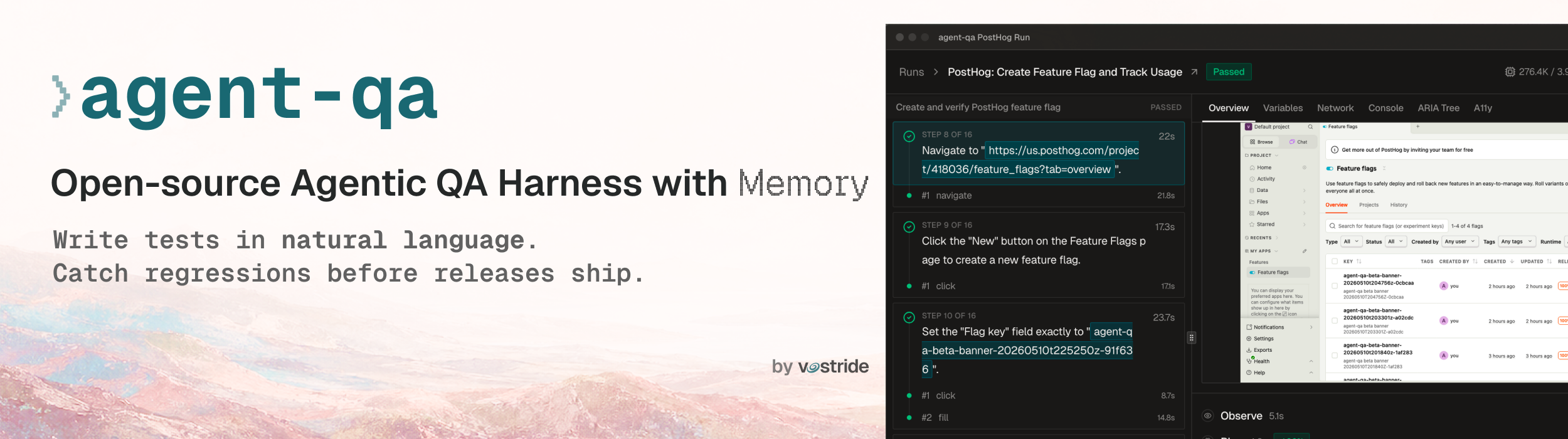
The self-improving Agentic QA harness with Memory
Write tests in natural language for web and mobile. agent-qa learns from past runs, adapts to UI changes, and catches regressions before you ship.
Features
- Write tests in natural language for web and mobile: Define actions and assertions in human language while agents work from visible roles, labels, and screen state.
- Self-healing test execution: When any sub-action, such as click, fill, or select, fails, agent-qa re-observes the UI and tries a different path in the same run. Tests recover from UI drift and flaky interactions instead of failing on the first broken action.
- Self-improves with Memory: With every test run, agent-qa builds execution memory from product, suite, and test observations, then adds that context to future runs. agent-qa also curates memory from steps that were healed during execution, helping future runs avoid the same mistake.
- Built for humans and machines: A polished dashboard and CLI for developers, plus MCP and skills for coding agents.
- Accelerate runs with smart Cache: The action cache reuses validated plans across similar subsequent test runs, reducing planner work, token usage, and runtime overhead.
- Run sandboxed hooks during tests: Run Node, Bun, Python, or Bash hooks in isolated Docker containers to set up environments, call APIs, seed fixtures, tear down state, or pass structured outputs back into the active test run.
- Open source, reviewable QA: The harness is open source, and tests, configs, hooks, memory, and suite logic all live as version-controlled code, so every change can be diffed, reviewed, reused, and shared across teams.
- Bring your own LLM: Run tests with the model of your choice via OpenAI- and Anthropic-compatible endpoints, Gemini, local or open-source models, and subscriptions like Codex and Claude Code.
Quickstart
Install the package:
npm install -D agent-qaFor Codex or Claude Code subscription auth, also install:
npm install -D @vostride/agent-qa-subscription-authInstall Docker before using hooks. agent-qa runs hooks in a sandboxed runtime, and Docker is required for the Node, Bun, Python, and Bash hook containers.
Initialize agent-qa and install the runtime support you need:
npx agent-qa init
npx agent-qa install-browsers --chromium
# Mobile projects:
npx agent-qa install-mobile-drivers --all
Start the dashboard, complete auth, and run tests from the UI:
npx agent-qa dashboard --openFor the full setup flow, use the quickstart.
CLI
Run tests from the CLI:
npx agent-qa run tests/hacker-news-top-story.yaml