
agent-takkub
v2.2.46
Published
Desktop cockpit for orchestrating a team of Claude Code agents (Windows + macOS). Install globally: npm i -g agent-takkub

Maintainers
 monchai.m
Readme
🛩️ agent-takkub
Your AI dev team — in one desktop cockpit.
Prompt one Lead agent. It plans the work, splits it across specialist teammates, runs them in parallel as real claude processes, and verifies the result — while you watch and steer.




npm install -g agent-takkub100% local · runs on your logged-in Claude Code CLI · no SaaS middleware
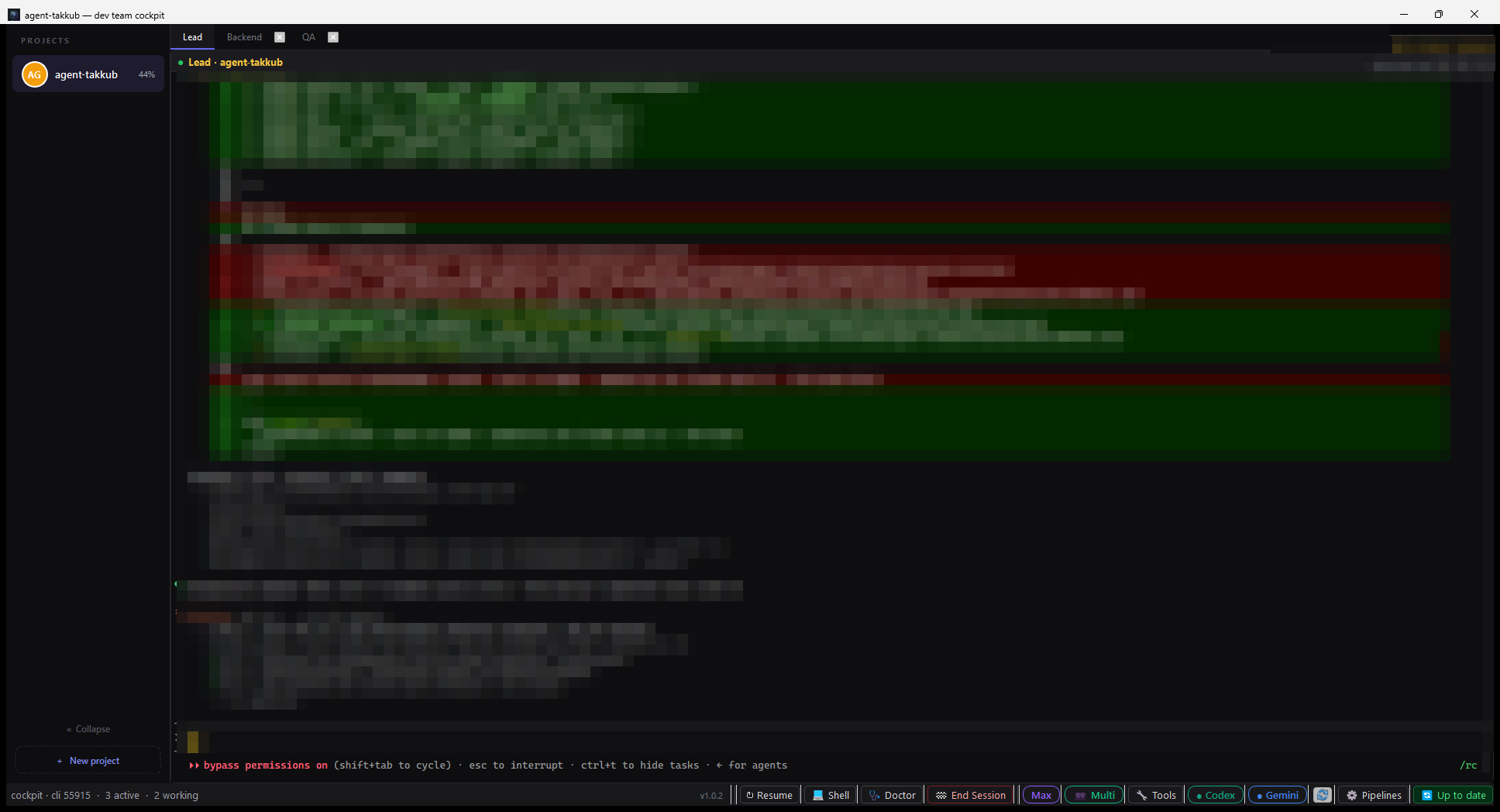
🖥️ The Desktop Cockpit
✨ Why agent-takkub?
A single AI agent hits a wall on big work: context fills up, sub-tasks collide, and everything runs one-at-a-time. agent-takkub runs it like a real engineering team — a Lead you talk to, and specialist teammates it delegates to, each in its own isolated claude process, working concurrently.
Orchestration
| | |
| :-- | :-- |
| 🧠 Orchestrated teammates | Converse with the Lead; it spawns, tasks, and manages specialist panes (frontend, backend, qa, reviewer, devops, mobile, …) on demand — only the roles a job actually needs. |
| 🔀 True parallelism | frontend and backend build a feature at the same time; QA always verifies last, against the real running stack. |
| 🌿 Branch & worktree isolation | Parallel teammates each work on their own git branch in an isolated worktree — no commit races, no dirty-state collisions. You merge when ready. |
| 👥 Fleet mode | One toggle scales a role into a fleet (frontend#1…#K) sized to your machine — for many independent features or sharded test suites at once. |
| 🧭 Plan-first shards | takkub assign --role qa --plan --shards N — a planner splits a big browser-QA sweep into N buckets before fanning out, instead of guessing an even split. |
| 🖥️ Steerable, always | Every pane is a live claude shell. Watch output in real time, interrupt, or type straight into any teammate. |
| 🗂️ Multi-project tabs | One isolated Lead per project — no cross-talk. |
| 🔒 100% local | No SaaS middleware. Everything runs on your machine, on your logged-in Claude Code CLI. |
Token efficiency & memory
| | |
| :-- | :-- |
| 📥 Pull-on-demand context | Reference docs, patterns, and CLI cheatsheets live outside the Lead's default prompt — it reads them only when a task needs them, instead of paying for them on every turn. |
| 🧾 Per-role memory + L2 archive | Each teammate keeps a short, token-budgeted "learned notes" file; entries that get trimmed for space are archived (not deleted) to a searchable sibling file instead of being lost. |
| 🔎 BM25 search (takkub search) | Full-text search over session logs and role-memory archives, ranked with Okapi BM25 — tokenizes both English words and Thai character trigrams, no external segmenter. |
| ✅ Evidence-gated QA/review | A verify role's "done" report is checked for actual evidence (a file, a test run, an exit code) — reports with no evidence cited get flagged for the Lead instead of trusted at face value. |
| 🧬 Structural code-intelligence (graft) | Symbol search, call-graph tracing, and signatures-only file views wired into code-reading roles (frontend/backend/mobile/devops/qa/reviewer/critic) — no LLM call, ~92% smaller than reading a large file whole. Fully optional: install with takkub doctor --fix (needs Node ≥ 20); a pane never gets the extra tools unless a project's graph has actually finished building. The graph lives outside the repo (~/.agent-takkub/graft-graphs, never committed); disable entirely with TAKKUB_SKIP_GRAFT_BUILD=1. |
Reliability & diagnostics
| | |
| :-- | :-- |
| 🩺 takkub doctor --live | Checks the running cockpit's spawn queue, CPU/RAM governor, resource waits, PTY queue depth, stale-write drops, and remote mirror — catches live wedges that config-only checks cannot see. |
| 🛡️ Reliability v2 | Delivery IDs, pane-session generations, TTL, single-flight submission, bounded priority PTY queues, fair heavy-work admission, adaptive hidden-pane rendering, durable completion dedupe, and Windows Job Object cleanup. |
| ⌨️ Multiline input that just works | Shift+Enter / Alt+Enter add a newline instead of submitting, provider-aware (works on claude/gemini panes; skipped where the underlying TUI would misinterpret it) — includes a macOS IME fix for Thai/CJK input dropped after switching input languages. (community contribution by @than-aa) |
🧠 One team, many model "brains"
Model diversity beats a single point of view. Takkub lets the Lead pull in a second, third — or sixth brain for planning, review, and cross-checks, and it never breaks if you don't have them installed.
| Brain | Backed by | Great at |
| :-- | :-- | :-- |
| 🟣 Claude | Claude Code CLI | The Lead + every specialist — build, test, review |
| 🟢 Codex | OpenAI Codex CLI | Second opinion · refactor patterns · cross-checking a plan |
| 🔵 Gemini | Google Antigravity (agy) | Long-context planning (reads the whole repo) · a third perspective |
| 🟠 OpenCode | sst OpenCode | One CLI, 75+ model backends (GLM · DeepSeek · local Ollama …) |
| ⚫ Cursor | Cursor CLI (cursor-agent) | Pick per-task from Cursor's own model roster |
Pick the model, not just the CLI. Every provider — and every role — can be pinned to a specific model from Settings → Providers & Roles, or from the terminal:
takkub provider model gemini "Gemini 3.1 Pro (High)"   # this CLI spawns with that model
takkub provider list                                    # who's installed, and on which model
A role's own model wins over the provider default, so backend can run Codex on gpt-5.6 while reviewer runs it on something cheaper.
Never a hard dependency. If a provider isn't installed (or you've toggled it off), the Lead keeps the role — Claude transparently stands in, and tells you you've traded away model diversity. No refusals, no dead ends.
⚠️ Cursor is new in 1.0.27 — they spawn and take tasks, but its idle/busy screen markers are not calibrated yet, so prefer Claude/Codex/Gemini/OpenCode for roles you leave unattended.
⚡ Quick Start
# 1. Install the cockpit, plus Claude and Codex CLIs if missing
npm install -g agent-takkub

# 2. Authenticate with your Claude and OpenAI accounts
claude login
codex login

# 3. Provision recommended plugins + browser-automation tools (idempotent)
takkub provision
⚠️ Install it globally — the
-gflag matters. It provisions the isolated runtime and the Desktop launcher. A plainnpm install agent-takkub(no-g) will not set the app up.
Then double-click “Takkub Cockpit” on your Desktop — or launch from a terminal:
agent-takkubRequirements — Node.js ≥ 18 and Python ≥ 3.11 already on your system. The installer creates an isolated Python runtime and Desktop launcher, and installs missing Claude and Codex CLIs into your npm global prefix. Existing provider installations are reused. Authenticate with claude login and codex login before using those providers.
Optional: graft code-intelligence needs Node ≥ 20 — stricter than the cockpit's own Node ≥ 18 floor. It's off until you run takkub doctor --fix; without it (or on Node 18–19), the cockpit runs exactly the same, just without the extra structural-search tools for code-reading roles.
🚦 Two ways to run: 1:1 or a whole team
A chip in the status bar flips how the Lead works:
- 👤 1:1 (default) — one agent per role, one feature at a time. Focused and predictable.
- 👥 Multi — hand the Lead several independent features and it fans out into multiple instances per role (
frontend#1…#K,backend#1…#K) running at once, like a team of several devs per position. Finishes fast.
Dependent work stays sequential automatically; QA is always the final gate, run against the real stack.
🔄 Orchestration Flow
sequenceDiagram
    actor User
    participant Lead as Lead Agent
    participant Cockpit as Cockpit Engine
    participant Spec as Specialist Pane(s)
    participant Git as Git Repository

    User->>Lead: "Build the login feature"
    Lead->>Cockpit: takkub assign --role frontend / backend (parallel)
    Cockpit->>Git: create isolated branch + worktree (optional)
    Cockpit->>Spec: spawn claude pane + inject task
    Note over Spec: teammates code & test independently
    Spec->>Cockpit: takkub done "report"
    Cockpit->>Lead: done notice → verify sequence (devops → QA last)
    Lead->>Git: review + merge branches, propose ship
📱 Mobile Remote Control (PWA)
- 📲 Install-free PWA — open the paired link, Add to Home Screen, done. Offline-capable app shell, no store.
- 💬 Live Lead console — the Lead's replies stream to your phone in real time (with a "still working…" indicator); type back to steer it.
- 📊 Pulse — a glanceable, project-grouped view of which teammates are running and for how long.
- 🎛️ View vs. control — read-only by default; flip to control mode to send prompts or open projects remotely.
- 🔒 Three-factor, off by default — secret path + bearer token (never in the QR) + a password gate, on a loopback-only server behind a Cloudflare/ngrok tunnel, with per-client sessions & brute-force lockout. Data-minimized: never ships raw tool output, commands, or filesystem paths. Turn it on from the cockpit's 🌐 Remote chip.
🛠️ Everyday Commands
| Command | Purpose |
| :--- | :--- |
| takkub assign --role backend "…" | Spawn a specialist and assign a task |
| takkub assign --role frontend --isolation worktree "…" | Task on an isolated git branch + worktree |
| takkub assign --role qa --plan --shards 4 "…" | Plan-first parallel browser QA (auto fan-out) |
| takkub worktree list / merge / clean | Review + merge isolated branches |
| takkub send --to qa "…" | Message a teammate (Lead CC’d) |
| takkub search "…" | BM25-ranked search over session logs + role-memory archives (Thai + English) |
| takkub goal "…" | Set a session goal injected into every task |
| takkub restart | Restart the whole cockpit from the terminal |
| takkub doctor --fix | Diagnose the environment + auto-repair (add --install-providers to also install missing provider CLIs) |
| takkub doctor --live | Same checks, plus a live look at the running cockpit's spawn queue |
| takkub provider list | Show every provider CLI, whether it's installed, and its model |
| takkub provider install <name> | Install one provider CLI (Codex / OpenCode) |
| takkub provider model <name> [<model>] | Show or set the model a provider spawns with (--clear to reset) |
| takkub provision | Install / repair plugins + browser tools |
📖 Deep Dives & Resources
- 🏗️ Architecture & design — Architecture Guide
- ⚙️ System overview & flow diagrams — docs/system-overview
- 🛡️ Performance & Reliability v2 — configuration, invariants, diagnostics, and rollback
- 🔧 From source / one-shot installer (Chrome, gh, Codex, Antigravity, rtk, …) — INSTALL.md
- 🐙 GitHub — takkub/agent-takkub