
agentglow
v0.4.9
Published
Live 3D views of agent systems (LangGraph, deepagents, any OpenTelemetry-instrumented agents) as a React component.

Maintainers
 nideeshterapalli
Readme
agentglow
Live 3D views of agent systems, as a React component. Every agent your system spawns appears as a
living shape (a neuron, a star, an electron, a particle track, a firework shell): it's born when its span starts,
thinks while it calls the LLM, waits on MCP servers, passes messages to other agents, and fades out when its span
ends. Backend services (FastAPI, FastStream, FastMCP, Node) show up as long-lived nodes with request halos. It is
driven only by OpenTelemetry, via the agentglow Python
server, so it works with LangGraph, deepagents, LangChain and anything else that emits OTel spans.

Watch Claude Code (CLI)
npx agentglow setup        # once
claude                     # then just use Claude Code as usual
setup adds AgentGlow hooks + traces to ~/.claude/settings.json (backup first) plus a hook that auto-starts the
AgentGlow server with every claude session (on macOS / Linux also a login item), then opens the 3D view. Only Node 18+ is needed (uv + Python are fetched
on first run). Your agents and subagents appear live at http://localhost:8100/neural as Claude works.
| Command | What it does |
|---|---|
| npx agentglow setup [--port 8100] | install once (backup first), start the server, open /neural; on macOS / Linux the server also starts at login |
| npx agentglow setup --capture-prompts | also show your own prompts next to Claude's replies (local server only, off by default) |
| npx agentglow setup --no-autostart | no login item: the server starts with each claude session instead |
| npx agentglow status / open / stop | check install + server / open the view / stop the background server |
| npx agentglow remove | uninstall everything setup added (hooks, env, login item) and stop the server |
| npx agentglow start [--background] | run the server yourself (serve is an alias) |
| npx agentglow claude [-- <claude args>] | try it without installing: one session with temporary settings |
AGENTGLOW_URL points everything at a remote server, AGENTGLOW_API_KEY sends an ingest key. Details:
examples/claude-code.
Install
npm i agentglowRequires React 19. three, @react-three/fiber, @react-three/drei and @react-three/postprocessing are
regular dependencies (installed for you, and deduped against your own copies when versions match), so a
project that already uses react-three-fiber v9 doesn't end up with two copies of three.js.
Run the server
pip install agentglow
agentglow serve          # http://localhost:8100
import agentglow
agentglow.watch() # before your agents runSee Get started for details.
Use
import { AgentScene } from "agentglow";

export default function Page() {
  return (
    <div style={{ height: 600 }}>
      <AgentScene theme="neural" source="http://localhost:8100" />
    </div>
  );
}
The scene fills its container, so give the container a height. Styles load automatically when you import the
package. If your bundler drops CSS imported from node_modules, import them yourself:
import "agentglow/style.css".
No server yet? <AgentScene theme="orbit" sim /> runs the built-in simulator. If source can't be
reached, the scene falls back to the simulator on its own and shows a "simulated" badge.
Next.js
The package is marked "use client", so you can import it straight into an App Router page. To skip server
rendering of the WebGL canvas entirely, load it with dynamic:
"use client";
import dynamic from "next/dynamic";

const AgentScene = dynamic(() => import("agentglow").then((m) => m.AgentScene), { ssr: false });

export default function Live() {
  return <AgentScene theme="orbit" source="http://localhost:8100" style={{ height: "80vh" }} />;
}
Node.js services
agentglow/node (server-only, no React / three.js) puts a Node service (Next.js backend-for-frontend, Express,
Fastify, plain http) into the scene, like Python's agentglow.watch(app=...). The OpenTelemetry packages are
optional peer dependencies, installed only by the apps that use this entry:
npm i agentglow @opentelemetry/api @opentelemetry/sdk-trace-node @opentelemetry/resources @opentelemetry/exporter-trace-otlp-http @opentelemetry/instrumentation @opentelemetry/instrumentation-http @opentelemetry/instrumentation-undiciimport { watch } from "agentglow/node";
watch({ service: "web-bff", url: "http://localhost:8100" }); // before the server starts listening- Incoming HTTP requests = the service's requests (req/s halo, 5xx flashes), named
METHOD route. - Outgoing
fetch/httpcalls = resource nodes, and carry a W3Ctraceparent: a Python API watched withagentglow.watch(app=...)continues the same trace. - Spans go to
<url>/v1/traces(OTLP/HTTP JSON);ingestKey(or envAGENTGLOW_API_KEY) is sent asx-api-key.
| Option | Default | |
|---|---|---|
| service | env OTEL_SERVICE_NAME, else node-app | the service (agent) name |
| url | env AGENTGLOW_URL, else http://localhost:8100 | AgentGlow server |
| ingestKey | env AGENTGLOW_API_KEY | server --ingest-key |
| privacy | "strict" | "strict": attribute allowlist. "standard": other attributes kept, the drops and backstop below still apply |
| scrub | | (attrs, { name, kind }) => attrs: your own rule, after the built-in ones |
| incoming | true (false under Next.js) | trace incoming HTTP requests |
| ignorePaths | [] | incoming paths not traced ("/healthz", regexes) |
watch() returns { flush(), shutdown() } (call flush() before a short script exits) and is idempotent.
Privacy (strict). Only method, route, status, peer host:port, messaging / db / rpc system names, next.route and
agentglow.* attributes leave the process. Never bodies, headers (cookies, authorization), query strings, URL
userinfo, client IPs, user agents, span events or error messages. Paths without a route template are id-normalized
(/orders/123 -> /orders/:id; numbers, UUIDs, hex, long tokens, emails). A regex backstop replaces emails, phone
numbers, long ids and secrets in every remaining string.
Next.js (instrumentation.ts at the project root, or in src/):
export async function register() {
  if (process.env.NEXT_RUNTIME === "nodejs") {
    (await import("agentglow/node")).watch({ service: "web-bff" });
  }
}
Next.js makes its own request spans (GET /api/orders/[id]), so watch() does not add a second one; fetch calls in
route handlers, server actions and server components carry the traceparent into your API. The edge runtime is not
traced. Already using OpenTelemetry (@vercel/otel, NodeSDK)? Add spanProcessor() from agentglow/node to its
spanProcessors instead of calling watch().
Express / Fastify:
import { watch } from "agentglow/node";
import express from "express";

watch({ service: "web-bff", ignorePaths: ["/healthz"] });
const app = express();
app.use("/api", async (req, res) => {
  const r = await fetch(`http://localhost:8191${req.url}`); // traceparent added for you
  res.status(r.status).type("json").send(await r.text());
});
app.listen(8190);
Example: examples/node-proxy (a Node proxy in front of the FastAPI orders example).
agentglow/pulse stays for hand-sent events without OpenTelemetry.
Props
| Prop | Type | Default | What it does |
|-------------|-----------------------|------------|--------------|
| theme | Theme | "neural" | Which view to render (see below). Each theme loads lazily as its own chunk. |
| source | string | "" | Base URL of the agentglow server. "" means same origin. The scene reads ${source}/live/stream (SSE), /live/graph and /live/health. |
| hud | boolean | true | Show the glass HUD: counts, event ticker and the agent inspector panel. |
| sim | boolean \| "hf" | false | Use the built-in simulator instead of a server; "hf" = high-frequency simulator (30 market agents, ~100 decisions/s). |
| scope | string | none | Only show agents in this scope (a user or tenant id). Sent as the X-AgentGlow-Scope header, also as scope in the POST /live/run body. With a token, the token decides. |
| run | string | none | Only show this one run. Sent as the X-AgentGlow-Run header. |
| token | string | none | Token minted by your backend. Sent as Authorization: Bearer <token> on every /live/* request, never in a URL. |
| clearable | boolean | true | Show the HUD's per-viewer Clear view button (and its Shift+C shortcut). |
| clearedAt | number \| null | none | Controlled clear: an epoch-ms timestamp hides everything older for this viewer, null shows everything again, unset leaves it to the viewer. |
| style | CSSProperties | none | Applied to the container (set a height here or on a parent). |
| className | string | none | Added to the container. |
The package also exports THEMES (the list of theme ids), THEME_INFO (names and one-liners) and the
WorldEvent type (the event contract streamed by the server).
If the server exposes POST /live/run, the HUD shows a Run agents button. Otherwise the button stays hidden.
Scene search: the Agents panel's search box also drives the scene in every theme. Matching agents, runs, MCP servers, resources and graph nodes stay bright while everything else dims (grouped runs holding a match expand); Enter or a click on a result flies the camera to it and opens its details, ArrowUp / ArrowDown cycle the matches, Esc clears the search and flies the camera back.
Fit all (HUD button, F, or double-click on empty space) frames everything and resets a manual zoom; a manual zoom-out otherwise sticks. Clear view (HUD button or Shift+C) hides everything on screen for this viewer only and then draws only new
activity; runs still going re-appear on their next event. The server is untouched (other viewers see everything) and
the clear survives a refresh (localStorage, per source / scope / run). The cleared · show all chip undoes it.
A cross-origin source requires the server to send CORS headers for /live/* (allowing the Authorization
and X-AgentGlow-* request headers if you use them).
When scope or run is set, the HUD shows a chip (scope: user-123) so viewers know the view is filtered.
If the server answers 401, the HUD shows "not authorized for this scope" and does not fall back to the simulator.
Show each user only their agents
Your backend mints a short-lived token for the signed-in user (the token carries the scope; see the root README and SPEC for the format), and the page passes it through:
function MyAgents({ userId }: { userId: string }) {
  const [token, setToken] = useState<string>();
  useEffect(() => {
    fetch("/api/agentglow-token").then((r) => r.json()).then((j) => setToken(j.token));
  }, [userId]);
  if (!token) return null;
  return <AgentScene source="https://agentglow.example.com" scope={userId} token={token} style={{ height: 600 }} />;
}
The stream is read with fetch() (not EventSource) so these headers go on every request; it reconnects with
backoff on its own. Changing scope, run or token reconnects and clears the previous view.
Themes
| Theme | Picture |
|-----------|---------|
| orbit | Agents orbit a graph galaxy. Runs are rings and MCP servers are satellites. |
| neural | A living brain. Agents fire as neurons and messages pulse along synapses. |
| flow | A murmuration. Agents condense as eddies out of the current. |
| constellation | A night sky. Delegation draws constellation lines between agent stars. |
| atom | An atom. Agents are electrons; subagents orbit their parent. |
| bubblechamber | A bubble chamber. Agents curl as particle tracks; a spawn decays into a V. |
| fireworks | A night show in an open starry sky. Agents streak in like shooting stars and burst as star shells, subagents as secondary bursts. |
| | | |
|:-:|:-:|:-:|
| 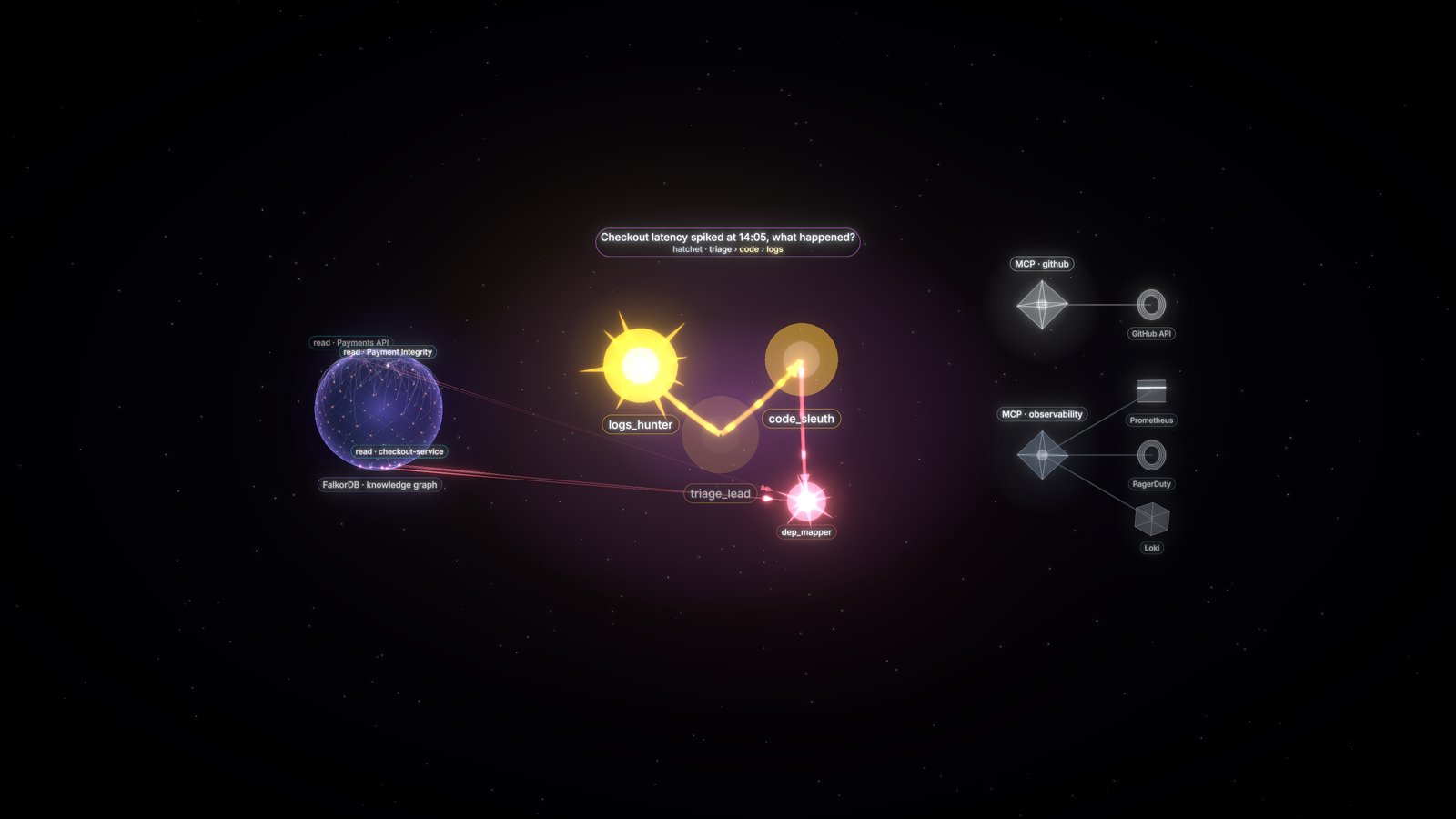 neural |
 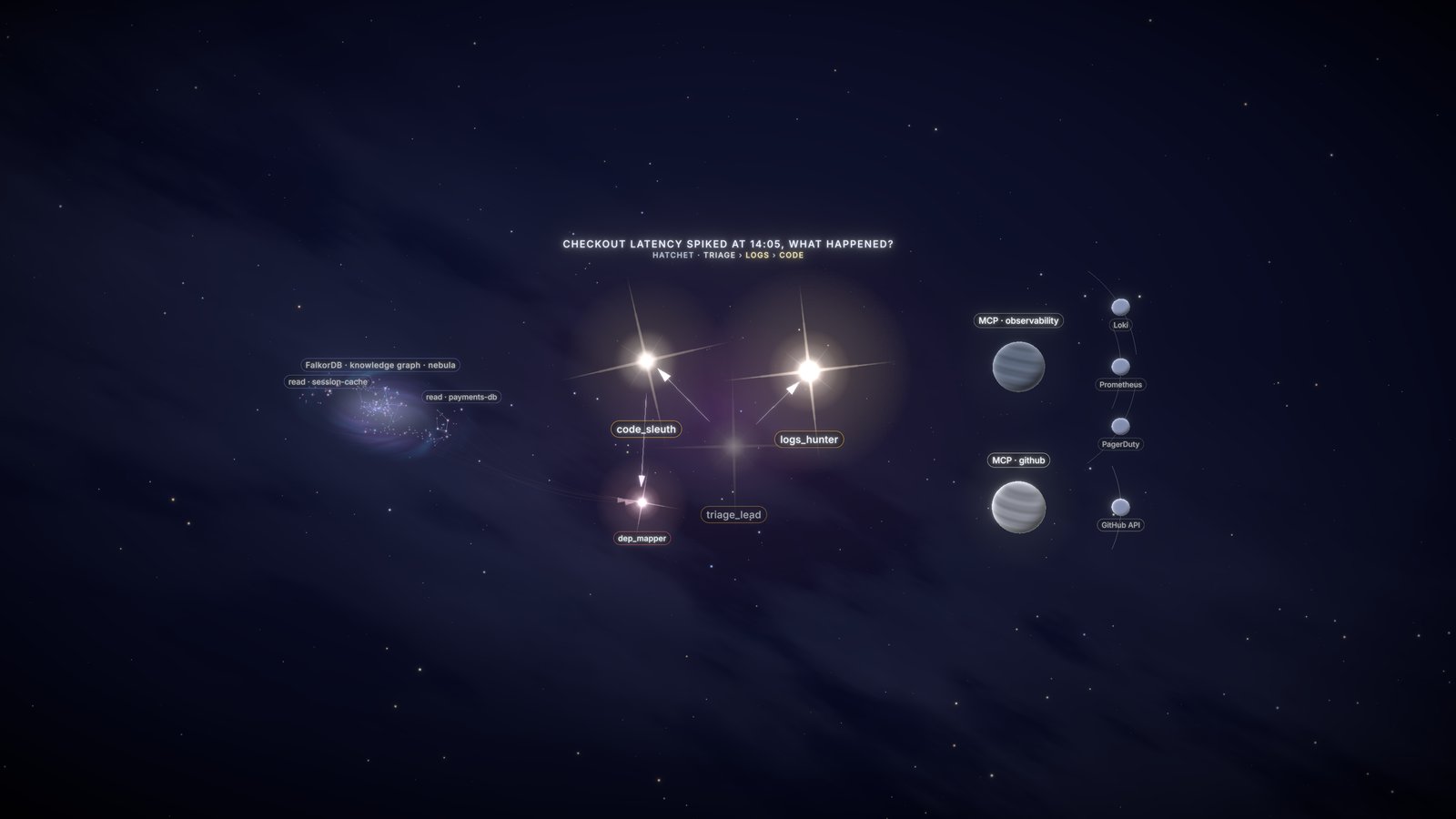 constellation |
 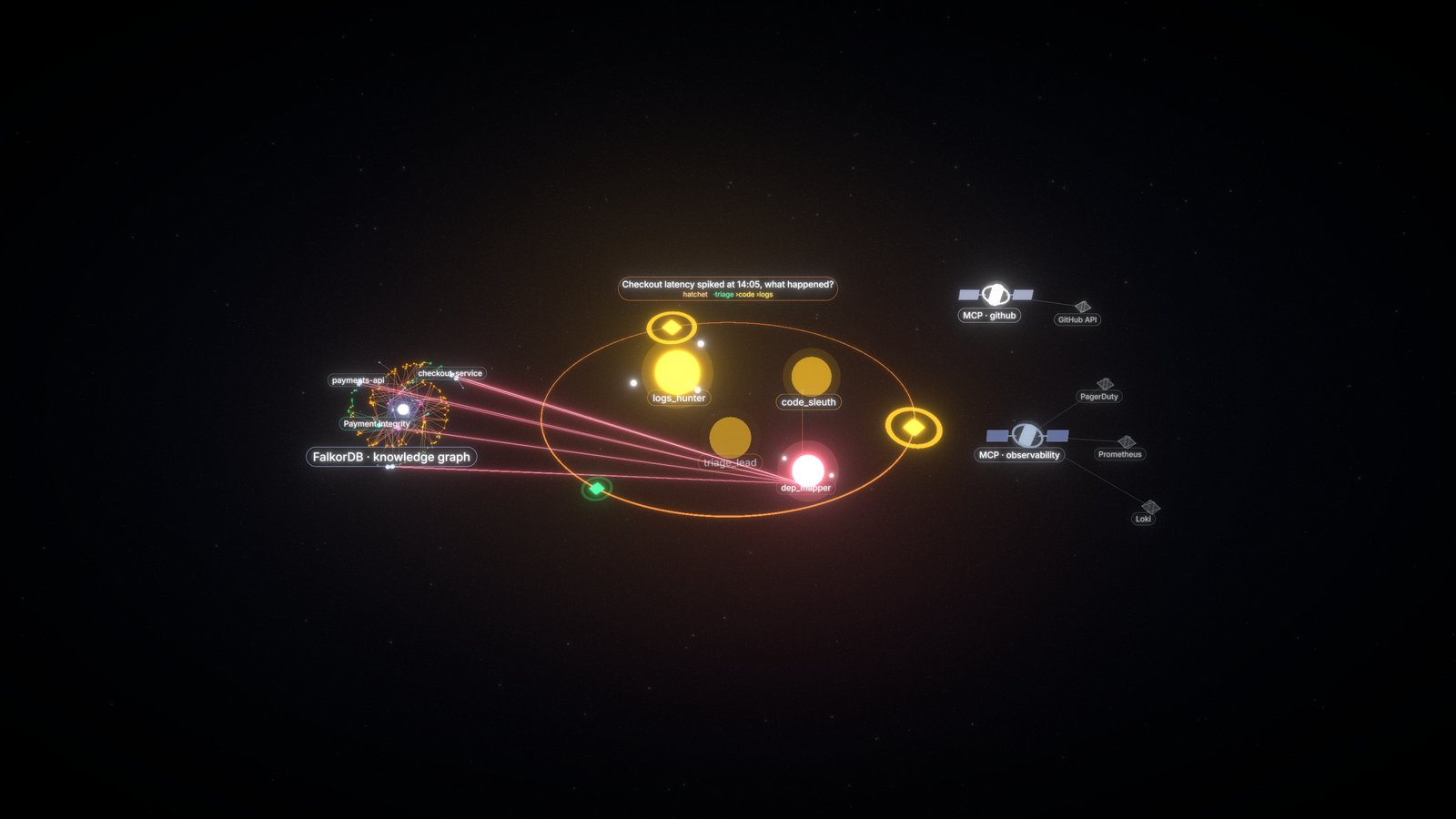 orbit |
|
orbit |
| 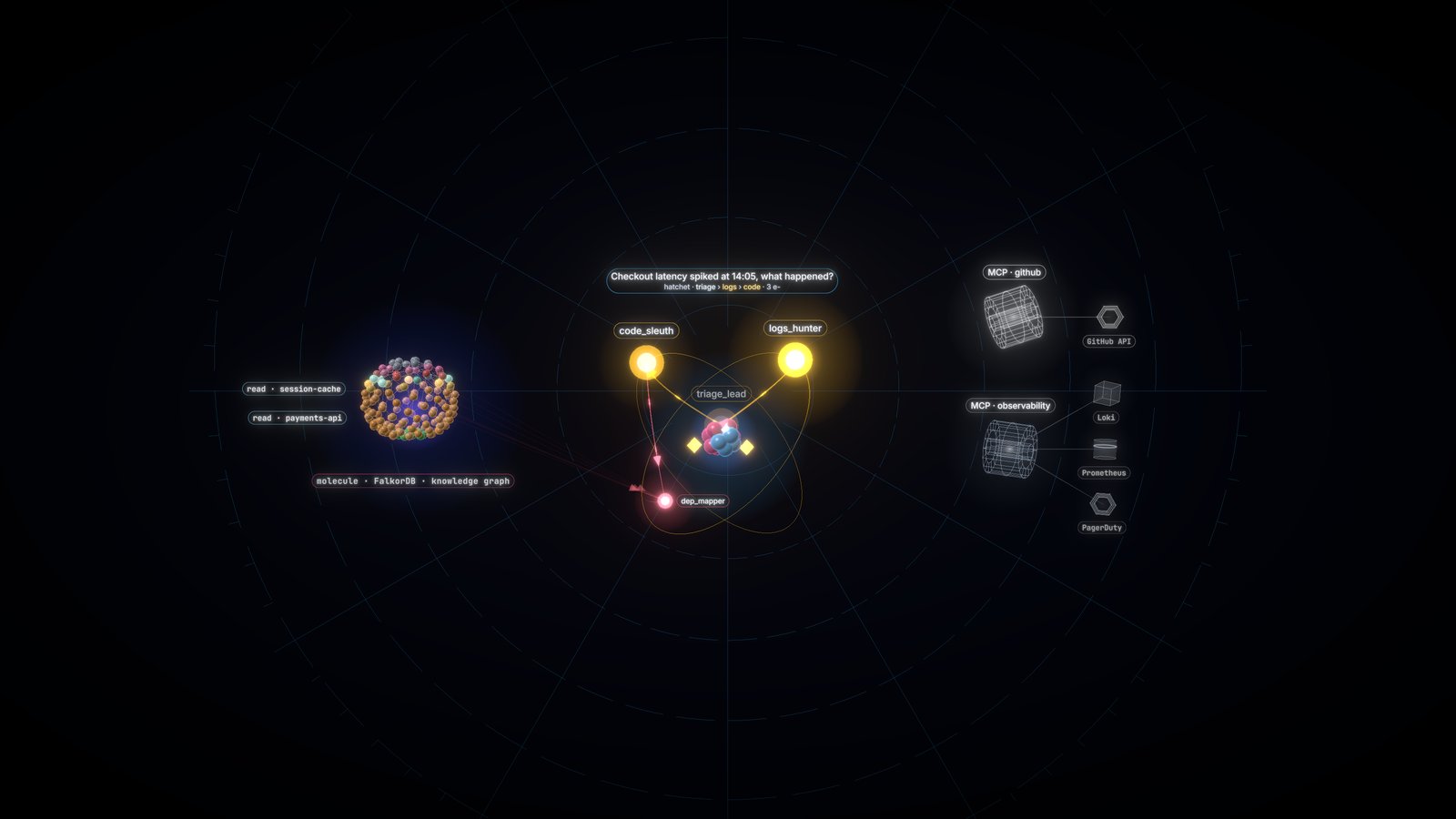 atom |
 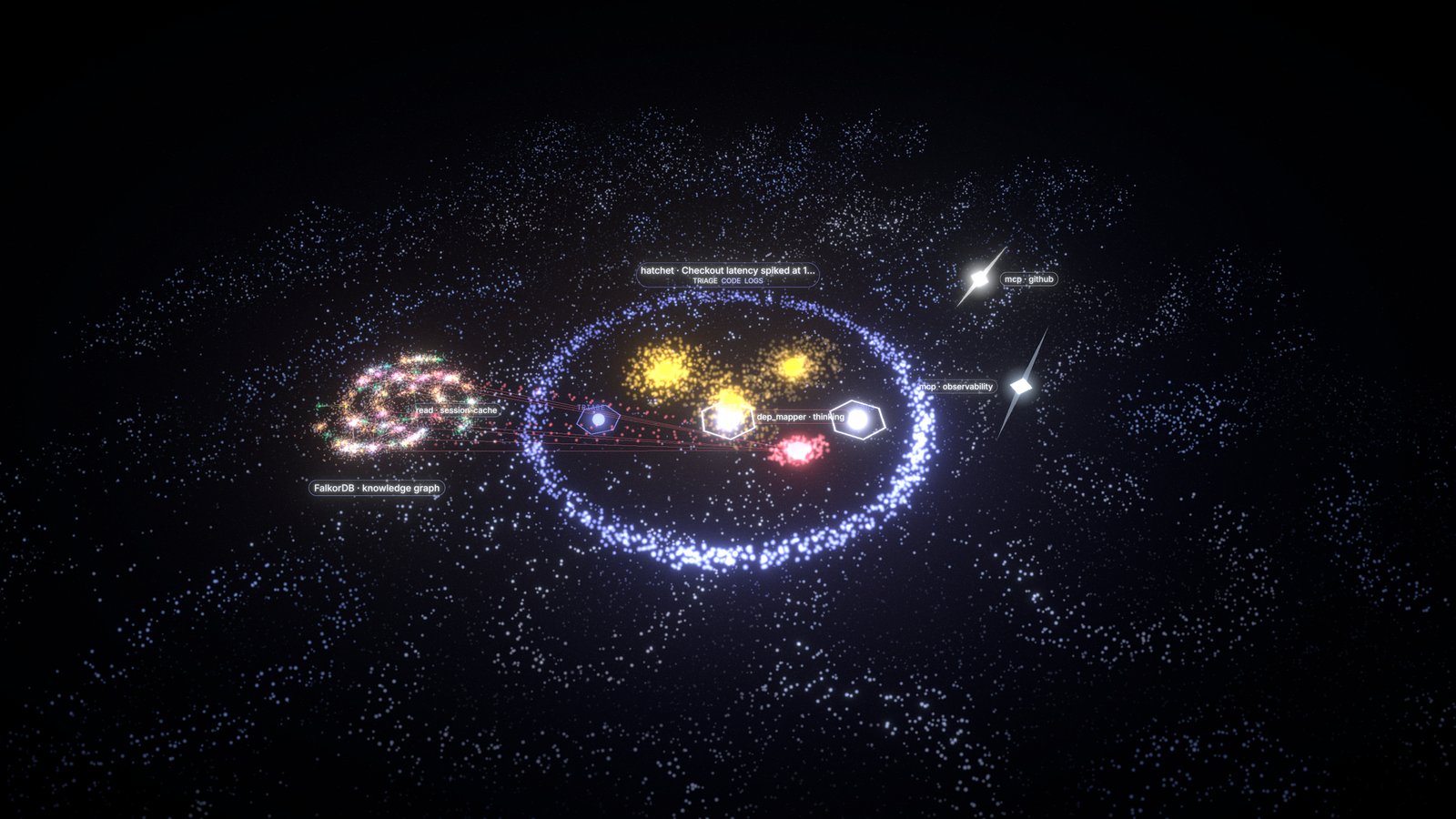 flow |
 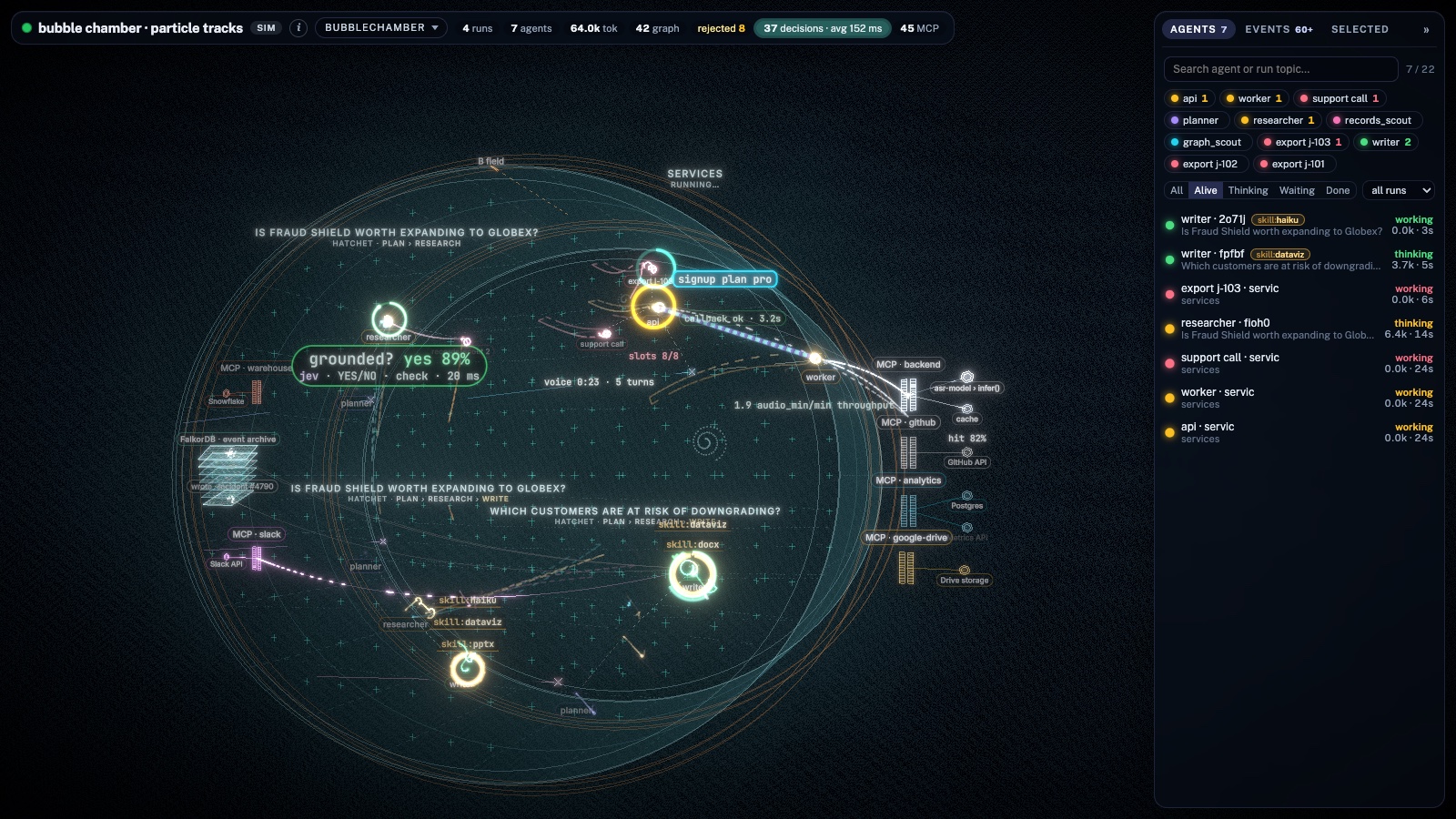 bubblechamber |
|
bubblechamber |
| 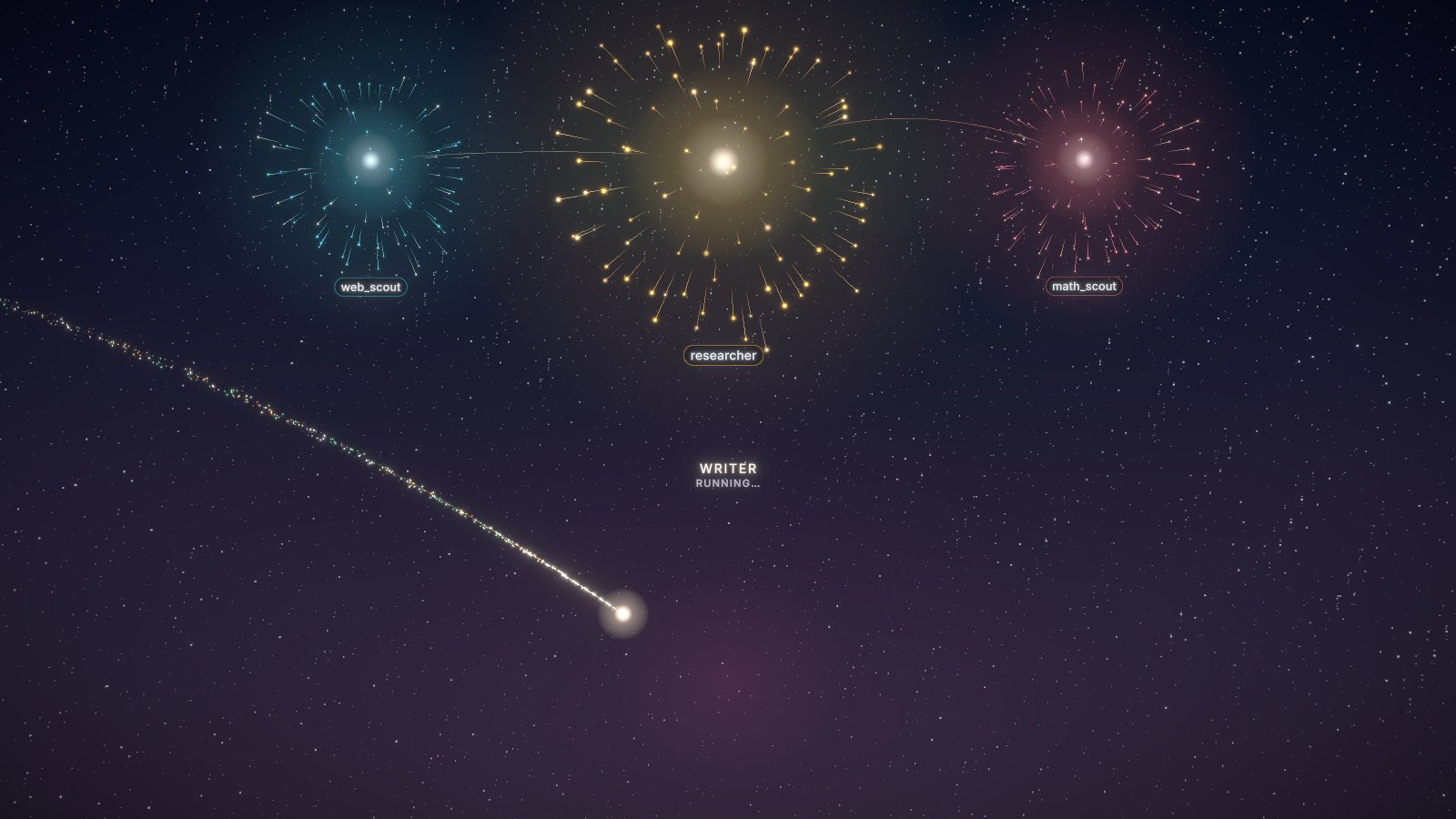 fireworks | | |
Layout
Agents are always the center of the scene; the knowledge graph and MCP servers appear at the side only when used. Stats sit in a slim top bar and agents/events/selection in a collapsible right sidebar (a thin rail in small embeds). The camera fits the free area and batches spawns into one smooth zoom.
Many agents
Above 12 live agents, older runs auto-group into clickable glowing clusters and the newest ~10 stay in full detail, so a scene stays readable (and ~60 fps) with hundreds of agents.
One scene per page
All scenes on a page share one world model. Several <AgentScene/>s with the same source (or all with
sim) share a single connection and show the same agents, so they work fine side by side. Scenes with
different sources (or different scope / run / token) on one page aren't supported: the most recently
mounted one wins.
Develop
npm install
npm run dev          # app at http://localhost:5173, proxies /live → http://localhost:8100 (AGENTGLOW_URL)
npm run build:lib    # → dist/ (this package)
npm run build:app    # → ../backend/agentglow/static (served by `agentglow serve`)
npm run build:demo   # → demo-dist/: static GitHub Pages demo, base /agentglow/, simulator only (no server calls)
In the app, / is the theme gallery and /<theme> is a full-screen scene. It accepts ?sim=1, ?sim=hf,
?source=http://host:8100, ?hud=0 and ?run=<id> (a shareable "watch this run" link). Scope and token are
props only: they are never read from the URL.
The demo build (--mode demo, VITE_DEMO=1) forces the simulator on every view, writes a copy of index.html per
theme and as 404.html (GitHub Pages has no rewrites), and shows a small "Live demo" chip. .github/workflows/pages.yml
deploys it on pushes to main; enable it once in the repo: Settings > Pages > Source: GitHub Actions.
MIT License