ai-doc-site
v0.5.0-alpha.1
Published
Documentation website for the AI and Analytics Team
Downloads
12


Readme
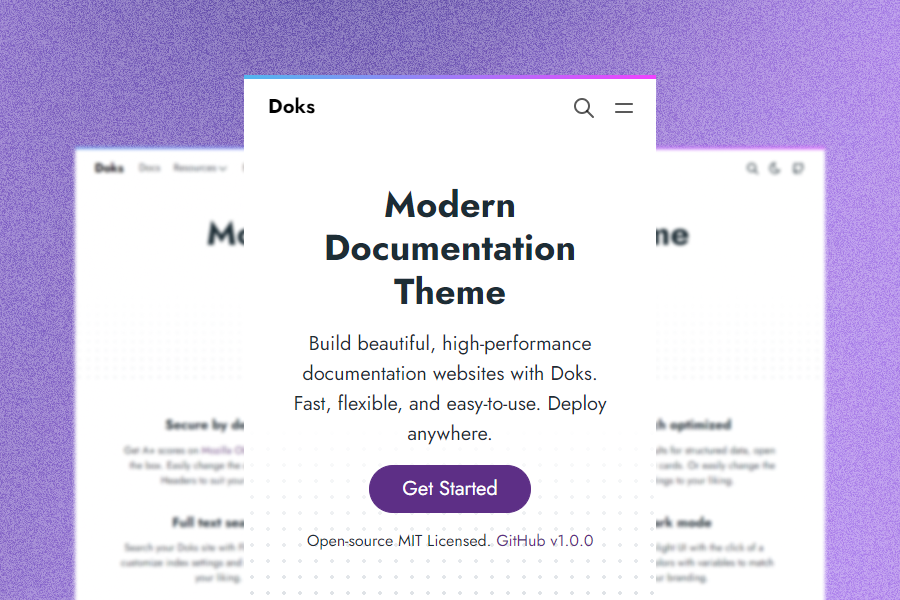
Demo
Why Doks?
Nine main reasons why you should use Doks:
Security aware. Get A+ scores on Mozilla Observatory out of the box. Easily change the default Security Headers to suit your needs.
Fast by default. Get 100 scores on Google Lighthouse by default. Doks removes unused css, prefetches links, and lazy loads images.
SEO-ready. Use sensible defaults for structured data, open graph, and Twitter cards. Or easily change the SEO settings to your liking.
Development tools. Code with confidence. Check styles, scripts, and markdown for errors and fix automatically or manually.
Bootstrap framework. Build robust, flexible, and intuitive websites with Bootstrap 5. Easily customize your Doks site with the source Sass files.
Netlify-ready. Deploy to Netlify with sensible defaults. Easily use Netlify Functions, Netlify Redirects, and Netlify Headers.
Full text search. Search your Doks site with FlexSearch. Easily customize index settings and search options to your liking.
Page layouts. Build pages with a landing page, blog, or documentation layout. Add custom sections and components to suit your needs.
Dark mode. Switch to a low-light UI with the click of a button. Change colors with variables to match your branding.
Other features
- Multilingual and i18n support
- Versioning documentation support
- KaTeX math typesetting
- Mermaid diagrams and visualization
- highlight.js syntax highlighting
Requirements
Doks uses npm (included with Node.js) to centralize dependency management, making it easy to update resources, build tooling, plugins, and build scripts.
Get started
Start a new Doks project in three steps:
1. Create a new site
Doks is available as a child theme and a starter theme.
Child theme
- Intended for novice to intermediate users
- Intended for minor customizations
- Easily update npm packages — including Doks
git clone https://github.com/h-enk/doks-child-theme.git my-doks-site && cd my-doks-siteStarter theme
- Intended for intermediate to advanced users
- Intended for major customizations
- Easily update npm packages
git clone https://github.com/h-enk/doks.git my-doks-site && cd my-doks-siteNot sure which one is for you? Pick the child theme.
2. Install dependencies
npm install3. Start development server
npm run startOther commands
Doks comes with commands for common tasks.
Documentation
Communities
Sponsors
Support this project by becoming a sponsor. Your logo will show up here with a link to your website.


Backers
Support this project by becoming a backer. Your avatar will show up here.