
ai-ins
v1.0.7
Published
Initialize AI Ins in Astro, Next.js, Vite and Webpack projects.


Readme
ai-ins
AI Ins 的接入 CLI:一行命令把 AI Ins 接到 Vite、Webpack、Next.js 或 Astro 项目里。
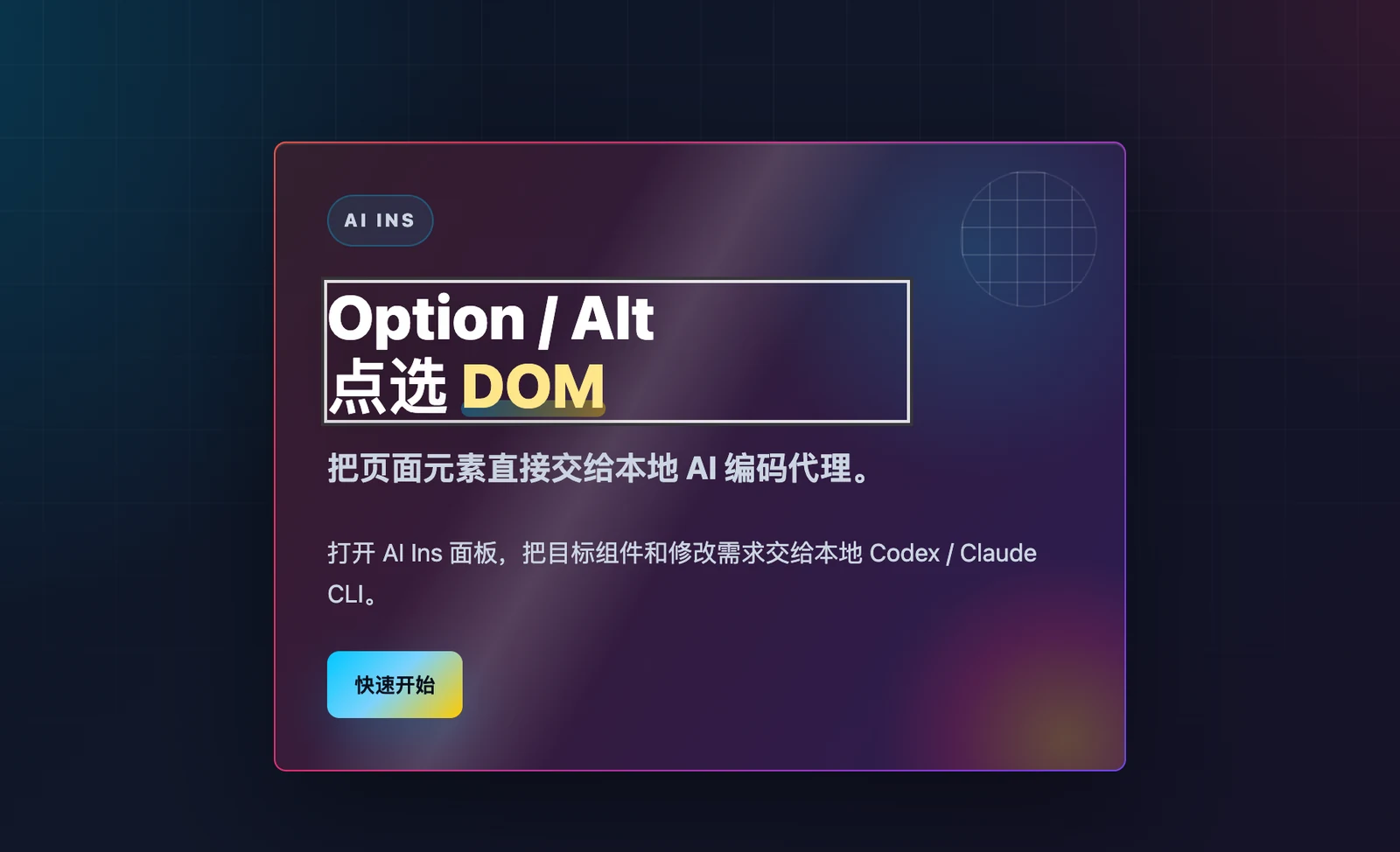
AI Ins 是什么:开发时按住 Option(Windows / Linux 是 Alt)点选页面元素,说一句话,本机的 AI 编码 Agent(Codex、Claude Code、Copilot、Gemini、Cursor)就从这个元素对应的源码开始修改,热更新直接显示结果。
快速接入
在项目根目录运行:
npx ai-insCLI 会做两件事:
- 识别构建工具,用项目的包管理器(pnpm / yarn / bun / npm)安装对应的
@ai-ins/*包。 - 修改配置文件,把 AI Ins 接进去。
如果项目有 astro 依赖或 astro.config.*,会按 Astro 处理,即使同时装了 vite。
参数
| 参数 | 作用 |
| --- | --- |
| --bundler <vite\|webpack\|nextjs\|astro> | 指定构建工具。 |
| --config <path> | 指定要改的配置文件,支持相对项目根目录的路径或绝对路径。 |
| --no-install | 只改配置,不安装依赖。 |
| --force | 依赖已安装时也重新安装最新版。 |
| --cwd <path> | 在其他目录里执行。 |
npx ai-ins 和 npx ai-ins init 等价。
有多个配置文件时
monorepo、Electron(vite.main.config.ts / vite.renderer.config.ts)、webpack.dev.js 和 webpack.prod.js 并存这类项目,要明确告诉 CLI 改哪个文件:
npx ai-ins --bundler vite --config apps/web/vite.config.ts
npx ai-ins --bundler webpack --config build/webpack.dev.js
检测到多个候选配置文件或多个可能的构建工具时,CLI 会停下来提示你传参数,不会猜着改第一个。配置写法太特殊、没法安全修改时,也会提示你手动接入。
手动接入
Vite
import react from '@vitejs/plugin-react'
import { defineConfig } from 'vite'
import aiIns from '@ai-ins/vite'

export default defineConfig({
  plugins: [aiIns(), react()], // aiIns() 必须放在框架插件前面
})
Webpack
const { AiInsWebpackPlugin } = require('@ai-ins/webpack')

module.exports = {
  devServer: {},
  plugins: [new AiInsWebpackPlugin()],
}
Next.js
// next.config.ts
import { withAiIns } from '@ai-ins/nextjs'

export default withAiIns({})
// instrumentation-client.ts
import '@ai-ins/nextjs/client'Astro
import { defineConfig } from 'astro/config'
import aiIns from '@ai-ins/astro'

export default defineConfig({
  integrations: [aiIns()],
})
也可以运行 npx astro add @ai-ins/astro。
给 AI Agent 的规则
用户让你「接入 ai-ins」时:
- 判断构建工具:Astro、Next.js、Vite 还是 Webpack。
- 检查目标 app 目录里是否有多个同类配置文件。
- 只有一个配置文件:运行
npx ai-ins --bundler <bundler>。 - 有多个配置文件:运行
npx ai-ins --bundler <bundler> --config <dev server 实际使用的配置文件>,不要运行裸的npx ai-ins。 - CLI 报告无法安全修改时,按上面「手动接入」的示例改,不要猜测改哪个文件。
- 在
.gitignore里加上.ai-ins。