
airprompt
v0.2.0
Published
Set up remote terminal access for AI agent workflows in minutes

Maintainers
 hatef
hatefReadme
airprompt
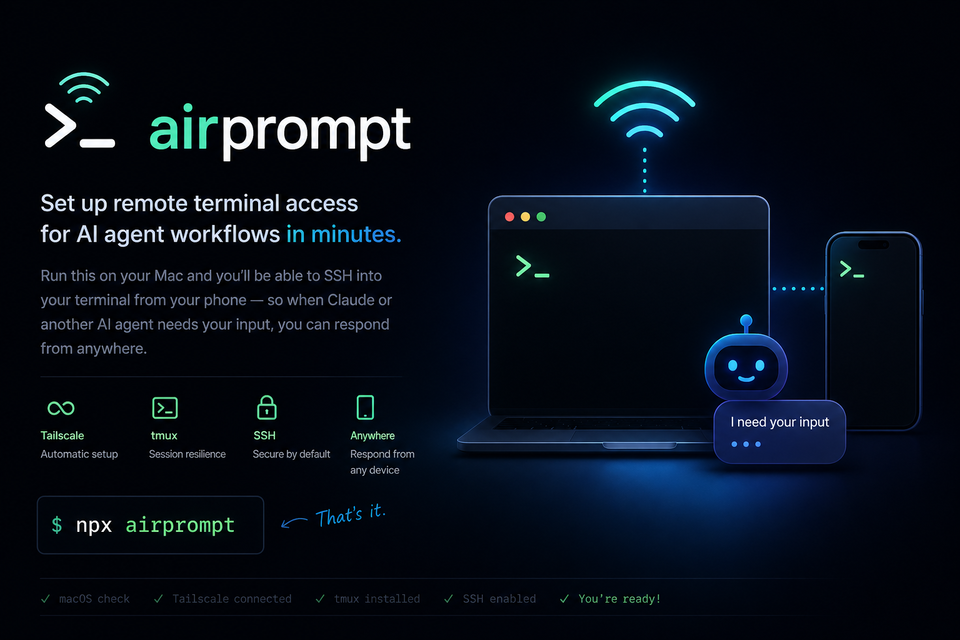
Set up remote terminal access for AI agent workflows in minutes.
Run this on your Mac and you'll be able to SSH into your terminal from your phone — so when Claude or another AI agent needs your input, you can respond from anywhere.
Usage
npx airpromptPreview the setup without installing or enabling anything:
npx airprompt --dry-runCheck your current setup without changing anything:
npx airprompt statusThat's it. The CLI will:
- Check you're on macOS
- Install and connect Tailscale (if needed)
- Install tmux (if needed)
- Enable macOS SSH Remote Login (if needed)
- Print your Tailscale IP and Termius setup instructions
What airprompt changes
airprompt may install Tailscale and tmux with Homebrew, and it may run sudo systemsetup -setremotelogin on to enable macOS Remote Login.
That SSH change lets devices on your Tailscale network connect to your Mac with your normal macOS username and password or SSH key. It does not open a public tunnel by itself, but you should only use it with a Tailscale account and devices you trust.
To disable Remote Login later:
sudo systemsetup -setremotelogin offWhat you need on your phone
- Tailscale — sign in with the same account
- Termius — SSH client, add host with the IP printed by this CLI
Keeping sessions alive with tmux
# Start a named session
tmux new -s work

# Detach (session keeps running)
Ctrl+B, D

# Reattach from your phone
tmux attach -t work
SSH keys
For regular use, prefer SSH keys over passwords:
ssh-keygen -t ed25519 -C "airprompt"
ssh-copy-id <mac-username>@<tailscale-ip>
If ssh-copy-id is not installed, append the public key from ~/.ssh/id_ed25519.pub to ~/.ssh/authorized_keys on your Mac.
Requirements
- macOS
- Homebrew (for auto-installing Tailscale and tmux)
Status checks
npx airprompt status checks whether Tailscale is installed and connected, tmux is installed, and macOS Remote Login is reachable. Status checks are read-only and do not require sudo.
Security model
airprompt assumes SSH is reachable over your private Tailscale network, not the open internet. Keep your Tailscale account protected, remove old devices from your tailnet, and prefer SSH keys over passwords for regular use.
Why
When an AI agent is running a long task and needs confirmation, you shouldn't have to be at your desk. This tool sets up the infrastructure so you can respond from your phone.