
an-icons
v1.0.31
Published
Beautiful hand-crafted SVG icons for React - light mode only

Maintainers
 andinugroho
Readme





A modern, lightweight React icon library with beautiful SVG icons
Built with React • Optimized for Production
Live Demo • Browse Icons • Documentation • Contributing
✨ Features
- 🎨 5,600+ Icons - Massive collection covering all your UI needs
- ⚡ Tree-shakable - Only include the icons you actually use
- 🛠️ Fully Customizable - Easily change size, color, and stroke width via props
- 📐 Multiple Variants - Linear, Bold, and Mini styles for every icon
- 📦 Zero Dependencies - Lightweight and fast
- 📱 Responsive - Built-in support for different sizes (24px standard, 16px mini)
📦 Installation
npm install an-icons🚀 Quick Start
import { NoteTextLinear } from "an-icons";

function App() {
  return (
    <div>
      <NoteTextLinear />

      {/* With custom size and color */}
      <NoteTextLinear size={32} color="#8b5cf6" />
    </div>
  );
}
🎨 Props & Customization
All icon components accept the following props:
| Prop | Type | Default | Description |
| :--- | :--- | :--- | :--- |
| size | number \| string | 24 | Icon width and height (px or any CSS unit) |
| color | string | "#292D32" | Icon color (any valid CSS color) |
| className | string | "" | Additional CSS class names |
📂 Project Structure
src/icons/components: Individual icon componentssrc/icons/index.js: Main entry point for icon exportssrc/App.jsx: Preview application source codedist/: Compiled library files (ES modules)
🤝 Contributing
We welcome contributions from developers of all skill levels! Here's how you can help make Anicons even better:
- 🎨 Add Icons - Help us expand our collection
- 🐛 Report Bugs - Found an issue? Open a bug report
- 📝 Documentation - Help us improve our guides
- 🔧 Fix Issues - Browse open issues and submit fixes
- 🐦 Share - Spread the word about Anicons
Please read our CONTRIBUTING.md for detailed guidelines.
Development Workflow
- Fork the repository
- Clone your fork:
git clone https://github.com/andi-nugroho/an-icons.git - Install dependencies:
npm install - Start dev server:
npm run dev - Make your changes
- Lint your code:
npm run lint - Build the library:
npm run build:lib - Commit with a clear message:
git commit -m "feat(icons): add calendar icon"
📄 License
MIT License © 2025 Anicons Contributors




🔗 Links
- 📦 NPM Package: npmjs.com/package/an-icons
- 🌐 Live Preview: an-icons.vercel.app
- 📚 Documentation: github.com/andi-nugroho/an-icons
- 🐛 Issues: github.com/andi-nugroho/an-icons/issues
- 💬 Discussions: github.com/andi-nugroho/an-icons/discussions
Made with ❤️ by the open-source community
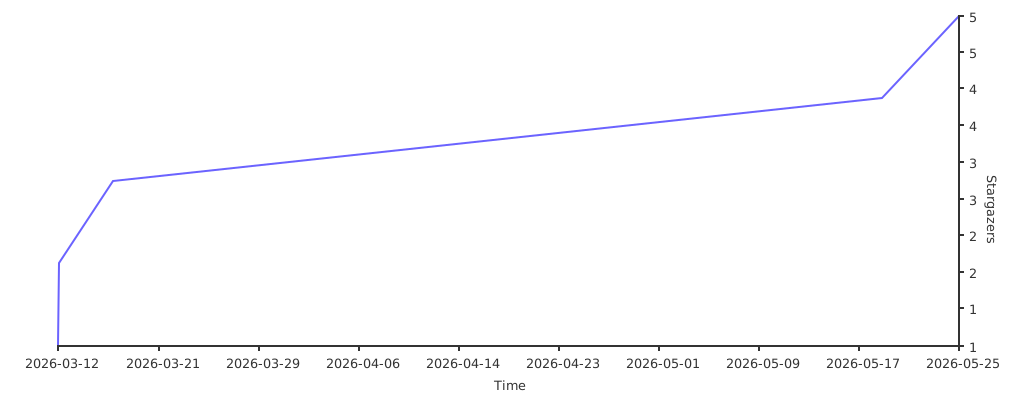
If you find this project useful, please consider giving it a ⭐ on GitHub!