
anthropic-proxy-nextgen
v1.0.5
Published
A proxy service that allows Anthropic/Claude API requests to be routed through an OpenAI compatible API

Maintainers
 jtech-d
Readme
Anthropic Proxy



A TypeScript-based proxy service that allows Anthropic/Claude API requests to be routed through an OpenAI compatible API to access alternative models.
Overview
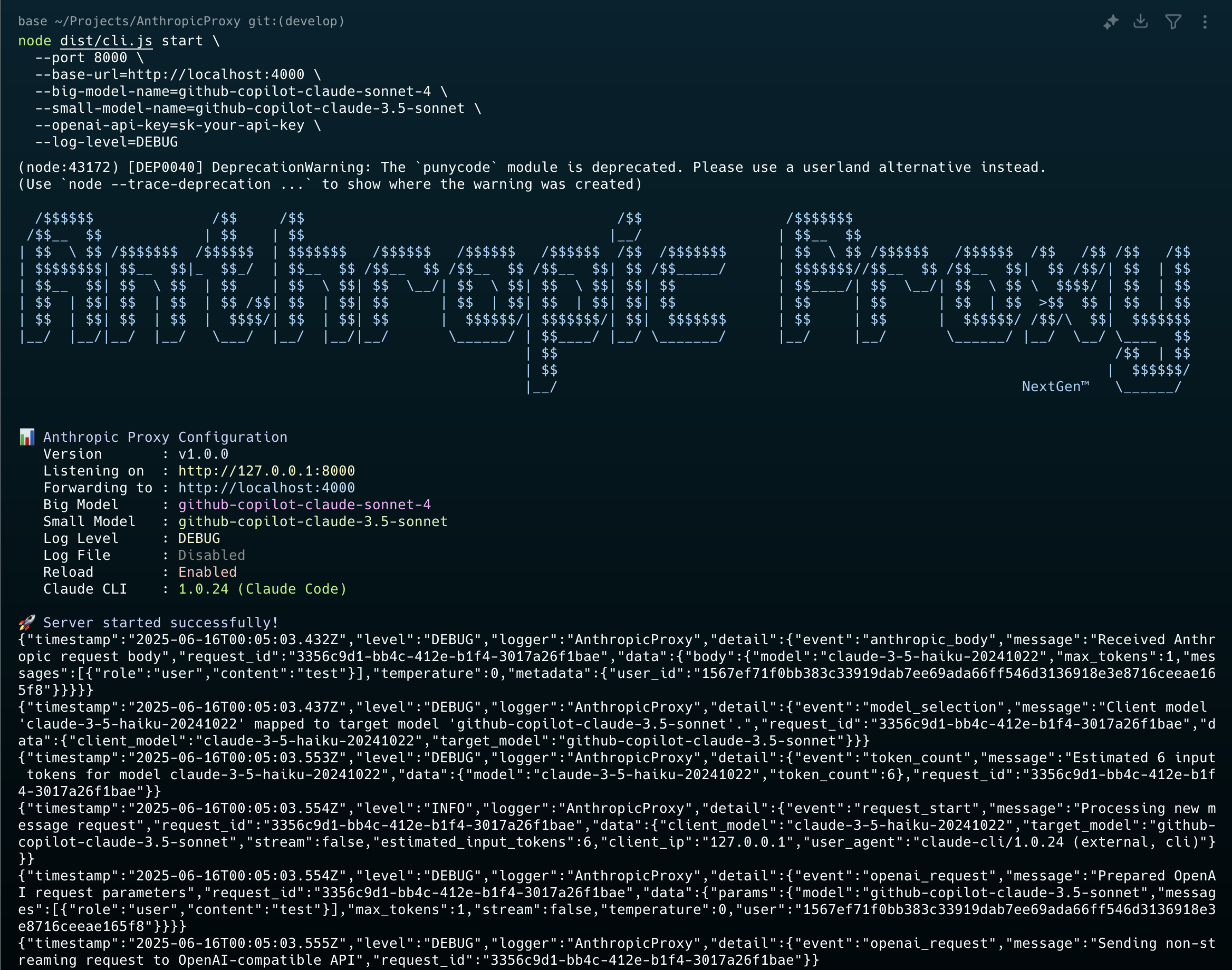
Anthropic/Claude Proxy provides a compatibility layer between Anthropic/Claude and alternative models available through either e.g. OpenRouter or OpenAI compatible API URL. It dynamically selects models based on the requested Claude model name, mapping Opus/Sonnet to a configured "big model" and Haiku to a "small model".
Key features:
- Express.js web server exposing Anthropic/Claude compatible endpoints
- Format conversion between Anthropic/Claude API and OpenAI API requests/responses (see MAPPING for translation details)
- Support for both streaming and non-streaming responses
- Dynamic model selection based on requested Claude model
- Detailed request/response logging
- Token counting
- CLI interface with npm package distribution
Model: deepseek/deepseek-chat-v3-0324 on OpenRouter
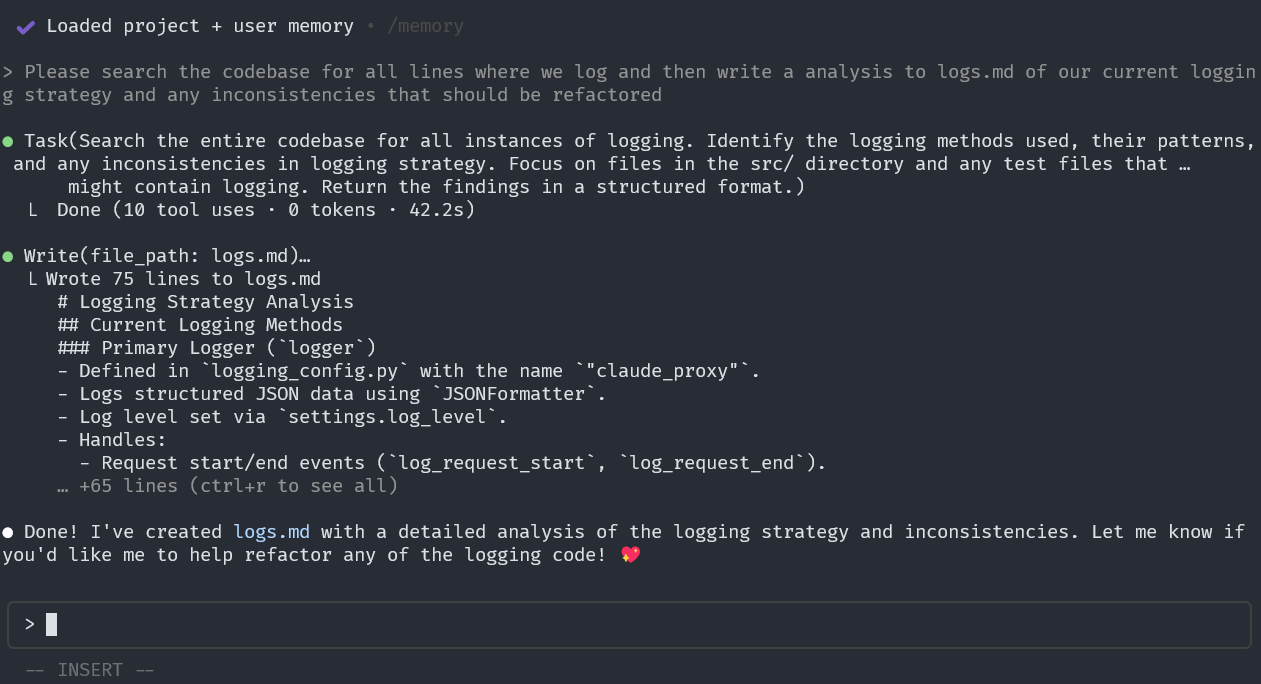
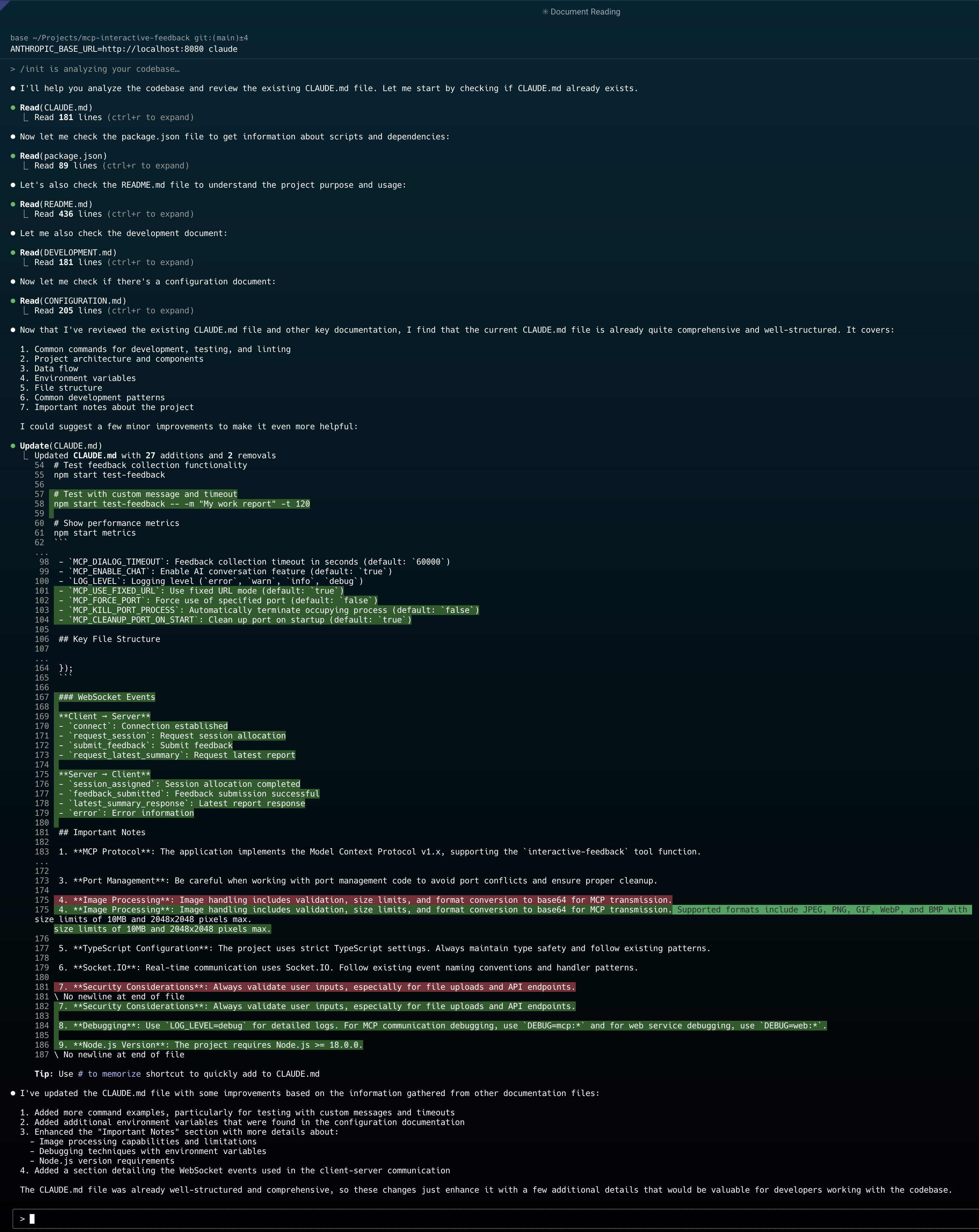
Model: claude-sonnet-4 on Github Copilot
Installation
Global Installation
$ npm install -g anthropic-proxy-nextgenLocal Installation
$ npm install anthropic-proxy-nextgenUsage
CLI Usage
Start the proxy server using the CLI:
$ npx anthropic-proxy-nextgen start \
  --port 8080 \
  --base-url=http://localhost:4000 \
  --big-model-name=github-copilot-claude-sonnet-4 \
  --small-model-name=github-copilot-claude-3.5-sonnet \
  --openai-api-key=sk-your-api-key \
  --log-level=DEBUG
or run with node:
$ node dist/cli.js start \
  --port 11000 \
  --base-url=http://localhost:10000 \
  --big-model-name=github-copilot-claude-sonnet-4.5 \
  --small-model-name=github-copilot-claude-sonnet-4 \
  --openai-api-key=sk-your-api-key \
  --log-level=DEBUG
CLI Options
--port, -p <port>: Port to listen on (default: 8080)--host, -h <host>: Host to bind to (default: 127.0.0.1)--base-url <url>: Base URL for the OpenAI-compatible API (required)--openai-api-key <key>: API key for the OpenAI-compatible service (required)--big-model-name <name>: Model name for Opus/Sonnet requests (default: github-copilot-claude-sonnet-4)--small-model-name <name>: Model name for Haiku requests (default: github-copilot-claude-3.5-sonnet)--referrer-url <url>: Referrer URL for requests (auto-generated if not provided)--log-level <level>: Log level - DEBUG, INFO, WARN, ERROR (default: INFO)--log-file <path>: Log file path for JSON logs--no-reload: Disable auto-reload in development
Environment Variables
You can also use a .env file for configuration:
HOST=127.0.0.1
PORT=8080
REFERRER_URL=http://localhost:8080/AnthropicProxy
BASE_URL=http://localhost:4000
OPENAI_API_KEY=sk-your-api-key
BIG_MODEL_NAME=github-copilot-claude-sonnet-4
SMALL_MODEL_NAME=github-copilot-claude-3.5-sonnet
LOG_LEVEL=DEBUG
LOG_FILE_PATH=./logs/anthropic-proxy-nextgen.jsonl
Programmatic Usage
import { startServer, createLogger, Config } from 'anthropic-proxy-nextgen';

const config: Config = {
  host: '127.0.0.1',
  port: 8080,
  baseUrl: 'http://localhost:4000',
  openaiApiKey: 'sk-your-api-key',
  bigModelName: 'github-copilot-claude-sonnet-4',
  smallModelName: 'github-copilot-claude-3.5-sonnet',
  referrerUrl: 'http://localhost:8080/AnthropicProxy',
  logLevel: 'INFO',
  reload: false,
  appName: 'AnthropicProxy',
  appVersion: '1.0.0',
};

const logger = createLogger(config);
await startServer(config, logger);
Development
Prerequisites
- Node.js 18+
- TypeScript 5+
Setup
# Clone the repository
$ git clone <repository-url>
$ cd AnthropicProxy

# Install dependencies
$ npm install

# Build the project
$ npm run build

# Run in development mode
$ npm run dev

# Run tests
$ npm test

# Lint and type check
$ npm run lint
$ npm run type-check
Build Commands
npm run build: Compile TypeScript to JavaScriptnpm run dev: Run in development mode with auto-reloadnpm start: Start the compiled servernpm test: Run testsnpm run lint: Run ESLintnpm run type-check: Run TypeScript type checking
API Endpoints
The proxy server exposes the following endpoints:
POST /v1/messages: Create a message (main endpoint)POST /v1/messages/count_tokens: Count tokens for a requestGET /: Health check endpoint
Using with Claude Code
# Set the base URL to point to your proxy
ANTHROPIC_BASE_URL=http://localhost:8080 claude
Configuration Examples
OpenRouter
$ npx anthropic-proxy-nextgen start \
  --base-url=https://openrouter.ai/api/v1 \
  --openai-api-key=sk-or-v1-your-openrouter-key \
  --big-model-name=anthropic/claude-3-opus \
  --small-model-name=anthropic/claude-3-haiku
GitHub Copilot
$ npx anthropic-proxy-nextgen start \
  --base-url=http://localhost:4000 \
  --openai-api-key=sk-your-github-copilot-key \
  --big-model-name=github-copilot-claude-sonnet-4 \
  --small-model-name=github-copilot-claude-3.5-sonnet
Local LLM
$ npx anthropic-proxy-nextgen start \
  --base-url=http://localhost:1234/v1 \
  --openai-api-key=not-needed \
  --big-model-name=local-large-model \
  --small-model-name=local-small-model
MCP
$ claude mcp add Context7 -- npx -y @upstash/context7-mcp
Added stdio MCP server Context7 with command: npx -y @upstash/context7-mcp to local config

$ claude mcp add atlassian -- npx -y mcp-remote https://mcp.atlassian.com/v1/sse
Added stdio MCP server atlassian with command: npx -y mcp-remote https://mcp.atlassian.com/v1/sse to local config

$ claude mcp add sequential-thinking -- npx -y @modelcontextprotocol/server-sequential-thinking
Added stdio MCP server sequential-thinking with command: npx -y @modelcontextprotocol/server-sequential-thinking to local config

$ claude mcp add sequential-thinking-tools -- npx -y mcp-sequentialthinking-tools
Added stdio MCP server sequential-thinking-tools with command: npx -y mcp-sequentialthinking-tools to local config

$ claude mcp add --transport http github https://api.githubcopilot.com/mcp/
Added HTTP MCP server github with URL: https://api.githubcopilot.com/mcp/ to local config

$ claude mcp list
Context7: npx -y @upstash/context7-mcp
sequential-thinking: npx -y @modelcontextprotocol/server-sequential-thinking
mcp-sequentialthinking-tools: npx -y mcp-sequentialthinking-tools
atlassian: npx -y mcp-remote https://mcp.atlassian.com/v1/sse
github: https://api.githubcopilot.com/mcp/ (HTTP)
"mcpServers": {
"Context7": {
"type": "stdio",
"command": "npx",
"args": [
"-y",
"@upstash/context7-mcp"
],
"env": {}
},
"sequential-thinking": {
"type": "stdio",
"command": "npx",
"args": [
"-y",
"@modelcontextprotocol/server-sequential-thinking"
],
"env": {}
},
"mcp-sequentialthinking-tools": {
"type": "stdio",
"command": "npx",
"args": [
"-y",
"mcp-sequentialthinking-tools"
]
},
"atlassian": {
"type": "stdio",
"command": "npx",
"args": [
"-y",
"mcp-remote",
"https://mcp.atlassian.com/v1/sse"
],
"env": {}
},
"github": {
"type": "http",
"url": "https://api.githubcopilot.com/mcp/"
}
}Architecture
This TypeScript implementation maintains the same core functionality as the Python version:
- Single-purpose Express server: Focused on API translation
- Model Selection Logic: Maps Claude models to configured target models
- Streaming Support: Full SSE streaming with proper content block handling
- Comprehensive Logging: Structured JSON logging with Winston
- Error Handling: Detailed error mapping between OpenAI and Anthropic formats
- Token Counting: Uses tiktoken for accurate token estimation
Migration from Python Version
The TypeScript version provides the same API and functionality as the Python FastAPI version. Key differences:
- CLI Interface: Now provides a proper npm CLI package
- Installation: Can be installed globally or locally via npm
- Configuration: Same environment variables but also supports CLI arguments
- Performance: Node.js async I/O for high concurrency
- Dependencies: Uses Express.js instead of FastAPI, Winston instead of Python logging
REFERENCES
- Atlassian Remote MCP Server beta now available for desktop applications, https://community.atlassian.com/forums/Atlassian-Platform-articles/Atlassian-Remote-MCP-Server-beta-now-available-for-desktop/ba-p/3022084
- Using the Atlassian Remote MCP Server beta, https://community.atlassian.com/forums/Atlassian-Platform-articles/Using-the-Atlassian-Remote-MCP-Server-beta/ba-p/3005104