
antibody
v0.4.0
Published
AI evals made simple. An immune system for your AI agent: flag a failure once — catch it forever.
Downloads
1,902

Maintainers
 redbars
Readme
🚩 antibody


AI evals made simple. Flag a bad AI conversation once; antibody catches that mistake every time it tries to come back.

Evals sound like a whole project — metrics, golden datasets, judge prompts, dashboards. antibody skips all that. You read your agent's conversations and flag the bad ones in your own words; it turns your flags into checkers and runs them on everything, forever.
antibody is a small CLI plus a .antibody/ folder in your repo. Traces,
verdicts, and failure patterns are all plain text files in git. No server,
no accounts, nothing leaves your machine.
Try it
No install, no API key, runs in a throwaway folder:
npx antibody demo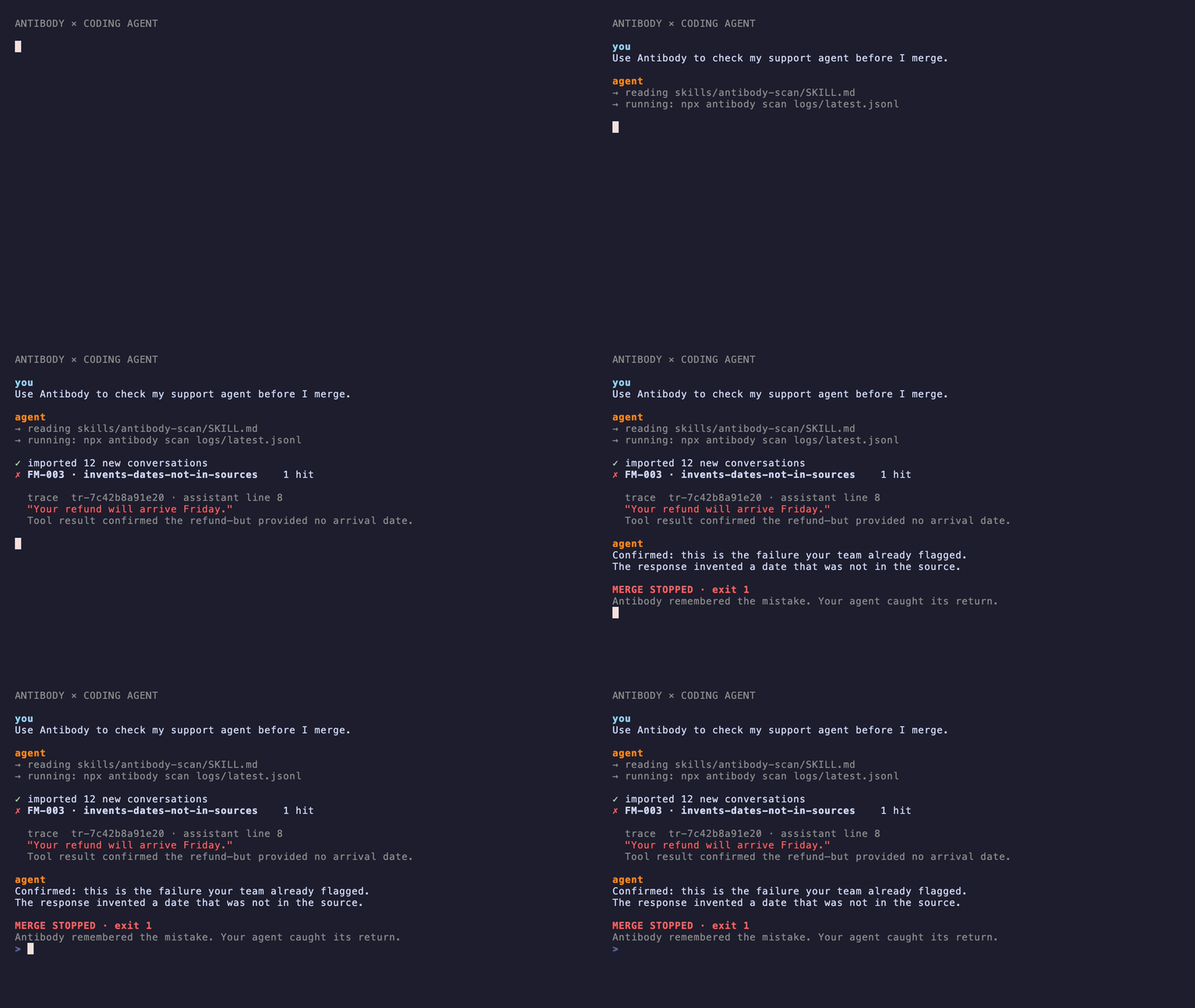
Use it on your agent
cd your-agent-project && npx antibody initThen, whenever you have fresh conversations:
npx antibody import logs/  # JSON/JSONL, most message shapes work
npx antibody review        # localhost queue: flag what's bad, in your words
npx antibody distill       # flags → named failure patterns
npx antibody scan          # exit 1 if a known mistake came back
Put scan in CI and the mistakes you've flagged stay caught.
Using Claude Code or another coding agent? Skip the commands — skills/
teach it the loop. Say: "install antibody in this project and review my
agent's traces."
What a failure pattern looks like
Each flag you make distills into a file like this in
.antibody/registry/ — readable, diffable, code-reviewable:
---
id: FM-001
name: replies-instead-of-continuing
status: calibrating        # report-only until you promote it
examples:
  - trace: tr-9ffc4d8ce646
    note: "suggested the assistant's reply while I was typing the user side"
checker:
  type: rule               # rule = regex, free; judge = LLM call
  pattern: "^(I['']?m not sure|I apologi[sz]e)"
---

## Description

While the owner types the user side of a chat, the suggestion answers them
instead of continuing their sentence.
Checkers earn trust; you stay the judge
Checkers can be wrong, so new ones can't gate anything:
- New patterns start report-only. Their hits show up in
reviewas one-keypress accept/dismiss questions. - Every accept/dismiss doubles as a calibration label.
npx antibody
calibrate
shows each checker's agreement with you (TPR/TNR included). - Promotion is manual: edit
status: watchingin the pattern file and commit. Onlywatchingpatterns can fail a build.
Teams
State is text files in git, one verdict file per reviewer — syncing is
git pull, no merge conflicts by construction. Verdict files contain trace
fingerprints and judgments, not conversation content, so committing them
doesn't put transcripts in your repo.
Rough edges
rulecheckers are free and run anywhere;judgecheckers needANTHROPIC_API_KEY(or a coding agent driving the loop viaskills/).- Calibration needs labels — expect ~10+ verdicts on a pattern before its score means much. Don't promote before that.
importhandles most JSON/JSONL message shapes; Claude Code session transcripts need an adapter (planned).- Changing a trace's text changes its fingerprint — re-exporting the same conversations with different formatting imports them as new traces.
Background
antibody is Hamel Husain & Shreya Shankar's evals
FAQ error-analysis loop, packaged.
Directly inspired by Shreya's
error-discovery-skill;
antibody imports its annotations (npx antibody import --annotations).
File formats are specified in spec/.
MIT licensed.