
api-gateway-sim
v1.4.0
Published
AWS API Gateway simulator for Node JS Lambda


Readme
api-gateway-sim
AWS API Gateway simulator for Node JS Lambda
Install
$ npm install -g api-gateway-simTo run, you need to export your configuration from AWS API Gateway console.
Choose "Export as Swagger + API Gateway Integrations".
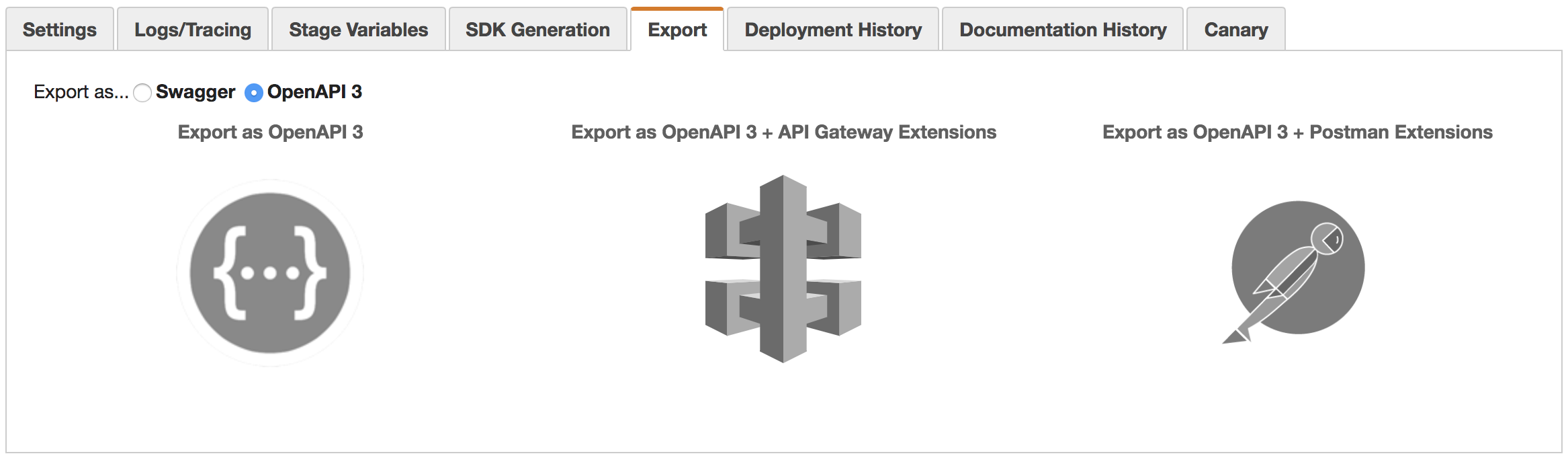
See details in Export an API from Api Gateway
Running the simulator using ags cli
$ cd <node lambda directory>
$ ags --swagger <exported swagger json file>.json
Testing your lambda
$ curl http://localhost:3000/Using different listening port
$ PORT=4000 ags --swagger <file>.jsonCommand Line Help
  Usage: ags [options]

  Options:

    -h, --help                      output usage information
    -V, --version                   output the version number
    -i, --timeout <lambda timeout>  Default is 3 seconds
    -s, --swagger <file>            Swagger config file
    -e, --event <file>              Default file event.json
    -c, --context <file>            Default file context.json file
    -t, --stage-variables <file>    Default file stage-variables.json file
    -p, --port <port>               Api gateway port, default 3000
    -a, --ags-server                Run AGS UI
    -b, --with-basepath             Include base path in the endpoint
    -u, --strict-cors               Enable CORS base on config file
    -g, --ags-port <port>           AGS UI port, default 4000
Features
- Supports Body Mapping Templates
- Supports Body Mapping Template validation.
$ ags -a

# From your browser open http://localhost:4000- Supports integration responses
- Supports event.json, context.json, and stage-variables.json
- Continues to monitoring changes in your lambda code. YES! No need to restart ags
- Support for json or yaml swagger file.
- Monitor changes in event.json, context.json, and stage-variables.json
- CORS - enabled by default
- Supports lambda timeout
- Supports base path
- Supports {proxy+}
- Supports proxy integration isBase64Encoded, multiValueHeaders, and multiValueQueryStringParameters