
apisql-mcp
v0.3.1
Published
MCP server for executing SQL queries via API SQL service

Maintainers
 apisql
Readme
apiSQL-MCP



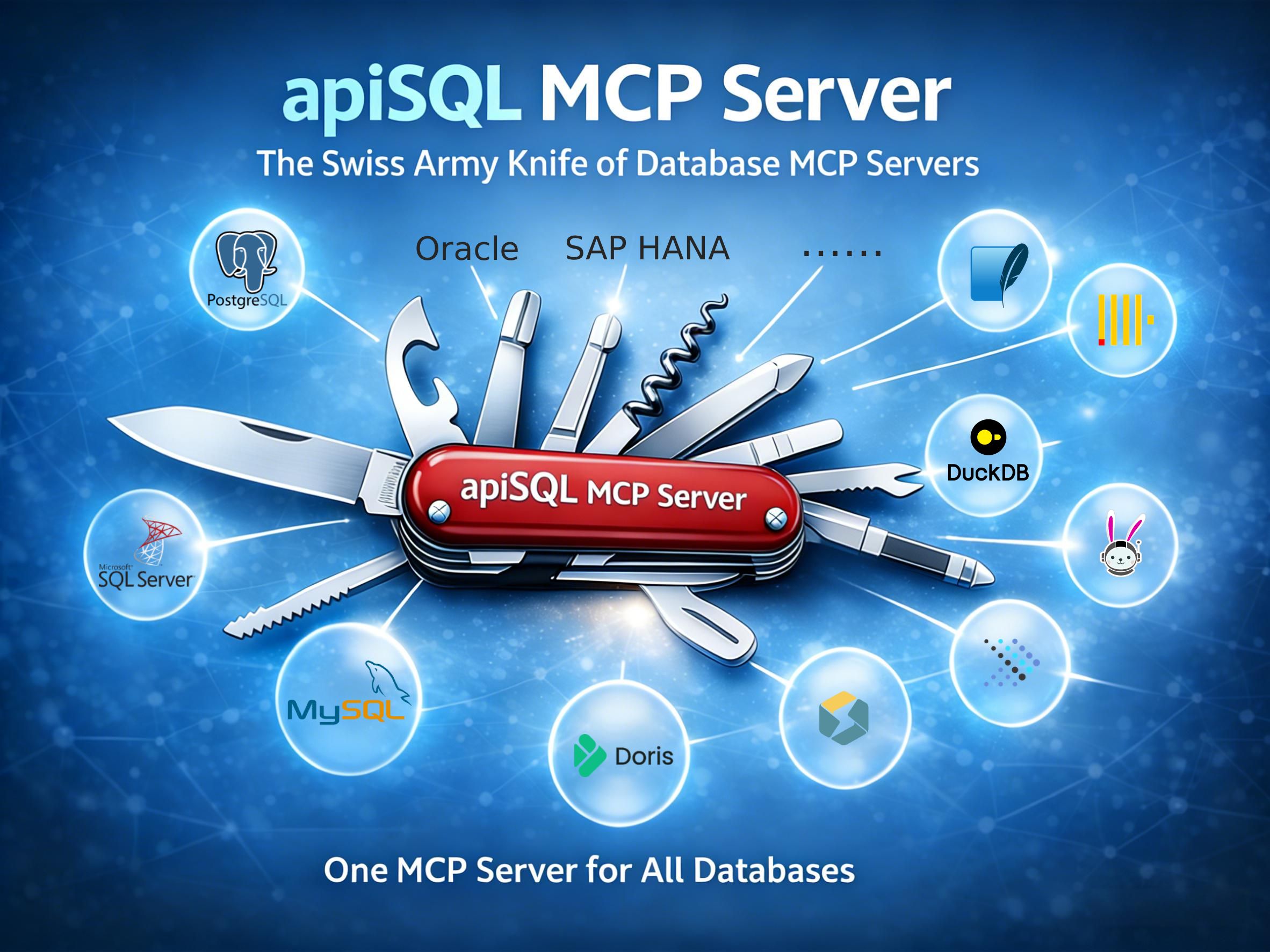
一个 MCP Server 连接所有数据库,数据库 MCP Server 的瑞士军刀。
✨ 功能特性
- 一个 MCP,连接多种数据库 —— 支持 MySQL、PostgreSQL、SQL Server、Oracle、SQLite、StarRocks、达梦、DuckDB、OceanBase、Trino、Presto 以及任何兼容 JDBC 的数据库
- 动态数据源切换 —— 无需重启 MCP 服务器,即可在运行时切换不同数据库
- 随时随地可访问 —— 通过apiSQL网关,轻松从互联网访问到内网数据库,需无内网穿透,无需公网IP、端口映射等繁杂配置
- 完整 SQL 支持 —— 支持 DDL 和 DML操作,执行存储过程和函数UDF。
- 安全和可观测性 —— 通过 apiSQL 平台提供APIkey授权、内置日志记录和审记。
- 多种传输模式 —— 支持 STDIO 和 Streamable HTTP 传输方式
🏗️ 整体架构说明
graph LR
    %% 定义节点
    A["🤖 MCP 客户端<br/>(Claude 等)"]
    B["🔌 apiSQL-mcp<br/>(本工具)"]
    C["☁️ apiSQL 平台<br/>(API 接口)"]

    %% 定义内网区域
    subgraph Internal["🔒 用户内网环境"]
        direction LR
        D["🛡️ apiSQL 网关<br/>(内网)"]
        E[("🗄️ 数据库<br/>(内网)")]
    end

    %% 定义连线
    A <-->|MCP 协议| B
    B <-->|HTTPS| C
    C <-->|MQTT| D
    D <-->|TCP| E

    %% 样式美化 (可选)
    style Internal fill:#f4f6f8,stroke:#d0d7de,stroke-width:2px,stroke-dasharray: 5 5
🗄️ 支持的数据库
| 数据库 | 类型 | 说明 | |--------|------|------| | MySQL / MariaDB | OLTP | 完整支持,包括存储过程 | | PostgreSQL | OLTP | 完整支持,包括 JSON 操作 | | SQL Server | OLTP | 支持 T-SQL | | Oracle | OLTP | 支持 11g、12c、19c、20c+ | | SQLite | 嵌入式 | 文件型数据库 | | StarRocks | OLAP | 高性能分析型数据库 | | Apache Doris | OLAP | 实时分析型数据库 | | TiDB | 分布式 | MySQL 兼容的分布式 SQL | | DuckDB | 分析型 | 进程内分析型数据库 | | OceanBase | 分布式 | 分布式关系型数据库 | | Trino / Presto | 查询引擎 | 联邦查询支持 | | Dameng | 国产信创 | 达梦数据库 | | 自定义 JDBC | 多种 | 任何 JDBC 兼容的数据库 |
⚠️ 安全提醒
apiSQL-mcp 提供完整的数据库访问权限,包括结构修改和数据操作。请务必遵循以下安全准则:
最小权限原则:
- 创建具有最小所需权限的专用数据库用户
- 生产环境使用只读访问权限
- 通过视图限制对特定数据库/表的访问
推荐配置:
- 从测试环境开始
- 启用 apiSQL平台 的访问控制策略(IP 白名单、API Key)
🚀 快速开始
一分钟上手
1、以ChatBox配置为例: 设置 -> MCP


2、复制以下内容
{
  "mcpServers": {
    "apisql-mcp": {
      "command": "npx",
      "args": ["-y", "apisql-mcp"],
      "env": {
        "APISQL_MCP_API_URL": "https://open.apisql.cn/api/mytest/$sudb",
        "APISQL_MCP_API_KEY": "Bearer sk-7dd9b66d38f8aff81f091ecfcf259f70",
        "APISQL_MCP_DS": "mysql"
      }
    }
  }
}
3、选择 从剪贴板中的josn导入,即可完成配置

4、启用刚配置的MCP

5、可以向默认的mysql数据库提问
你帮看一下有没有DW开头的表?
6、测试基于3张数据库,写个数据分析报告,运行中
你是数据分析师,你来分析一下这3张表,写一个简单的数据分析报告。
7、切换一个 oracle11g 操作

8、顺便解释一下,这里的oracle数据源是一个临时内网数据库,后续公开演示只有 mysql 和 postgresql 两个数据源)

9、切换至postgresql进行sql操作
再切换到 postgresql 数据库,看一下都有什么表?
10、可以正常查询postgresql数据库

11、以及在apiSQL后台可以查看日志

这样一个MCP Server,可以查询N个数据库。 在最佳实践中一般将数据源名称写入提示词,
接入自有数据库前提条件
- Node.js >= 18.0.0
- apiSQL 账号(在 open.apisql.cn 注册)和 安装 apiSQL网关 连接数据库
运行
# 全局安装(可选)
npm install -g apisql-mcp

# 或直接通过 npx 运行
npx -y apisql-mcp
配置
环境变量
| 变量名 | 是否必需 | 说明 | 可测试的示例 |
|--------|----------|------|------|
| APISQL_MCP_API_URL | 是 | apiSQL API 端点地址 | https://open.apisql.cn/api/mytest/$sudb |
| APISQL_MCP_API_KEY | 是 | API 认证密钥(Bearer token) | Bearer sk-7dd9b66d38f8aff81f091ecfcf259f70 |
| APISQL_MCP_DS | 否 | 默认数据源名称 | mysql |
获取 API 凭证
- 在 open.apisql.cn 注册账号
- 创建项目并安装数据网关
- 将你的数据库添加为数据源
- 在项目设置中启用 SUDB 功能
- 创建访问控制策略,选择API Key 分配权限可访问SUDB
- 从策略页面复制 API URL 和 Key
🔧 MCP 客户端配置示例
Claude Desktop / Claude Code
将以下内容添加到 Claude Desktop 配置文件(macOS: ~/Library/Application Support/Claude/claude_desktop_config.json,Windows: %APPDATA%/Claude/claude_desktop_config.json):
{
  "mcpServers": {
    "apisql-mcp": {
      "command": "npx",
      "args": ["-y", "apisql-mcp"],
      "env": {
        "APISQL_MCP_API_URL": "https://open.apisql.cn/api/mytest/$sudb",
        "APISQL_MCP_API_KEY": "Bearer sk-7dd9b66d38f8aff81f091ecfcf259f70",
        "APISQL_MCP_DS": "mysql"
      }
    }
  }
}
使用 Claude Code CLI:
claude mcp add apisql-mcp --scope user -- npx apisql-mcpCursor
在 Cursor 设置 → MCP → 添加 MCP 服务器:
{
  "name": "apisql-mcp",
  "command": "npx",
  "args": ["-y", "apisql-mcp"],
  "env": {
    "APISQL_MCP_API_URL": "https://open.apisql.cn/api/mytest/$sudb",
    "APISQL_MCP_API_KEY": "Bearer sk-7dd9b66d38f8aff81f091ecfcf259f70",
    "APISQL_MCP_DS": "mysql"
  }
}
VS Code / Copilot
添加到 VS Code 的 settings.json:
{
  "mcp": {
    "servers": {
      "apisql-mcp": {
        "command": "npx",
        "args": ["-y", "apisql-mcp"],
        "env": {
          "APISQL_MCP_API_URL": "https://open.apisql.cn/api/mytest/$sudb",
          "APISQL_MCP_API_KEY": "Bearer sk-7dd9b66d38f8aff81f091ecfcf259f70",
          "APISQL_MCP_DS": "mysql"
        }
      }
    }
  }
}
Cline
添加到 Cline 的 MCP 设置:
{
  "mcpServers": {
    "apisql-mcp": {
      "command": "npx",
      "args": ["-y", "apisql-mcp"],
      "env": {
        "APISQL_MCP_API_URL": "https://open.apisql.cn/api/mytest/$sudb",
        "APISQL_MCP_API_KEY": "Bearer 你的api-key",
        "APISQL_MCP_DS": "mysql"
      }
    }
  }
}
Windsurf
添加到 ~/.codeium/windsurf/mcp_config.json:
{
  "mcpServers": {
    "apisql-mcp": {
      "command": "npx",
      "args": ["-y", "apisql-mcp"],
      "env": {
        "APISQL_MCP_API_URL": "https://open.apisql.cn/api/mytest/$sudb",
        "APISQL_MCP_API_KEY": "Bearer sk-7dd9b66d38f8aff81f091ecfcf259f70"
      }
    }
  }
}
HTTP 传输模式(高级)
对于基于 HTTP 的 MCP 客户端,使用 Streamable HTTP 模式启动:
APISQL_MCP_API_URL=https://open.apisql.cn/api/mytest/$sudb \
APISQL_MCP_API_KEY="Bearer sk-7dd9b66d38f8aff81f091ecfcf259f70" \
APISQL_MCP_DS=mysql \
npx apisql-mcp --transport streamable-http --port 9090 --host 0.0.0.0
然后配置 MCP 客户端连接到:
http://localhost:9090/mcp可用选项:
--transport <type>:传输类型(stdio或streamable-http,默认:stdio)--port <number>:HTTP 服务器端口(默认:9090)--host <host>:HTTP 服务器主机(默认:127.0.0.1)
💡 使用示例
基础查询(使用默认数据源)
{
  "name": "execute_sql",
  "arguments": {
    "sc": "SELECT * FROM user LIMIT 10"
  }
}
动态切换数据源
// 查询 MySQL
{
  "name": "execute_sql",
  "arguments": {
    "sc": "SELECT * FROM orders WHERE status = 'pending'",
    "ds": "mysql"
  }
}

// 切换到 PostgreSQL
{
  "name": "execute_sql",
  "arguments": {
    "sc": "SELECT * FROM customers WHERE created_at > NOW() - INTERVAL '7 days'",
    "ds": "postgresql"
  }
}

// 切换到 Oracle
{
  "name": "execute_sql",
  "arguments": {
    "sc": "SELECT * FROM employees WHERE ROWNUM <= 10",
    "ds": "oracle"
  }
}
支持的 SQL 操作
- 查询:
SELECT、WITH(CTE)、JOIN、子查询 - 插入:
INSERT INTO ... VALUES、INSERT INTO ... SELECT - 更新:
UPDATE ... SET ... WHERE - 删除:
DELETE FROM ... WHERE - 结构:
CREATE TABLE、ALTER TABLE、DROP TABLE、CREATE INDEX - 存储过程:执行存储过程和函数
🛠️ 开发指南
# 克隆仓库
git clone https://github.com/apisql-dev/apisql-mcp.git
cd apisql-mcp

# 安装依赖
npm install

# 编译 TypeScript
npm run build

# 开发模式(监听文件变化)
npm run dev

# 运行测试
npm test

# 启动服务器
npm start
🔍 故障排除
"APISQL_MCP_API_URL environment variable is required"
- 确保正确设置了环境变量
- 检查 URL 是否以
/$sudb结尾(SUDB 功能必需,固定地址,非变量)
"API error: 数据源不存在"
- 验证数据源名称是否完全匹配(区分大小写)
- 确保数据源已创建且网关在线
- 对于多环境数据源,检查是否需要指定
dsEnv
连接问题
- 验证 apiSQL 网关是否运行并连接到平台
- 如果在本地运行网关,检查防火墙设置
- 确保 API Key 具有必要的权限
中文乱码问题
- 确保数据库连接字符集设置为 UTF-8
- 在 SQL 语句中使用
SET NAMES utf8mb4(MySQL)
📚 相关链接
📄 许可证
MIT © apiSQL