
aries-admin
v1.0.4
Published
## 项目介绍


Readme
Aries
项目介绍
Aries 是基于 Gin + GORM + MySQL + Vue + H5 开发的现代化博客系统,博客主要分为后台管理端和展示端。
- 后台管理端采用前后端分离的开发模式,通过JSON 格式数据进行前后端交互。
- 展示端基于传统模式开发,采用
Go Template模板引擎来渲染页面,有利于SEO优化。 - 数据库层没有设置物理外键,所有外键操作都在业务层处理。
- 评论功能通过评论组件方式实现。
预览
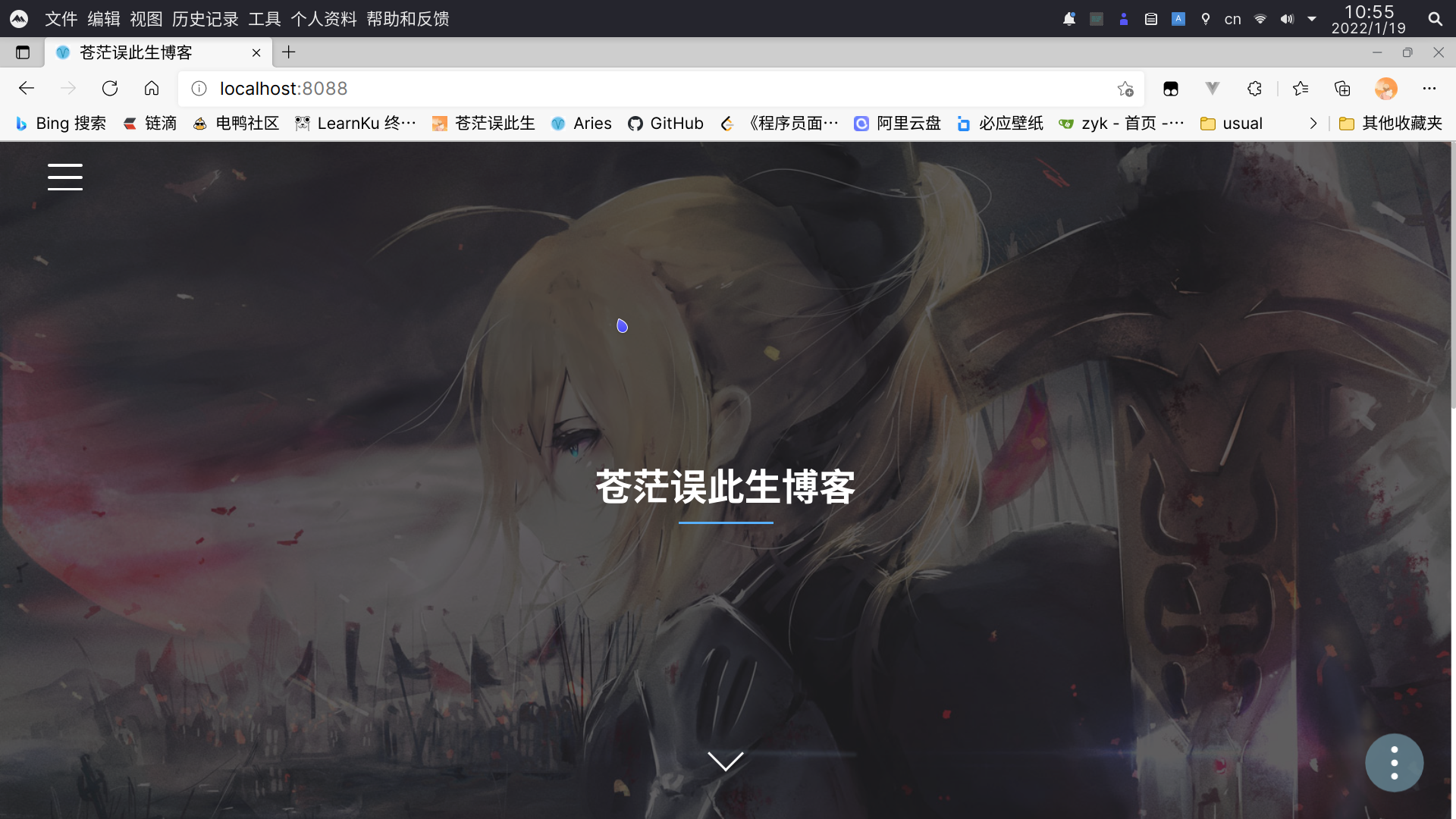
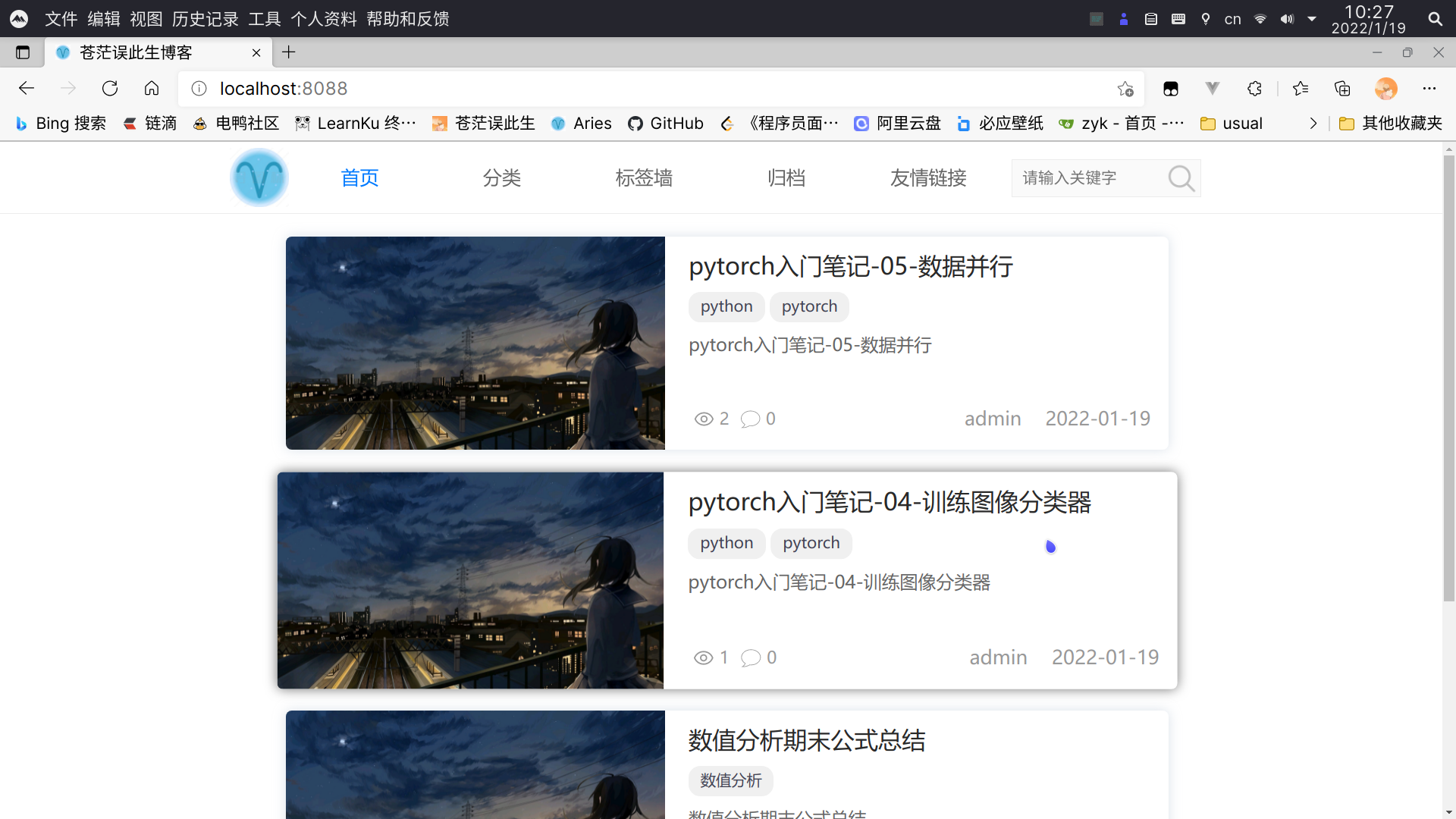
已实现主题管理基本功能,可进行主题切换,目前有两款主题 xue 和 boundless-ui,暂不支持主题设置和主题编辑功能!
xue 主题界面
boundless-ui 主题界面
功能特性
文章
- 编辑器采用
vditor,提升中文markdown使用体验 - 文章标签、分类管理
- 文章置顶
- 文章加密
- 自定义文章链接
- 文章排序
- 草稿箱和回收站
- 从文件导入文章
- 编辑器采用
外观
- 自定义菜单
- 主题导入
- 主题切换
- 主题设置
- 主题编辑
评论
- 回收站
- 评论审核
- 邮件通知
图床
- 支持 sm.ms,imgbb 和 腾讯云 cos 存储
- 多图片上传
- 图片管理
页面
- 日志管理
- 自定义页面
- 图库管理
友情链接
- 添加、修改友链
- 友链分类
用户
- 修改用户信息
- 修改密码
设置
- 网站设置
- 邮件设置
- 图床设置
- 评论设置
- 参数设置
部分截图
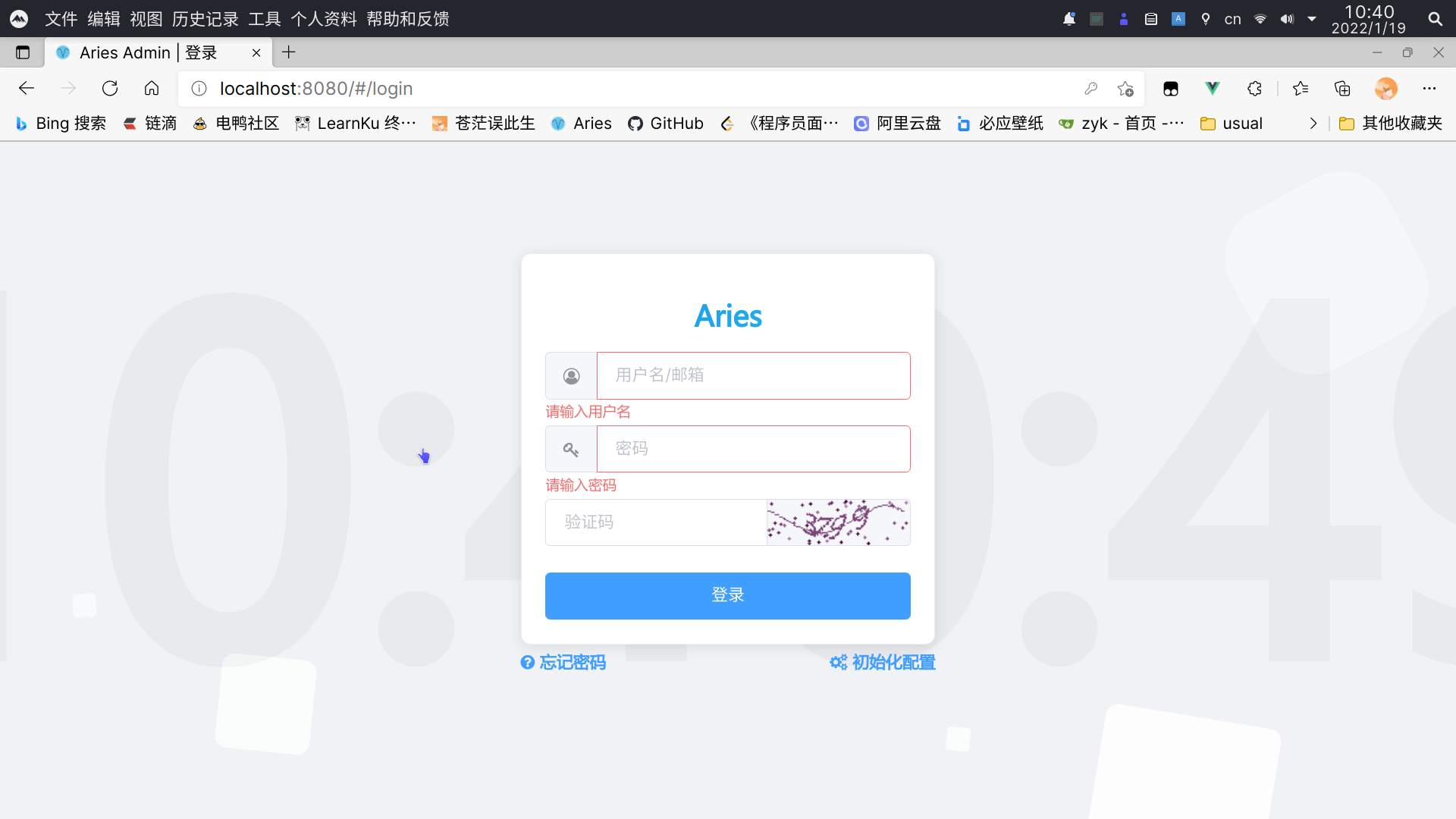
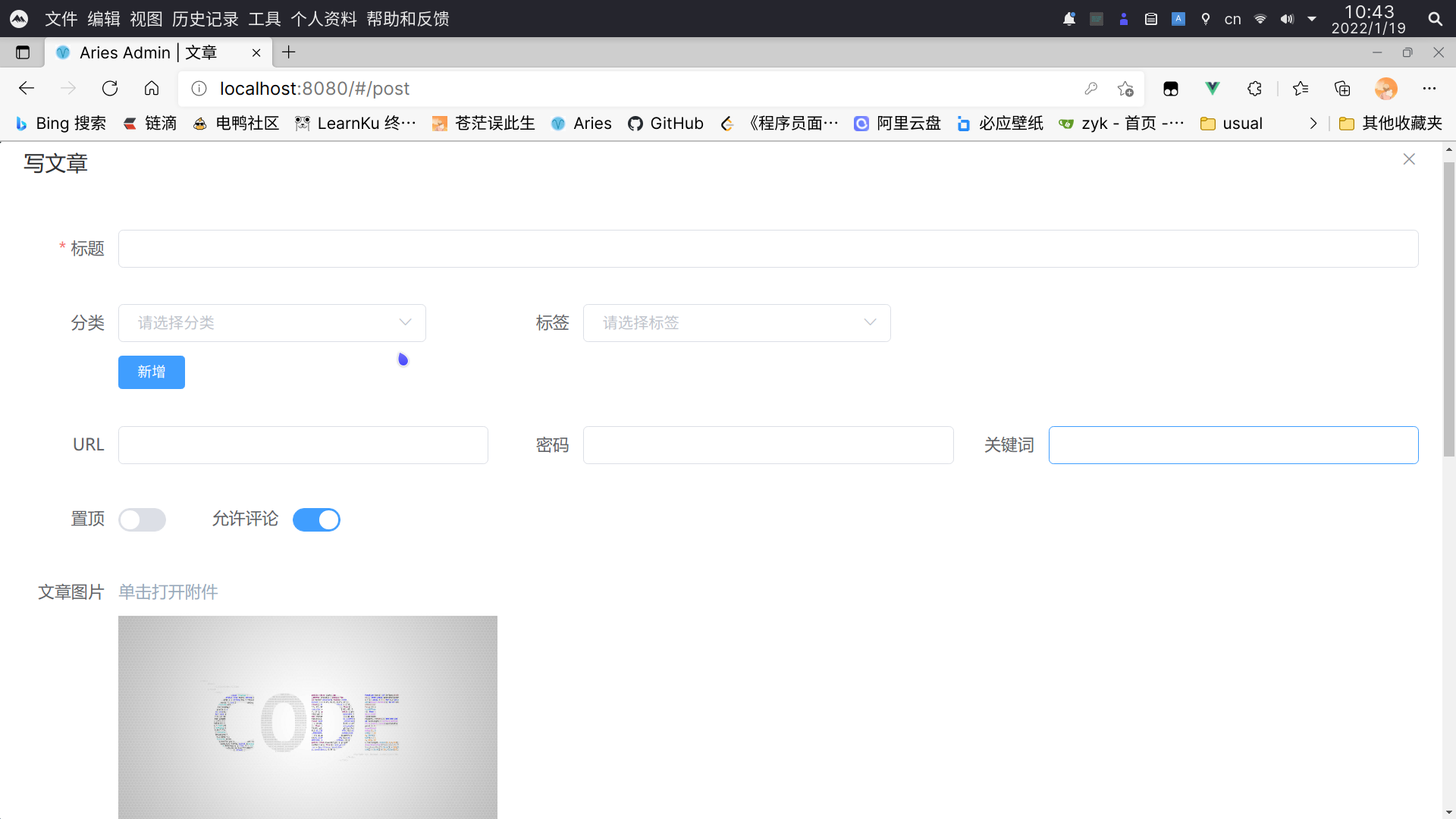
后台管理端
- 登录界面
- 发布文章界面
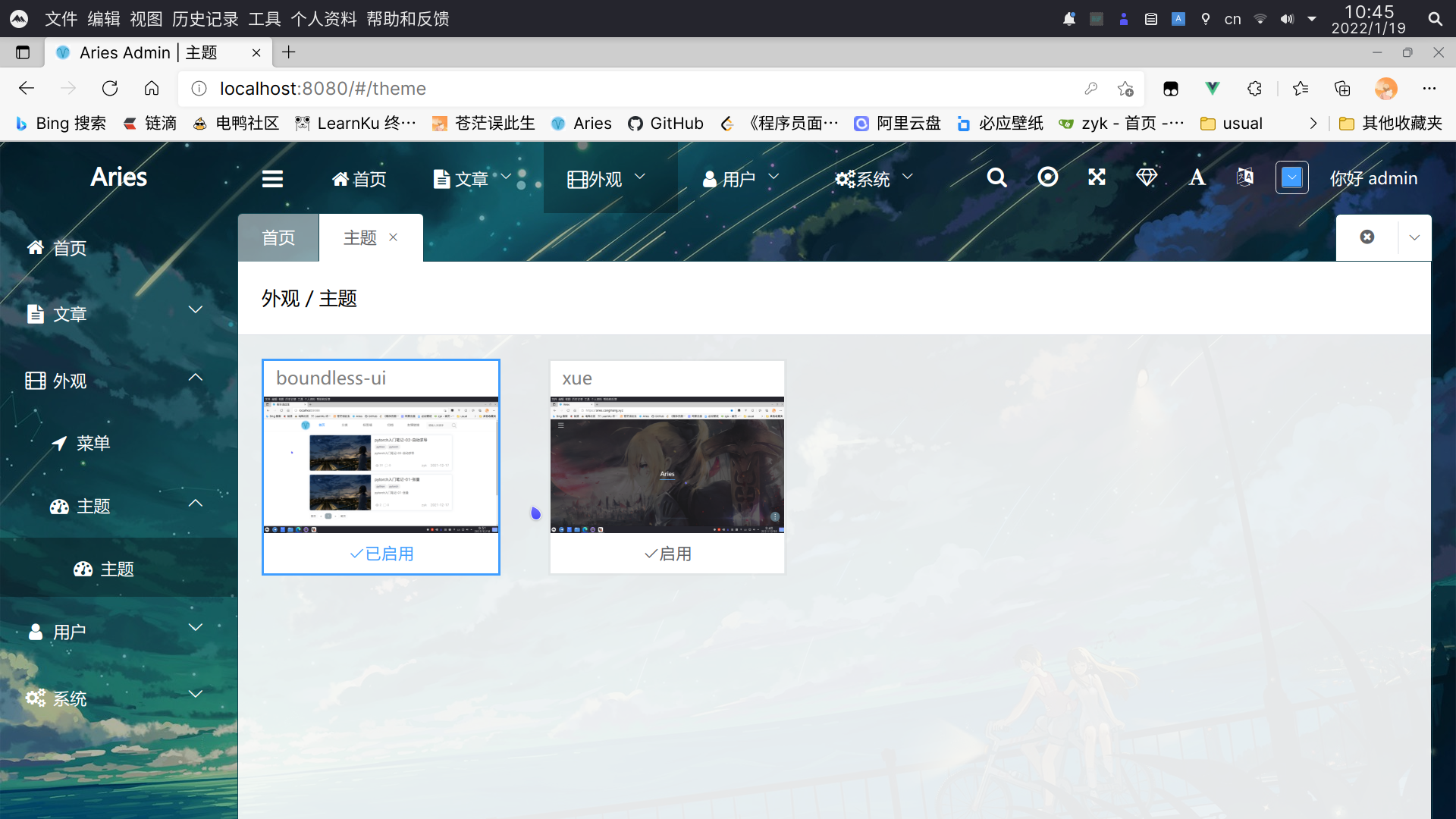
- 主题管理界面
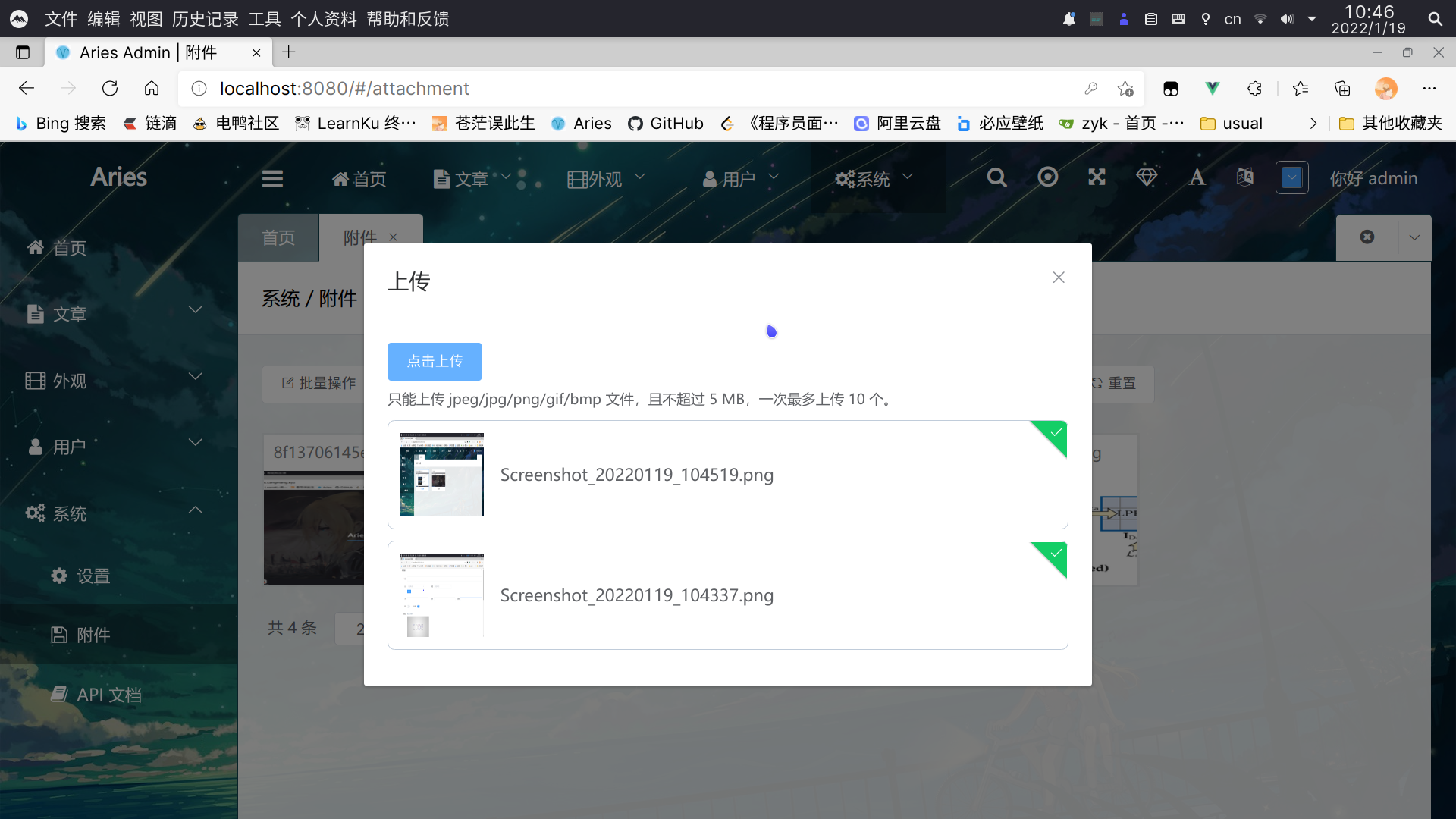
- 图片上传界面
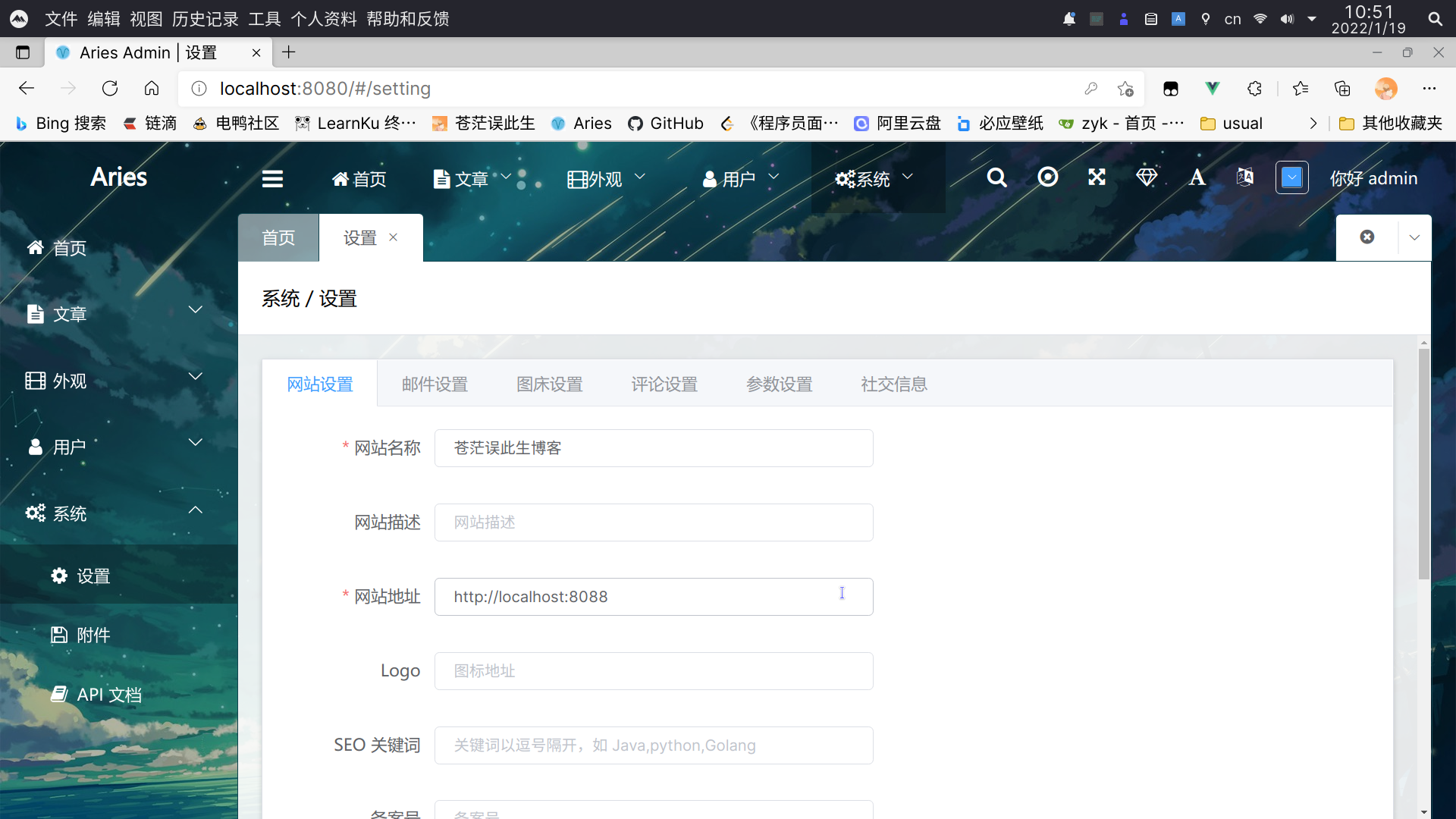
- 设置界面
- 登录界面
博客展示端
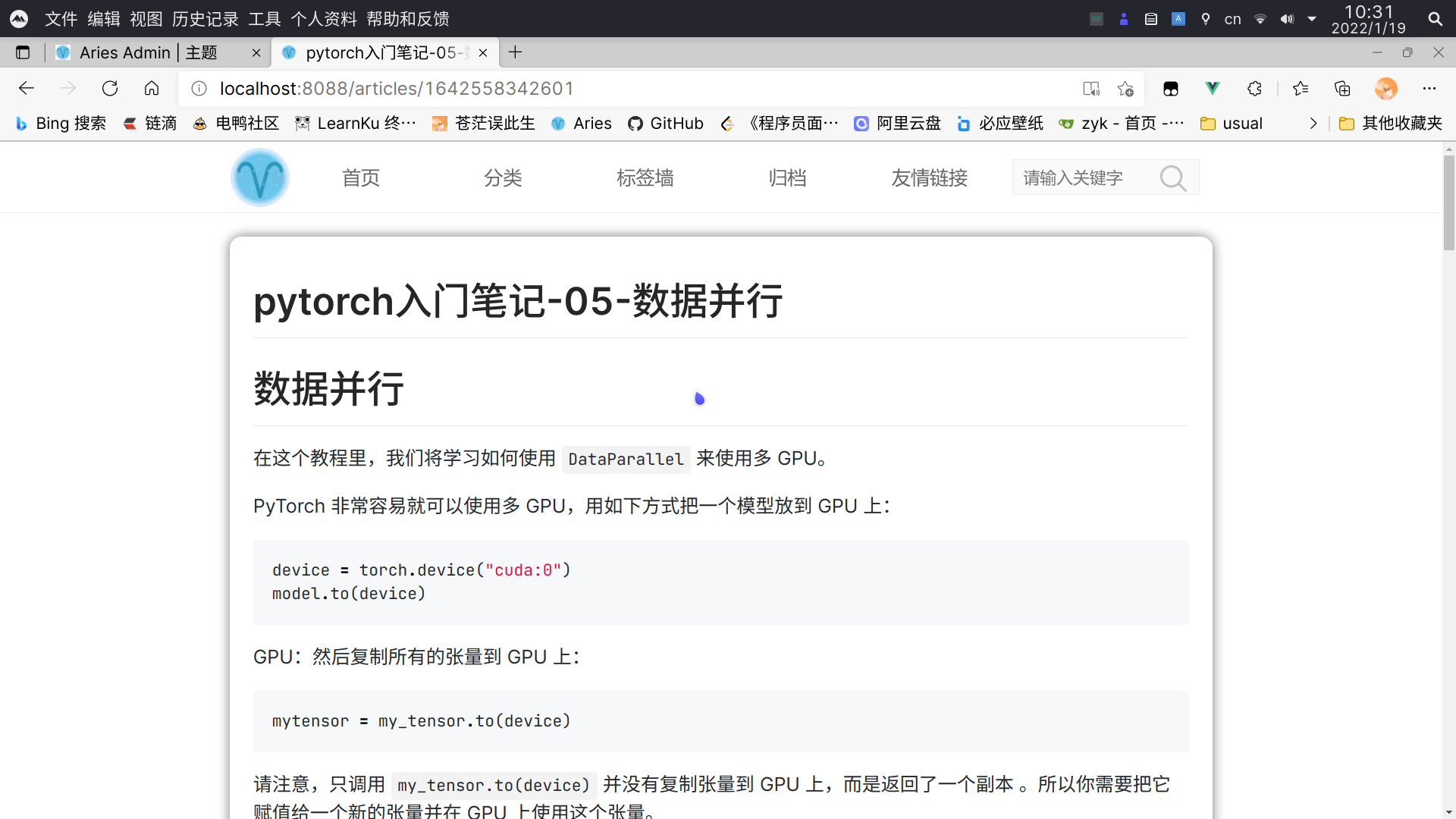
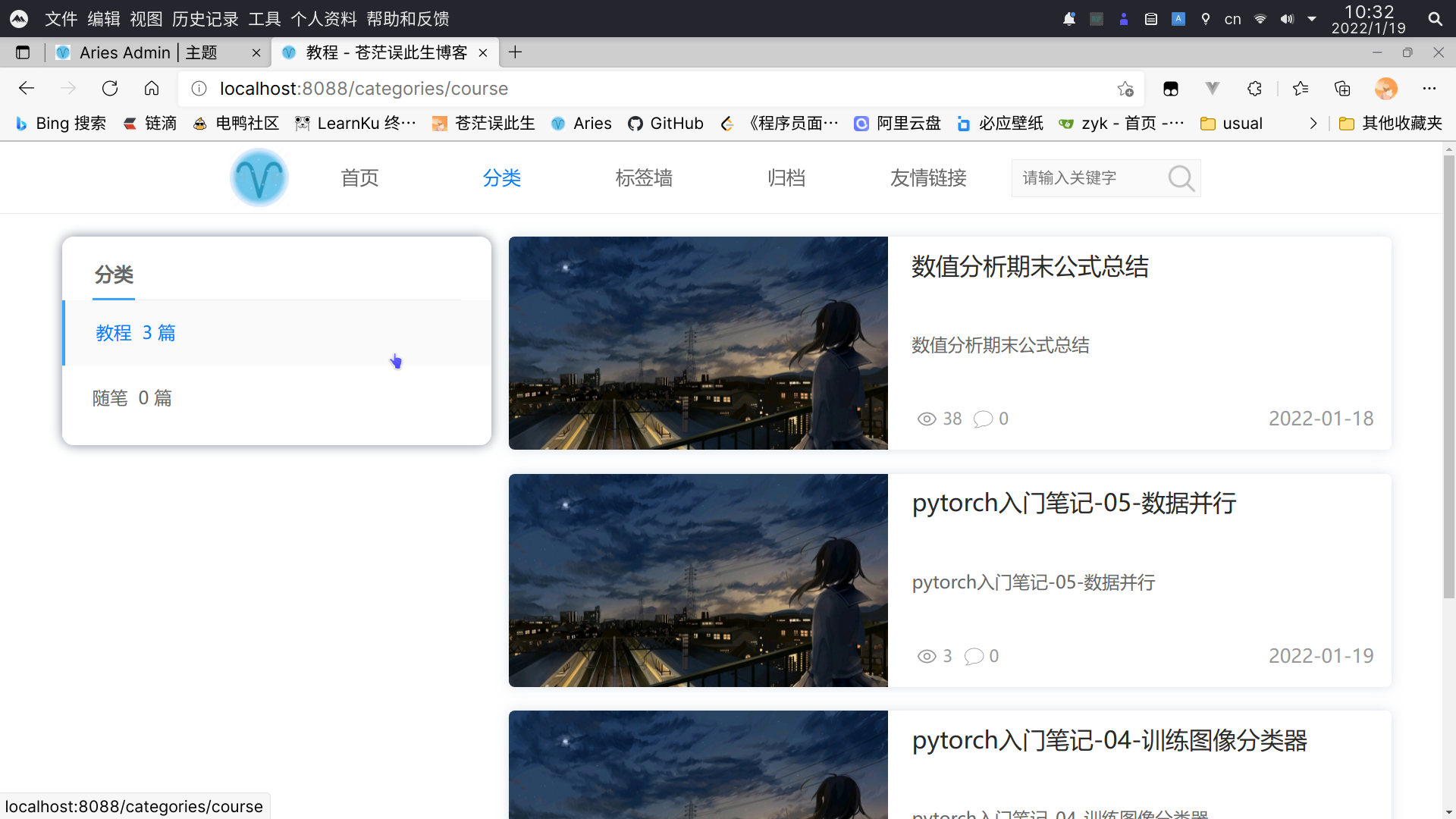
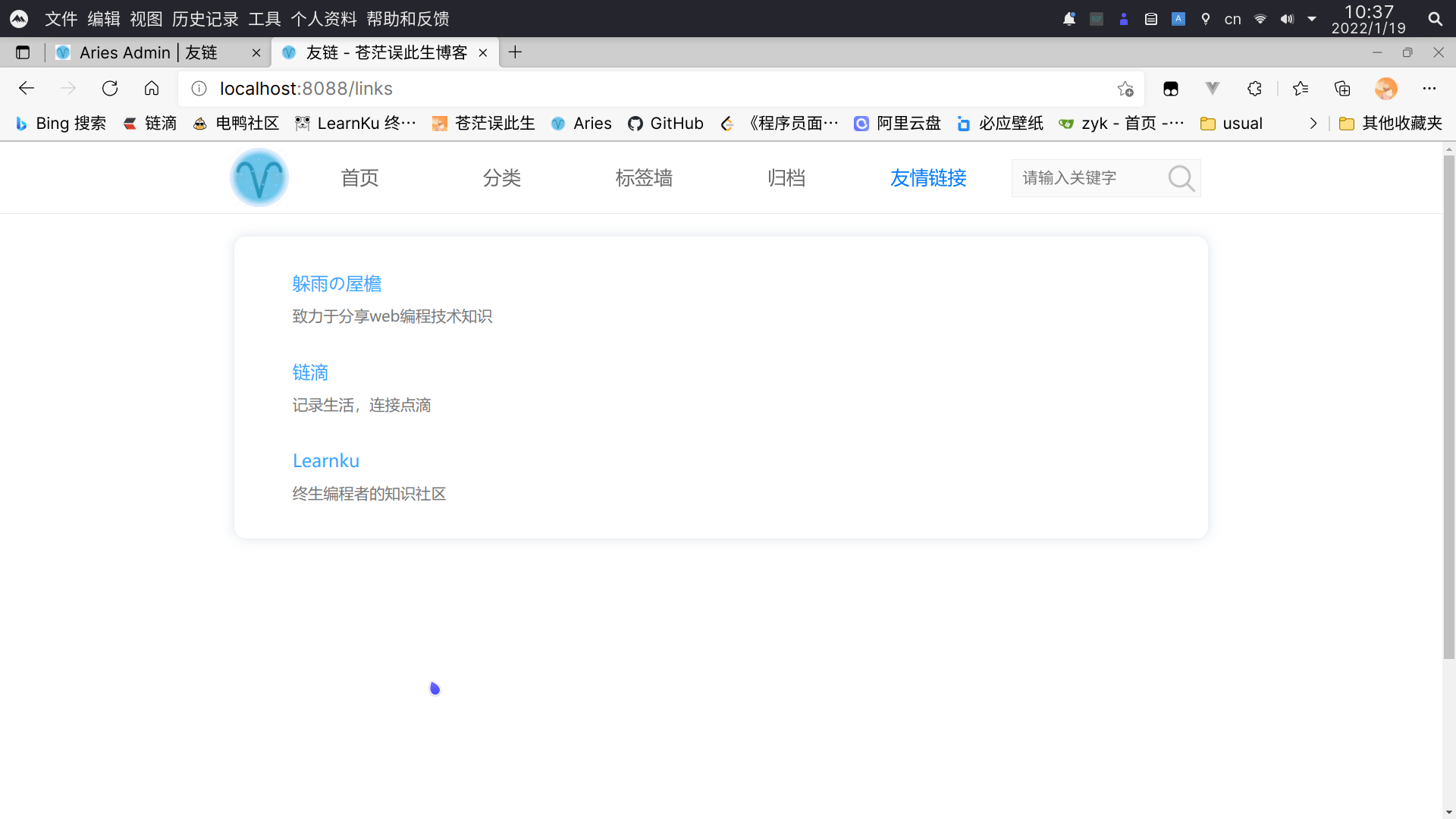
如何在本地运行 Aries
运行环境:
请确保已安装好以下环境,配置好
go mod代理和npm国内镜像源- Go 1.15
- Node.js v12+
- MySQL 5.7+
如何配置
go mod代理:https://goproxy.io/zh/docs/getting-started.html如何配置
npm国内镜像源:https://www.cnblogs.com/luckyhui28/p/12268313.html克隆项目代码到本地:
git clone https://github.com/zhaoyangkun/aries.git新建名称为 aries 的数据库,注意字符集为 utf8mb4,字符编码为 utf8mb4_general_ci。
修改项目目录下
config/develop.yaml配置文件中的数据库连接密码:# 服务器配置 server: mode: "debug" # 运行模式 port: "8088" # 端口 token_expire_time: 3600 # JWT token 过期时间(单位:秒) allowed_refers: ["localhost", "127.0.0.1"] # 允许的 referer # 数据库配置 db: host: "127.0.0.1" # 主机地址 user_name: "root" # 用户名 password: "19960331" # 密码 database: "aries" # 数据库名 port: "3306" # 端口 time_zone: "Local" # 时区 max_idle_conn: 10 # 最大空闲连接数 max_open_conn: 20 # 最大打开连接数进入项目根目录,安装
gin项目相关依赖:go mod download go get -u github.com/swaggo/swag/cmd/swag进入项目根目录,启动
gin项目:go run main.go进入项目中的
d2-admin目录,安装npm依赖:npm install待
npm依赖安装完毕后,启动Vue项目:npm run serve待
gin和Vue项目启动完毕后,在浏览器中访问http://localhost:8080即可进入后台管理。在浏览器中访问
http://127.0.0.1:8088可进入博客展示端。
部署
仅支持
docker部署,需要具备一定的linux基础。确保服务器已配置好
docker运行环境,并安装好mysql,mysql版本不低于 5.7。
在
mysql中新建名称为 aries 的数据库,注意字符集为 utf8mb4,字符编码为 utf8mb4_general_ci。在主目录下创建
.aries文件夹:mkdir ~/.aries创建配置文件
aries.yaml:touch ~/.aries/aries.yamlaries.yaml配置条目具体可以参考:https://github.com/zhaoyangkun/aries/blob/master/config/product.yaml可先将
product.yaml所有内容复制到aries.yaml中再做修改。注意:
mode要设置为release,表示生产环境;- 注意校对数据库的主机地址,帐号和密码;
- 使用重置密码功能的话,需配置
smtp。
拉取
aries镜像:docker pull zhaoyangkun/aries运行容器:
docker run -p 8088:8088 --name aries --restart=always --network=host \
-v ~/.aries/aries.yaml:/root/.aries/aries.yaml \
-v ~/.aries/aries.log:/root/.aries/aries.log \
-d zhaoyangkun/aries
反向代理:
推荐使用
nginx,由于aries默认运行在8088端口上,需要在云服务器安全组开放8088端口,同时nginx反代8088端口到80端口,这里给出一段nginx配置文件的示例:upstream aries_server { server cangmangai.cn:8088; # cangmangai.cn 为域名,也可以改为公网 IP,8088 表示监听端口 } # http 重定向到 https server { listen 80; # 80 为 http 默认端口 server_name cangmangai.cn; rewrite ^(.*) https://$host$1 permanent; } # https 配置 server { charset utf-8; listen 443 ssl; # 443 为 https 默认端口 server_name cangmangai.cn; ssl_certificate /ssl/cn.pem; # .pem证书路径 ssl_certificate_key /ssl/cn.key; # .key证书路径 ssl_protocols TLSv1 TLSv1.1 TLSv1.2; ssl_ciphers ECDHE-RSA-AES128-GCM-SHA256:HIGH:!aNULL:!MD5:!RC4:!DHE; ssl_prefer_server_ciphers on; ssl_session_cache shared:SSL:10m; ssl_session_timeout 10m; location / { proxy_pass http://aries_server$request_uri; # 反向代理,将 8088 端口转发到 443 端口 proxy_set_header Host $http_host; proxy_set_header X-Real-IP $remote_addr; client_max_body_size 10m; } location /bdunion.txt { alias /ssl/bdunion.txt; } }