
artanis-cli
v1.0.9
Published



Readme
Artanis

" Your next Static Website using AWS infrastructure with one command! "
Features
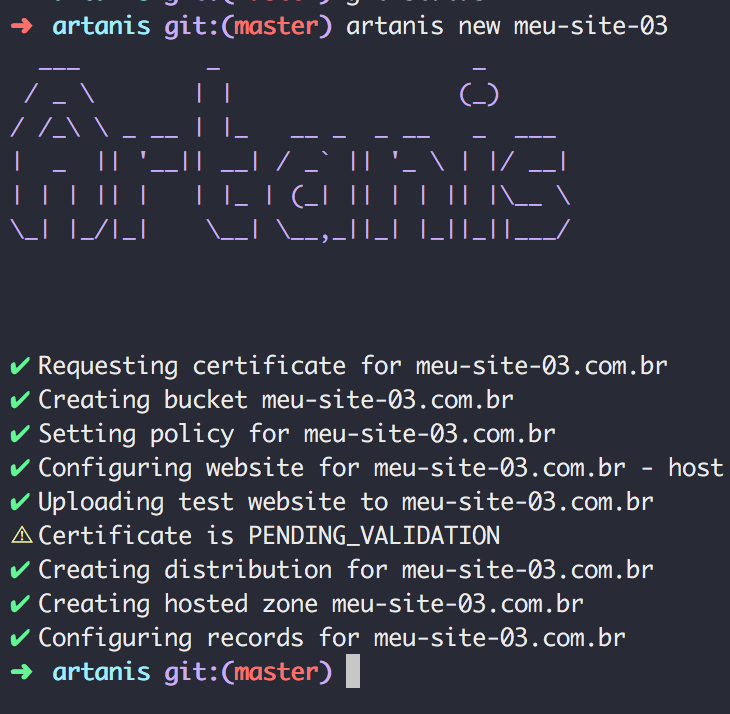
- ✅ Static website with S3
- ✅ CDN with CloudFront
- ✅ SSL Certificates with ACM
- ✅ DNS Records with Route 53
Setup
By default, artanis will use your credentials stored in ~/.aws/credentials
It should be something like this:
[default]
aws_access_key_id=<YOUR_AWS_ACCESS_KEY_ID>
aws_secret_access_key=<YOUR_AWS_SECRET_ACCESS_KEY>
region=<YOUR_AWS_DEFAULT_REGION>
Installation
npm install -g artanis-cliUsage
This will use the default tld (top level domain) .com.br:
artanis new my-awesome-static-websiteIf you want to user another tld:
artanis new my-awesome-static-website -t ioTodo
- [ ] Buy domains
- [ ] Better error handling
- [ ] Interactive CLI
- [ ] Write tests :)