
assets-loading-tracker
v1.1.10
Published
A zero-config React hook to automatically track and display loading progress for images, videos, audios, and fonts with TypeScript support.
Downloads
29

Maintainers
 riidha-bennafla
Readme
📦 assets-loading-tracker
A zero-config React hook to track and display the loading progress of images, videos, audios, and fonts — automatically.



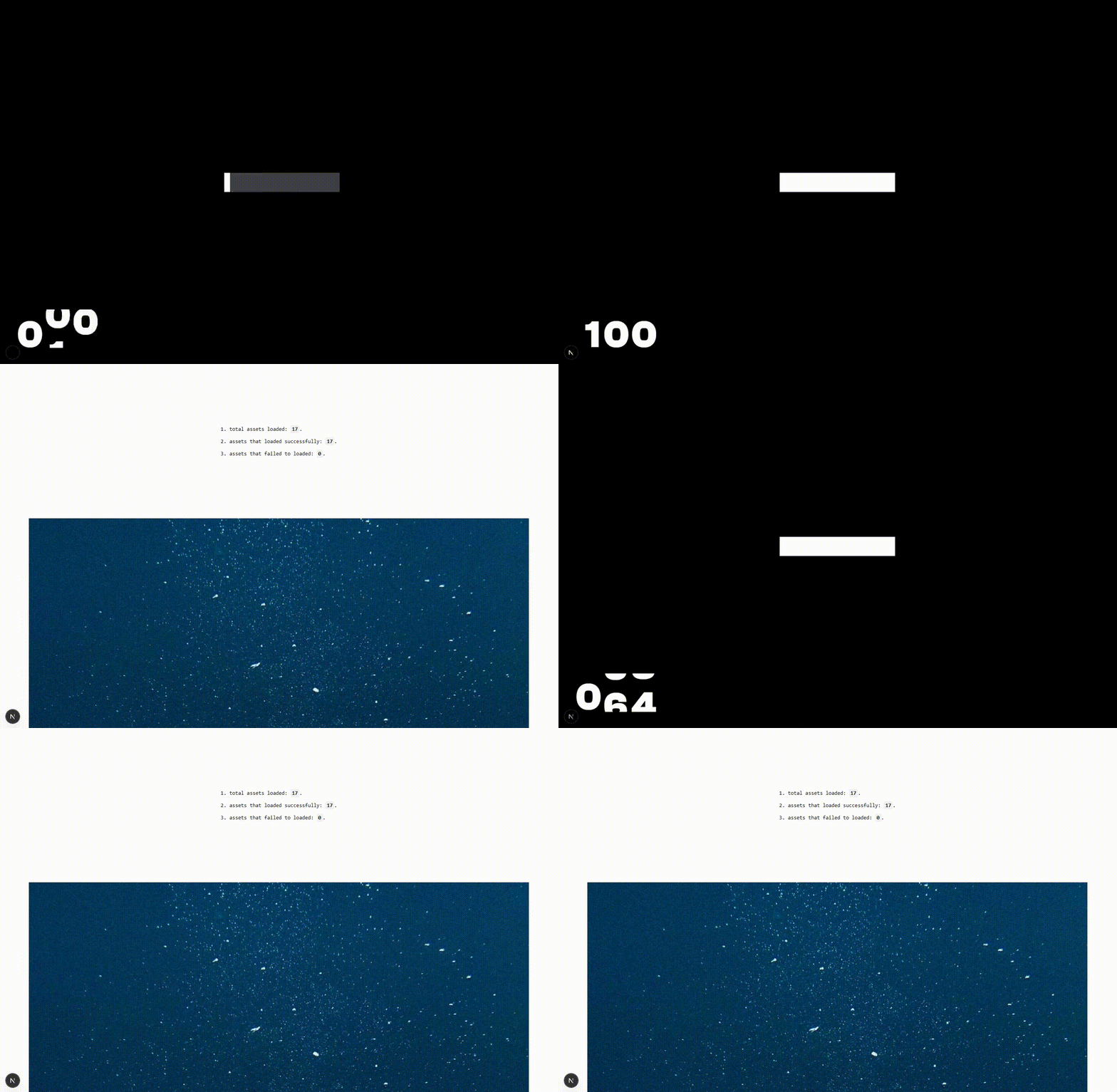
🚀 Installation
npm install assets-loading-tracker💡 Quick Start
basic usage :
function LoadingScreen() {
  const { progress, isComplete, loadedCount, totalCount } = useAssetLoader();

  if (isComplete) {
    return <div>All assets loaded! Welcome! 🎉</div>;
  }

  return (
    <div className="loading-screen">
      <h1>Loading your experience...</h1>
      <div className="progress-bar">
        <div className="progress-fill" style={{ width: `${progress}%` }} />
      </div>
      <p>
        {loadedCount} of {totalCount} assets ready
      </p>
    </div>
  );
}
Advanced usage - selective asset tracking with error handling
function SmartLoader() {
    const { progress, loadedCount, totalCount, failedCount, isComplete } =
    useAssetLoader({ scan: ['images', 'fonts'],  // Only track images and fonts
                     ignore: ['videos']          // Skip video files });

return (
    <div className="smart-loader">
        <div className="status"> Loading: {progress.toFixed(1)}% complete </div>
        <div className="details">
            {loadedCount} assets have loaded successfully
            <br/>
            {failedCount > 0 && `${failedCount} assets have failed to load`}
            <br/>
            {`total assets: ${totalCount}`}
        </div>
        {failedCount > 0 && (
        <div className="warning"> Some assets couldn't load, but we'll continue anyway! </div> )}
        {isComplete && (
        <div className="success">Ready to explore! 🚀</div> )}
    </div>
);
}
⚙️ Options
| Option | Type | Default | Description |
| -------- | ------------------------- | ------- | ------------------------------------------------------------------------------ |
| scan | "all" or string[] | "all" | Asset types to scan ( "images", "videos", "audios", "fonts" ). |
| ignore | string[] | "[]" | Asset types to ignore. |
📊 Returned Values
| Property | Type | Description |
| ------------- | ------- | ---------------------------------------- |
| progress | number | Loading progress in percentage (0–100). |
| loadedCount | number | All tracked assets are loaded or failed. |
| failedCount | number | Number of successfully loaded assets. |
| totalCount | number | Number of failed assets. |
| isComplete | boolean | Total assets being tracked. |
License
MIT © 2025 Ridha Bennafla