
astro-ignite
v0.1.0
Published
CLI for bootstrapping and maintaining production-grade Astro sites

Maintainers
 jordipc
Readme
astro-ignite
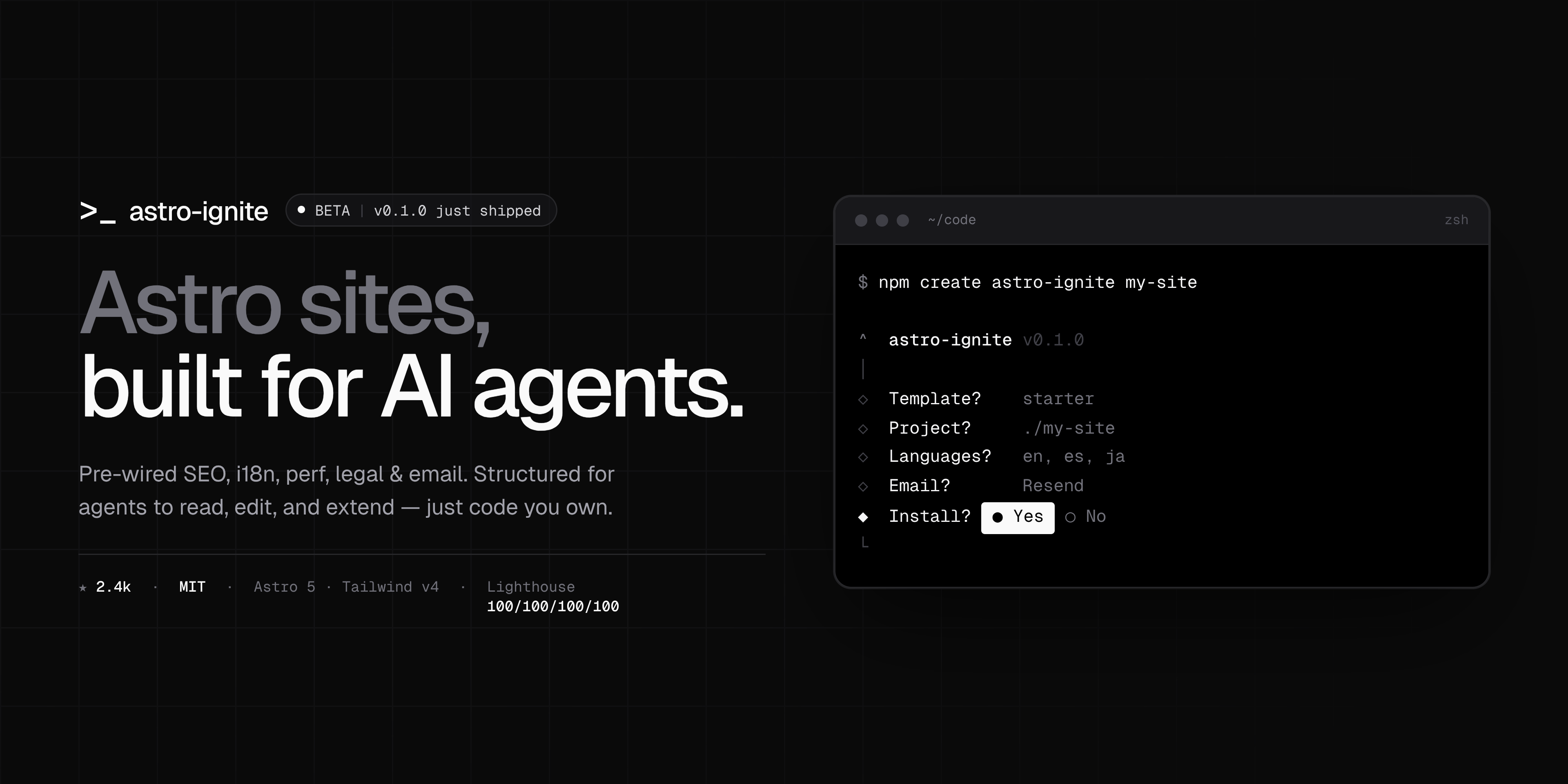
Astro sites, built for AI agents.
# Bootstrap a new project
npx astro-ignite bootstrap my-site

# …or the npm sugar
npm create astro-ignite@latest my-site
A shadcn-style CLI for production-grade Astro sites. Pick a template, answer a few prompts, and get a real project — every line of code is yours, with no runtime dependency on this tool once you've scaffolded.
astro-ignite is the primary CLI: bootstrap today, more subcommands (add, upgrade) coming. The create-astro-ignite package is a thin shim around astro-ignite bootstrap so the npm create UX keeps working.
Commands
npx astro-ignite bootstrap [project-dir] [options]   # scaffold a new project
npx astro-ignite --help                              # list commands
What you get (bootstrap)
- Lighthouse 100s on mobile and desktop, CI-enforced
- Astro 5 with native i18n, content collections, and Astro Actions
- Tailwind v4 with a layered CSS strategy — scoped above-the-fold, utilities below, critical CSS extracted at build time
- Typed Schema.org JSON-LD via
schema-dts, composed per-page into one@graph - Image components with AVIF + WebP, responsive
srcset, and LQIP placeholders - Geist Sans + Geist Mono through
astro:fonts— self-hosted, zero CLS - Tri-state dark mode (light / dark / system) with an anti-flash inline script
- Working contact form built on Astro Actions, Zod-validated, with Resend or SMTP
- Cookie banner + legal pages (privacy, terms, cookies) — i18n-aware templates you adapt
- Plausible analytics, env-gated and consent-gated
- Sitemap, RSS, robots, manifest — all i18n-aware
- Blog and projects as content collections with strict Zod schemas
- A copy-paste component registry — 18 atoms + 14 blocks
Templates
| Template | Use case | Live preview |
| ------------------- | ---------------------------------------------------------------------------- | ---------------------------------------------------------------------- |
| starter (default) | Marketing site + blog + projects, contact form, full i18n, legal pages | starter.astroignite.dev |
| docs | Documentation site built from primitives (no Starlight); search via Pagefind | docs-starter.astroignite.dev |
Pick one interactively or pass --template=<kind>.
Bootstrap flags
| Flag | What it does |
| ----------------------------- | ----------------------------------- |
| -y, --yes | Skip prompts, use defaults |
| --no-install | Skip dependency install |
| --no-git | Skip git init |
| --pm=<npm\|pnpm\|yarn\|bun> | Force a specific package manager |
| --template=<starter\|docs> | Pick the template non-interactively |
| -h, --help | Print help |
Examples
# Interactive — pick a template, answer prompts
npx astro-ignite bootstrap my-site

# Non-interactive — sane defaults, no prompts
npx astro-ignite bootstrap my-site --yes

# Try the beta channel
npx astro-ignite@beta bootstrap my-site
Requirements
- Node.js
>=20.11.0 - One of: npm, pnpm, yarn, bun
Source & docs
- Repository:
JordiParraCrespo/astro-ignite - Documentation:
docs.astroignite.dev
License
MIT.