
asuka-cli
v1.8.3
Published
MQTT X Command Line Tools

Maintainers
 asuka777
Readme
MQTT X CLI









English | 简体中文
MQTT X CLI is an open source MQTT 5.0 CLI Client and MQTT X on the command line. Designed to help develop and debug MQTT services and applications faster without the need to use a graphical interface.
MQTT stands for MQ Telemetry Transport. It is a publish/subscribe, extremely simple and lightweight messaging protocol, designed for constrained devices and low-bandwidth, high-latency or unreliable networks.
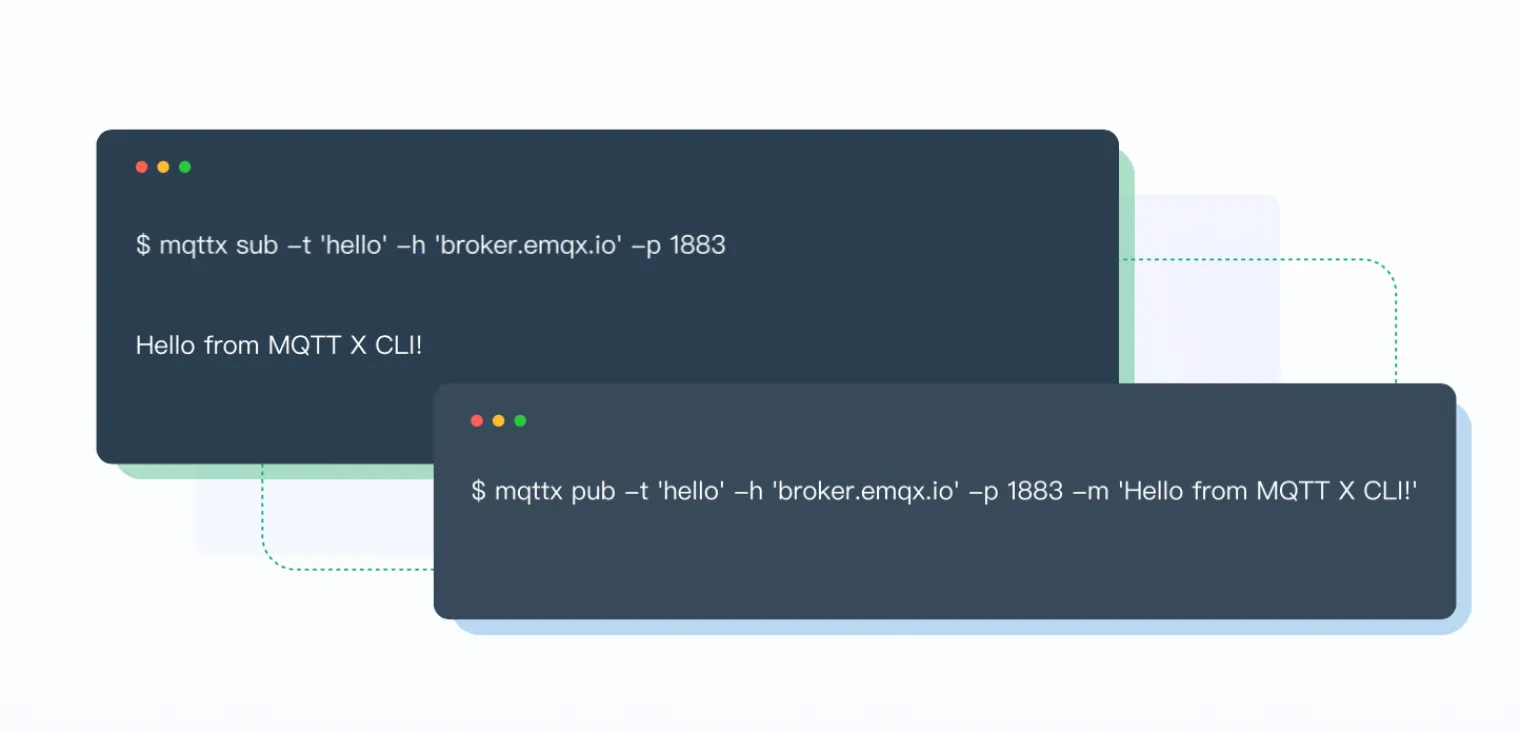
Preview
Installation
macOS
To install the latest MQTTX CLI stable release on macOS using binary download.
Note: Please note CPU architecture of the current system environment
Intel Chip
curl -LO https://www.emqx.com/en/downloads/MQTTX/v1.8.2/mqttx-cli-macos-x64
sudo install ./mqttx-cli-macos-x64 /usr/local/bin/mqttx
Apple Silicon
curl -LO https://www.emqx.com/en/downloads/MQTTX/v1.8.2/mqttx-cli-macos-arm64
sudo install ./mqttx-cli-macos-arm64 /usr/local/bin/mqttx
Homebrew
brew install emqx/mqttx/mqttx-cliLinux
To install the latest MQTTX CLI stable release on Linux using binary download.
Note: Please note CPU architecture of the current system environment
x86-64
curl -LO https://www.emqx.com/en/downloads/MQTTX/v1.8.2/mqttx-cli-linux-x64
sudo install ./mqttx-cli-linux-x64 /usr/local/bin/mqttx
ARM64
curl -LO https://www.emqx.com/en/downloads/MQTTX/v1.8.2/mqttx-cli-linux-arm64
sudo install ./mqttx-cli-linux-arm64 /usr/local/bin/mqttx
Windows
Windows users should go to the MQTT X release page and find the exe package for the corresponding system architecture, download it manually and execute.
NPM
npm install mqttx-cli -gDocker
docker pull emqx/mqttx-cli

docker run -it --rm emqx/mqttx-cli
Other platforms
Download packaged binaries from the MQTT X releases page.
Usage
After installing it, run mqttx on the terminal
Quickstart
Connect
mqttx conn -h 'broker.emqx.io' -p 1883 -u 'admin' -P 'public'Subscribe
mqttx sub -t 'hello' -h 'broker.emqx.io' -p 1883Publish
mqttx pub -t 'hello' -h 'broker.emqx.io' -p 1883 -m 'from MQTTX CLI'Help
mqttx --help| Options | Description | | ------------- | ------------------------- | | -v, --version | output the version number | | -h, --help | display help for command |
| Command | Description | | ------- | ---------------------------------------------- | | check | Check for updates | | conn | Create a connection and connect to MQTT Broker | | pub | Publish a message to a topic | | sub | Subscribes to a topic |
Connect
mqttx conn --help| Options | Description | | ------------------------------------------ | ------------------------------------------------------------ | | -V, --mqtt-version <5/3.1.1/3.1> | the MQTT version (default: 5) | | -h, --hostname | the broker host (default: "localhost") | | -p, --port | the broker port | | -i, --client-id | the client id | | --no-clean | set the clean session flag to false (default: true) | | -k, --keepalive | send a ping every SEC seconds (default: 30) | | -u, --username | the username | | -P, --password | the password | | -l, --protocol | the protocol to use, mqtt or mqtts (default: mqtt) | | --key | path to the key file | | --cert | path to the cert file | | --ca | path to the ca certificate | | --insecure | do not verify the server certificate | | -up, --user-properties <USERPROPERTIES...> | the user properties of MQTT 5.0 (e.g. -up "name: mqttx cli") | | --will-topic | the will topic | | --will-message | the will message | | --will-qos <0/1/2> | the will qos | | --will-retain | send a will retained message (default: false) | | --help | display help for conn command |
Subscribe
mqttx sub --help| Options | Description | | ------------------------------------------ | ------------------------------------------------------------ | | -V, --mqtt-version <5/3.1.1/3.1> | the MQTT version (default: 5) | | -h, --hostname | the broker host (default: "localhost") | | -p, --port | the broker port | | -i, --client-id | the client id | | -q, --qos <0/1/2> | the QoS of the message (default: 0) | | --no-clean | set the clean session flag to false (default: true) | | -t, --topic | the message topic | | -k, --keepalive | send a ping every SEC seconds (default: 30) | | -u, --username | the username | | -P, --password | the password | | -l, --protocol | the protocol to use, mqtt or mqtts (default: mqtt) | | -nl, --no_local | the no local MQTT 5.0 flag | | -rap, --retain-as-published | the retain as published MQTT 5.0 flag | | -rh, --retain-handling <0/1/2> | the retain handling MQTT 5.0 | | --key | path to the key file | | --cert | path to the cert file | | --ca | path to the ca certificate | | --insecure | do not verify the server certificate | | -up, --user-properties <USERPROPERTIES...> | the user properties of MQTT 5.0 (e.g. -up "name: mqttx cli") | | --will-topic | the will topic | | --will-message | the will message | | --will-qos <0/1/2> | the will qos | | --will-retain | send a will retained message (default: false) | | -v, --verbose | print the topic before the message | | --help | display help for sub command |
Publish
mqttx pub --help| Options | Description | | ------------------------------------------ | ------------------------------------------------------------ | | -V, --mqtt-version <5/3.1.1/3.1> | the MQTT version (default: 5) | | -h, --hostname | the broker host (default: "localhost") | | -p, --port | the broker port | | -i, --client-id | the client id | | -q, --qos <0/1/2> | the QoS of the message (default: 0) | | -t, --topic | the message topic | | -m, --message | the message body (default: "Hello From MQTT X CLI") | | -r, --retain | send a retained message (default: false) | | -s, --stdin | read the message body from stdin | | -M, --multiline | read lines from stdin as multiple messages | | -u, --username | the username | | -P, --password | the password | | -l, --protocol | the protocol to use, mqtt or mqtts (default: mqtt) | | --key | path to the key file | | --cert | path to the cert file | | --ca | path to the ca certificate | | --insecure | do not verify the server certificate | | -up, --user-properties <USERPROPERTIES...> | the user properties of MQTT 5.0 (e.g. -up "name: mqttx cli") | | --will-topic | the will topic | | --will-message | the will message | | --will-qos <0/1/2> | the will qos (default: 0) | | --will-retain | send a will retained message (default: false) | | --help | display help for pub command |
Better Together with EMQX
MQTT X is designed to connect to test MQTT Brokers such as EMQX, The one-click connection and simple graphical interface make it easy to connect to EMQX or EMQX Cloud to debug and explore functional features.
Sign up EMQX Cloud for 14 days free trial
Download EMQX locally right now
Get Involved
- Follow @EMQTech on Twitter.
- If you have a specific question, check out our discussion forums.
- For general discussions, join us on the official Discord team.
- Keep updated on EMQX YouTube by subscribing.
Develop
Recommended version for Node environment:
- v14.*.*
# Clone
git clone [email protected]:emqx/MQTTX.git

# Install dependencies
cd MQTTX/cli
yarn install

# Compiles and hot-reloads for development
yarn run dev

# Compiles and minifies for production
yarn run build
After a successful build, the corresponding file for the successful build will appear in the dist directory and will need to be used in a Node.js environment.
If you need to package a binary executable, please refer to the following command.
# Install pkg lib
npm install pkg -g

# Build binary
pkg package.json
After a successful build, you will see the binary executable for each system in the release directory.
Contributing
Please make sure to read the Contributing Guide before making a pull request.
Technology Stack
License
Apache License 2.0, see LICENSE.