
atlas-node
v2020.8.28
Published
Atlas toolkit for Node.js


Readme
Node.js version of the Atlas toolkit



The Atlas toolkit is available for:
| Language | GitHub repository| Online démonstrations | Stars |-|-|-|-| | Java |https://github.com/epeios-q37/atlas-java | https://q37.info/s/3vwk3h3n |
| | Node.js | https://github.com/epeios-q37/atlas-node | https://q37.info/s/st7gccd4 |
| | Python | https://github.com/epeios-q37/atlas-python | https://q37.info/s/vwpsw73v |
| | Ruby | https://github.com/epeios-q37/atlas-ruby | https://q37.info/s/9thdtmjg |
|
Note for Repl.it users (online demonstrations): after the first demonstration, you may have to click the reload button top left in the frame containing the QR code to display it for the other demonstrations.
Straight to the point: the Hello, World! program
Source code
const atlas = require( 'atlastk' );

const body = `
<div style="display: table; margin: 50px auto auto auto;">
 <fieldset>
  <input id="input" maxlength="20" placeholder="Enter a name here" type="text"
         data-xdh-onevent="Submit" value="World"/>
  <div style="display: flex; justify-content: space-around; margin: 5px auto auto auto;">
   <button data-xdh-onevent="Submit">Submit</button>
   <button data-xdh-onevent="Clear">Clear</button>
  </div>
 </fieldset>
</div>
`;

const callbacks = {
    "": (dom, id) => dom.inner("", body,
        () => dom.focus("input")),
    "Submit": (dom, id) => dom.getContent("input",
        (name) => dom.alert("Hello, " + name + "!",
            () => dom.focus("input"))),
    "Clear": (dom, id) => dom.confirm("Are you sure ?",
        (answer) => { if (answer) dom.setContent("input", ""); dom.focus("input"); })
};

atlas.launch(() => new atlas.DOM(), callbacks);
Result

Too good to be true? Try it now - it's quick and easy!
Online, with nothing to install
Thanks to Replit, an online IDE, you can write and run programs using the Atlas toolkit directly in your web browser, without having to install Node.js on your computer.
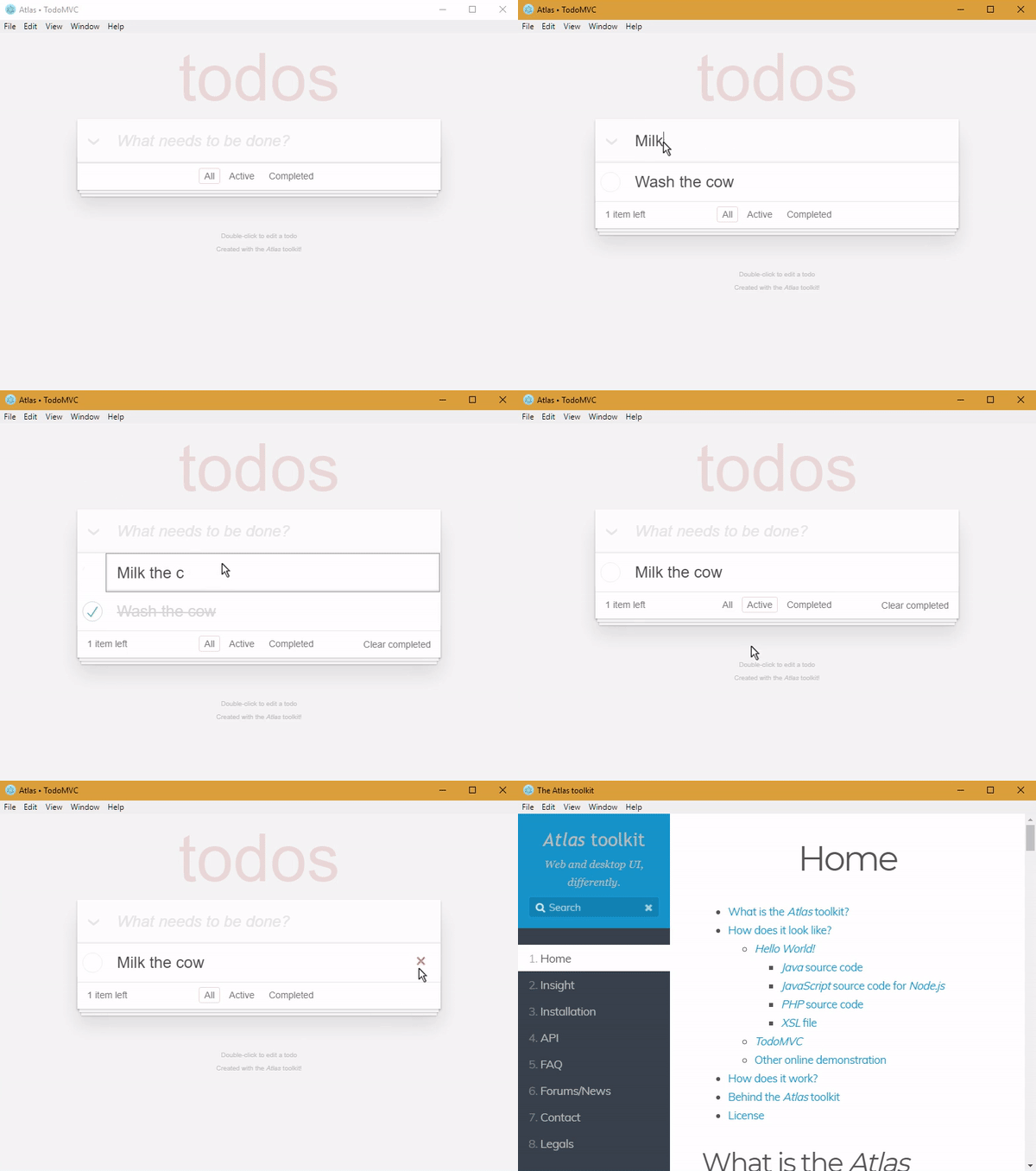
To see some examples, like the following TodoMVC application or the above Hello, World! program, simply:
- go here (also accessible with the
badge on the top of this page),
- click on the green
runbutton, - select the demonstration you want to see,
- click (or scan with your smartphone) the then displayed QR code,
- … and, as you wish, run your own tests directly in your web browser, by modifying the code of the examples or by writing your own code.
With Node.js on your computer
git clone https://github.com/epeios-q37/atlas-node
cd atlas-node
npm install
cd examples
node Hello/main.js
Your turn
If you want to take your code to the next level, from CLI to GUI, then you found the right toolkit.
With the Atlas toolkit, you transform your programs in modern web applications (SPA), but without the usual hassles:
- no front-end JavaScript to write; only HTML(/CSS) and Node.js,
- no front and back end architecture to bother with,
- no web server (Apache, Nginx…) to install,
- no need to deploy your application on a remote server,
- no incoming port to open on your internet box or routeur.
The Atlas toolkit is written in pure Node.js, with no native code and no dependencies, allowing the Atlas toolkit to be used on all environments where Node.js is available.
And, icing on the cake, simply by running them on a local computer with a simple internet connexion, applications using the Atlas toolkit will be accessible from the entire internet on laptops, smartphones, tablets…
Content of the repository
The atlastk directory contains the JavaScript source code for Node.js of the Atlas toolkit, which is not needed to run the examples.
The node_modules directory (not provided by the repository, but will be created when launching npm install) contains the files that are needed in order to use the Atlas toolkit.
The examples directory contains some examples.
To launch an example (from within the repository):
- launch
npm install(this have only to be do once), cd examples,- launch
node <Name>/main.js,
where <Name> is the name of the example (15-puzzle, Blank, Chatroom…). For example node Hello/main.js.