
bare-auth
v1.0.4
Published
Minimal, stateless authentication

Maintainers
 mattmueller
Readme

Bare Auth is a ready-to-deploy stateless authentication server.
This server supports various authentication strategies out of the box. You can enable the routes by supplying the specified environment variables below. You can also extend the server by requiring it directly.
You'll probably want to use the client-side libraries that accompany the server-side component for a seamless experience. You can find the client-side libraries for each provider below.
Usage
Pushing to a Dokku server:
git clone https://github.com/lapwinglabs/bare-auth.git
git remote add dokku [email protected]:auth
git push dokku master

ssh [email protected] config:set auth JWT_SECRET=zippity-doo-da GOOGLE_CLIENT_SECRET=...
Accepting PRs for Heroku instructions or a Heroku deploy button :-)
Design
The purpose of this server is to simply retrieve user data from 3rd party providers. It does not tie into your backend models at all and is not meant to store any user data.
Providers
Provider | Author | Description | Environment Variables
-------- | ------ | ----------- | ---------------------
Google | Lapwing Labs | Log in with Google | GOOGLE_CLIENT_SECRET
Twitter | Lapwing Labs | Log in with Twitter | TWITTER_CONSUMER_KEY, TWITTER_CONSUMER_SECRET
Facebook | Lapwing Labs | Log in with Facebook | FACEBOOK_CLIENT_SECRET
LinkedIn | Lapwing Labs | Log in with LinkedIn | LINKEDIN_CLIENT_SECRET
If you create your own authentication strategy, submit a pull request!
JWT support
Bare Auth comes with built-in support for JSON Web Tokens.
To sign the response, simply add the JWT_SECRET environment variable.
You should pass this token to your API to create, update or verify the User. In order for the token to be accepted, the JWT secret must be the same on both servers.
Setting a JWT is recommended to ensure that the request to your API has not been tampered with or forged by an evil-doer.
Additionally, you can adjust the expiration by setting the JWT_EXPIRATION.
Frontend
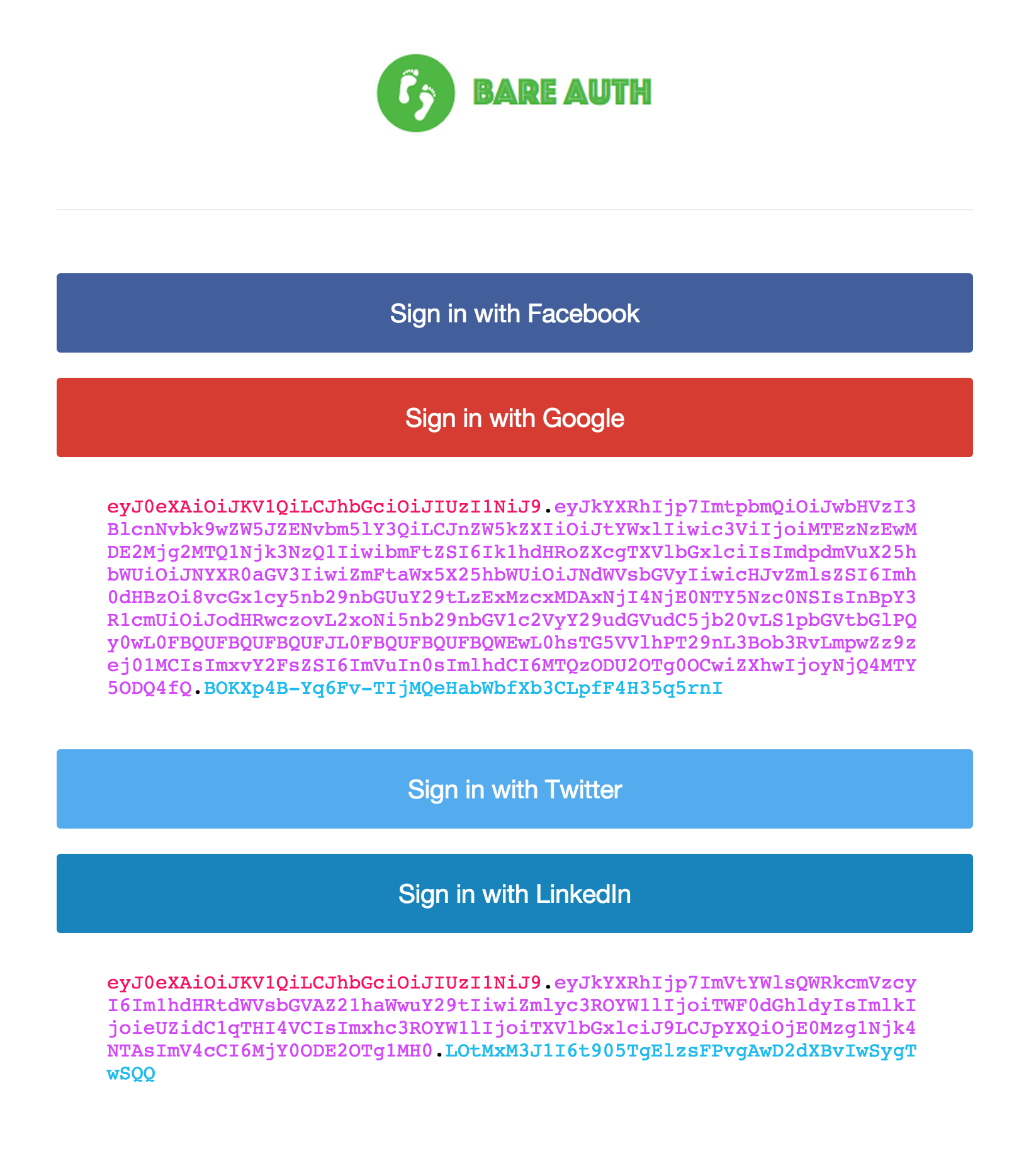
Bare Auth comes with a built-in frontend to help with testing. You can enable
the frontend by setting the FRONTEND=path environment variable. By default,
path is /. Here's what the frontend looks like:
License
MIT
Copyright (c) 2015 MatthewMueller <[email protected]>