
batterylens
v0.2.2
Published
One command. Full battery story. Windows + macOS.

Maintainers
 ashukr321
Readme
🔋 BatteryLens
One command. Full battery story. Windows + macOS.
Install & run
Needs Node.js 20+. Install globally (note the -g), then run batterylens from any terminal:
npm i -g batterylens
batterylens
Or run it without installing:
npx batterylens⚠️ Use
npm i -g batterylens, notnpm i batterylens. Without-gthe package only goes into the current folder'snode_modules, so thebatterylenscommand won't be found.
To keep recording battery history in the background (starts at login, no admin needed):
batterylens install # or: npx batterylens installIt opens a local dashboard at http://127.0.0.1:4545 showing:
- Battery health: current vs design capacity, 24h / 30-day trend and a forecast of when it reaches 80%
- Charger vs battery time: 24h / 7d / 14d / 30d / monthly, a calendar heatmap, and a per-day detail drawer
- Battery habit score (0–100): time held at 100%, deep discharges and heat, with tips
- Sleep drain: % lost while asleep, with a warning when it's abnormally fast
- Screen-on time (estimate) and app energy use on battery (which apps drain it), recorded by the background collector
- Anomalies: sudden capacity drops and days that drained much faster than usual
- Temperature trend (where the hardware reports it, e.g. macOS)
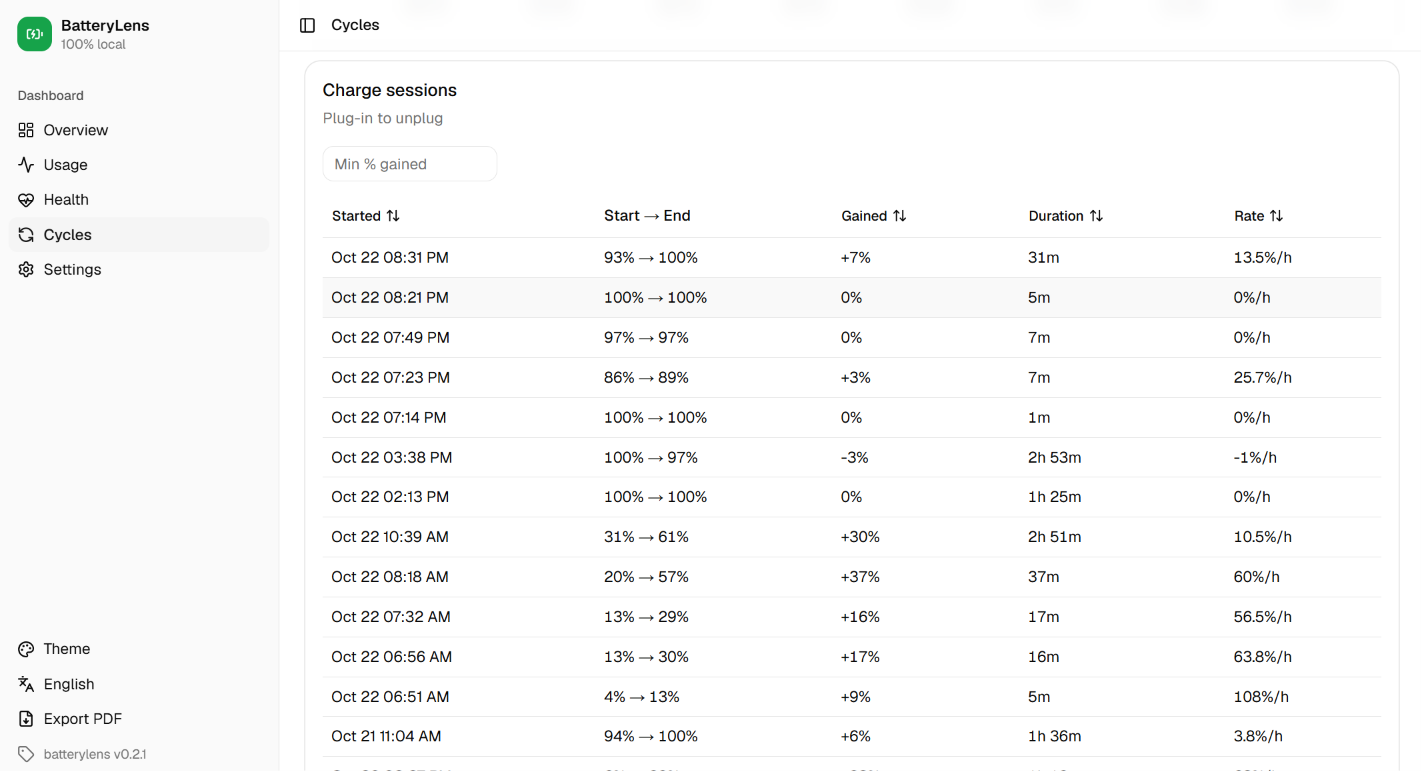
- Cycles: OS cycle count, full charges, equivalent cycles and charge sessions
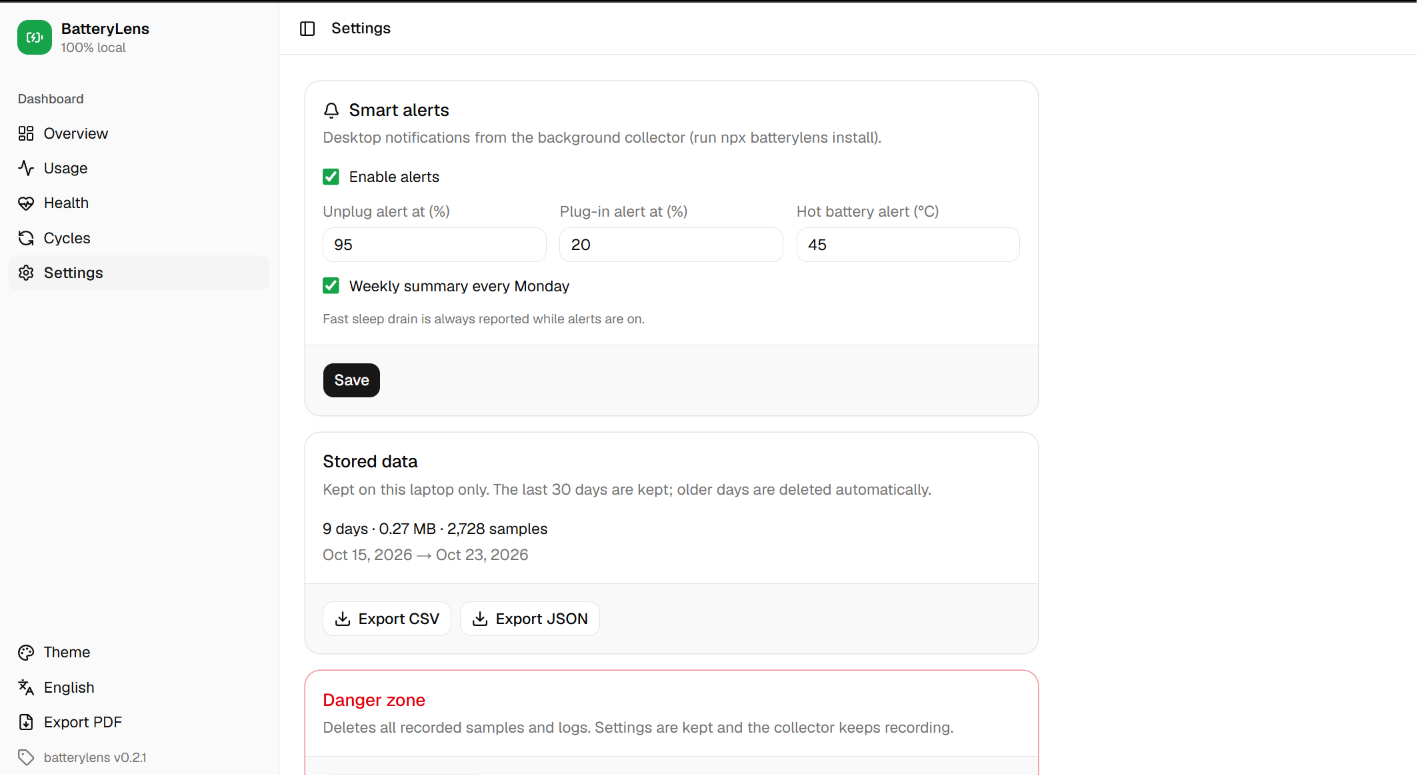
- Smart alerts (with the background collector): unplug at 80%, plug in at 20%, hot battery, fast sleep drain, and a Monday weekly summary; thresholds in Settings
- Device info: laptop model, battery manufacturer/model/serial, first-use date
- Themes: Light, Dark and Night Owl · Languages: English and हिन्दी
- Export: PDF (one click), CSV and JSON
- Installable app: Chrome/Edge can install the dashboard as a desktop app
100% local. No cloud, no telemetry. Data lives in ~/.batterylens and the server listens on 127.0.0.1 only.
Screenshots
| Overview | Usage |
|---|---|
| 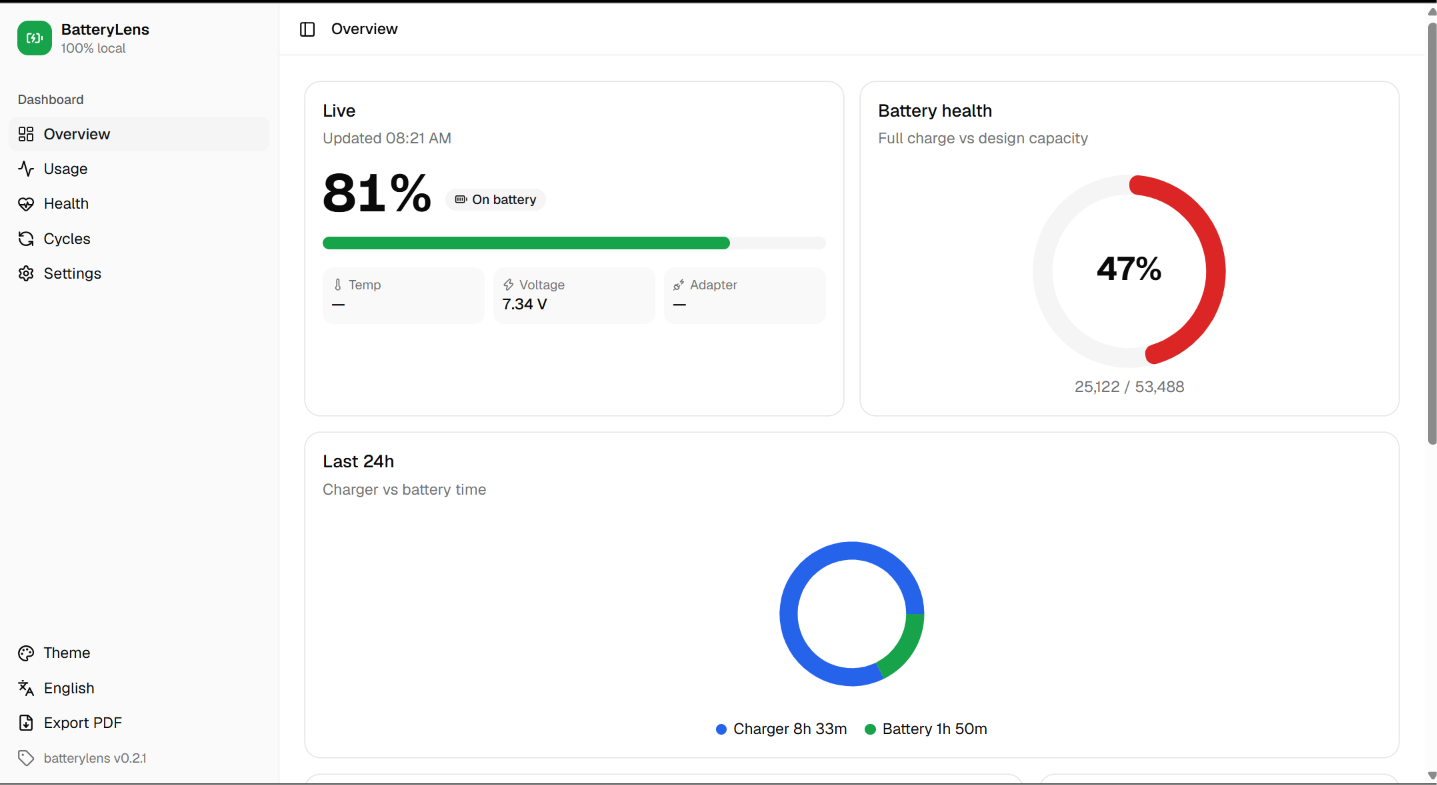 |
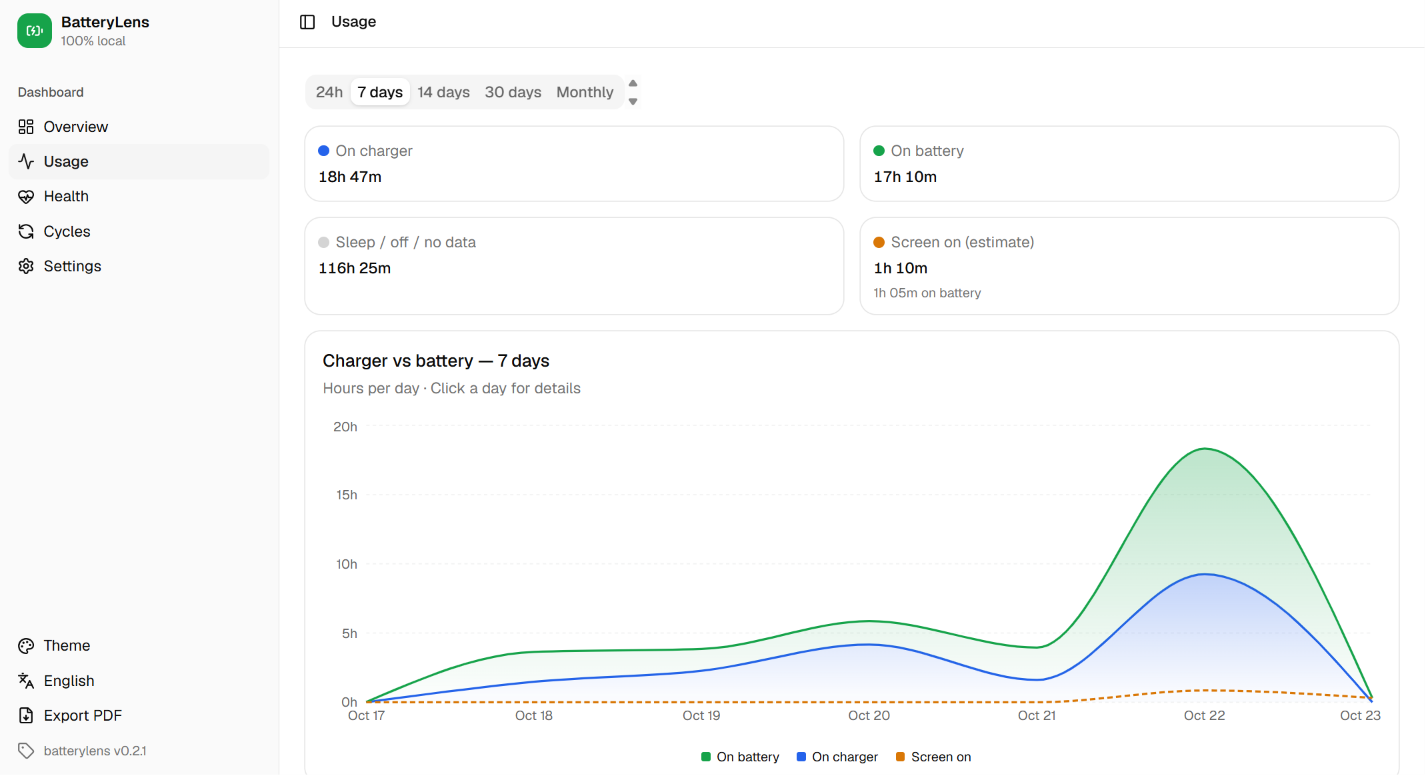 |
| Health | Cycles |
|
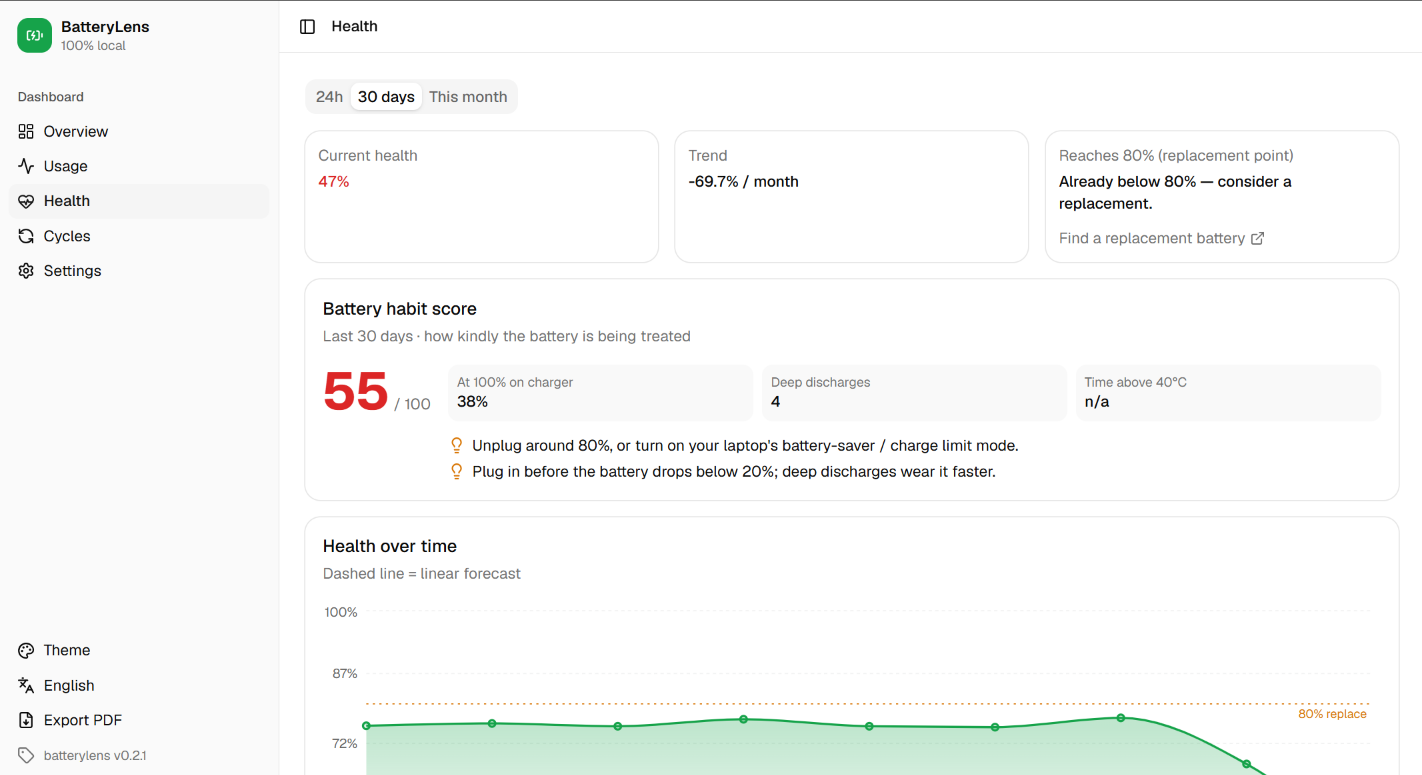 |
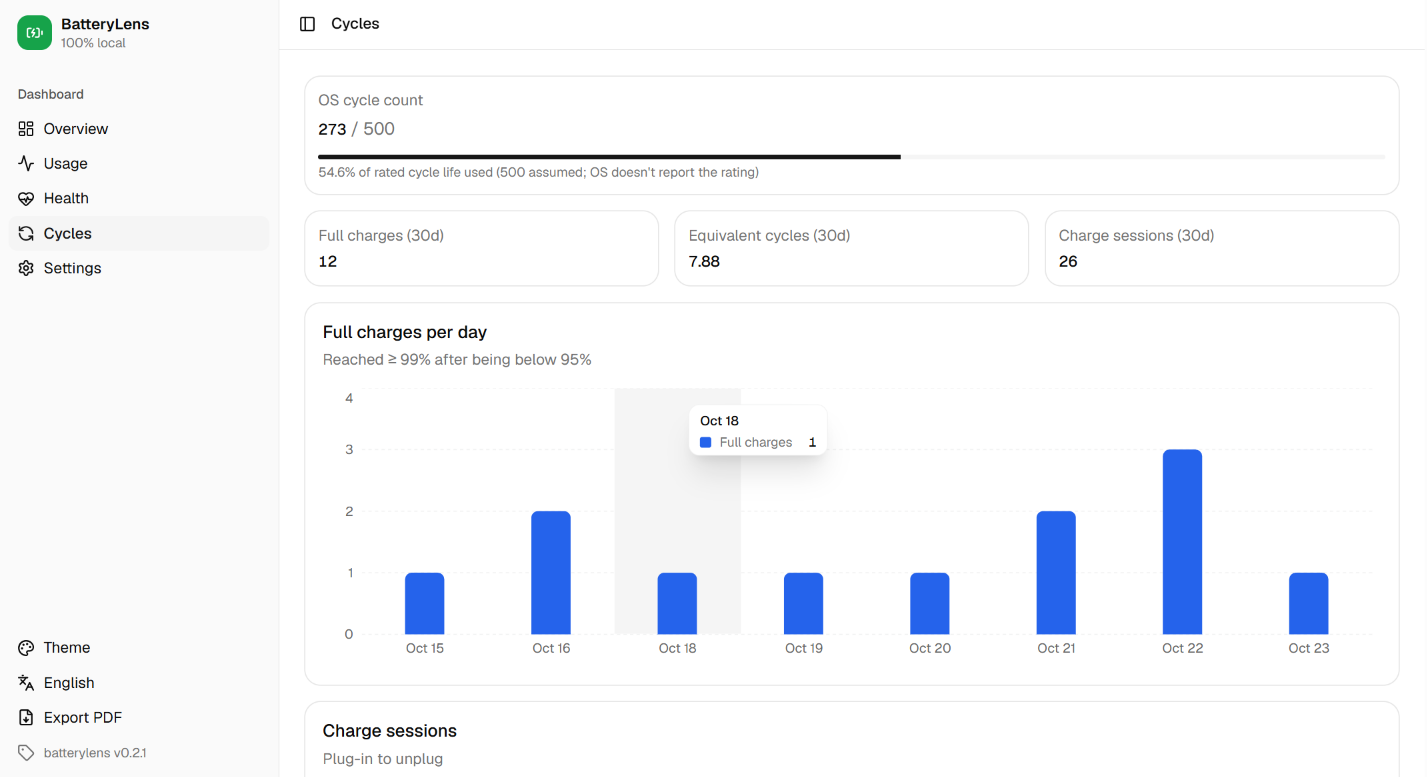 |
| Charge sessions | Settings |
|
 |
 |
Commands
| Command | What it does |
|---|---|
| npx batterylens | Start the dashboard and open the browser |
| npx batterylens install | Install the background collector: one sample a minute, starts at login, no admin needed |
| npx batterylens uninstall [--purge] | Remove the collector (--purge also deletes data) |
| npx batterylens status | Quick summary in the terminal |
| npx batterylens report --pdf [file] | Save a PDF report (needs Chrome or Edge) |
| npx batterylens clear [--yes] | Delete all records (type DELETE to confirm) |
| npx batterylens --port 5000 | Use a custom port |
Run
installonce to get continuous history. Without it, BatteryLens shows what the OS already kept (Windows ~3–7 days, macOSpmsetlog) plus whatever it records while the dashboard is open.
Data retention
The last 30 days are kept on a rolling basis; older days are deleted automatically (max ~5 MB on disk). Clear everything anytime from Settings → Clear all records or npx batterylens clear.
Requirements
Node.js ≥ 20 · Windows 10/11 or macOS
License
MIT